 PluginStats
DevToolkit - All your developer tools, one click away users statistics
By eDesign Space · Chrome Web Store · Developer Tools
DevToolkit, 60+ developer tools in one click, screenshot, CSS inspector, SEO audit, responsive, cookie editor, AI Assistant & more
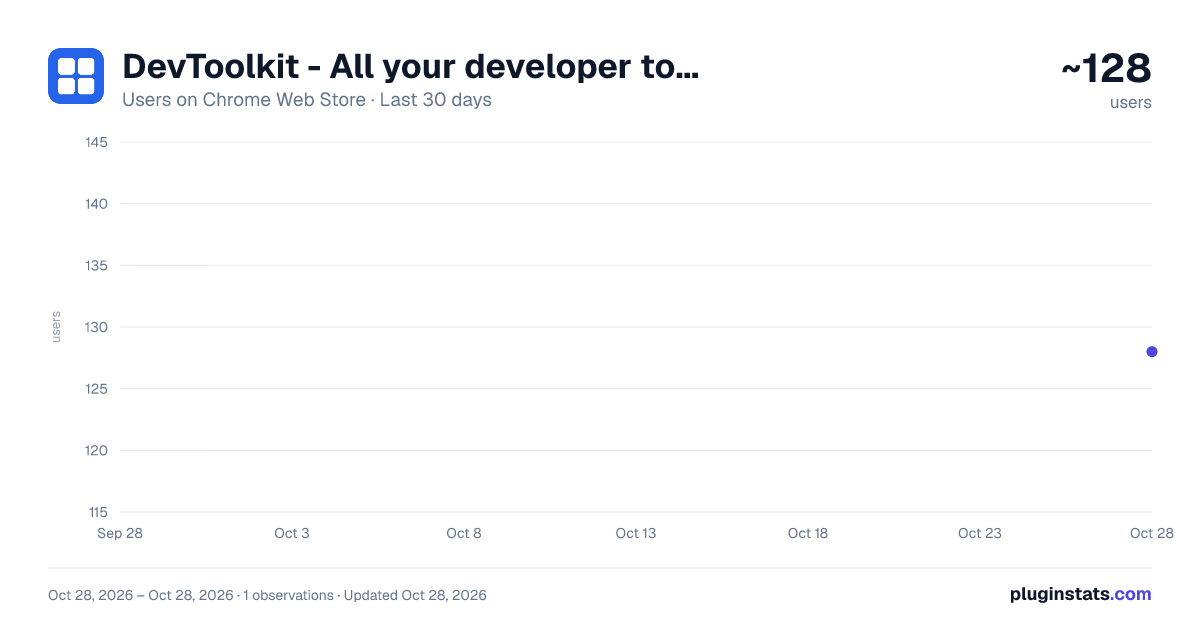
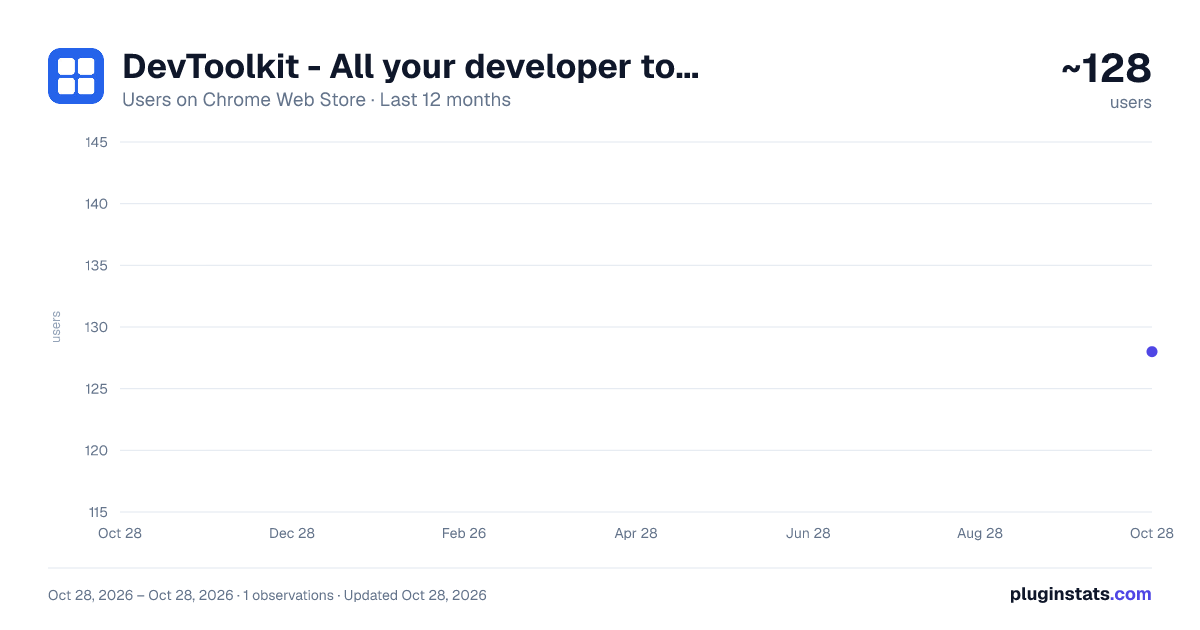
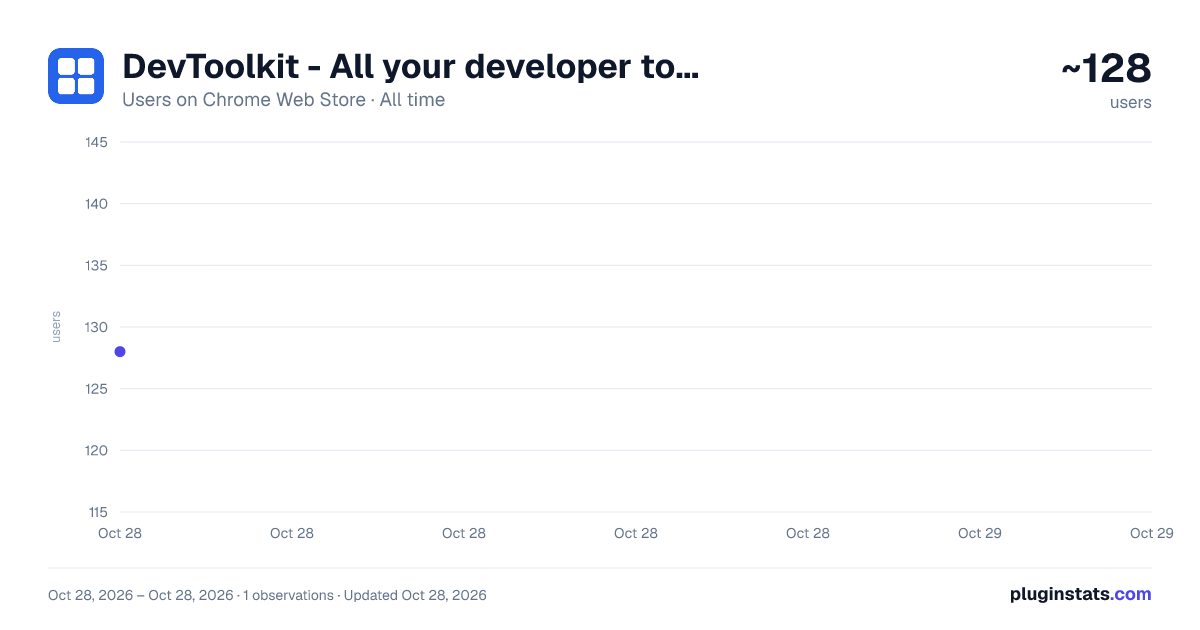
DevToolkit - All your developer tools, one click away has approximately 128 recorded users on Chrome Web Store, ranking #4409 of 4,880 tracked listings.
Rating: 5.00 / 5 from 6 ratings
About DevToolkit - All your developer tools, one click away
DevToolkit, 60+ developer tools in one click, screenshot, CSS inspector, SEO audit, responsive, cookie editor, AI Assistant & more
DevToolkit - All your developer tools, one click away
A browser extension built for web developers, designers, and digital agencies.
DevToolkit brings 60+ essential tools into a single popup — no new tabs, no logins, no juggling multiple extensions.
🏆 Everything You Need, Right in Your Browser DevToolkit replaces a drawer full of separate tools with one lightweight extension that opens in a single click. Free tools for everyday work, and a Pro upgrade for specialist workflows.
📸 Full Page Screenshot Capture complete full-page screenshots of any website. Export as PNG or JPEG with custom scale, optional fixed element hiding, and custom filename templates.
🎨 Color Picker Sample any color from any webpage and copy instantly as HEX, RGB, HSL, or HSV. Includes color history and one-click copy for any format.
🔍 CSS Inspector Hover over any element to inspect its full computed CSS — box model, typography, colors, flexbox, grid, and effects. Includes a Complete CSS tab to copy the entire CSS block in one click. Now includes Page Design Summary — scan any page to extract its full color palette as clickable swatches and a complete typography map showing every font family, size range, and weights in use.
📦 Asset Downloader Discover and download all images on a page including lazy-loaded assets. Filter by size and type, then download individually or in bulk.
🐛 Debug Panel Clear cache, localStorage, sessionStorage, and IndexedDB with one click. Inject custom CSS or JavaScript for instant testing. Includes an image performance auditor.
🔎 SEO Audit with AI Integration Get an instant on-page SEO report for any page you visit. It checks your meta title and description, heading structure, canonical tags, and robots directives, then reviews social sharing tags, structured data, image alt text, and internal and external links. Core Web Vitals are included too, and you can export the full report as a PDF with one click.
🧱 Sitestack — Technology Detector Identify the CMS, frontend framework, CDN, hosting provider, analytics tools, and SSL status of any website. Invaluable for competitive research and pre-sales discovery.
⏰ Task Reminders Built-in task manager with scheduled desktop notifications. Reminders fire even when the popup is closed.
✏️ Edit Mode Switch any webpage into a live editable document with one click. Click any text to edit it directly in the browser — ideal for content proofing, design reviews, and client demos.
🔒 Site Lock Lock any website behind a 4-digit PIN to prevent casual access. Supports a Lock Now button, per-session memory, and instant unlocking on return visits.
🔡 String Tool See live text statistics as you type, including word, character, sentence, and paragraph counts, plus estimated reading time. Convert text between common cases like UPPERCASE, camelCase, and kebab-case, sort or reverse lines, and remove duplicates. Find & Replace supports regex, and built-in limit bars show how your text fits within Twitter, LinkedIn, and meta description length limits.
⛶ QR Code Generator Generate QR codes for URLs, contact cards, WiFi logins, and more. Customize each one with a logo, color, and style, then download as PNG or SVG, copy it to your clipboard, or save it as a reusable preset.
🌍 World Clock Track global time zones with a smart world clock built for international workflows. Drag the interactive time slider to compare cities at a glance, switch between 12 and 24-hour formats, and see UTC offsets, daylight saving info, and whether a location is currently within working hours.
📖 Reader Mode Turn cluttered webpages into a clean, distraction-free reading experience. Customize themes, fonts, font size, spacing, and content width. Save articles to your reading list, export content as PDF, or listen using the built-in read aloud feature.
🌙 Dark Mode Enable dark mode on any website instantly for a more comfortable browsing experience. Reduce eye strain during long sessions with a cleaner, darker interface across your favorite websites.
🎨 Background Pattern Add a pattern to the page behind any website, choose from 14 styles, adjust colour and strength, preview it live and save your favourites.
💱 Currency Converter Convert between 150+ world currencies with free daily exchange rates. Pin the currencies you use most. Works offline with the last rates.
🔤 Google Fonts Browse the whole Google Fonts library, preview fonts with your own text, bookmark your favourites with the weights you want, and copy the link, @import or CSS in one click.
📺 Picture-in-Picture Pop any video out into a small floating window and keep watching while you work in other tabs.
💾 Backup & Restore Your settings and tool data, including saved fonts, Visual Editor edits and Scraper recipes, can be exported to a file and restored on another computer.
💚 Wellness Breaks — Developer Health Reminders DevToolkit is the only browser developer tool with built-in developer wellness support. Long coding sessions cause eye strain, back pain, repetitive stress injuries, and chronic fatigue. Wellness Breaks fights this with 13 science-backed health reminders that fire as desktop notifications while you work — no apps to install, no timers to set.
Eye care reminders: 20-20-20 Rule, 20-20-20-20 Rule, Blink Reminder, Dry Eye Relief, Palming.
Posture & body reminders: Posture Check, Shoulder Relax, Wrist Stretch, Neck Stretch. Movement reminders: Walk Break.
Focus reminders: 50-10 Break, 1-Hour Screen Break.
Hydration reminders: Hydration Reminder.
Also includes 6 setup tips for screen distance, screen height, brightness matching, night mode, outdoor time, and pre-sleep screen habits.…
Description from the Chrome Web Store listing.
README badge
Show your rank in a README or on your website. The badge updates automatically.
Charts
Images: 30d · 1y · all time · 1600×900 dark
Adoption over time
7/30/90-day growth
Ranking history
Ratings over time
Listing placement
Listing placement
Filled points are observed values; hollow points come from Internet Archive snapshots of the listing page. Dashed segments span periods with no observations — values between points are not interpolated.
Each band is one page of 20. Users on a linear scale. Placement is projected from users, so it can differ from the marketplace's own sort order. Hover a dot to see the listing.
Recent observations
Full history (1)Similar Chrome Web Store Developer Tools plugins
All 20 DevToolkit - All your developer tools, one click away alternatives



Data source
Covers every Chrome Web Store extension with at least 100 users, found through the store's public sitemap. User counts are read from public listing pages. The 10% most-used extensions are refreshed daily, the next 40% weekly and the next 40% monthly; the least-used 10% are not refreshed. Google displays rounded user counts (and caps the display at 10,000,000+), so small changes may not be visible. Rating counts above 1,000 are rounded (e.g. 1.6K).
Listing: https://chromewebstore.google.com/detail/devtoolkit-all-your-devel/nmpamldojlkpmljbmglfocllflolginl. First seen Oct 28, 2026; last successful collection Oct 28, 2026. See the methodology.