 PluginStats
Smart URL Opener users statistics
By linyangqing99 · Chrome Web Store · Tools
Extract links from messy notes, site lists, and research text, then open them in controlled batches.
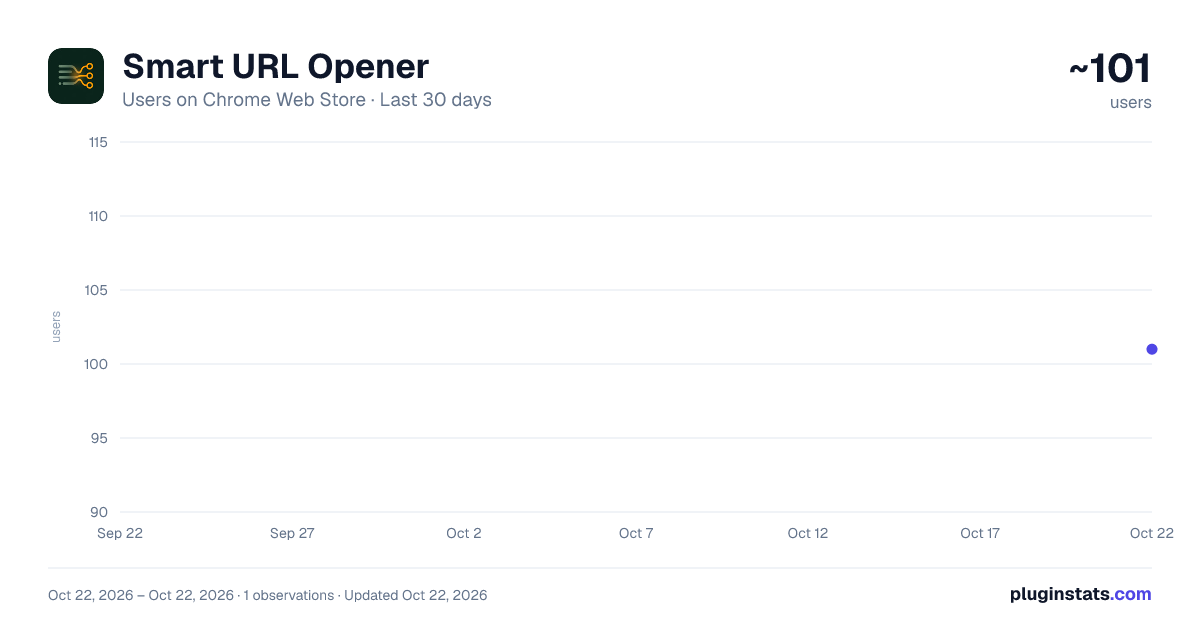
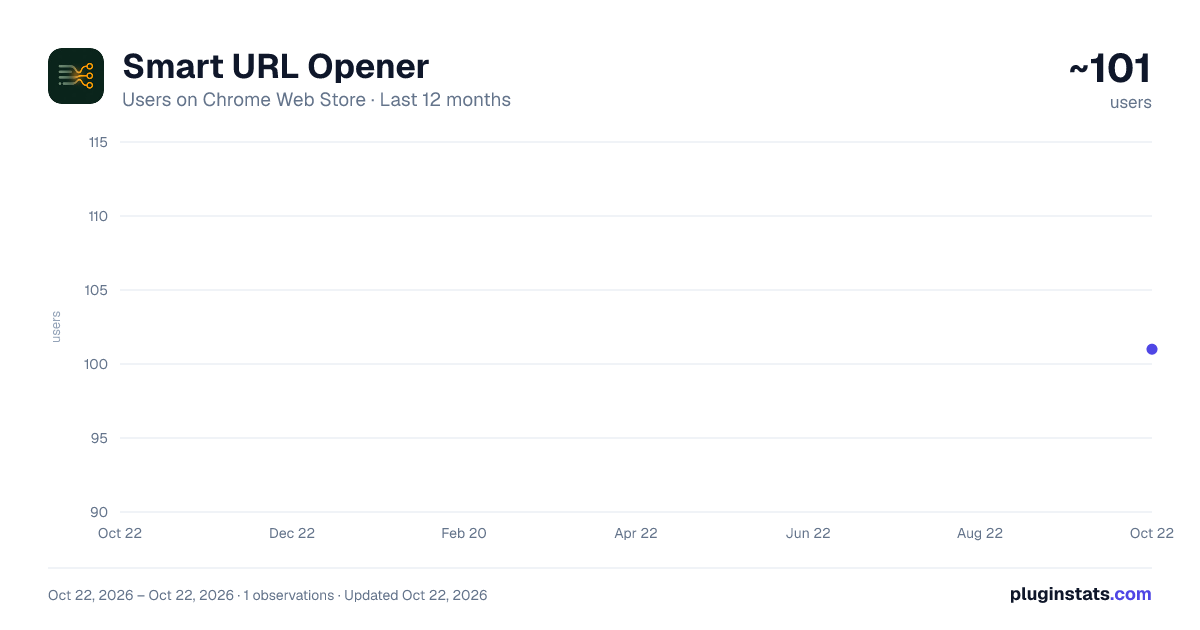
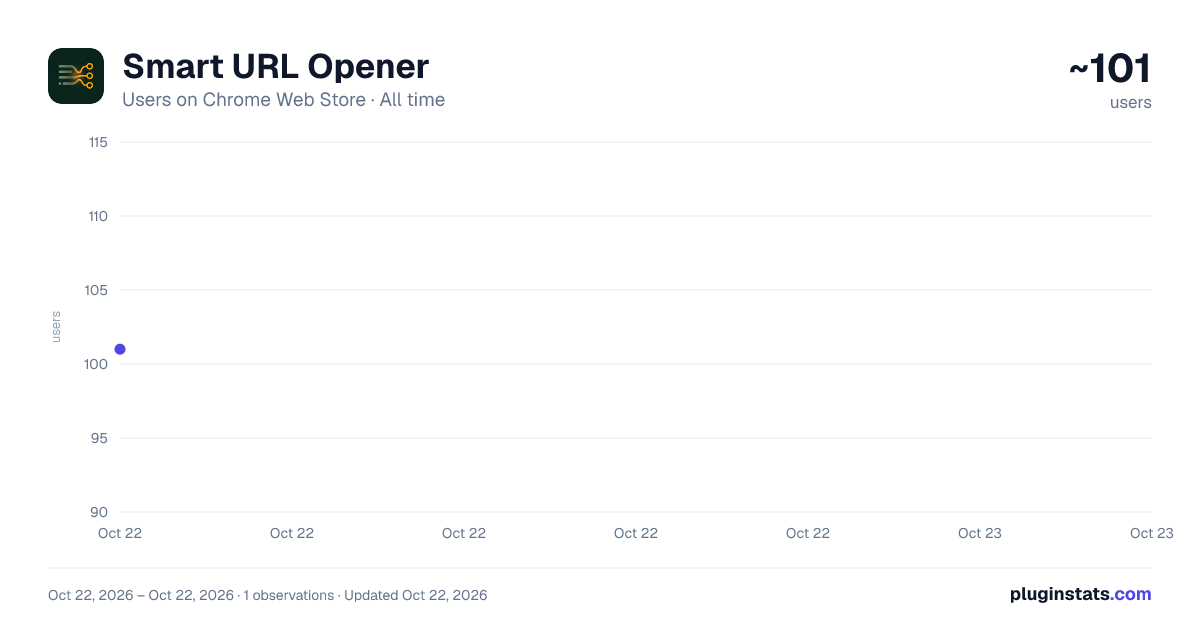
Smart URL Opener has approximately 101 recorded users on Chrome Web Store, ranking #3386 of 3,404 tracked listings.
About Smart URL Opener
Extract links from messy notes, site lists, and research text, then open them in controlled batches.
Smart URL Opener turns messy research notes into a clean batch-opening queue.
Most multi-URL tools expect one clean URL per line. Real notes are messier: category labels, bare domains, Chinese and Japanese punctuation, parenthetical comments, and shorthand site names. Paste your mixed text into the popup and Smart URL Opener extracts usable links, deduplicates them, and lets you choose what to open.
Useful for market research, SEO research, competitor analysis, shopping research, travel planning, content curation, and any workflow where you collect many websites before opening them.
Key features:
Extract full URLs and bare domains from mixed text. Handle CJK separators such as 、 , 。 and ;. Ignore parenthetical notes around domains. Resolve built-in aliases for common site names. Deduplicate normalized URLs before opening. Review the launch queue before opening tabs. Open the next 5, 10, 15, 20, or all remaining selected links. Remember queue progress locally between popup sessions. Open tabs in the background with a configurable delay. Copy the cleaned URL list for reuse. Read URLs from the current Chrome window. Switch between English and Simplified Chinese; the first launch follows the browser language.
Privacy:
Smart URL Opener is local-first. It does not make remote API calls and does not collect or transmit pasted text, browsing data, or cleaned URL lists. Input, settings, interface language, and current queue progress are stored locally with Chrome extension storage.
Permissions justification storage: Saves the latest pasted text, popup settings, interface language, and current queue progress locally.
tabs: Reads URLs from the current Chrome window only when the user clicks "Current window"; opens the next selected batch only when the user clicks "Open next batch".
Privacy field answers Collects personally identifiable information: No Collects health information: No Collects financial and payment information: No Collects authentication information: No Collects personal communications: No Collects location: No Collects web history: No Collects user activity: No Collects website content: No
Description from the Chrome Web Store listing.
README badge
Show your rank in a README or on your website. The badge updates automatically.
Charts
Images: 30d · 1y · all time · 1600×900 dark
Adoption over time
7/30/90-day growth
Ranking history
Ratings over time
Listing placement
Listing placement
Filled points are observed values; hollow points come from Internet Archive snapshots of the listing page. Dashed segments span periods with no observations — values between points are not interpolated.
Each band is one page of 20. Users on a linear scale. Placement is projected from users, so it can differ from the marketplace's own sort order. Hover a dot to see the listing.
Recent observations
Full history (1)Similar Chrome Web Store Tools plugins
All 20 Smart URL Opener alternatives



Data source
Covers every Chrome Web Store extension with at least 100 users, found through the store's public sitemap. User counts are read from public listing pages. The 10% most-used extensions are refreshed daily, the next 40% weekly and the next 40% monthly; the least-used 10% are not refreshed. Google displays rounded user counts (and caps the display at 10,000,000+), so small changes may not be visible. Rating counts above 1,000 are rounded (e.g. 1.6K).
Listing: https://chromewebstore.google.com/detail/smart-url-opener/gbaogkfgiiobjocpiafibjelagdbhkil. First seen Oct 22, 2026; last successful collection Oct 22, 2026. See the methodology.