 PluginStats
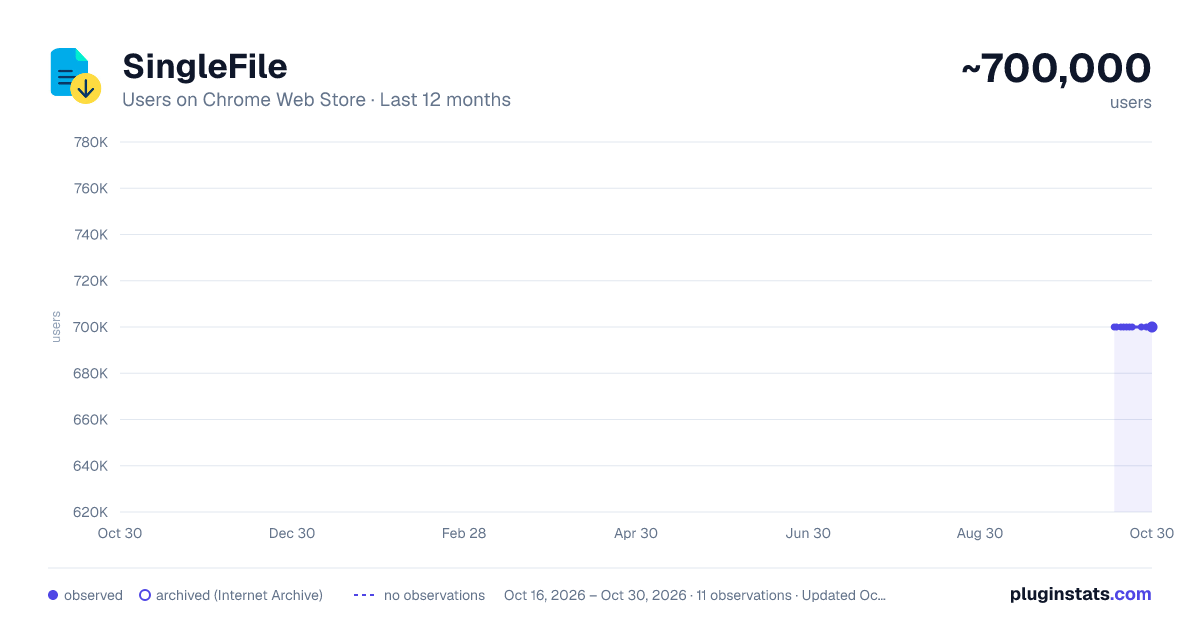
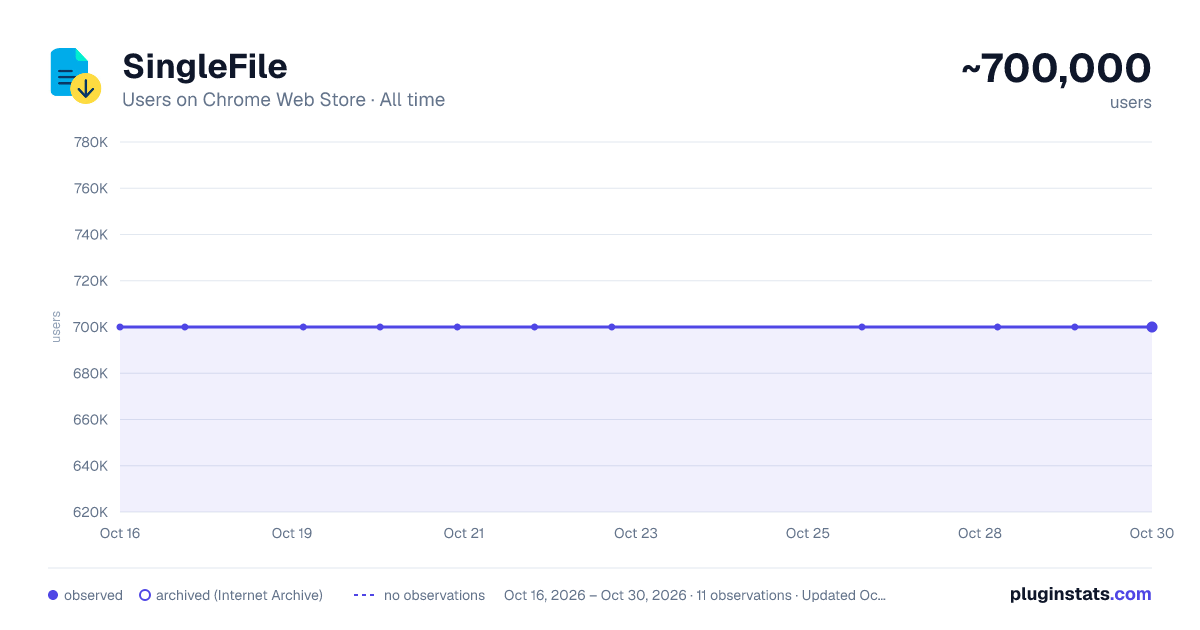
SingleFile has approximately 700,000 recorded users on Chrome Web Store.
It ranks #43 of 1,556 tracked Chrome Web Store listings by users.
It is rated 4.6 out of 5 from 1,100 ratings.
PluginStats has 2 daily observations since Oct 16, 2026; the latest is from Oct 17, 2026.
Rating: 4.60 / 5 from 1,100 ratings
About SingleFile
Save a complete page into a single HTML file
SingleFile is an extension that helps you to save a complete page (with CSS, images, fonts, frames, etc.) as a single HTML file.
Getting started - Wait until the page is fully loaded. - Click on the SingleFile button in the extension toolbar to process and save the page. - You can click again on the button to cancel the action when processing a page.
Additional notes - Open the context menu by right-clicking the SingleFile button in the extension toolbar or on the webpage. It allows you to save: - the current tab, - the selected content, - the selected frame, - the selected link(s). - Select "Annotate and save the page..." in the context menu to: - Highlight text, - add notes, - remove content. - You can also process multiple tabs in one click and save: - the selected tabs, - the unpinned tabs, - all the tabs. - The context menu also allows you to activate the auto-save (after pages are being loaded) of: - the current tab, - the unpinned tabs, - all the tabs. - Right-click on the SingleFile button and select "Manage extension" to open the options page. - Upload pages to Google Drive/Dropbox/GitHub/WebDAV via the Destination section in the options page. - Enable the option "Misc. > add proof of existence" to prove the existence of saved pages by linking the SHA256 of the pages into the blockchain. - You can use the customizable shortcut Ctrl+Shift+Y to save the current tab or selected tabs. - And more!
More info - FAQ: https://github.com/gildas-lormeau/SingleFile/blob/master/faq.md - Known issues: https://github.com/gildas-lormeau/SingleFile#known-issues
See the extension help in the options page for more detailed information about the options. Project on GitHub: https://github.com/gildas-lormeau/SingleFile
Suggestions are welcome :)
Description from the Chrome Web Store listing.
Where SingleFile sits in the listing
Each band is one page of 20. Users on a log scale. Placement is projected from users, so it can differ from the marketplace's own sort order. Hover a dot to see the listing.
Charts
Images: 30d · 1y · all time · 1600×900 dark
Adoption over time
7/30/90-day growth
Filled points are observed values; hollow points come from Internet Archive snapshots of the listing page. Dashed segments span periods with no observations — values between points are not interpolated.
Recent observations
Full history (2)Similar Chrome Web Store Tools plugins




Data source
User counts are read from public Chrome Web Store listing pages. Google displays rounded user counts (and caps the display at 10,000,000+), so small changes may not be visible. Rating counts above 1,000 are rounded (e.g. 1.6K).
Listing: https://chromewebstore.google.com/detail/singlefile/mpiodijhokgodhhofbcjdecpffjipkle. First seen Oct 16, 2026; last successful collection Oct 17, 2026. See the methodology.