 PluginStats
AutoFlow – Bulk Prompt Generator for Google Flow users statistics
Chrome Web Store · Workflow & Planning
Queue multiple prompts for bulk image generation on Google Flow, with per-line REFERENCE: [NAME] auto-attach
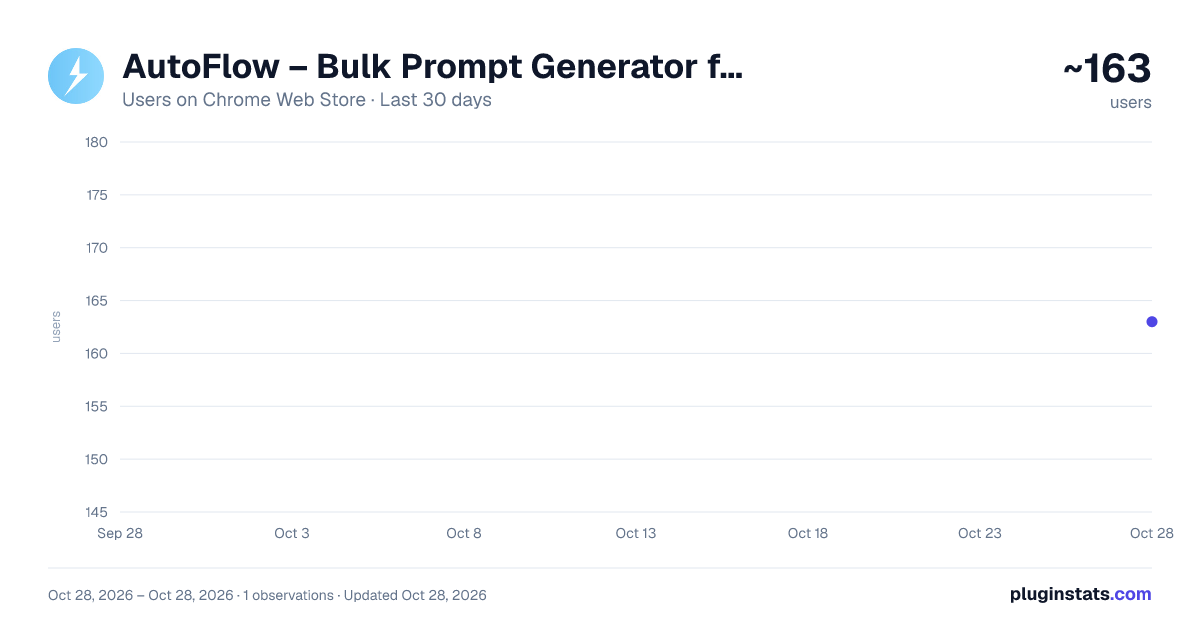
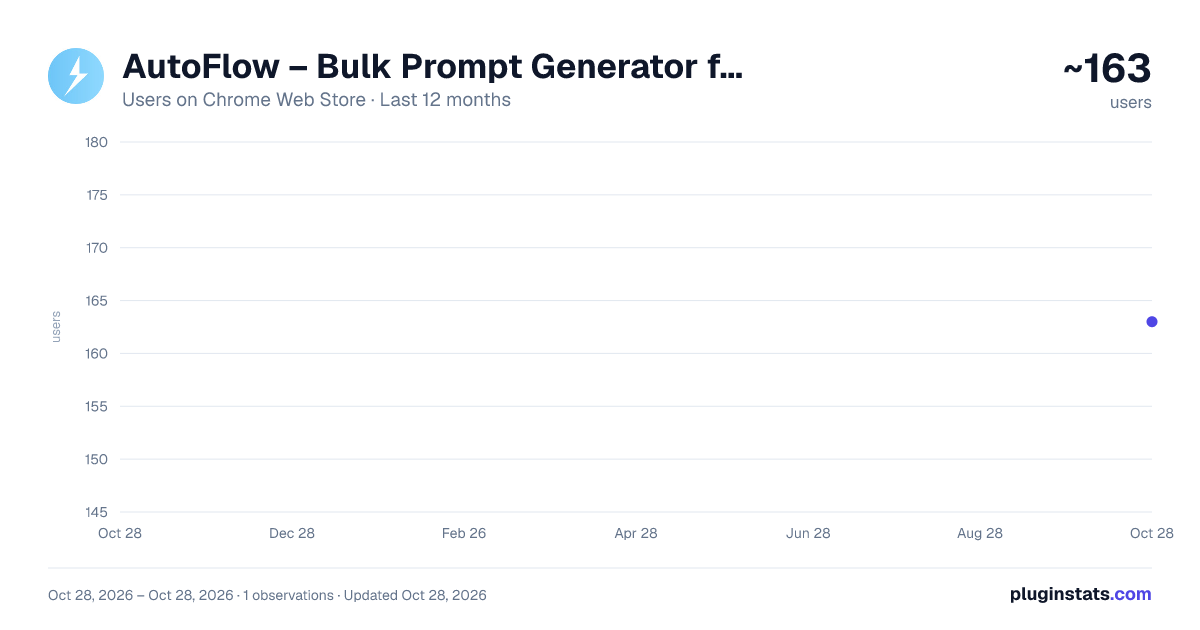
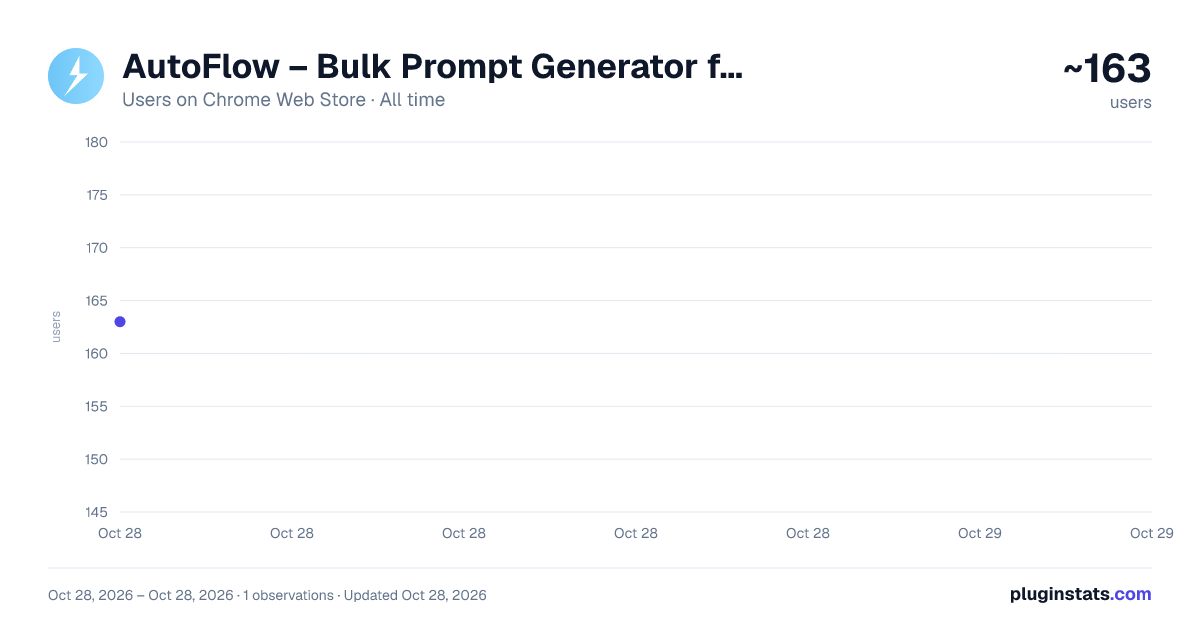
AutoFlow – Bulk Prompt Generator for Google Flow has approximately 163 recorded users on Chrome Web Store, ranking #3969 of 4,880 tracked listings.
Rating: 3.50 / 5 from 2 ratings
About AutoFlow – Bulk Prompt Generator for Google Flow
Queue multiple prompts for bulk image generation on Google Flow, with per-line REFERENCE: [NAME] auto-attach
AutoFlow – Batch Prompt Automator for Google Flow
Supercharge your image generation in Google Flow. AutoFlow queues and runs multiple prompts automatically — instead of typing and waiting for each image one by one, load your list and let AutoFlow do the work.
Key Features:
- Batch Processing — Paste your prompts, one per line, and run them in sequence.
- Reference Auto-Attach — Start a line with REFERENCE: [NAME] and AutoFlow automatically attaches your saved reference images (for example a character and a style sheet) before generating, keeping your images consistent across a whole series.
- Auto-Download — Generated images are saved automatically to a folder you choose. Optionally name each file by its timestamp (e.g. [00-00].jpg) so they sort in order, ready for editing.
- Easy Import — Load prompt lists instantly from a .txt file.
- Queue Management — Track progress in real time, with Pause and Stop at any moment.
- Clean Interface — A simple side-panel design with a status badge, queue list, and progress bar.
How to Use:
- Go to Google Flow (https://labs.google/fx/tools/flow) and set the model to an image model.
- Open the AutoFlow side panel.
- (Optional) For consistent characters, upload your reference images to Flow and name them, then start prompt lines with REFERENCE: [NAME].
- Type or paste your prompts (one per line), or upload a .txt file.
- Choose your download options: folder, auto-download, and timestamp naming.
- Press Start Generation and let AutoFlow run.
What's new in version 1.2.10: • Removed an unused permission to comply with Chrome Web Store requirements. • Failed and timed-out prompts are clearly marked and skipped automatically. • AutoFlow continues with the next prompt without retrying failed generations. • Improved detection of Google Flow generation errors and content rejections.
Permission update: AutoFlow uses the debugger permission only to click Google Flow's generation button reliably. It connects to the active Flow tab for the click and immediately disconnects afterward.
Created by ADHD BOY.
Description from the Chrome Web Store listing.
README badge
Show your rank in a README or on your website. The badge updates automatically.
Charts
Images: 30d · 1y · all time · 1600×900 dark
Adoption over time
7/30/90-day growth
Ranking history
Ratings over time
Listing placement
Listing placement
Filled points are observed values; hollow points come from Internet Archive snapshots of the listing page. Dashed segments span periods with no observations — values between points are not interpolated.
Each band is one page of 20. Users on a linear scale. Placement is projected from users, so it can differ from the marketplace's own sort order. Hover a dot to see the listing.
Recent observations
Full history (1)Similar Chrome Web Store Workflow & Planning plugins
All 20 AutoFlow – Bulk Prompt Generator for Google Flow alternatives



Data source
Covers every Chrome Web Store extension with at least 100 users, found through the store's public sitemap. User counts are read from public listing pages. The 10% most-used extensions are refreshed daily, the next 40% weekly and the next 40% monthly; the least-used 10% are not refreshed. Google displays rounded user counts (and caps the display at 10,000,000+), so small changes may not be visible. Rating counts above 1,000 are rounded (e.g. 1.6K).
Listing: https://chromewebstore.google.com/detail/autoflow-–-bulk-prompt-ge/nmmibjkdnecfhelhocekjkfjbegdjjhj. First seen Oct 28, 2026; last successful collection Oct 28, 2026. See the methodology.