 PluginStats
CoTS: Copy on Text Selection users statistics
By Workflow Wonders · Chrome Web Store · Accessibility
Copy on text selection in current page automatically. Double-click to select and copy text automatically. Ctrl + click to paste.
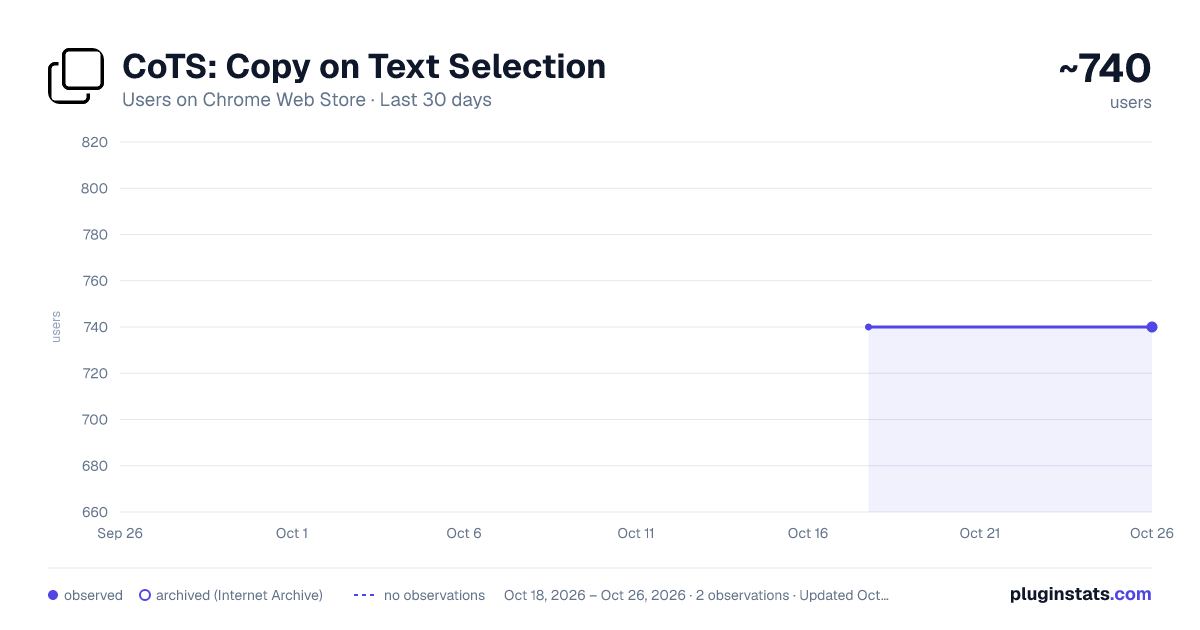
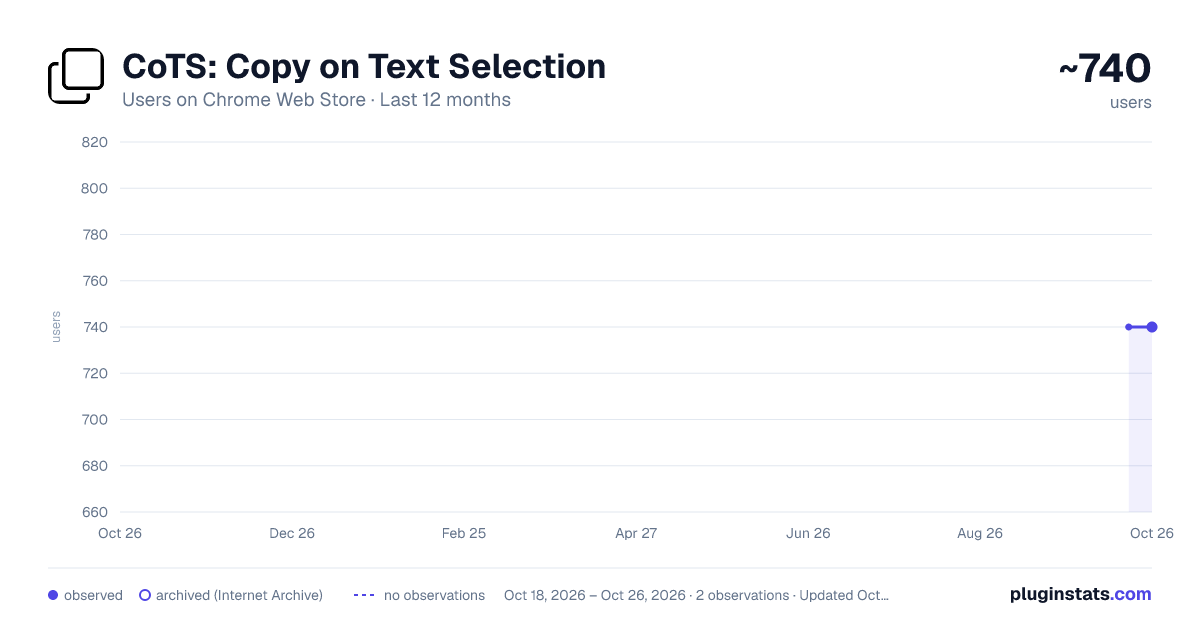
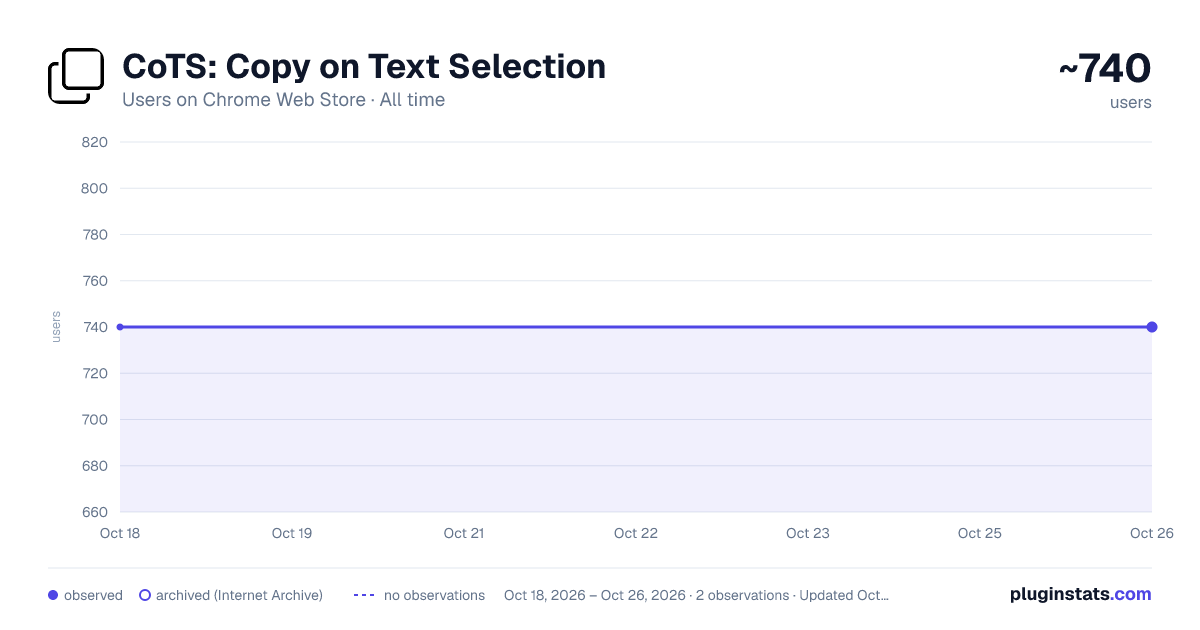
CoTS: Copy on Text Selection has approximately 740 recorded users on Chrome Web Store.
It ranks #653 of 1,556 tracked Chrome Web Store listings by users.
It is rated 3.0 out of 5 from 8 ratings.
PluginStats has 1 daily observations since Oct 18, 2026; the latest is from Oct 18, 2026.
Rating: 3.00 / 5 from 8 ratings
About CoTS: Copy on Text Selection
Copy on text selection in current page automatically. Double-click to select and copy text automatically. Ctrl + click to paste.
Do you routinely copy text from one webpage to another page or app? Are your fingers strained and hurting from all that copying and pasting? Or, do you just want or need a helping hand?
Well then this is the perfect extension for you!
Copy text on a webpage simply by selecting it! With a bonus "Ctrl + click" to paste text!
Features:
- *New* "Copied" confirmation bubble. - Select text on page with mouse or touchpad and release to copy text selection automatically. - Double-click text to select that word, sentence, or paragraph and copy automatically. - Ctrl + A to select all then click with mouse to copy and deselect. - Hold alt while selecting to disable copy on select functionality in real-time. - Ctrl + click to paste clipboard text. - Dark mode on/off.
If you need to select text to replace while "copy on text selection" is turned on and you don't want to overwrite your clipboard in doing so:
- Hold alt + select text to disable "copy on text selection" in real-time. Note that after you make your text selection, the mouse button must be released before the alt key.
- Alternatively (although alt + select is better IMO), you could select the text that you want to replace first and then select text from another page with copy on select functionality. Then come back to the page where you already have the text selected that you want to replace and paste.
- You could also select text to copy and then when you go to select other text to replace and ctrl + v before releasing the mouse button (because the mouse up triggers the copy of the selected text). This works between different pages and also within the same page.
Planned updates:
- Triple-click to select sentences or paragraphs and copy selection automatically. For now, you can either hold mouse down and select the sentence or paragraph, or triple-click and then click again to copy (so quadruple-click basically).
Notes:
- For the CoTS feature to work, either after installing the extension or toggling the feature on, you may need to refresh any pages/tabs that were previously open.
- The features included in this extension may not work on some deeper level div, textbox, iframe, or other protected elements.
- When using "ctrl + click" to paste, you may get a pop-up from the site you're on saying that it is requesting access to your clipboard. This happens because the extension is handling the paste action (on ctrl + click) to paste your clipboard content into the site's page. Your clipboard information is not uploaded or sent to any site (that you're not already pasting to) and is not sent to the developer or uploaded to any other servers.
Donate: https://www.paypal.com/donate/?hosted_button_id=DQ5LYLT8NA26W
Description from the Chrome Web Store listing.
Where CoTS: Copy on Text Selection sits in the listing
Each band is one page of 20. Users on a log scale. Placement is projected from users, so it can differ from the marketplace's own sort order. Hover a dot to see the listing.
Charts
Images: 30d · 1y · all time · 1600×900 dark
Adoption over time
7/30/90-day growth
Ranking history
Filled points are observed values; hollow points come from Internet Archive snapshots of the listing page. Dashed segments span periods with no observations — values between points are not interpolated.
Recent observations
Full history (1)Similar Chrome Web Store Accessibility plugins




Data source
User counts are read from public Chrome Web Store listing pages. Google displays rounded user counts (and caps the display at 10,000,000+), so small changes may not be visible. Rating counts above 1,000 are rounded (e.g. 1.6K).
Listing: https://chromewebstore.google.com/detail/cots-copy-on-text-selecti/npoplhcoodhklnbcfldfnjknkhnfjcad. First seen Oct 18, 2026; last successful collection Oct 18, 2026. See the methodology.