 PluginStats
Course Capture users statistics
By Scholar-Hex · Chrome Web Store · Education
With just one click, take a screenshot of the current Coursera video frame and copy it directly to your clipboard!
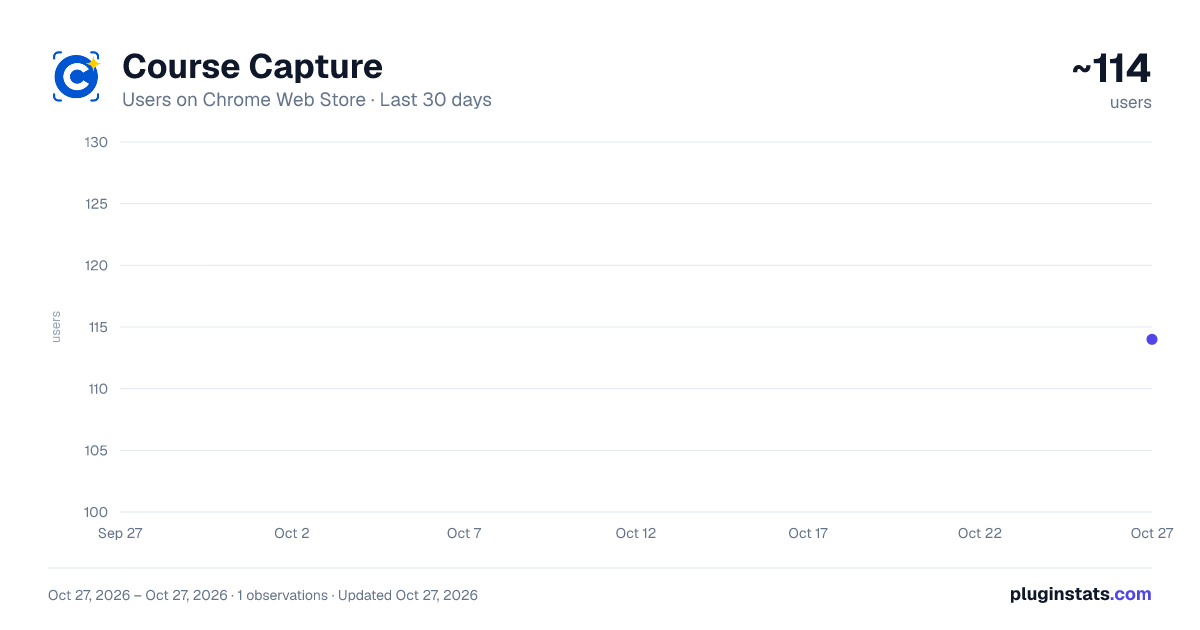
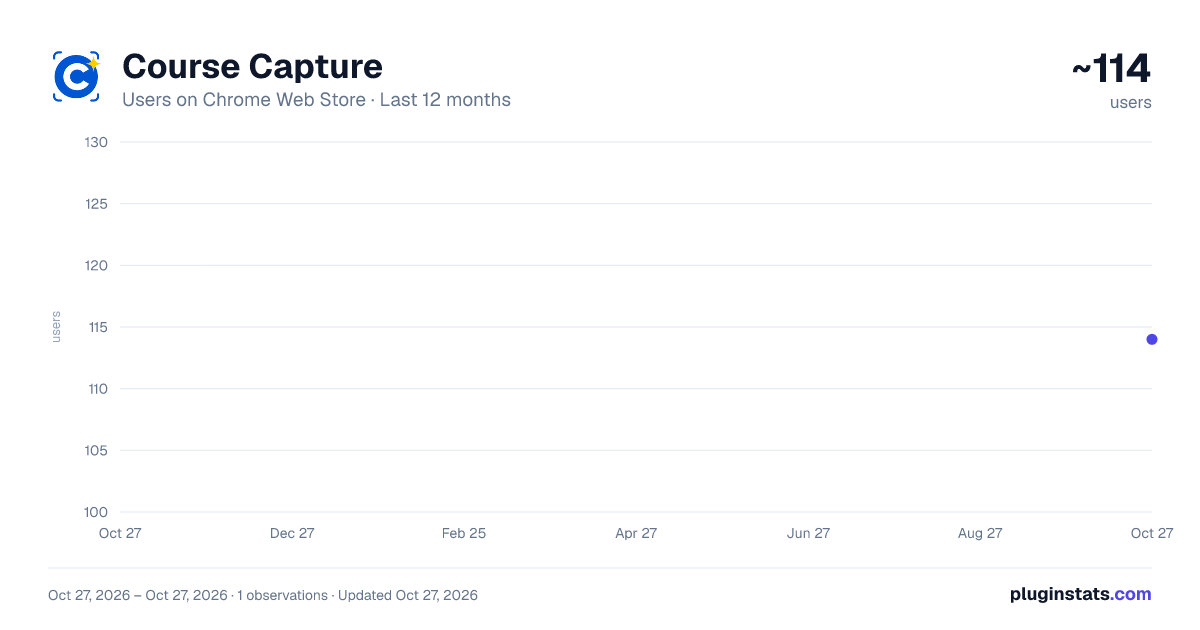
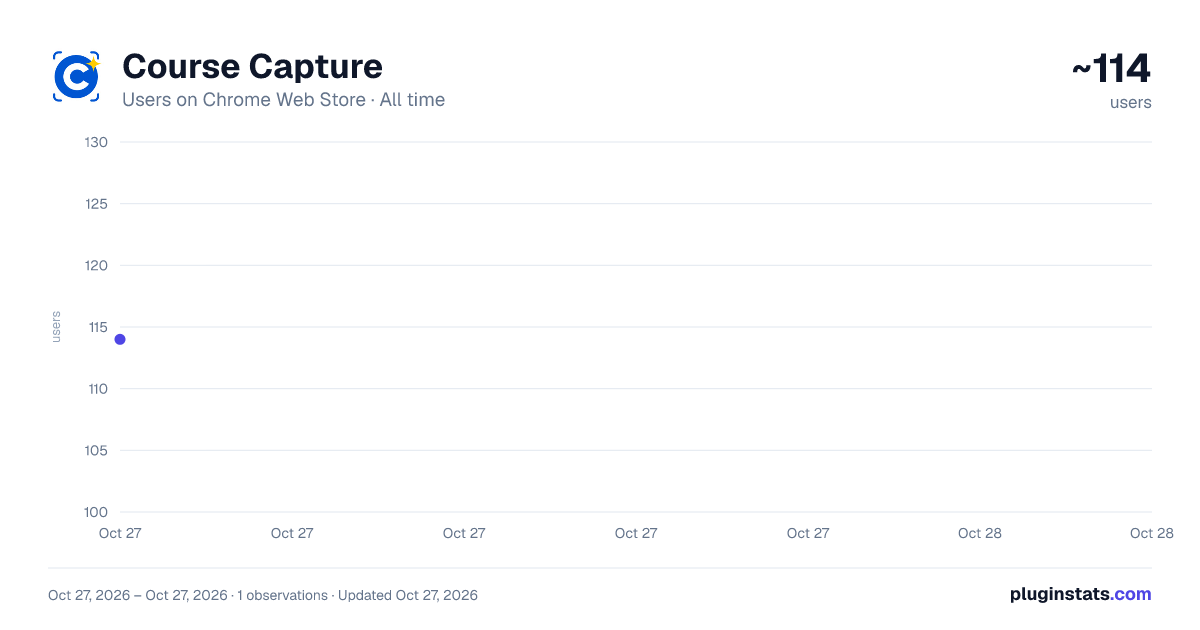
Course Capture has approximately 114 recorded users on Chrome Web Store, ranking #4321 of 4,553 tracked listings.
Rating: 5.00 / 5 from 2 ratings
About Course Capture
With just one click, take a screenshot of the current Coursera video frame and copy it directly to your clipboard!
ourse Capture - One-Click Coursera Screenshot Tool for Video Lectures
Take instant screenshots of Coursera lecture slides with just one click! Course Capture is a Chrome extension designed specifically for Coursera learners who need to quickly capture video frames during online courses.
✨ Key Features: ✔ Instant Clipboard Copy: Click once to screenshot the current video frame and copy it directly to your clipboard ✔ Auto-Download: Optionally save screenshots automatically to your chosen folder ✔ No Cropping Required: Captures the exact video frame without manual editing ✔ One-Click Capture: No more print screen + snipping tool workflow ✔ Built for Coursera: Camera button sits cleanly in Coursera’s video player controls ✔ Optional Feedback: Help shape what we build next with a quick, anonymous one-time prompt
Perfect for students taking Coursera courses who want to save lecture slides, diagrams, code examples, and visual learning materials instantly. Skip the hassle of manual screenshots and focus on learning.
✨ How to Use: • Watch any Coursera video lecture • Click the camera button in the video controls when you see content you want to save • Screenshot is copied to clipboard automatically • Optionally enable auto-download in the extension popup to save screenshots to your computer
Whether you search for Coursera screenshot, Coursera capture, or Coursera video saver, Course Capture is the simplest way to save what matters.
🆕 Changelog:
v1.2.0: July 2026 • Improved screenshot button placement and styling in the Coursera player • Added optional one-time feedback prompt (anonymous) to help prioritize new features • Feedback is stored securely; see our privacy policy for details
v1.1.1: October 2025 • Privacy Fix: Removed unintended browsing history tracking
v1.1.0: October 2025 • Feature: Auto-download screenshots to your local folder • UI tweaks and enhancements
v1.0.1: April 2025 • Fix: Screenshot icon disappearing issue
Description from the Chrome Web Store listing.
README badge
Show your rank in a README or on your website. The badge updates automatically.
Charts
Images: 30d · 1y · all time · 1600×900 dark
Adoption over time
7/30/90-day growth
Ranking history
Ratings over time
Listing placement
Listing placement
Filled points are observed values; hollow points come from Internet Archive snapshots of the listing page. Dashed segments span periods with no observations — values between points are not interpolated.
Each band is one page of 20. Users on a linear scale. Placement is projected from users, so it can differ from the marketplace's own sort order. Hover a dot to see the listing.
Recent observations
Full history (1)Similar Chrome Web Store Education plugins
All 20 Course Capture alternatives



Data source
Covers every Chrome Web Store extension with at least 100 users, found through the store's public sitemap. User counts are read from public listing pages. The 10% most-used extensions are refreshed daily, the next 40% weekly and the next 40% monthly; the least-used 10% are not refreshed. Google displays rounded user counts (and caps the display at 10,000,000+), so small changes may not be visible. Rating counts above 1,000 are rounded (e.g. 1.6K).
Listing: https://chromewebstore.google.com/detail/course-capture/fngilmigidphnhkiafbefchemngiflid. First seen Oct 27, 2026; last successful collection Oct 27, 2026. See the methodology.