 PluginStats
Chartink ➝ TradingView users statistics
By StockyMind · Chrome Web Store · Tools
Adds a button on Chartink to copy stocks in TradingView format.
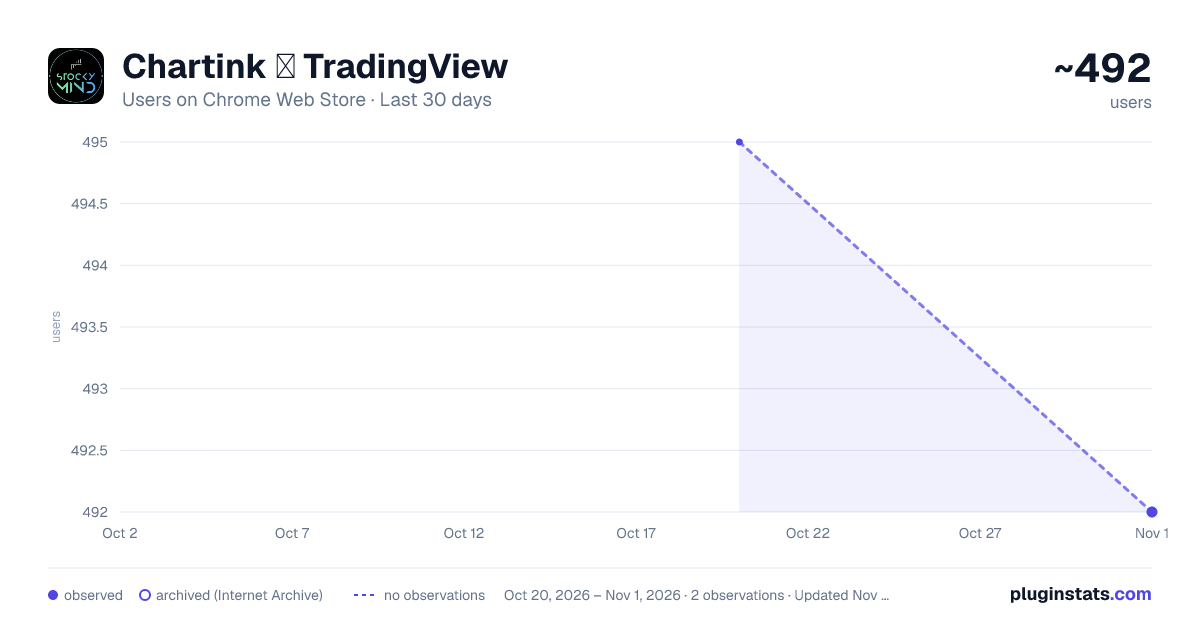
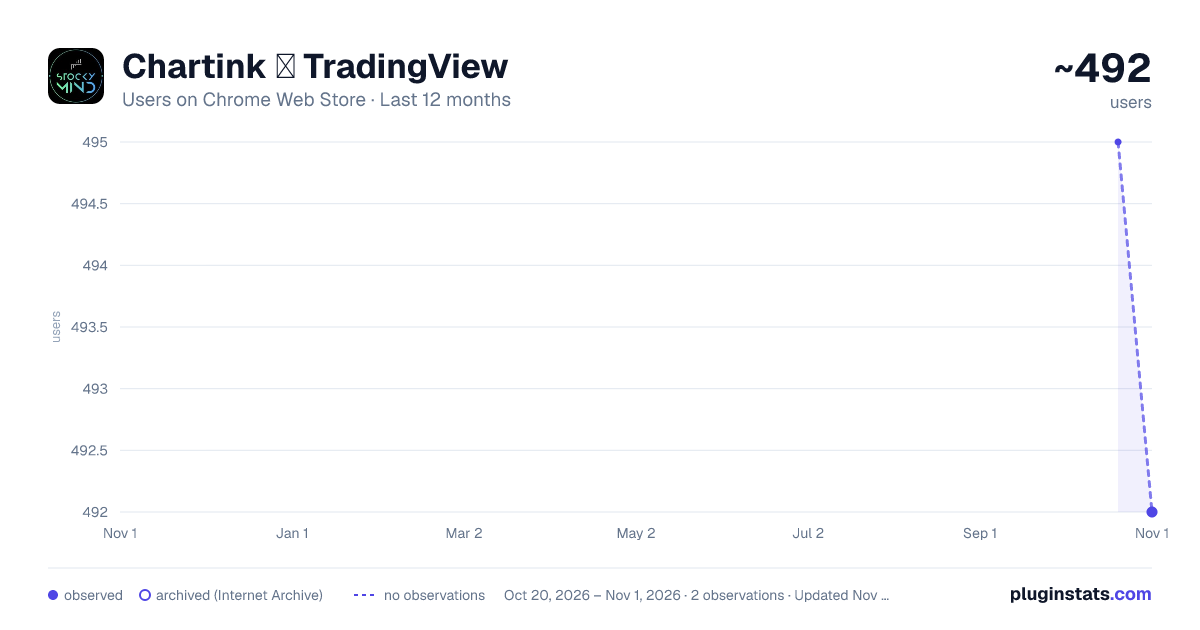
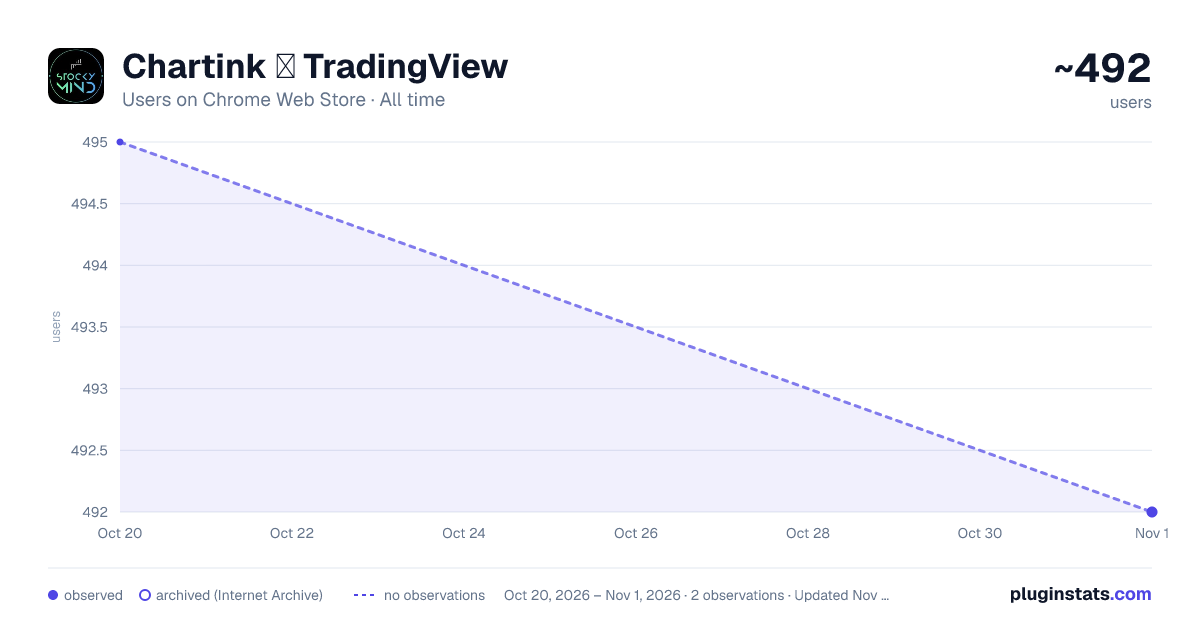
Chartink ➝ TradingView has approximately 495 recorded users on Chrome Web Store, ranking #1478 of 2,952 tracked listings.
Rating: 5.00 / 5 from 7 ratings
About Chartink ➝ TradingView
Adds a button on Chartink to copy stocks in TradingView format.
StockyMind Chartink Companion is a lightweight Chrome extension built for traders who rely on Chartink for stock screening and TradingView for charting. It streamlines the workflow by letting you copy, organize, and reuse tickers in a clean mobile - style popup interface.
KEY FEATURES
⚡ One-click Copy on Chartink Screener Automatically reads all pages of your screener results and copies every symbol in NSE:SYMBOL format - ready to paste directly into TradingView's watchlist.
📊 Atlas Dashboard Support Works on Chartink's dashboard too. A Save button appears on each scanner card. Click it and the extension scrolls and harvests all symbols automatically, even from lazy-loaded tables.
🪟 Floating Widget on TradingView A draggable floating panel appears on TradingView showing your copied groups with one-click copy buttons. Move it anywhere, minimize it to a dot, or close it. Your position and state sync instantly across all open tabs.
📦 Auto Group into Sets of 30 TradingView watchlists have a limit. The extension automatically splits your symbols into groups of 30, each with its own copy button.
🌙 Dark & Light Mode Full dark and light theme support with a toggle in the popup.
✅ Who Benefits Most?
Traders who scan stocks on Chartink and prefer TradingView for visual analysis, Anyone tired of manual copy-paste work across multiple pages.
HOW TO USE
- Run any scan on chartink.com/screener
- Click the green "Copy to TV" button that appears next to the Excel button
- Open TradingView, your symbols appear in the floating widget
- Click "Copy Group 1", paste into your TradingView watchlist
PERMISSIONS USED — chartink.com: to read scan results and inject the copy button — tradingview.com: to show the floating widget with your copied groups — Storage: to save your groups and preferences locally — Clipboard: to copy symbols to your clipboard
No data is sent to any server. Everything stays in your browser.
Description from the Chrome Web Store listing.
README badge
Show your rank in a README or on your website. The badge updates automatically.
Charts
Images: 30d · 1y · all time · 1600×900 dark
Adoption over time
7/30/90-day growth
Ranking history
Ratings over time
Listing placement
Listing placement
Filled points are observed values; hollow points come from Internet Archive snapshots of the listing page. Dashed segments span periods with no observations — values between points are not interpolated.
Each band is one page of 20. Users on a linear scale. Placement is projected from users, so it can differ from the marketplace's own sort order. Hover a dot to see the listing.
Recent observations
Full history (1)Similar Chrome Web Store Tools plugins
All 20 Chartink ➝ TradingView alternatives



Data source
Covers every Chrome Web Store extension with at least 100 users, found through the store's public sitemap. User counts are read from public listing pages. The 10% most-used extensions are refreshed daily, the next 40% weekly and the next 40% monthly; the least-used 10% are not refreshed. Google displays rounded user counts (and caps the display at 10,000,000+), so small changes may not be visible. Rating counts above 1,000 are rounded (e.g. 1.6K).
Listing: https://chromewebstore.google.com/detail/chartink-➝-tradingview/hjipdbcabdkiloidgafknenniianhnih. First seen Oct 20, 2026; last successful collection Oct 20, 2026. See the methodology.