 PluginStats
Chat Backup for WA users statistics
Backup WhatsApp chats to CSV, JSON, or Excel. Save messages & media with WhatsApp Chat Backup.
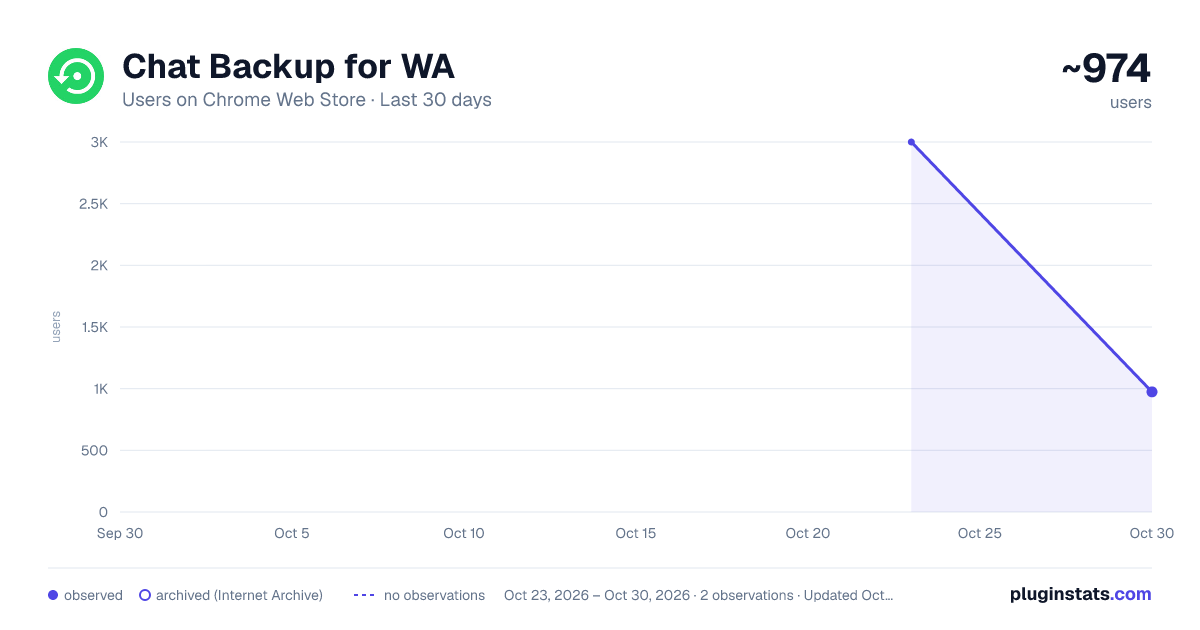
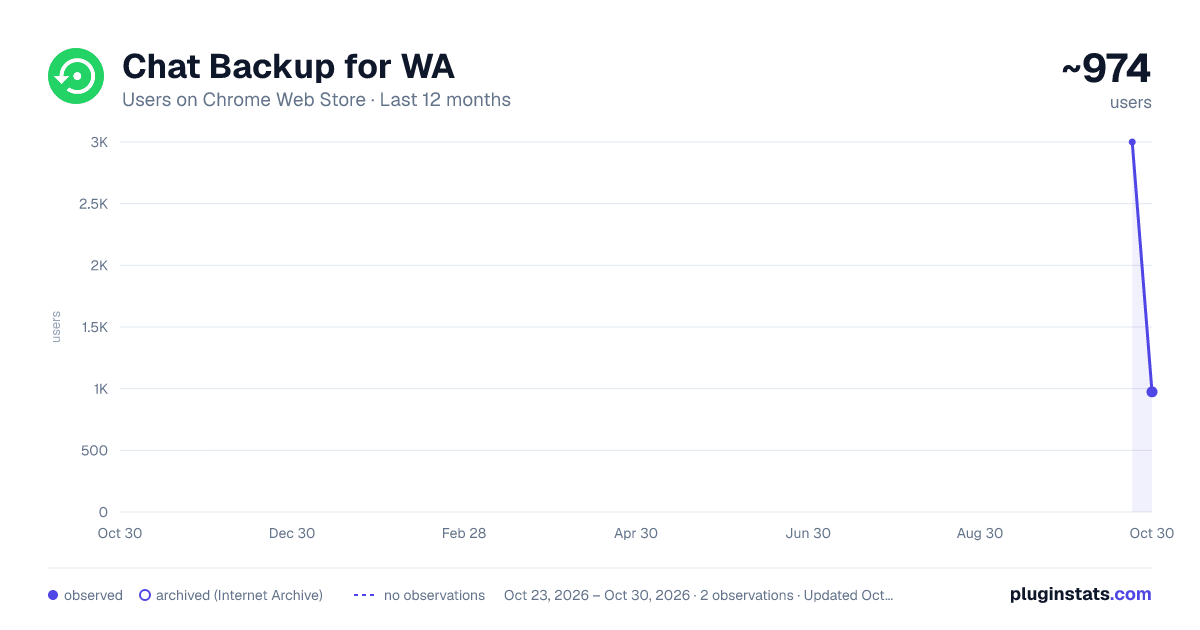
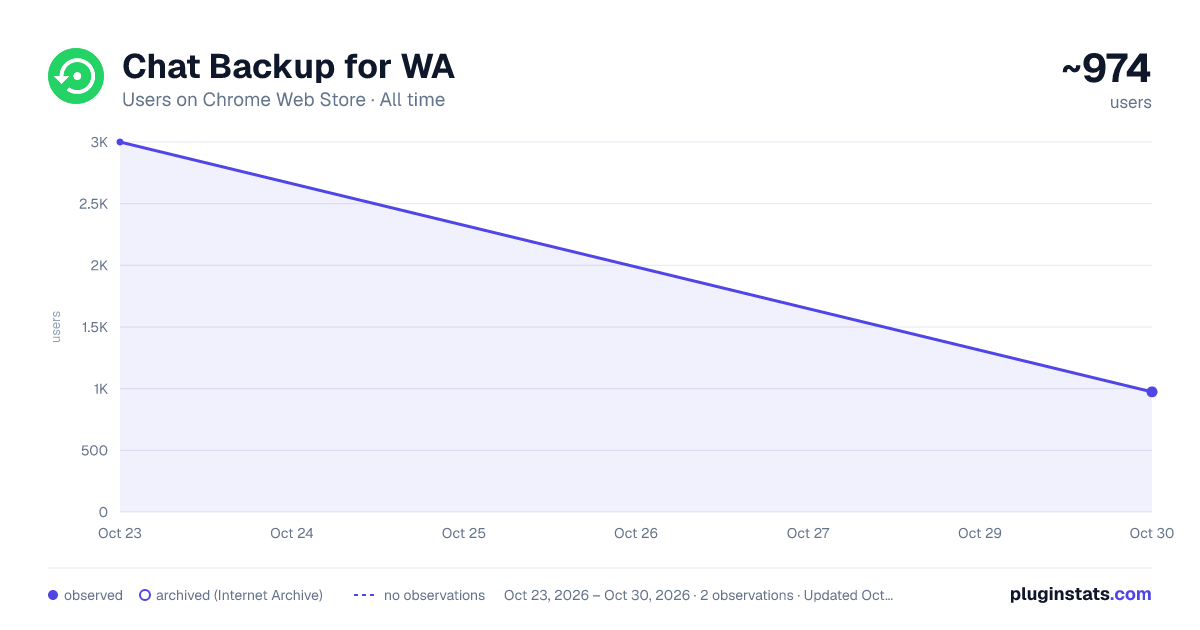
Chat Backup for WA has approximately 3,000 recorded users on Chrome Web Store, ranking #864 of 3,853 tracked listings.
Rating: 3.50 / 5 from 11 ratings
About Chat Backup for WA
Backup WhatsApp chats to CSV, JSON, or Excel. Save messages & media with WhatsApp Chat Backup.
🚀 WhatsApp Chat Exporter – Effortless Backup & Download of Your WhatsApp Chats!
WhatsApp Chat Exporter is your ultimate Chrome extension for saving, backing up, and exporting your WhatsApp Web chats with ease. No more worrying about losing important conversations or struggling to keep business records organized.
Export your WhatsApp messages in formats like CSV, JSON, and Excel (XLSX) — perfect for personal use, business reporting, legal documentation, or simply preserving memories with friends and family.
Whether you’re an entrepreneur, digital marketer, lawyer, journalist, or everyday user, this tool makes WhatsApp chat management incredibly simple and safe.
🌟 Why Choose WhatsApp Chat Exporter?
✅ Quick & Hassle-Free Exports • Download your WhatsApp chats in just a few clicks • No tech skills required — easy for everyone!
✅ Multiple Export Formats • CSV: Great for spreadsheets, data analysis, or integration into other tools • JSON: Ideal for developers needing structured data • Excel (XLSX): Perfect for business records or professional documentation
✅ Save Time with Batch Exports • Export entire conversations or pick specific time frames • Perfect for large chat histories or focused data extraction
✅ One-Click Simplicity • A clear Export button right inside WhatsApp Web • No switching tabs or complicated steps
✅ Organized Storage • Files are automatically saved in a folder linked to the account you’re exporting, ensuring everything stays tidy
🛠️ How to Use WhatsApp Chat Exporter
Using WhatsApp Chat Exporter is super simple:
- Go to web.whatsapp.com and open any chat you want to export
- Click the Export button in the top left of the chat interface
- In the pop-up window: • Choose a time period if you want to filter messages (or leave blank for the full chat) • Select your preferred format: JSON, CSV, or Excel
- Enter a custom filename or leave it blank for automatic naming
- Click Export Chats to fetch the messages
- Once fetching is complete, click Download Items (#) to save your chats and attachments to your computer
That’s it — your WhatsApp chat is safely stored on your device!
💼 Who Needs WhatsApp Chat Exporter? • Businesses & Professionals 🧑💼 • Archive customer conversations for record-keeping • Store chat logs for legal or compliance requirements • Keep project discussions and agreements documented • Journalists & Researchers 📰 • Save interviews and investigation notes • Maintain secure, searchable archives of conversations • Everyday Users 👫 • Back up personal chats for sentimental value • Export conversations with photos, videos, and voice notes for easy sharing or printing • Developers & Analysts 👨💻 • Export data for analysis, processing, or integration with other applications
🔒 Data Privacy & Security
🔐 Your privacy is our top priority. • All data stays strictly on your local device • No chat content is ever sent to our servers • You remain fully in control of your personal and business conversations
Enjoy peace of mind knowing your sensitive information remains private and secure.
⚠️ Disclaimer
This extension is independently developed by Microplugin and has no affiliation with WhatsApp LLC.
Description from the Chrome Web Store listing.
README badge
Show your rank in a README or on your website. The badge updates automatically.
Charts
Images: 30d · 1y · all time · 1600×900 dark
Adoption over time
7/30/90-day growth
Ranking history
Ratings over time
Listing placement
Listing placement
Filled points are observed values; hollow points come from Internet Archive snapshots of the listing page. Dashed segments span periods with no observations — values between points are not interpolated.
Each band is one page of 20. Users on a linear scale. Placement is projected from users, so it can differ from the marketplace's own sort order. Hover a dot to see the listing.
Recent observations
Full history (1)Similar Chrome Web Store Tools plugins
All 20 Chat Backup for WA alternatives



Data source
Covers every Chrome Web Store extension with at least 100 users, found through the store's public sitemap. User counts are read from public listing pages. The 10% most-used extensions are refreshed daily, the next 40% weekly and the next 40% monthly; the least-used 10% are not refreshed. Google displays rounded user counts (and caps the display at 10,000,000+), so small changes may not be visible. Rating counts above 1,000 are rounded (e.g. 1.6K).
Listing: https://chromewebstore.google.com/detail/chat-backup-for-wa/fkhkojbfngmpinkjmjlabjcifagalnfh. First seen Oct 23, 2026; last successful collection Oct 23, 2026. See the methodology.