 PluginStats
Meaning Finder users statistics
By asusalman986 · Chrome Web Store · Tools
Double-click or select text to find meaning. Popup also available!
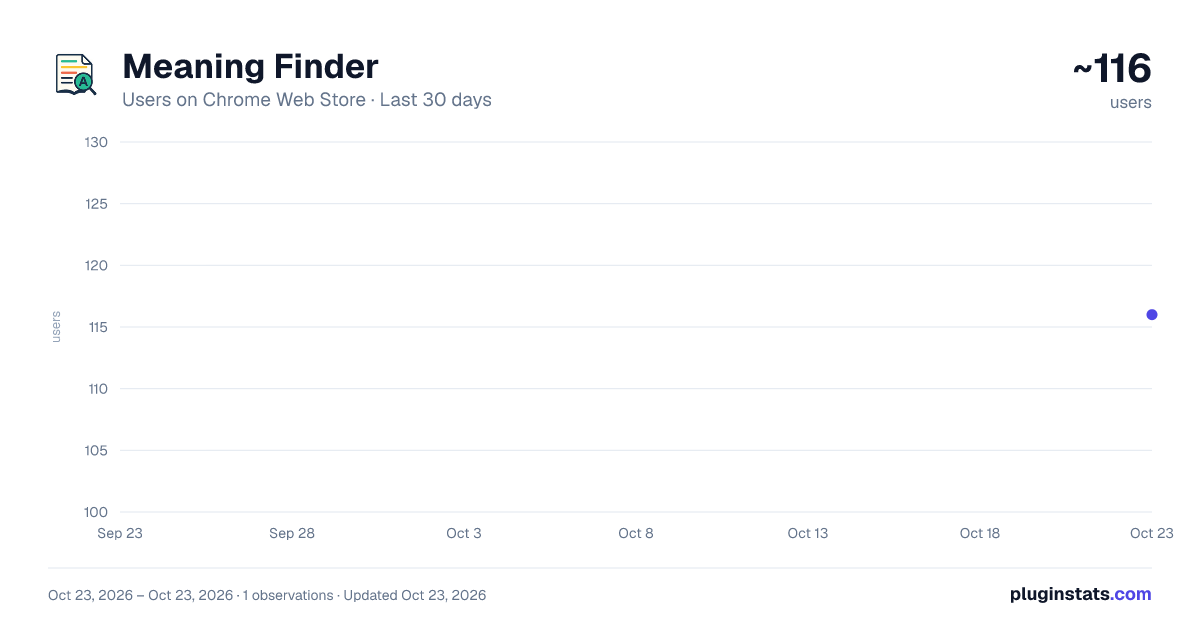
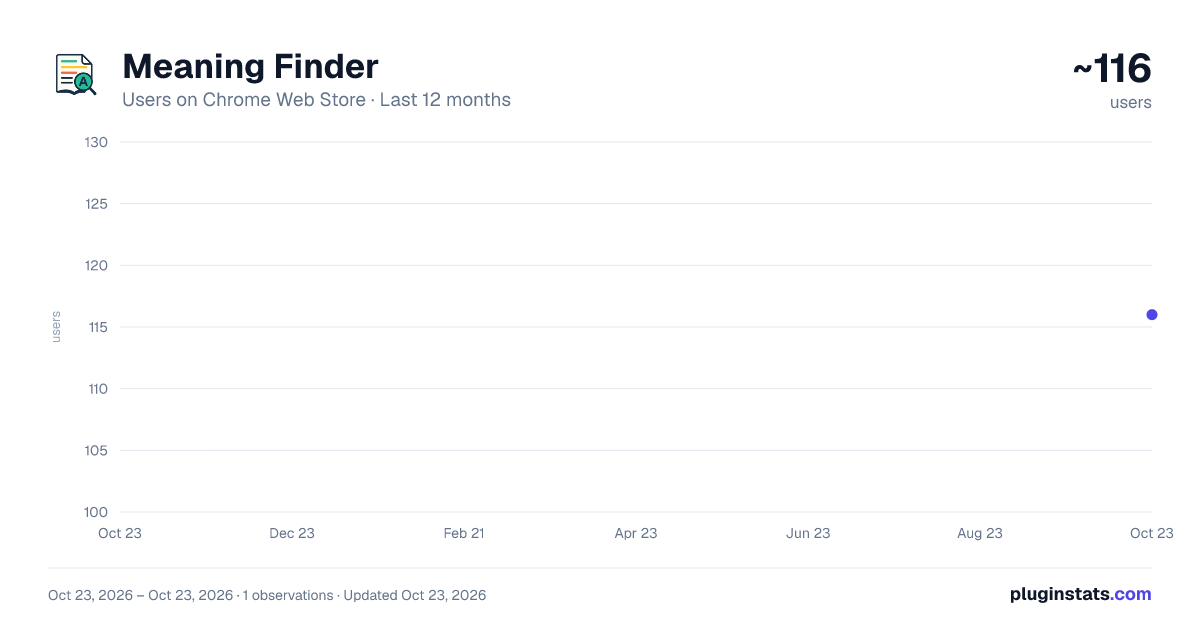
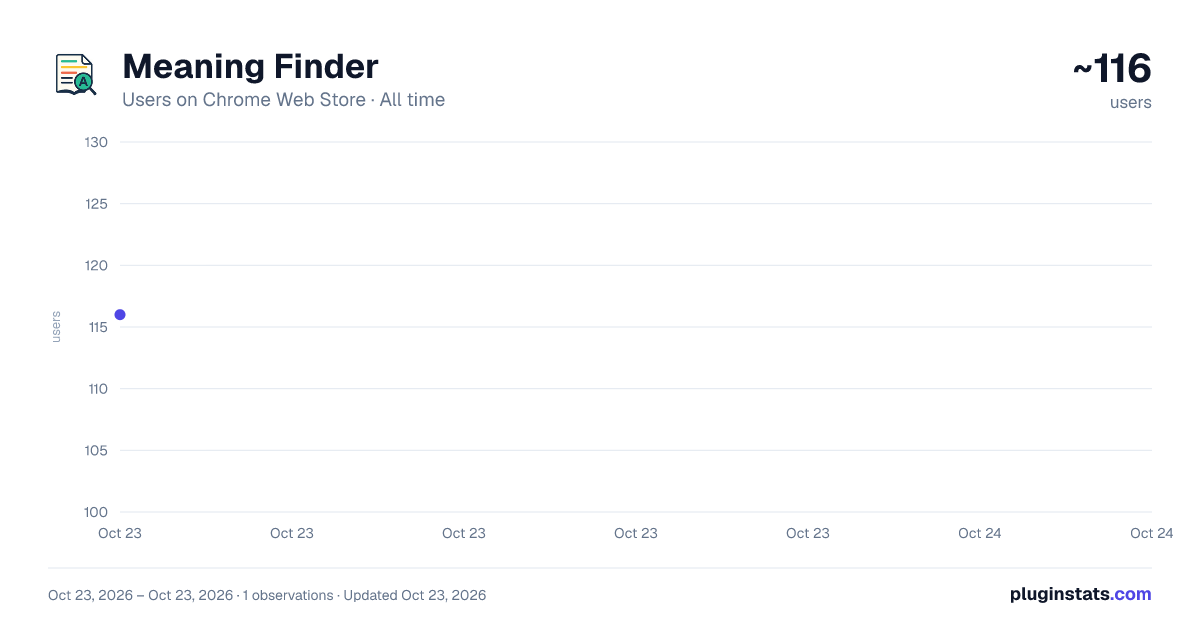
Meaning Finder has approximately 116 recorded users on Chrome Web Store, ranking #3627 of 3,853 tracked listings.
Rating: 4.20 / 5 from 5 ratings
About Meaning Finder
Double-click or select text to find meaning. Popup also available!
Struggling with difficult words or sentences while reading online? Never get stuck on a difficult word or sentence again.
Meaning Finder is designed to make reading easier and smarter. Whether you're a student, professional, or casual reader, this tool helps you instantly understand unfamiliar content without switching tabs or copying and pasting. Your smart reading assistant that helps you instantly understand the meaning of any word or sentence directly on the page — without switching tabs or breaking your flow.
🔑 Key Features 🔍 Double-Click a Word to See Its Meaning Instantly Just double-click on any word while browsing, and Meaning Finder will show a popup with its definition right on the page. No copy-paste, no extra steps — it’s fast and intuitive.
✏ Select a Sentence to Get 2–3 Simplified Meanings or Interpretations Highlight any sentence (drag to select), and get multiple interpretations or paraphrased versions that make the original sentence easier to understand. Great for complex academic or professional content.
🔎 Search Directly from the Extension Popup Click on the Meaning Finder icon in your Chrome toolbar to open a simple search box. Type any word or phrase and get its meaning right away.
💡 Smart Tooltip Reminder The popup also reminds you of the shortcut: "Double-click or select text on any page to see its meaning." This way, even new users instantly understand how it works.
🧠 Solve Real Reading Problems This tool is built for students, professionals, language learners, or anyone who reads online and often encounters unfamiliar terms or complex sentence structures.
Description from the Chrome Web Store listing.
README badge
Show your rank in a README or on your website. The badge updates automatically.
Charts
Images: 30d · 1y · all time · 1600×900 dark
Adoption over time
7/30/90-day growth
Ranking history
Ratings over time
Listing placement
Listing placement
Filled points are observed values; hollow points come from Internet Archive snapshots of the listing page. Dashed segments span periods with no observations — values between points are not interpolated.
Each band is one page of 20. Users on a linear scale. Placement is projected from users, so it can differ from the marketplace's own sort order. Hover a dot to see the listing.
Recent observations
Full history (1)Similar Chrome Web Store Tools plugins
All 20 Meaning Finder alternatives



Data source
Covers every Chrome Web Store extension with at least 100 users, found through the store's public sitemap. User counts are read from public listing pages. The 10% most-used extensions are refreshed daily, the next 40% weekly and the next 40% monthly; the least-used 10% are not refreshed. Google displays rounded user counts (and caps the display at 10,000,000+), so small changes may not be visible. Rating counts above 1,000 are rounded (e.g. 1.6K).
Listing: https://chromewebstore.google.com/detail/meaning-finder/coipnidbhdnnegdnlgpccdfkkbaaplmh. First seen Oct 23, 2026; last successful collection Oct 23, 2026. See the methodology.