 PluginStats
URL Increment Button users statistics
Chrome Web Store · Workflow & Planning
A 1-Click URL Increment Button for your toolbar. Works with or without URL Incrementer.
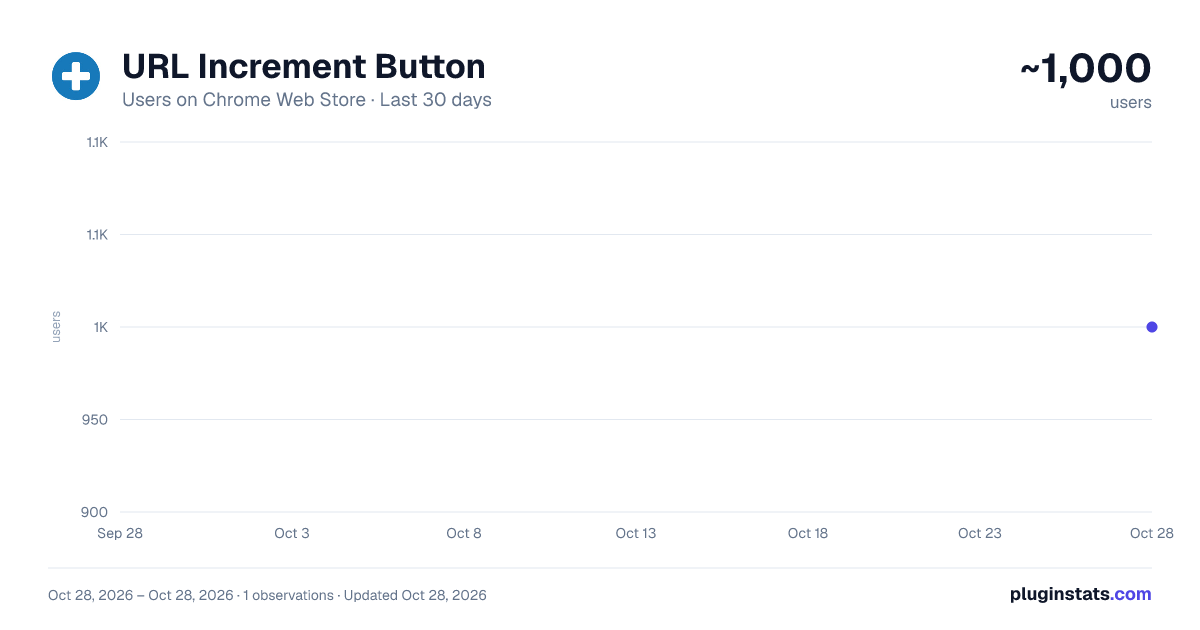
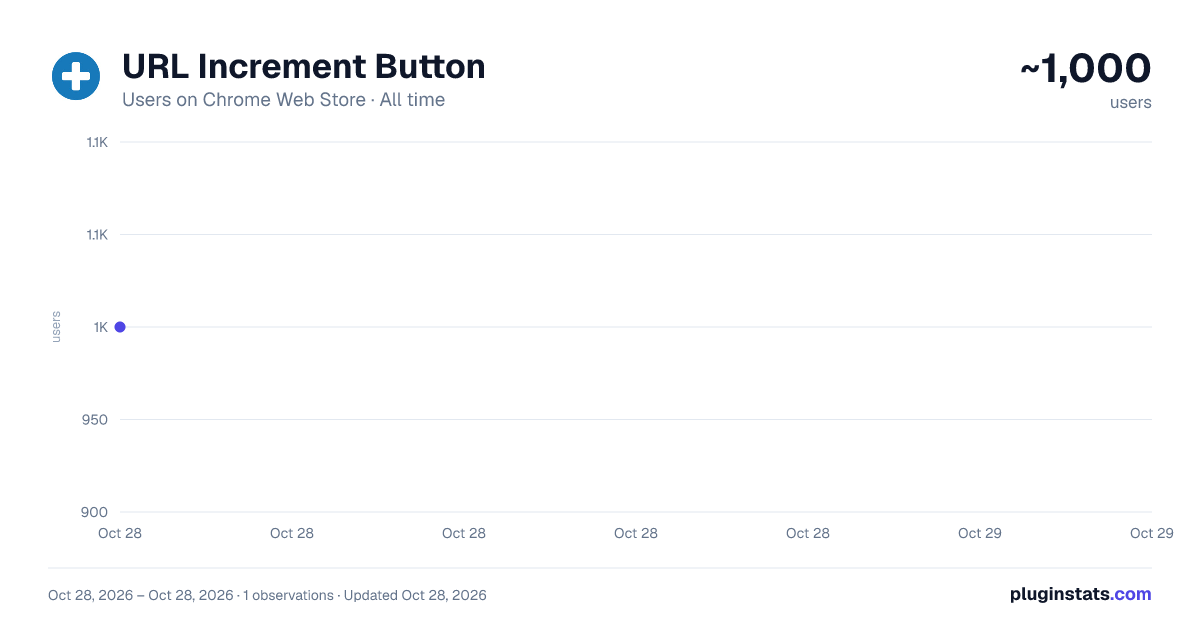
URL Increment Button has approximately 1,000 recorded users on Chrome Web Store, ranking #1805 of 4,880 tracked listings.
Rating: 4.20 / 5 from 9 ratings
About URL Increment Button
A 1-Click URL Increment Button for your toolbar. Works with or without URL Incrementer.
Important I want you to be 100% happy with URL Increment Button! If something isn't working right, or if there's a feature you think is missing, please open an issue on GitHub and give me a chance to help before leaving a review: https://github.com/sixcious/url-increment-button/issues
About URL Increment Button is a simple 1-Click Button that can increment a URL for you. The button will try to increment the most likely number in the URL using its built-in algorithm (this is usually the last number). If it's not picking the right number you want, you can install and use "URL Incrementer" (separately available) to select the part of the URL you want to increment. The button will then increment the part you selected in URL Incrementer.
Features • Increments the URL (finds a number in the URL and then increases it by 1) • A simple incrementer with no configuration or settings • Works with URL Incrementer (separately available) so you can use its settings to increment if needed • Requires no permissions • Uses no background memory when not in use
Permissions Justification No permissions are needed.
Privacy Policy URL Increment Button does not track you. It does not use analytic services. It does not collect any data from your device or computer. All your data is stored locally on your device. Your data is your data.
Description from the Chrome Web Store listing.
README badge
Show your rank in a README or on your website. The badge updates automatically.
Charts
Images: 30d · 1y · all time · 1600×900 dark
Adoption over time
7/30/90-day growth
Ranking history
Ratings over time
Listing placement
Listing placement
Filled points are observed values; hollow points come from Internet Archive snapshots of the listing page. Dashed segments span periods with no observations — values between points are not interpolated.
Each band is one page of 20. Users on a linear scale. Placement is projected from users, so it can differ from the marketplace's own sort order. Hover a dot to see the listing.
Recent observations
Full history (1)Similar Chrome Web Store Workflow & Planning plugins
All 20 URL Increment Button alternatives




Data source
Covers every Chrome Web Store extension with at least 100 users, found through the store's public sitemap. User counts are read from public listing pages. The 10% most-used extensions are refreshed daily, the next 40% weekly and the next 40% monthly; the least-used 10% are not refreshed. Google displays rounded user counts (and caps the display at 10,000,000+), so small changes may not be visible. Rating counts above 1,000 are rounded (e.g. 1.6K).
Listing: https://chromewebstore.google.com/detail/url-increment-button/decebmdlceenceecblpfjanoocfcmjai. First seen Oct 28, 2026; last successful collection Oct 28, 2026. See the methodology.