 PluginStats
Salesforce Simplified users statistics
Chrome Web Store · Developer Tools
Browse, search and package your org's metadata from any Salesforce page - Apex, flows, fields, logs, package.xml and org health.
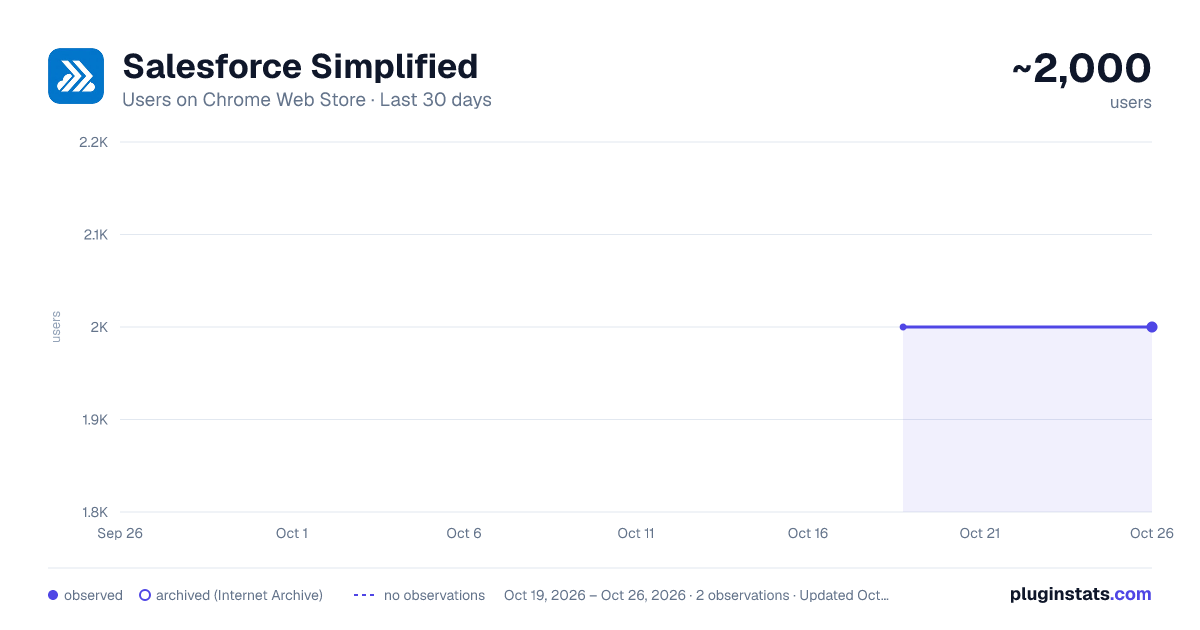
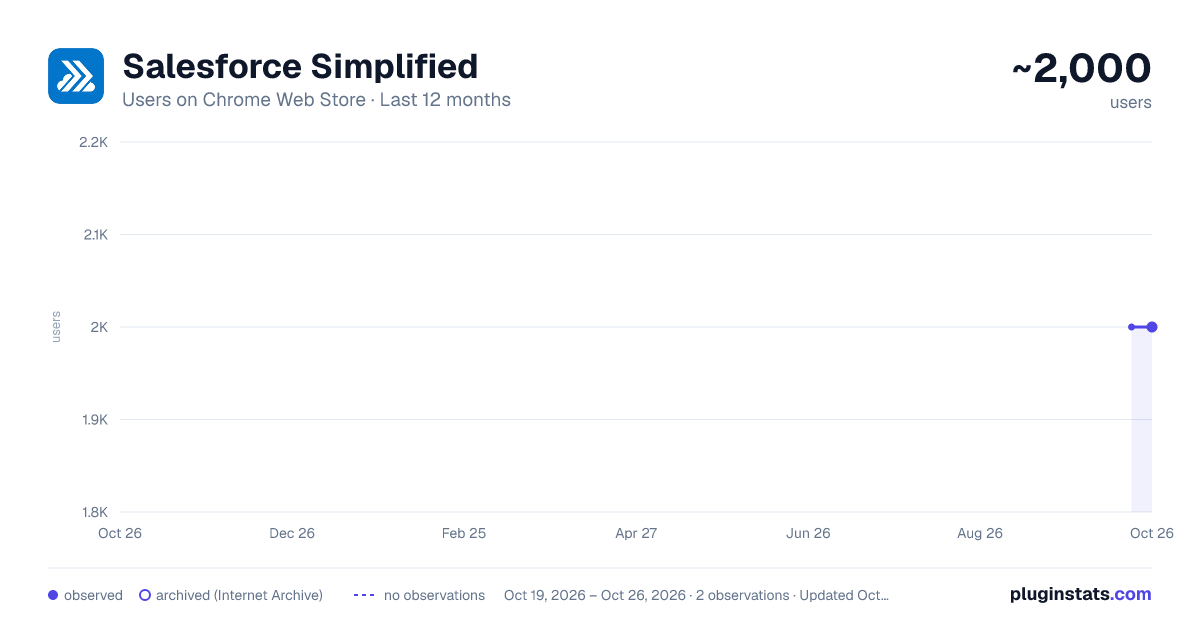
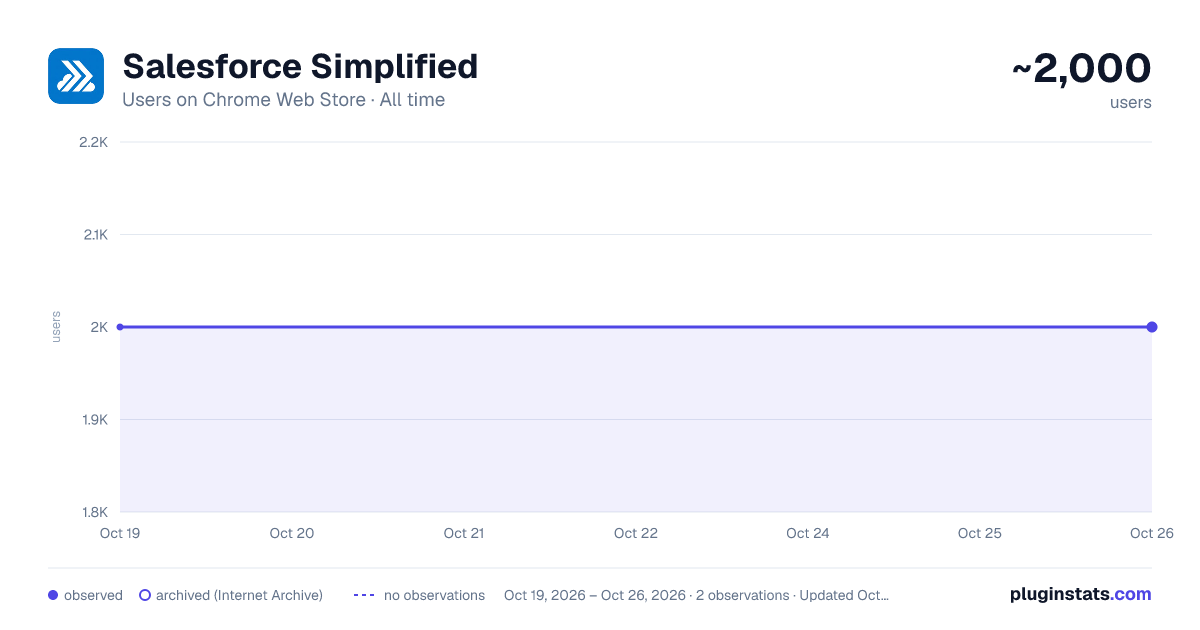
Salesforce Simplified has approximately 2,000 recorded users on Chrome Web Store.
It ranks #562 of 2,033 tracked Chrome Web Store listings by users.
It is rated 4.9 out of 5 from 49 ratings.
PluginStats has 1 daily observations since Oct 19, 2026; the latest is from Oct 19, 2026.
Rating: 4.90 / 5 from 49 ratings
About Salesforce Simplified
Browse, search and package your org's metadata from any Salesforce page - Apex, flows, fields, logs, package.xml and org health.
Salesforce Simplified puts a small launcher on every page of your Salesforce org. Hover it and a panel opens with the things you would otherwise go to Setup for: recently changed Apex, flows, fields and layouts, a search across the whole org, debug logs, a package.xml builder that can fetch the package for you, and a running picture of your org's health.
It is built for people who spend the day in an org and are tired of the round trip through Setup to answer a small question.
WHAT IT DOES
FIND METADATA WITHOUT LEAVING THE PAGE
Open the panel and every metadata type your org has is listed down the left. Apex classes and triggers, Lightning web components, Aura bundles, flows and flow versions, custom objects, custom fields, page layouts, validation rules, buttons and links, record types, custom metadata types, custom labels, email templates, static resources, custom applications, tabs, permission sets, named credentials, connected apps, and more.
The list is not a fixed menu. It is built from your org's own describe, so you see the types your org actually has, named the way your org names them. A type your org does not expose simply is not there.
Every list arrives split in two:
- Yours, most recently created or modified first - The whole org's, most recent first
That split is the point. "What did I change this morning" and "what did anyone change this morning" are different questions and the panel answers both without you rewriting a query.
Each row links straight to the record, with quick actions where they make sense - edit, view, download source, open field-level security, clone.
SEARCH ACROSS THE ORG
The search box filters what is on screen as you type. When you need more than that, Search All runs a fresh query across the org for that metadata type - useful when the component you want was last touched months ago and is nowhere near the top of the recent list.
You can raise the record limit to 500, 1000 or 2000 when a broad search needs it.
Alongside the results, Navigate by Users shows who has been changing that kind of metadata most, so you can filter the list down to one person's work in a click.
VIEW AS A DIFFERENT USER
Switch the panel to another user and every "recently changed by me" list becomes theirs. Useful when you are investigating what a colleague deployed, or supporting someone who says a component has vanished. It changes nothing in the org - it only changes whose work the panel is reporting on.
DEBUG LOGS
Open the logs for whoever you are viewing as, filter them by operation, status, application or user, and open any log in Salesforce.
Deleting is properly scoped: the button removes exactly what is on screen. Filter to one noisy log and only that one goes. There is a per-row delete for a single log, and the bulk delete asks first - naming the count and whose logs they are - because it cannot be undone. If some deletions fail, you are told how many and why, rather than the failures being swallowed.
BUILD A PACKAGE.XML, AND RETRIEVE THE PACKAGE
Tick components as you browse - across as many metadata types as you like - and the package.xml assembles itself. A running summary shows what is in it, and Select all takes a whole list in one go.
The manifest is built with the names the Metadata API actually expects. Anything that belongs to an object carries that object: Account.Rating__c for a field, Opportunity.Close_Date_In_Future for a validation rule, Account-Account Layout for a layout with the hyphen the platform insists on. Home page links are filed as CustomPageWebLink rather than WebLink, because they are a different metadata type. Getting these wrong does not raise an error - it silently returns a package with pieces missing - so they are handled for you.
The manifest is stamped one API version behind your org. A sandbox is upgraded before its production org, and a file stamped with the very newest version is refused by an org still on the previous release.
The editor is yours. Trim a member, add one by hand, restructure it - and your version is what gets used. Selecting more metadata updates the summary beside it but never overwrites your text. A Regenerate button puts the generated manifest back when you want it.
Then press Retrieve, and the org builds the package: a real .zip with the correct folder structure and -meta.xml files, ready to deploy with the Salesforce CLI or the Ant tool, or to commit. If the org could not include something, it says which components and why, beside the download - a package that looks complete while missing pieces is the worst shape a deployment problem can take.
You can also download the package.xml on its own.
EXPORT WHAT YOU ARE LOOKING AT
Any list can be copied or downloaded as raw JSON - the records exactly as the API returned them, minus the framework's own bookkeeping fields. Handy for pasting into a script, a spreadsheet or a ticket.
ORG HEALTH AND HISTORY
TRUST STATUS Live service health for your org's own instance, taken from Salesforce's public status API. Current status, any open incidents with the full text, planned maintenance and the maintenance window - without hunting for your instance name and looking it up yourself.
SETUP AUDIT TRAIL The last 300 setup changes, filterable by section and by user, and searchable. The answer to "who changed that, and when".
API MONITOR Your org's daily API consumption against its limit, so you find out before you hit it.
NEWS TICKER A quiet line along the footer with what has happened in the org today: Apex classes changed, flows modified, tests run, debug logs captured, failed sign-ins, sign-ins from unusual places, records touched, pipeline moved. Headlines that point somewhere are clickable and take you straight to that list. Trust incidents appear here too, so an instance problem reaches you without opening anything.…
Description from the Chrome Web Store listing.
Where Salesforce Simplified sits in the listing
Each band is one page of 20. Users on a log scale. Placement is projected from users, so it can differ from the marketplace's own sort order. Hover a dot to see the listing.
Charts
Images: 30d · 1y · all time · 1600×900 dark
Adoption over time
7/30/90-day growth
Ranking history
Filled points are observed values; hollow points come from Internet Archive snapshots of the listing page. Dashed segments span periods with no observations — values between points are not interpolated.
Recent observations
Full history (1)Similar Chrome Web Store Developer Tools plugins




Data source
User counts are read from public Chrome Web Store listing pages. Google displays rounded user counts (and caps the display at 10,000,000+), so small changes may not be visible. Rating counts above 1,000 are rounded (e.g. 1.6K).
Listing: https://chromewebstore.google.com/detail/salesforce-simplified/hjeigbpcblpkaienmpihneipkempijob. First seen Oct 19, 2026; last successful collection Oct 19, 2026. See the methodology.