 PluginStats
Blue Light Filter & Eye Guard users statistics
By Samet Mollaoğlu · Chrome Web Store · Functionality & UI
Auto Blue Light filter, Dark Mode & custom presets. Schedule comfort modes by time or domain to reduce eye strain.
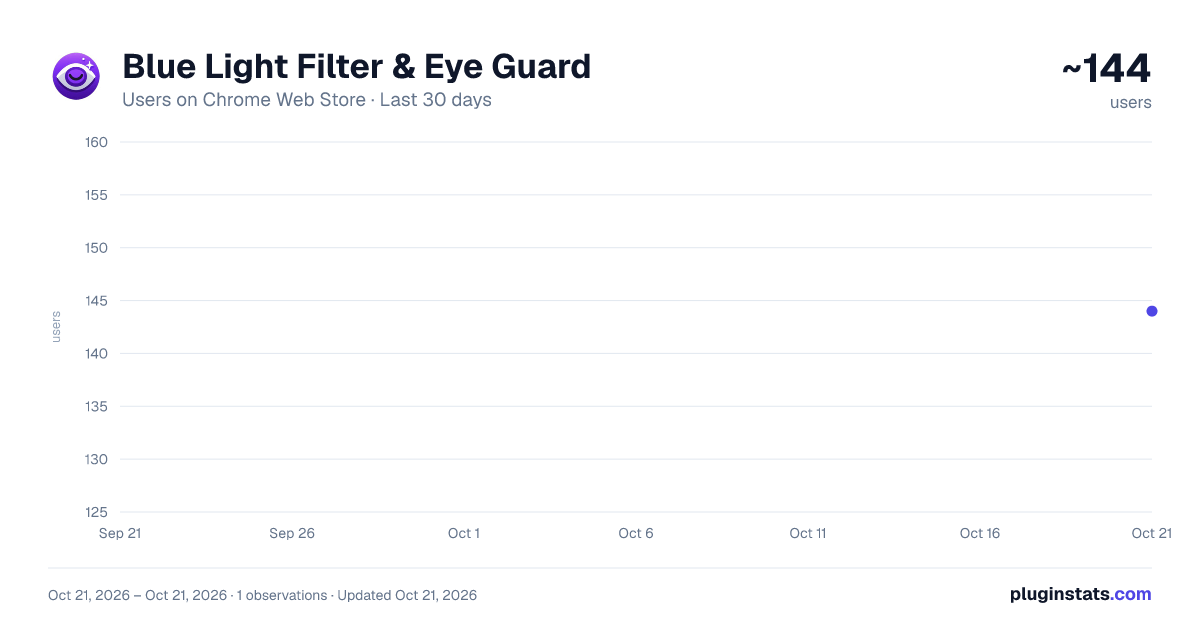
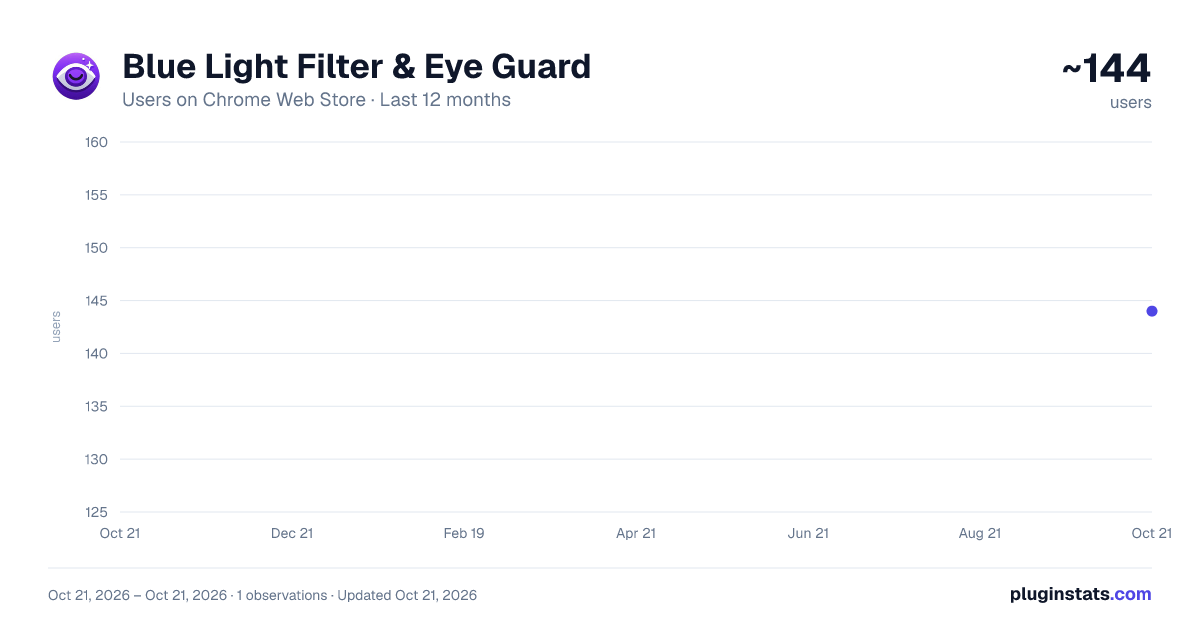
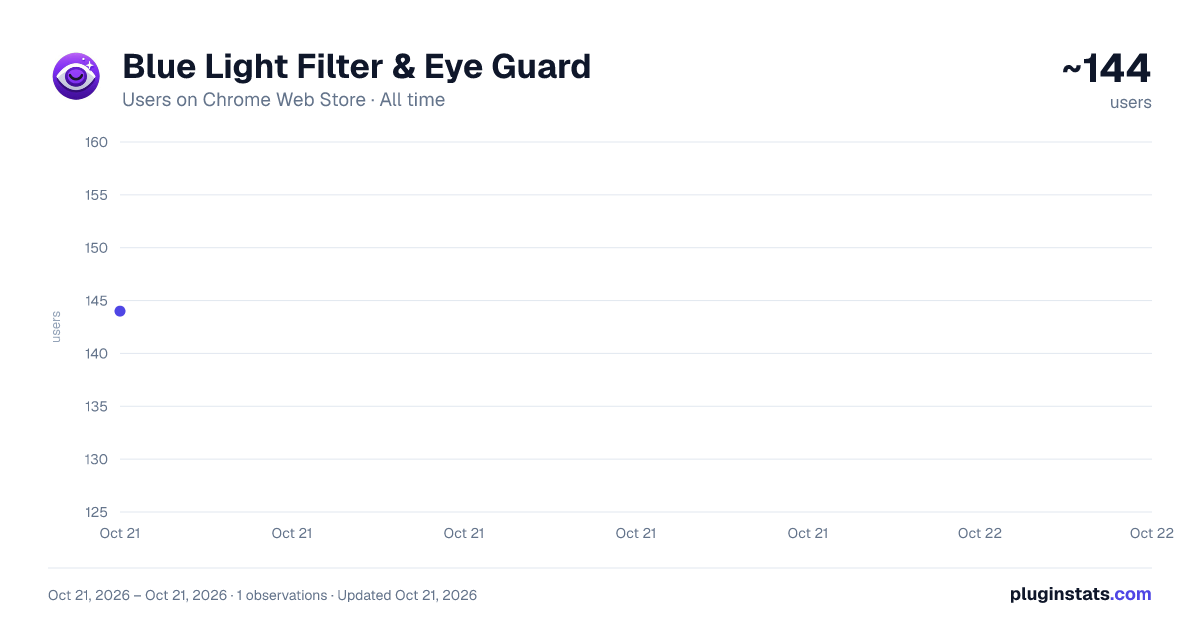
Blue Light Filter & Eye Guard has approximately 144 recorded users on Chrome Web Store, ranking #2543 of 2,952 tracked listings.
Rating: 5.00 / 5 from 3 ratings
About Blue Light Filter & Eye Guard
Auto Blue Light filter, Dark Mode & custom presets. Schedule comfort modes by time or domain to reduce eye strain.
Blue Light Filter & Eye Guard | Automatic Eye Comfort Scheduler
Reduce digital eye strain, headaches, and sleep disruption. The Blue Light Filter & Eye Guard extension automatically adjusts your screen settings to protect your eyes and provide a comfortable browsing experience. Stop adjusting manually—let this smart extension regulate your screen based on the time of day or the website you visit!
✨ Key Features and Benefits
⏰ Smart Scheduling (Scheduler) Time-Based Automation: Automate your screen settings according to the time of day. For example, automatically activate the Blue Light Filter at sunset and deactivate it in the morning.
Domain-Based Rules: Apply specific settings to particular websites (e.g., a news site). Enable the Clarified mode only on that site to boost readability.
🛡️ Eye Protection and Blue Light Filter Advanced Blue Light Filtering: Effectively cut down on harmful blue light emitted from your screen using our coded temperature settings. Reduce eye fatigue and improve your nighttime sleep quality.
Ready Presets: Switch to popular comfort modes like Blue Light Filter, Dark Mode, Sephiatic, and Clarified with a single click.
🔧 Full Control and Customization Create Your Own Presets: Use the Brightness, Contrast, Grayscale, and Temperature sliders to create, save, and schedule your unique "Custom Presets."
⚙️ How It Works Blue Light Filter & Eye Guard adjusts colors and light levels on web pages in real-time.
Modes Tab: Manage and instantly apply your ready-made and custom presets.
Scheduler Tab: Define Start and End times to automatically enable any preset. You can also define specific web domains where this rule will be applied.
❓ Frequently Asked Questions Q: How is the Blue Light Filter applied? A: Filters are applied using modern CSS filter techniques. They do not block any content or ads on the page, but only modify the color and brightness values.
Q: Does the extension affect performance? A: No. The filters are applied with lightweight CSS code and will not affect your page loading speed or browsing performance.
⭐ Install the extension and rediscover eye comfort in the digital world!
Description from the Chrome Web Store listing.
README badge
Show your rank in a README or on your website. The badge updates automatically.
Charts
Images: 30d · 1y · all time · 1600×900 dark
Adoption over time
7/30/90-day growth
Ranking history
Ratings over time
Listing placement
Listing placement
Filled points are observed values; hollow points come from Internet Archive snapshots of the listing page. Dashed segments span periods with no observations — values between points are not interpolated.
Each band is one page of 20. Users on a linear scale. Placement is projected from users, so it can differ from the marketplace's own sort order. Hover a dot to see the listing.
Recent observations
Full history (1)Similar Chrome Web Store Functionality & UI plugins
All 20 Blue Light Filter & Eye Guard alternatives



Data source
Covers every Chrome Web Store extension with at least 100 users, found through the store's public sitemap. User counts are read from public listing pages. The 10% most-used extensions are refreshed daily, the next 40% weekly and the next 40% monthly; the least-used 10% are not refreshed. Google displays rounded user counts (and caps the display at 10,000,000+), so small changes may not be visible. Rating counts above 1,000 are rounded (e.g. 1.6K).
Listing: https://chromewebstore.google.com/detail/blue-light-filter-eye-gua/dkjcogppcmdecncmdfaljmejndkjgcea. First seen Oct 21, 2026; last successful collection Oct 21, 2026. See the methodology.