 PluginStats
OpenClaw Extension users statistics
OpenClaw — AI browser copilot with page context, session history, multi-gateway profiles, prompt templates, and CDP dashboard.
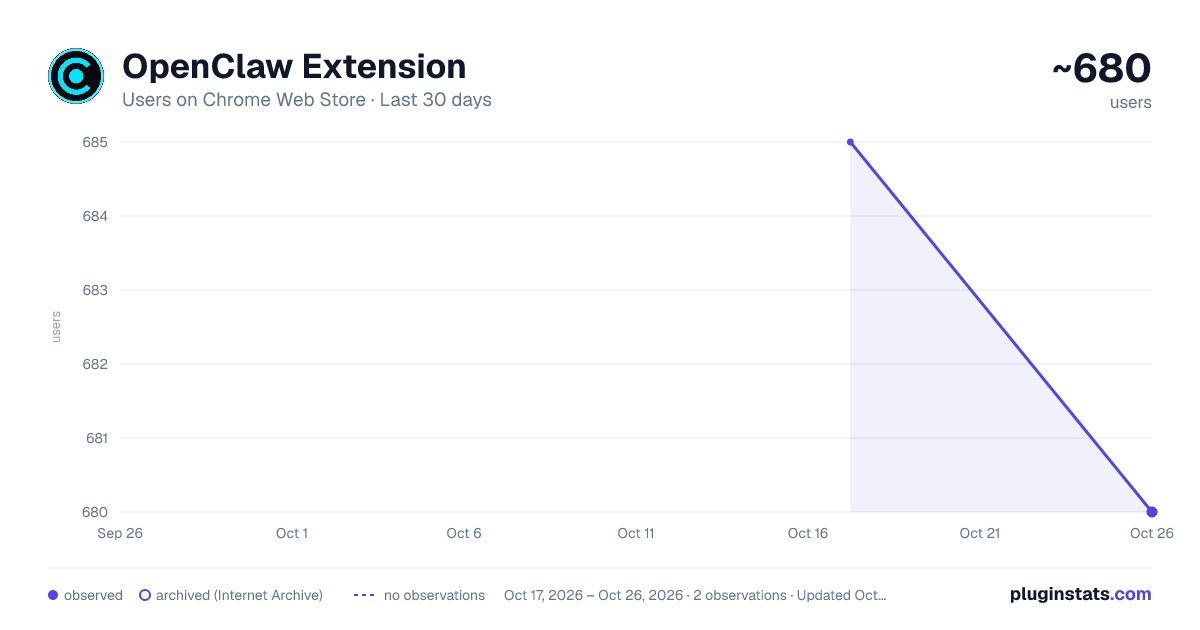
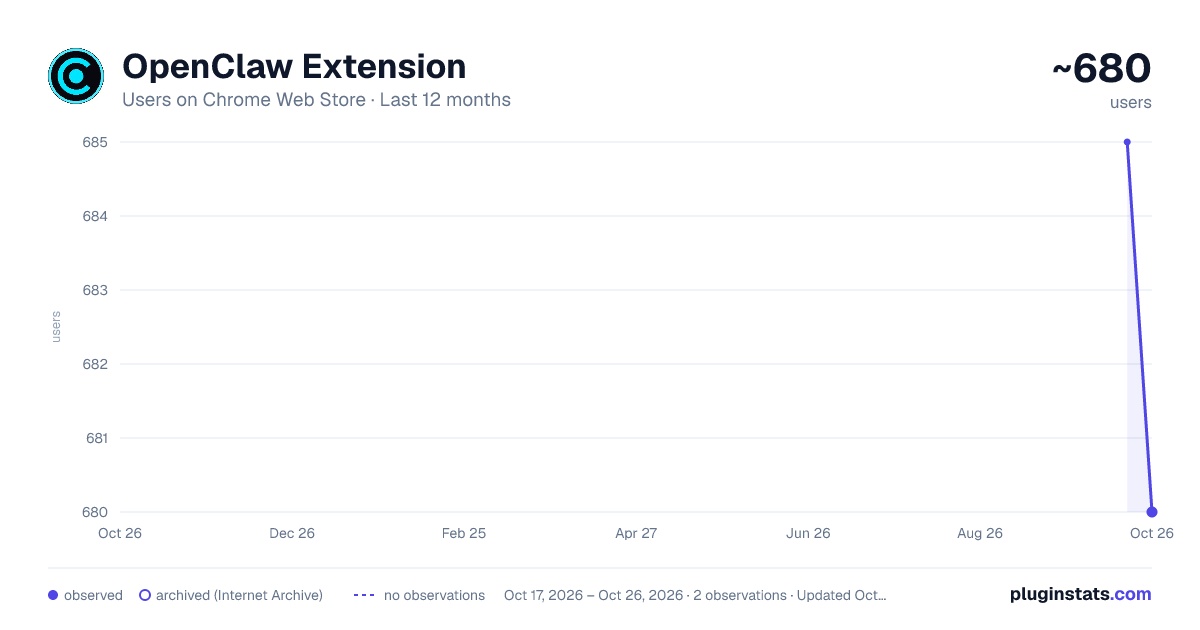
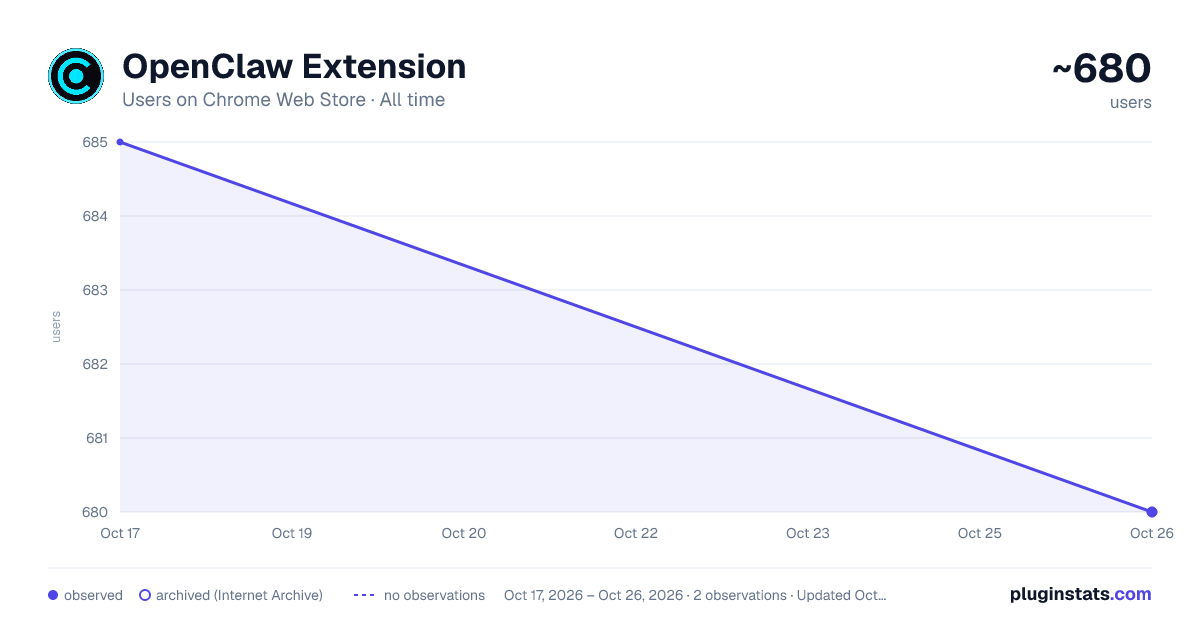
OpenClaw Extension has approximately 685 recorded users on Chrome Web Store.
It ranks #884 of 2,033 tracked Chrome Web Store listings by users.
PluginStats has 1 daily observations since Oct 17, 2026; the latest is from Oct 17, 2026.
About OpenClaw Extension
OpenClaw — AI browser copilot with page context, session history, multi-gateway profiles, prompt templates, and CDP dashboard.
OpenClaw Extension is a powerful, community-built AI browser copilot that integrates your local or remote AI assistant directly into Chrome's side panel. Chat with your AI while you browse — no tab-switching, no copy-pasting, no friction. Whether you run MoltBot, ClawdBot, or any OpenClaw-compatible gateway, OpenClaw Extension connects to it instantly and supercharges your browsing experience with features the official client doesn't offer.
Key Features:
• Side Panel Chat — Talk to your AI right alongside any webpage, without leaving your browser. • Page Context Injection — Automatically attaches the current page's title, headings, and content to every message so your AI always knows what you're looking at. • Session History — Full conversation history saved locally. Search, rename, export to Markdown, or delete sessions anytime. • Multi-Gateway Profiles — Add multiple AI gateway URLs (local or remote, ws:// or wss://). Switch between them with one click and test each independently. • Prompt Templates — Built-in /summarize, /explain, /fix, and /translate shortcuts. Add your own custom templates from Settings. • Right-Click to Ask — Highlight any text on any page, right-click, and send it directly to your AI with full context. • Screenshot Capture — Attach a screenshot of the current tab to your message with a single button click. • CDP Dashboard — Real-time Chrome DevTools Protocol event log showing which tabs are attached, session IDs, and gateway status. • Multi-Tab Orchestration — Attach your AI to multiple browser tabs simultaneously and manage them from the dashboard. • Desktop Notifications — Get notified when your AI responds, even when the side panel is minimised. Toggleable in Settings. • Auto Gateway Detection — Automatically probes common ports and URL paths to find your gateway. No manual configuration needed in most cases. • Port Scanner — Built-in diagnostics tool that scans common OpenClaw ports and shows you exactly which one is live.
How to Use
1. Install the extension and click the OpenClaw icon in your toolbar. 2. The side panel opens on the right side of your browser. 3. Start your OpenClaw, MoltBot, or ClawdBot gateway locally (default: ws://127.0.0.1:18789). 4. Click Connect — the extension auto-detects your gateway URL. 5. Start chatting. Use / to trigger prompt templates. Right-click any text to ask about it instantly.
Who Is This For?
• Existing OpenClaw, MoltBot, and ClawdBot users who want a better, integrated browser experience. • Developers and researchers who use local AI models and want context-aware assistance while browsing. • Power users who want prompt templates, session logging, and multi-tab AI control in one place.
Description from the Chrome Web Store listing.
Charts
Images: 30d · 1y · all time · 1600×900 dark
Adoption over time
7/30/90-day growth
Ranking history
Listing placement
Filled points are observed values; hollow points come from Internet Archive snapshots of the listing page. Dashed segments span periods with no observations — values between points are not interpolated.
Each band is one page of 20. Users on a log scale. Placement is projected from users, so it can differ from the marketplace's own sort order. Hover a dot to see the listing.
Recent observations
Full history (1)Similar Chrome Web Store Tools plugins
All 20 OpenClaw Extension alternatives




Data source
Covers every Chrome Web Store extension with at least 100 users, found through the store's public sitemap. User counts are read from public listing pages. The 10% most-used extensions are refreshed daily, the next 40% weekly and the next 40% monthly; the least-used 10% are not refreshed. Google displays rounded user counts (and caps the display at 10,000,000+), so small changes may not be visible. Rating counts above 1,000 are rounded (e.g. 1.6K).
Listing: https://chromewebstore.google.com/detail/openclaw-extension/kkcaifodaboojgobhfagchcilknmjhie. First seen Oct 17, 2026; last successful collection Oct 17, 2026. See the methodology.