 PluginStats
Instagrid - Instagram Grid Planner & Feed Preview users statistics
By Vikas Gurjar · Chrome Web Store · Art & Design
Preview and customize your Instagram grid. Upload, arrange, and visualize your profile before posting
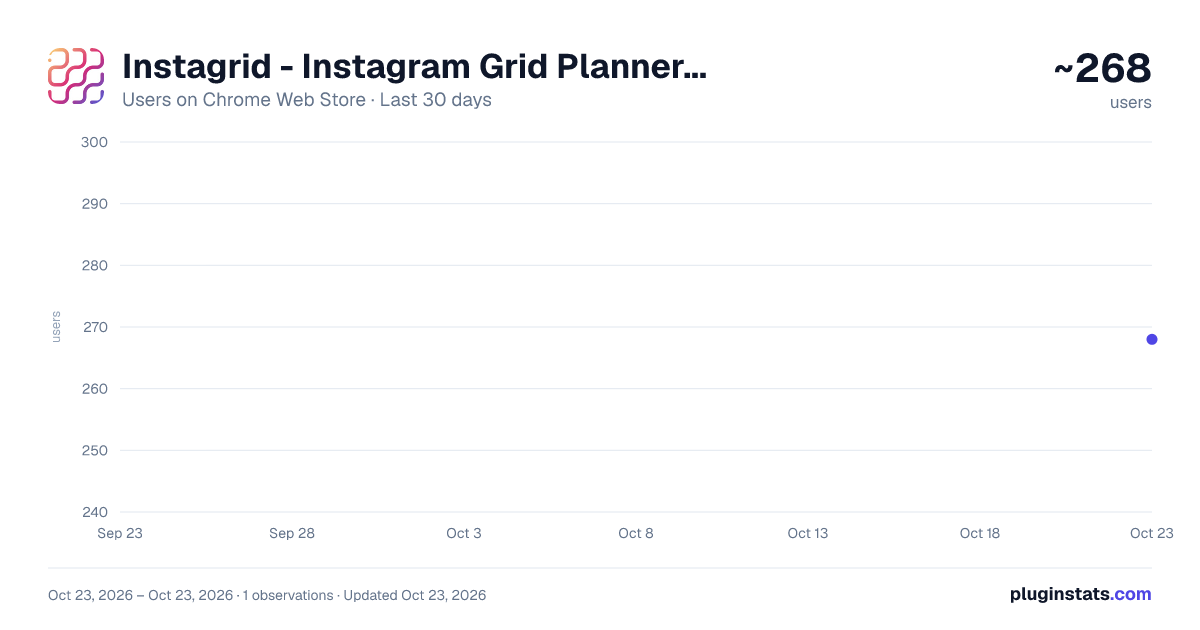
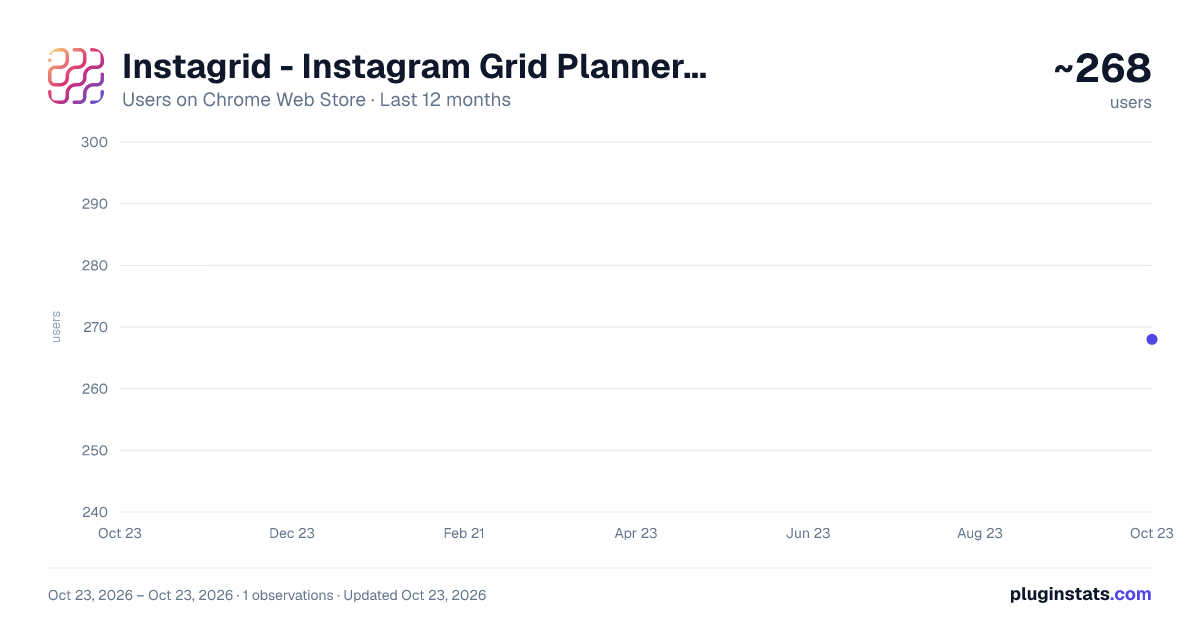
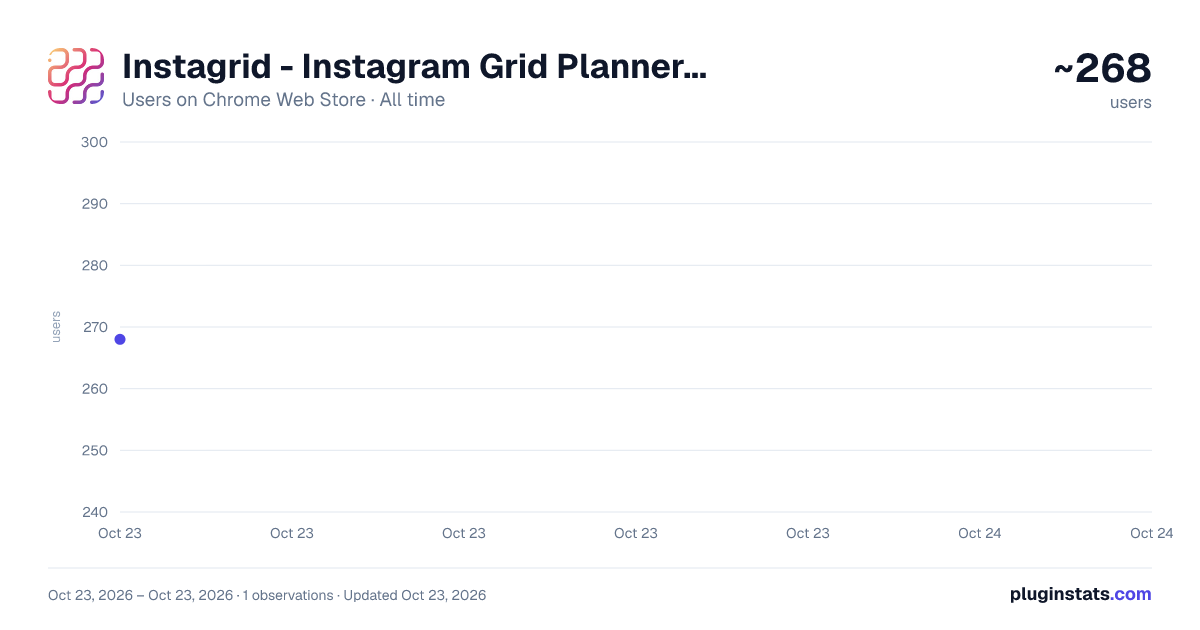
Instagrid - Instagram Grid Planner & Feed Preview has approximately 268 recorded users on Chrome Web Store, ranking #2539 of 3,853 tracked listings.
Rating: 5.00 / 5 from 6 ratings
About Instagrid - Instagram Grid Planner & Feed Preview
Preview and customize your Instagram grid. Upload, arrange, and visualize your profile before posting
Preview how your Instagram feed will look - before you post.
🚀 ✨ Instagrid Core UX Update ✨
- Bulk Upload: You can select multiple images at once in the file picker to fill your grid instantly.
- Visual Drag & Drop: Clear highlights and effects show exactly where your image will land when reordering.
- Now supports Drag and Drop of images directly from your library to the extension
This extension helps content creators, brands, and social media managers visualize their Instagram grid directly in the browser. Just add your images and click preview - instantly see how your posts will align on your profile feed.
Just open the profile page and start visualizing.
Tip: Works for any public accounts too ;)
✨ Features:
🖼️ Add images and preview instantly ⚡ Real-time grid updates as you arrange content 🔐 No Instagram login required 🧠 Simple and distraction-free UI
Currently only 9 images are supported. Future updates will increase this limit. Stay Tuned!
Why install this? If you care about aesthetics and planning your Instagram posts, this tool gives you peace of mind and perfect alignment — no more second-guessing your uploads.
For any queries or feature request you can reach out to me on Instagram - @gur.vik
Description from the Chrome Web Store listing.
README badge
Show your rank in a README or on your website. The badge updates automatically.
Charts
Images: 30d · 1y · all time · 1600×900 dark
Adoption over time
7/30/90-day growth
Ranking history
Ratings over time
Listing placement
Listing placement
Filled points are observed values; hollow points come from Internet Archive snapshots of the listing page. Dashed segments span periods with no observations — values between points are not interpolated.
Each band is one page of 20. Users on a linear scale. Placement is projected from users, so it can differ from the marketplace's own sort order. Hover a dot to see the listing.
Recent observations
Full history (1)Similar Chrome Web Store Art & Design plugins
All 20 Instagrid - Instagram Grid Planner & Feed Preview alternatives



Data source
Covers every Chrome Web Store extension with at least 100 users, found through the store's public sitemap. User counts are read from public listing pages. The 10% most-used extensions are refreshed daily, the next 40% weekly and the next 40% monthly; the least-used 10% are not refreshed. Google displays rounded user counts (and caps the display at 10,000,000+), so small changes may not be visible. Rating counts above 1,000 are rounded (e.g. 1.6K).
Listing: https://chromewebstore.google.com/detail/instagrid-instagram-grid/comiplblfmindhokjgcioikeadpkbmcl. First seen Oct 23, 2026; last successful collection Oct 23, 2026. See the methodology.