 PluginStats
Auto Text Expander: Text Shortcuts & Snippets users statistics
By Flying Bee (2 listings) · Chrome Web Store · Tools
Create smart text expansions to get more done and streamline your work. Billions of keystrokes saved!
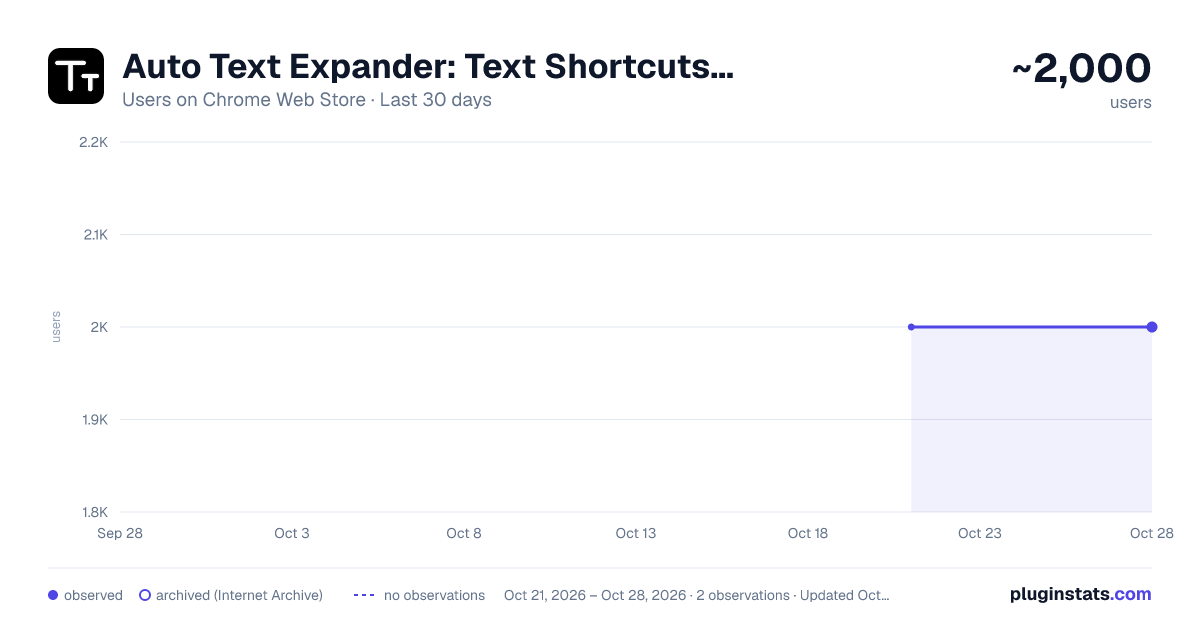
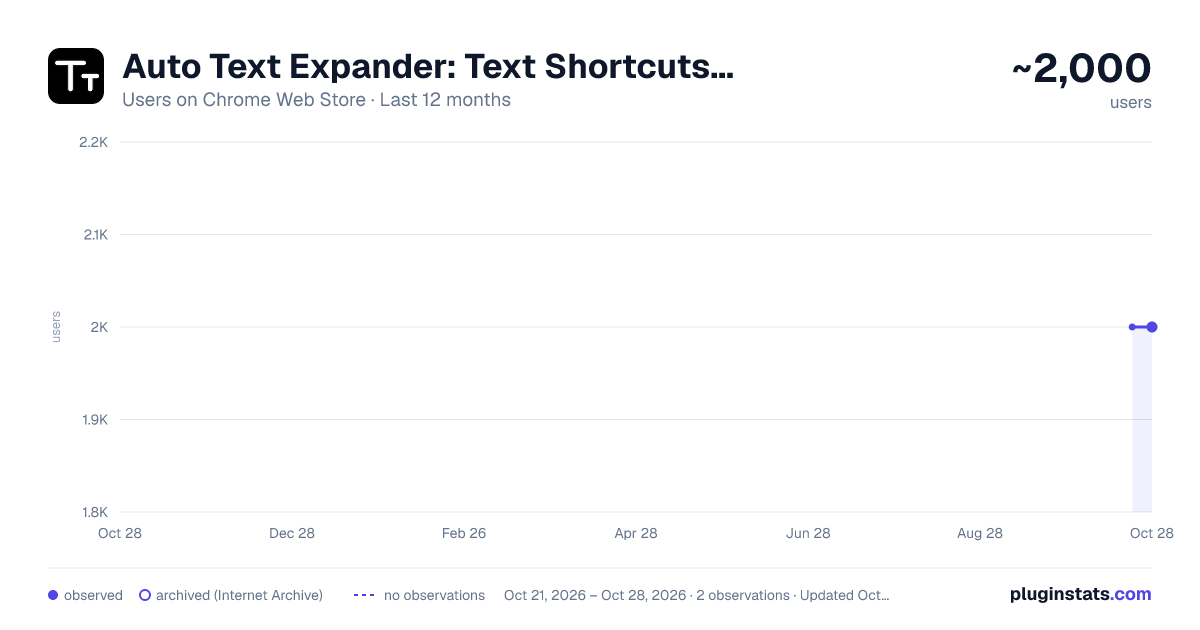
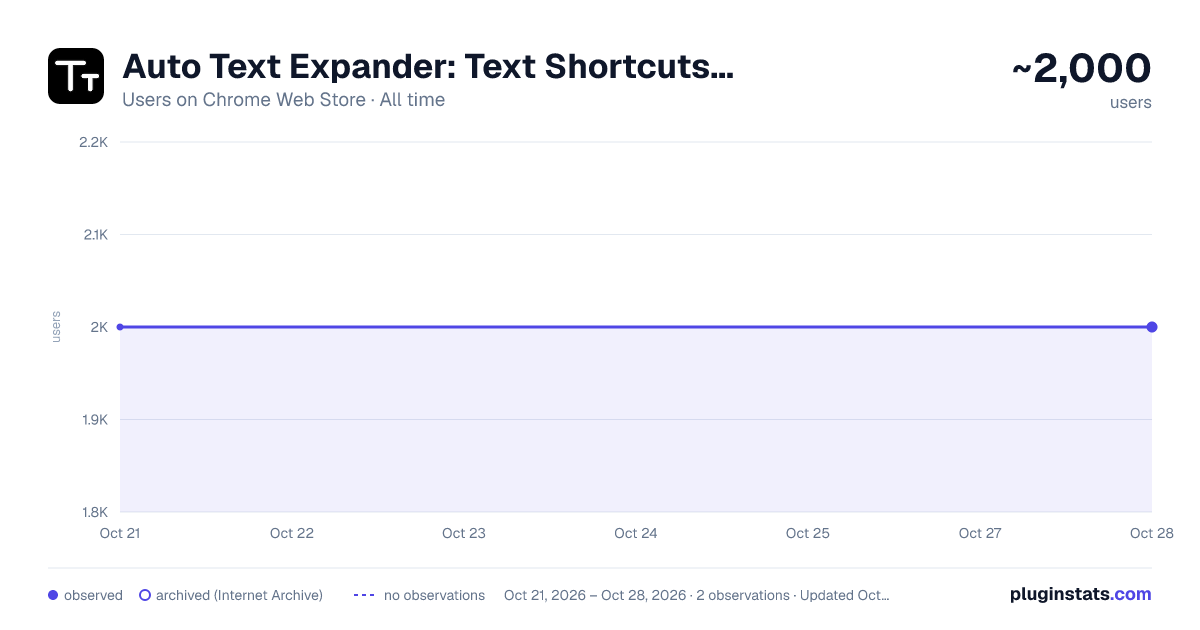
Auto Text Expander: Text Shortcuts & Snippets has approximately 2,000 recorded users on Chrome Web Store, ranking #795 of 2,952 tracked listings.
Rating: 3.90 / 5 from 8 ratings
About Auto Text Expander: Text Shortcuts & Snippets
Create smart text expansions to get more done and streamline your work. Billions of keystrokes saved!
Auto Text Expander — Type less. Do more.
Stop typing the same things over and over. Create shortcuts for the text you use every day — email replies, signatures, addresses, meeting notes — and watch them expand instantly as you type, in any website and any editor.
━━━━━━━━━━━━━━━━━━━━━━━━━━
⚡ WHY YOU'LL LOVE IT
• Instant text shortcuts — Type your shortcut (like /sig) and it expands to your full text the moment you press space. Works in regular inputs, multi-line fields, rich text editors, and even Google Docs. • Powerful macros {{yyyy-mm-dd}} — today's date, always current {{HH:mm}} — current time {{yyyy-mm-dd|+7d}} — dates with offsets (7 days from now, one week ago…) $|$ — place the cursor exactly where you want after expanding $^$ — insert your current clipboard content
• Fill-in placeholders — Put [[name]] or [[date]] anywhere in your text. When the shortcut expands, a small form pops up so you can fill in the details — including a calendar date picker with custom formats like [[date:mm/dd/yyyy]]. • Rich text support — Shortcuts can include bold, lists, and line breaks. Perfect for professional signatures and formatted replies. • Floating quick search — A small floating ball sits in the corner of every page. Click it to search your shortcuts by keyword or tag and insert any of them with one click. Drag the ball anywhere you like — its position is remembered. • Site pause — Working on a site where you don't want expansions? Pause it with one toggle from the popup. Turn it back on anytime. • Case-insensitive & flexible — Optionally match shortcuts regardless of capitalization, and choose how each shortcut fits your workflow with tags for organizing. • Import & export — Bring your shortcuts with you. Export to CSV, import from CSV or JSON — no vendor lock-in.
━━━━━━━━━━━━━━━━━━━━━━━━━━
🔒 PRIVACY FIRST
All shortcuts are stored locally in your browser.your text never leaves your device.
🌍 AVAILABLE IN 9 LANGUAGES
English · Português · Español · Français · Deutsch · 日本語 · 한국어 · 中文 · 繁體中文 — the UI follows your browser language, or pick your favorite in Settings.
━━━━━━━━━━━━━━━━━━━━━━━━━━
🚀 GETTING STARTED
- Click "Add new shortcut" on the options page
- Type a shortcut name (e.g. /sig) and the text it should expand to
- Open any website, type your shortcut, press space — done!
Tip: Use the built-in Test panel to try your shortcuts with real macro expansion before saving them.
Perfect for customer support, sales, recruiting, developers, writers — anyone who types the same text more than once.
Description from the Chrome Web Store listing.
README badge
Show your rank in a README or on your website. The badge updates automatically.
Charts
Images: 30d · 1y · all time · 1600×900 dark
Adoption over time
7/30/90-day growth
Ranking history
Ratings over time
Listing placement
Listing placement
Filled points are observed values; hollow points come from Internet Archive snapshots of the listing page. Dashed segments span periods with no observations — values between points are not interpolated.
Each band is one page of 20. Users on a linear scale. Placement is projected from users, so it can differ from the marketplace's own sort order. Hover a dot to see the listing.
Recent observations
Full history (1)Similar Chrome Web Store Tools plugins
All 20 Auto Text Expander: Text Shortcuts & Snippets alternatives



Data source
Covers every Chrome Web Store extension with at least 100 users, found through the store's public sitemap. User counts are read from public listing pages. The 10% most-used extensions are refreshed daily, the next 40% weekly and the next 40% monthly; the least-used 10% are not refreshed. Google displays rounded user counts (and caps the display at 10,000,000+), so small changes may not be visible. Rating counts above 1,000 are rounded (e.g. 1.6K).
Listing: https://chromewebstore.google.com/detail/auto-text-expander-text-s/eppglcmjflhhbkicnlhnnpkplniokckl. First seen Oct 21, 2026; last successful collection Oct 21, 2026. See the methodology.