 PluginStats
Design Extractor: DESIGN.md from any website users statistics
Chrome Web Store · Developer Tools
DESIGN.md extension for Chrome: get a DESIGN.md from the page you are on, with design tokens for Claude Code, Cursor and Copilot.
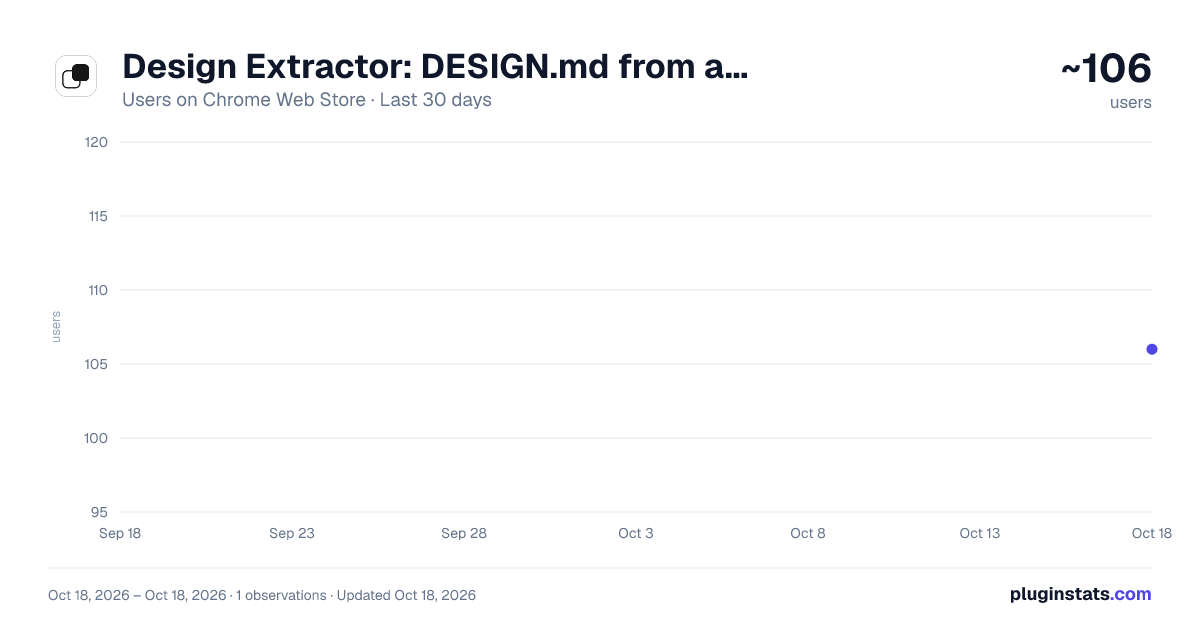
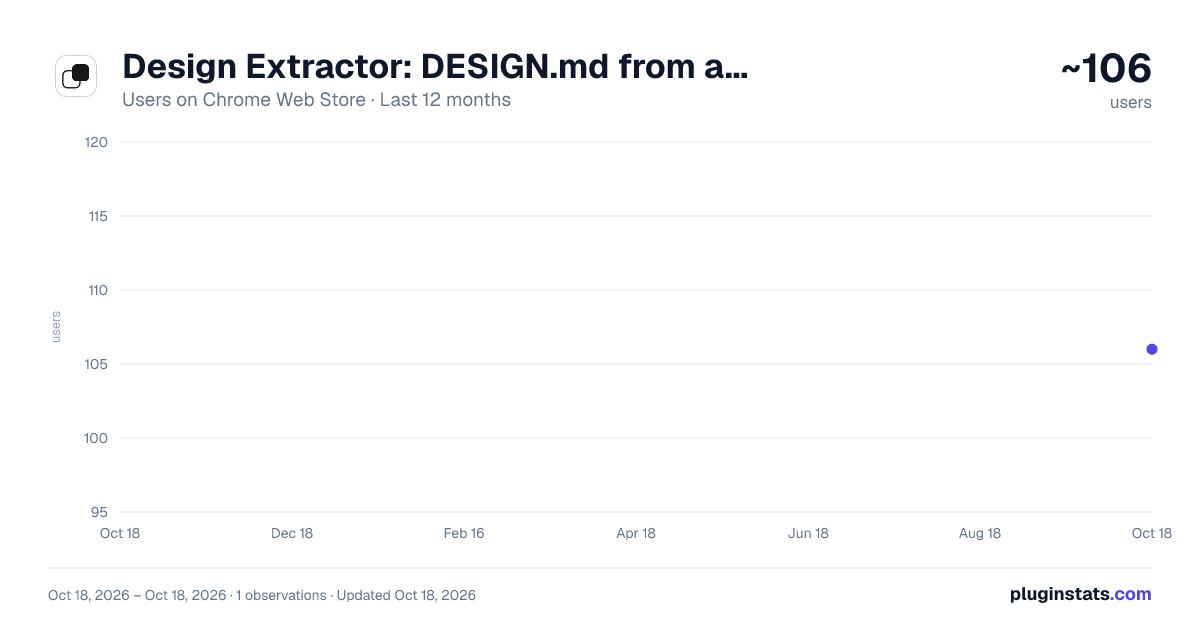
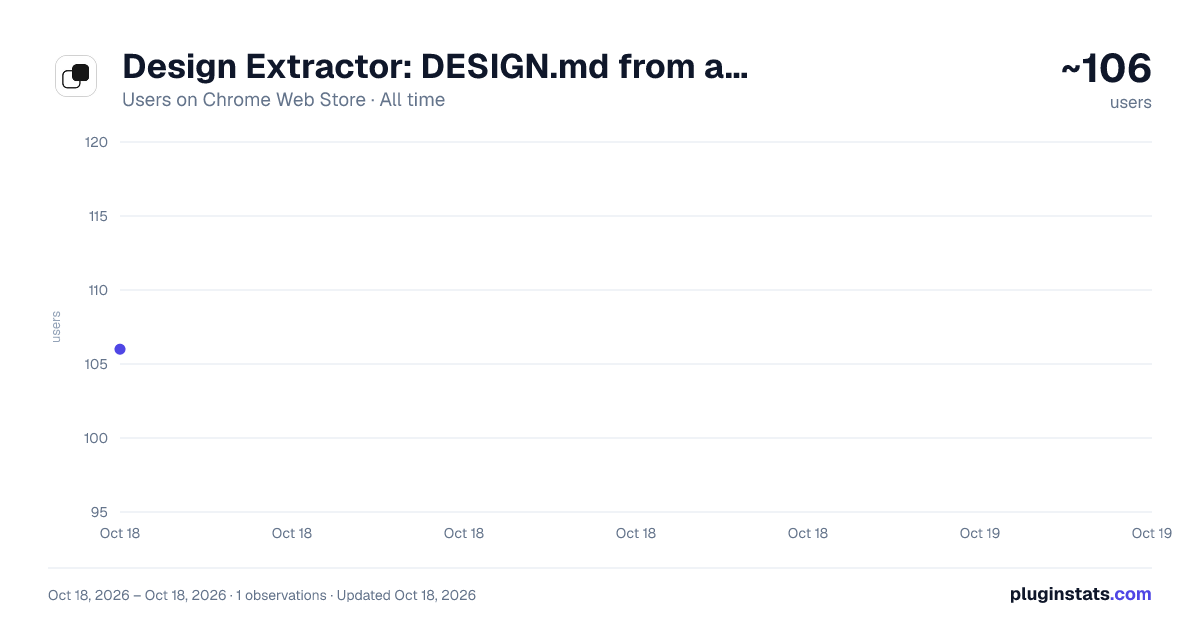
Design Extractor: DESIGN.md from any website has approximately 106 recorded users on Chrome Web Store.
It ranks #1994 of 2,033 tracked Chrome Web Store listings by users.
It is rated 3.0 out of 5 from 2 ratings.
PluginStats has 1 daily observations since Oct 18, 2026; the latest is from Oct 18, 2026.
Rating: 3.00 / 5 from 2 ratings
About Design Extractor: DESIGN.md from any website
DESIGN.md extension for Chrome: get a DESIGN.md from the page you are on, with design tokens for Claude Code, Cursor and Copilot.
Design Extractor is a DESIGN.md generator for Chrome. It turns the public web page in your current tab into a DESIGN.md: a design system document with design tokens for colors, typography, spacing, shapes, elevation and components, plus markdown guidance that AI coding agents such as Claude Code, Cursor and GitHub Copilot read to generate consistent UI. Open the popup, pick Lite or Pro, click Extract this page, and the finished DESIGN.md opens on design-extractor.com in your account, ready to drop into your repo.
What you get
- Colors, typography, spacing, shapes, elevation and components, as YAML tokens plus a markdown body that explains how to apply them. - Lite extracts the page you are on. Pro samples the site's key pages. - The same credits, the same result and the same price as on the site.
How it works with your account
- No separate login. The extension reuses the session you signed in with on design-extractor.com. - The popup shows your credit balance and refreshes it as you go. - Signing out in the popup signs you out of the site as well.
What it does not do
- It never reads the content of the page. It sends the address of your current tab and the tier you picked to design-extractor.com when you click Extract, nothing before and nothing else. The tab's title stays on your device and only labels the run in the popup. - It does not run in the background on the pages you visit, and it has no access to pages other than the one you extract. - It contains no analytics and calls no third-party services.
Current limits
- The page has to be public. Our servers capture it, so pages behind a login, on localhost or on a private network are not supported yet. - Editing, downloading and sharing the result happen on the site, not in the popup. - Chrome only for now.
Privacy policy: https://www.design-extractor.com/privacy#extension Documentation: https://www.design-extractor.com/docs/extension
Description from the Chrome Web Store listing.
Charts
Images: 30d · 1y · all time · 1600×900 dark
Adoption over time
7/30/90-day growth
Ranking history
Ratings over time
Listing placement
Filled points are observed values; hollow points come from Internet Archive snapshots of the listing page. Dashed segments span periods with no observations — values between points are not interpolated.
Each band is one page of 20. Users on a log scale. Placement is projected from users, so it can differ from the marketplace's own sort order. Hover a dot to see the listing.
Recent observations
Full history (1)Similar Chrome Web Store Developer Tools plugins
All 20 Design Extractor: DESIGN.md from any website alternatives




Data source
Covers every Chrome Web Store extension with at least 100 users, found through the store's public sitemap. User counts are read from public listing pages. The 10% most-used extensions are refreshed daily, the next 40% weekly and the next 40% monthly; the least-used 10% are not refreshed. Google displays rounded user counts (and caps the display at 10,000,000+), so small changes may not be visible. Rating counts above 1,000 are rounded (e.g. 1.6K).
Listing: https://chromewebstore.google.com/detail/design-extractor-designmd/nabnjgklaghlhdidncoeajhapndacick. First seen Oct 18, 2026; last successful collection Oct 18, 2026. See the methodology.