 PluginStats
Playwright Chrome Recorder users statistics
By andrewusher00 · Chrome Web Store · Developer Tools
Playwright extension for DevTools that allows you to export tests directly from the Recorder panel.
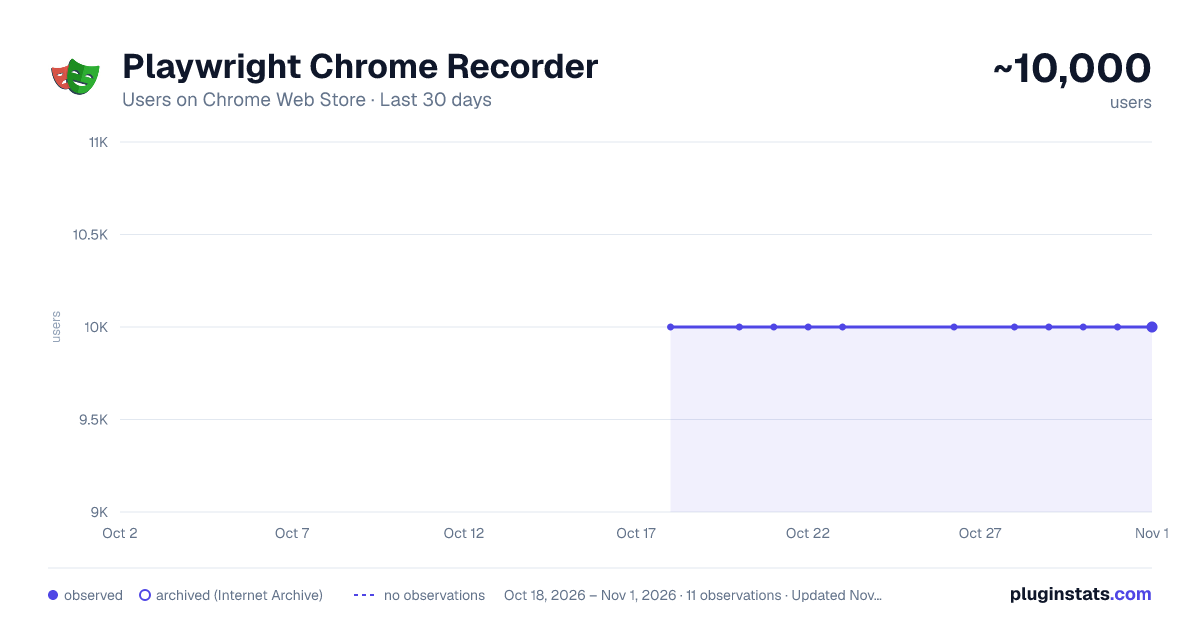
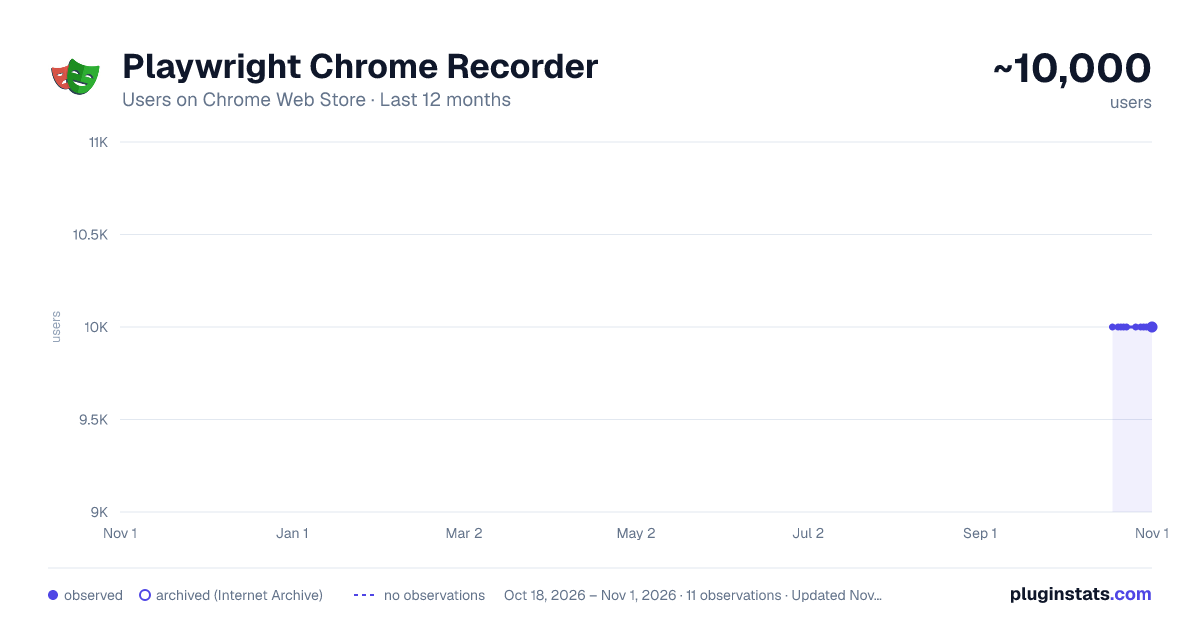
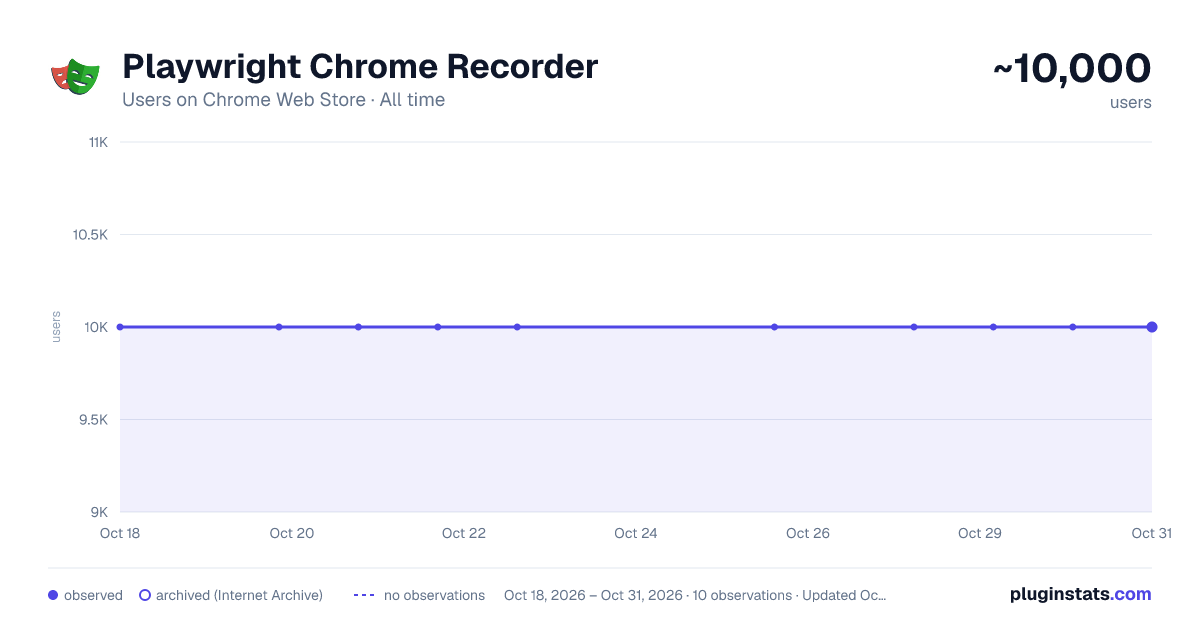
Playwright Chrome Recorder has approximately 10,000 recorded users on Chrome Web Store.
It ranks #212 of 1,556 tracked Chrome Web Store listings by users.
It is rated 2.5 out of 5 from 15 ratings.
PluginStats has 1 daily observations since Oct 18, 2026; the latest is from Oct 18, 2026.
Rating: 2.50 / 5 from 15 ratings
About Playwright Chrome Recorder
Playwright extension for DevTools that allows you to export tests directly from the Recorder panel.
Records a user session and generates Playwright code for automation and testing purposes. Playwright Recorder
Playwright Recorder is a developer tool that records user interaction within a web application and generates Playwright scripts to allow the developer to replicate that particular session. This will speed up your development cycle by facilitating the creation of unit and integration tests.
Getting Started Click 'Add to Chrome'. That's it! Once you see our icon at the upper-right of your browser window, you are ready to start generating Playwright scripts.
Features This extension will allow you to: * Record clicks, typing, submits, and navigation in the browser. * See the scripts render live as they are generated. * Delete accidental actions. * Reorder actions as necessary. * Pause and resume recording within a single session. * Record navigation within a domain. * Copy the generated code to your clipboard.
Usage * Open the extension and click 'Start Recording' to begin recording actions. * Click links, submit forms, etc. * Check your saved actions by opening the popup at any time. * Click 'Stop Recording' to stop recording. From there, you will have the option to resume recording, reset, or copy your generated code to your clipboard. * You can also use keyboard shortcuts: On Macs: - ctrl + R to start and stop recording - ctrl + G to reset On PCs and Linux: - alt + R to start and stop recording - alt + G to reset
Description from the Chrome Web Store listing.
Where Playwright Chrome Recorder sits in the listing
Each band is one page of 20. Users on a log scale. Placement is projected from users, so it can differ from the marketplace's own sort order. Hover a dot to see the listing.
Charts
Images: 30d · 1y · all time · 1600×900 dark
Adoption over time
7/30/90-day growth
Ranking history
Filled points are observed values; hollow points come from Internet Archive snapshots of the listing page. Dashed segments span periods with no observations — values between points are not interpolated.
Recent observations
Full history (1)Similar Chrome Web Store Developer Tools plugins




Data source
User counts are read from public Chrome Web Store listing pages. Google displays rounded user counts (and caps the display at 10,000,000+), so small changes may not be visible. Rating counts above 1,000 are rounded (e.g. 1.6K).
Listing: https://chromewebstore.google.com/detail/playwright-chrome-recorde/bfnbgoehgplaehdceponclakmhlgjlpd. First seen Oct 18, 2026; last successful collection Oct 18, 2026. See the methodology.