 PluginStats
Screendesk - Screen Recorder users statistics
Chrome Web Store · Communication
Record your screen with audio and webcam, capture screenshots and instant replays, and share through Screendesk.
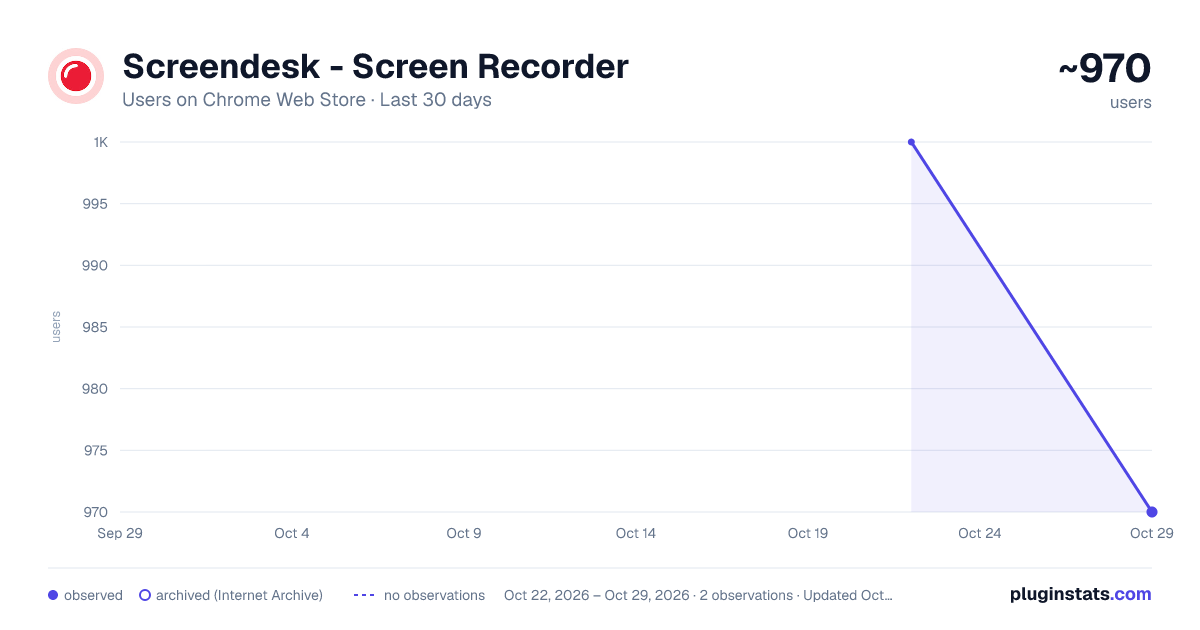
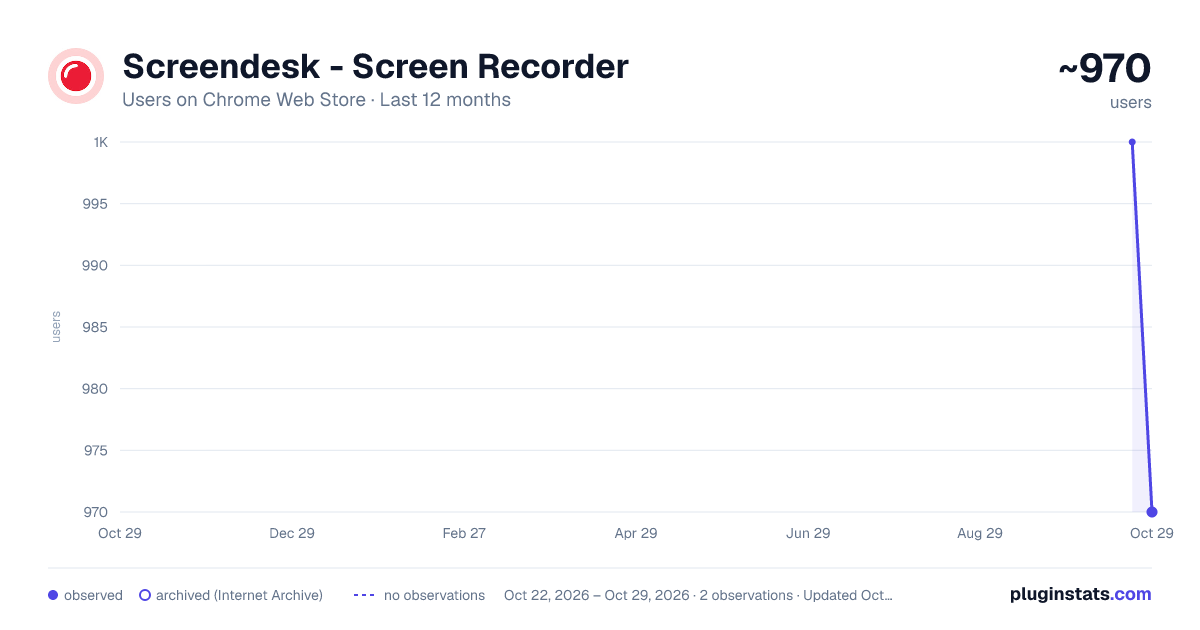
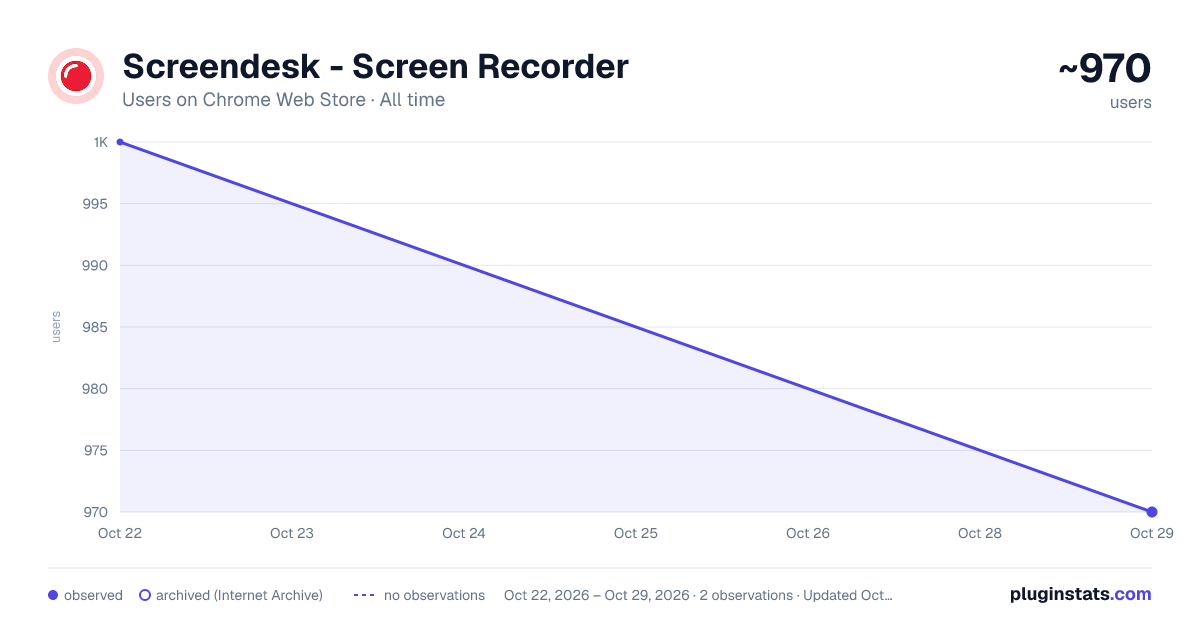
Screendesk - Screen Recorder has approximately 1,000 recorded users on Chrome Web Store, ranking #1266 of 3,404 tracked listings.
Rating: 4.30 / 5 from 6 ratings
About Screendesk - Screen Recorder
Record your screen with audio and webcam, capture screenshots and instant replays, and share through Screendesk.
Record your screen, capture a screenshot, or save an instant replay, then review and share it through Screendesk.
Screendesk helps support teams and customers explain what they see, demonstrate a solution, and share clear visual context without a live call. Sign in to your Screendesk account to save captures to your workspace.
SCREEN RECORDING Choose a browser tab, application window, or your entire screen. Use an optional microphone and webcam preview, pause and resume, and review or trim the recording before saving. The saved video contains the selected capture surface. A webcam appears in the recording when its preview is visible within that surface.
SCREENSHOTS Capture a page and use the editing tools to annotate the image or hide sensitive areas before sharing.
INSTANT REPLAY Save the last two minutes of activity on an enabled website. Manage the sites where Instant Replay is enabled from the extension settings.
REVIEW AND SHARE Review captures before uploading, organize them with folders, labels, and assignees, and copy their Screendesk links. Keep unfinished captures as drafts and return to them later.
TECHNICAL CONTEXT Captures can include console logs, network activity, and page interactions to help your team understand what happened. Inspect the available context in the built-in viewer before saving.
REQUEST A RECORDING Copy a recording request link for a customer or teammate, with supported helpdesk context when available.
GET STARTED
- Install the extension and pin it in Chrome.
- Sign in to your Screendesk account.
- Choose Record, Screenshot, or Instant Replay.
- Review your capture, save it, and share the link.
Camera and microphone access are requested when you enable those devices. Screen capture uses Chrome's capture controls. Review your content and sharing settings before sending a capture to someone else.
This update brings recording, screenshots, and Instant Replay together in the existing Screendesk Screen Recorder extension. Existing users may need to sign in again after upgrading.
Help: https://docs.screendesk.io Contact: https://screendesk.io/contact-us
Description from the Chrome Web Store listing.
README badge
Show your rank in a README or on your website. The badge updates automatically.
Charts
Images: 30d · 1y · all time · 1600×900 dark
Adoption over time
7/30/90-day growth
Ranking history
Ratings over time
Listing placement
Listing placement
Filled points are observed values; hollow points come from Internet Archive snapshots of the listing page. Dashed segments span periods with no observations — values between points are not interpolated.
Each band is one page of 20. Users on a linear scale. Placement is projected from users, so it can differ from the marketplace's own sort order. Hover a dot to see the listing.
Recent observations
Full history (1)Similar Chrome Web Store Communication plugins
All 20 Screendesk - Screen Recorder alternatives



Data source
Covers every Chrome Web Store extension with at least 100 users, found through the store's public sitemap. User counts are read from public listing pages. The 10% most-used extensions are refreshed daily, the next 40% weekly and the next 40% monthly; the least-used 10% are not refreshed. Google displays rounded user counts (and caps the display at 10,000,000+), so small changes may not be visible. Rating counts above 1,000 are rounded (e.g. 1.6K).
Listing: https://chromewebstore.google.com/detail/screendesk-screen-recorde/ahlekhjogfceepmgfhpbombbepcgjcao. First seen Oct 22, 2026; last successful collection Oct 22, 2026. See the methodology.