 PluginStats
7Frames - AI Screen Recorder for Product Videos, Guides & SOPs users statistics
Chrome Web Store · Communication
Capture, annotate and share screenshots, record your screen, create bug reports, and make guides from recordings in 7Frames Cloud.
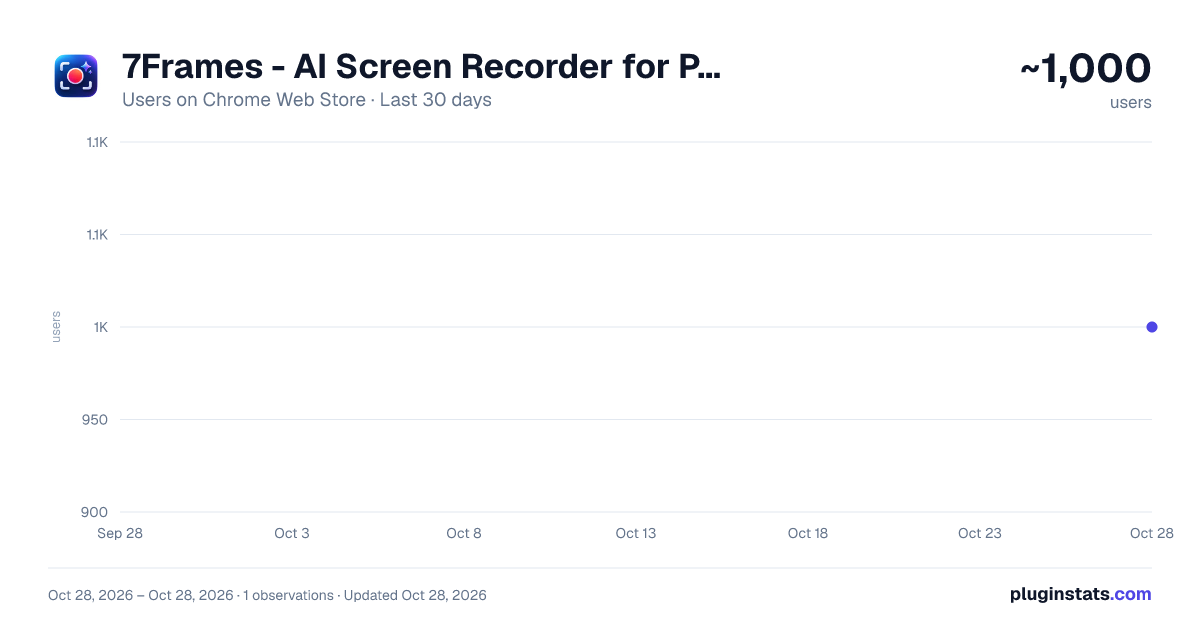
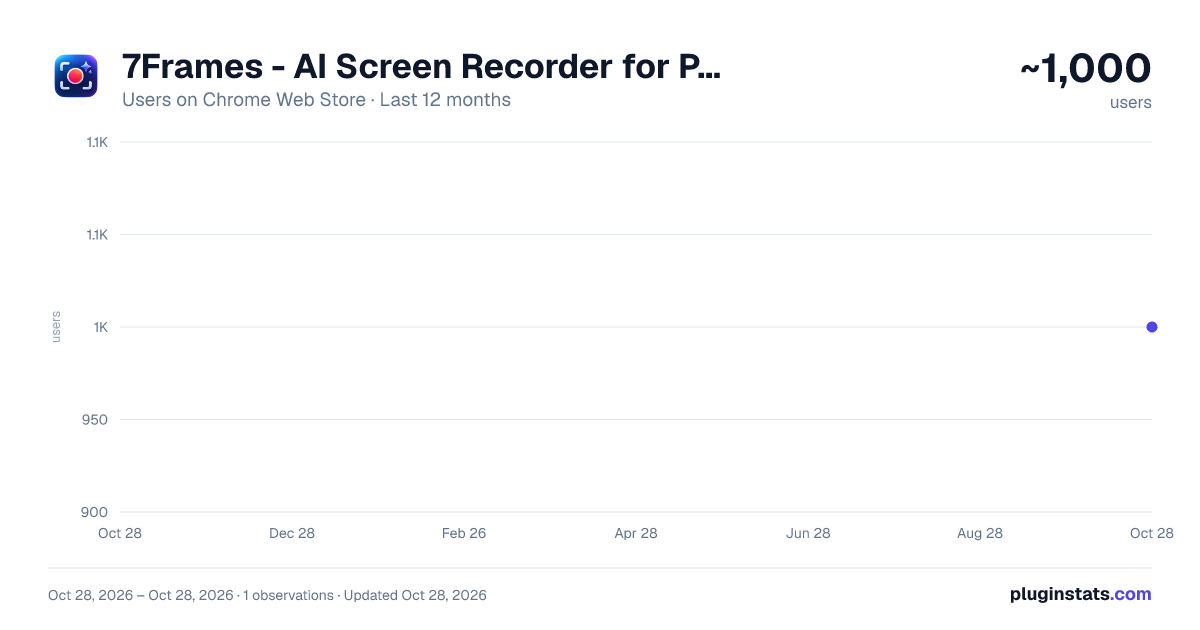
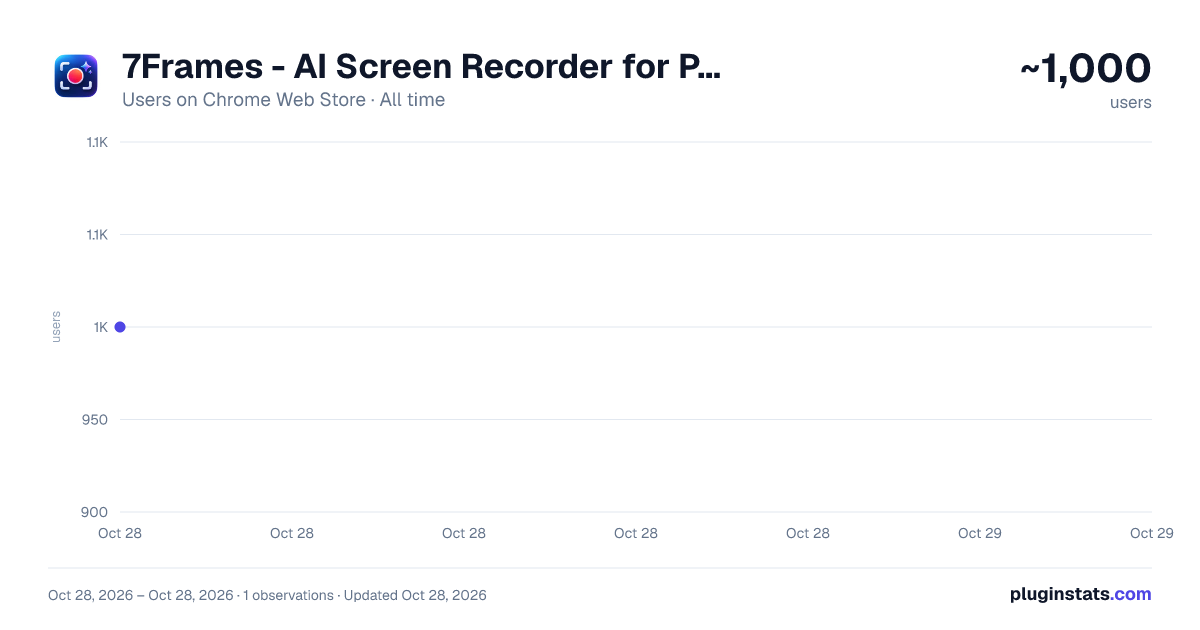
7Frames - AI Screen Recorder for Product Videos, Guides & SOPs has approximately 1,000 recorded users on Chrome Web Store, ranking #1780 of 4,880 tracked listings.
Rating: 5.00 / 5 from 2 ratings
About 7Frames - AI Screen Recorder for Product Videos, Guides & SOPs
Capture, annotate and share screenshots, record your screen, create bug reports, and make guides from recordings in 7Frames Cloud.
Show the exact moment, action and result instead of writing long explanations.
7Frames AI lets you capture what is happening on your screen, explain it clearly and share it with the people who need it.
One capture, several outcomes. Use the same screenshot or recording as an annotated image, a walkthrough, a bug report for developers, or a step-by-step guide.
CAPTURE WHAT MATTERS
- Save the visible area, a selected region or a whole webpage.
- Join a scrolling section on supported pages into one image.
- Pick the mode that fits without leaving the page you are on.
EXPLAIN WITH CONTEXT
- Add arrows, text, shapes, highlights and numbered markers.
- Crop out what is not needed.
- Blur sensitive details before you send anything.
WALKTHROUGH VIDEOS
- Record a browser tab, an application window or the whole screen.
- Add microphone narration and a camera overlay.
- Pause and resume without starting over.
BUG REPORTS
- Put visual evidence and reproduction details in one report.
- Add optional technical context, such as console and network information that you choose.
- Review and edit the report before you export it.
WRITTEN GUIDES
- In 7Frames Cloud, turn an uploaded recording into written instructions with matching images.
- Edit the wording and images before you publish.
SHARING
- Upload what you choose and send one link, with an expiry date you can revoke.
- Or export a file when a link is not needed.
- Everything you save is organised in your personal library.
PRIVATE BY DEFAULT Screenshots and recordings stay on your device unless you choose to upload them. Cloud sharing requires sign-in, and some AI, cloud and advanced features depend on your plan.
Privacy policy: https://7frames.ai/privacy
Description from the Chrome Web Store listing.
README badge
Show your rank in a README or on your website. The badge updates automatically.
Charts
Images: 30d · 1y · all time · 1600×900 dark
Adoption over time
7/30/90-day growth
Ranking history
Ratings over time
Listing placement
Listing placement
Filled points are observed values; hollow points come from Internet Archive snapshots of the listing page. Dashed segments span periods with no observations — values between points are not interpolated.
Each band is one page of 20. Users on a linear scale. Placement is projected from users, so it can differ from the marketplace's own sort order. Hover a dot to see the listing.
Recent observations
Full history (1)Similar Chrome Web Store Communication plugins
All 20 7Frames - AI Screen Recorder for Product Videos, Guides & SOPs alternatives



Data source
Covers every Chrome Web Store extension with at least 100 users, found through the store's public sitemap. User counts are read from public listing pages. The 10% most-used extensions are refreshed daily, the next 40% weekly and the next 40% monthly; the least-used 10% are not refreshed. Google displays rounded user counts (and caps the display at 10,000,000+), so small changes may not be visible. Rating counts above 1,000 are rounded (e.g. 1.6K).
Listing: https://chromewebstore.google.com/detail/7frames-ai/nmmcmdlgfajeneflhhlolegmgkofencl. First seen Oct 28, 2026; last successful collection Oct 28, 2026. See the methodology.