 PluginStats
Request Pipeline users statistics
Chrome Web Store · Developer Tools
This is an extension that forwards web interface request information to a specified server
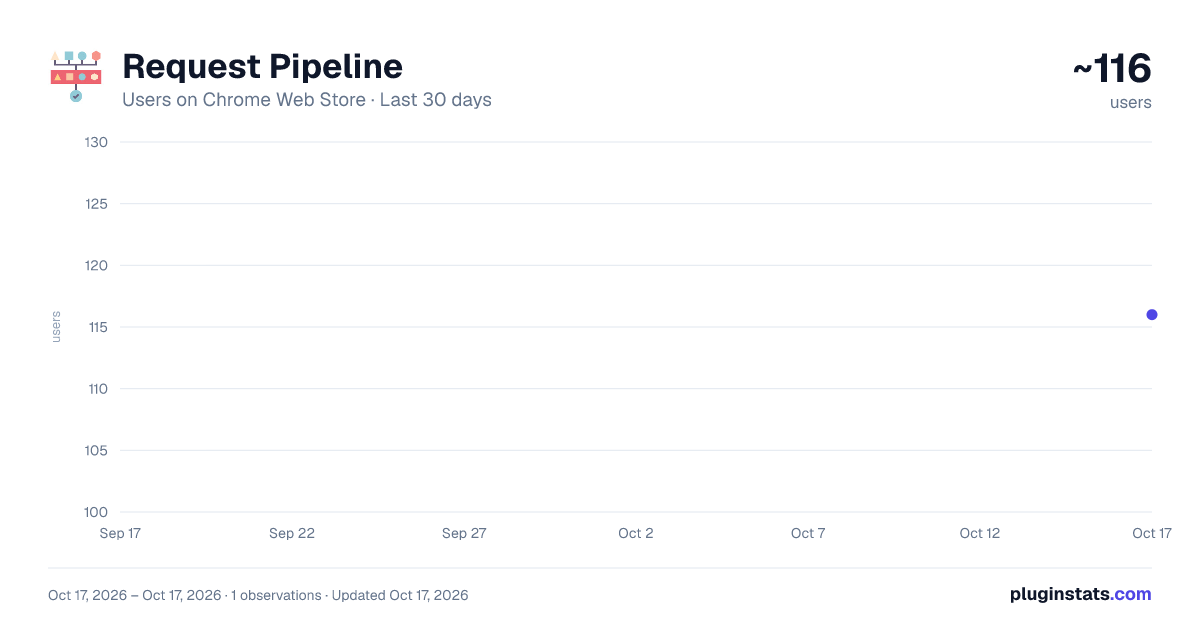
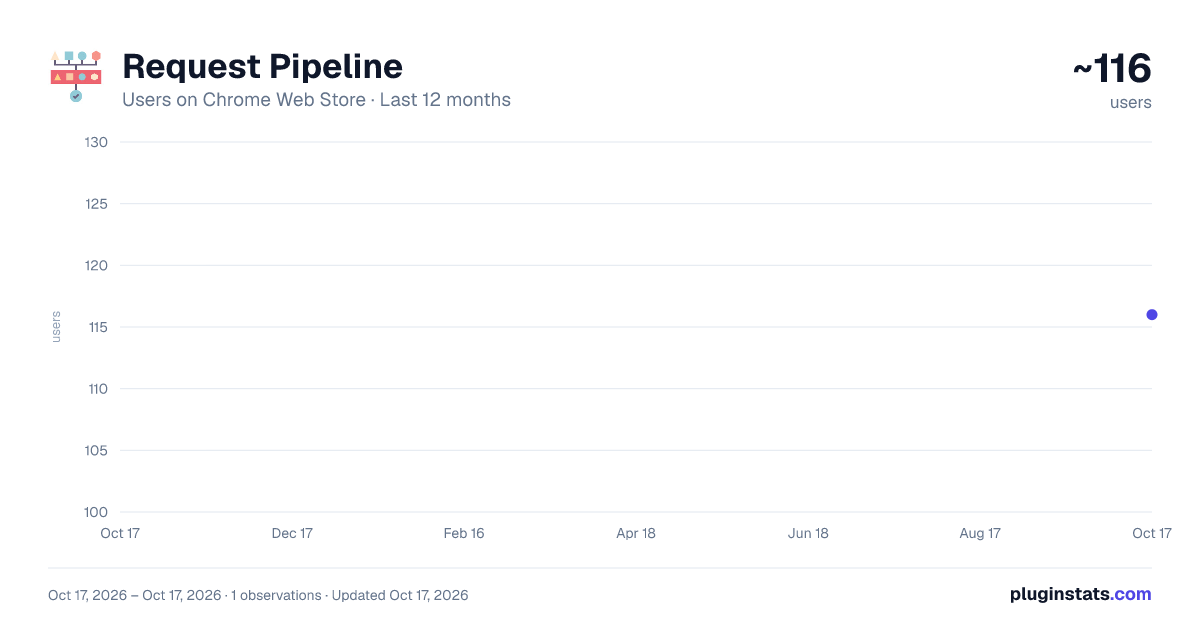
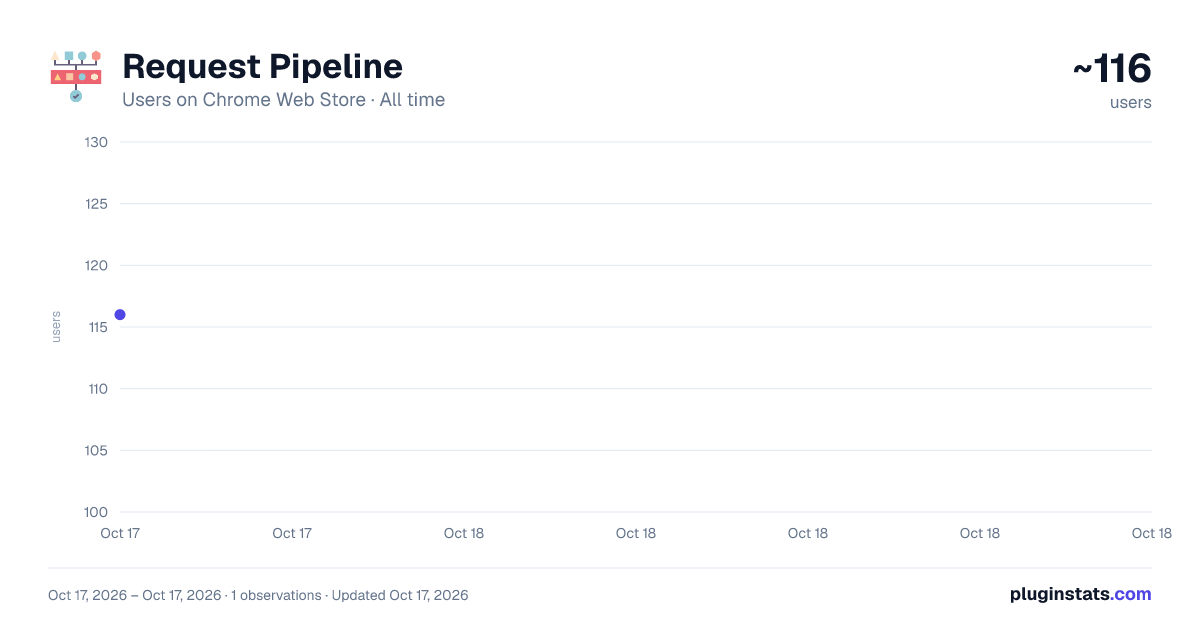
Request Pipeline has approximately 116 recorded users on Chrome Web Store.
It ranks #1472 of 1,556 tracked Chrome Web Store listings by users.
It is rated 3.0 out of 5 from 2 ratings.
PluginStats has 1 daily observations since Oct 17, 2026; the latest is from Oct 17, 2026.
Rating: 3.00 / 5 from 2 ratings
About Request Pipeline
This is an extension that forwards web interface request information to a specified server
This is a chrome extension that forwards the content of network requests on web pages to the processing server.This extension can better help development engineers or test engineers understand the specifics of interface requests and responses in web pages.
The main reason this tool uses the chrome extension as a development platform is that you don't have to use a development tool to simulate the entire workflow of the site (for example, you need to log in when getting some data). With this plugin you just need to visit the page you want to get the web request in the explorer normally, then open this plugin and you can get the data you need.
How to use
1. Clicking on the extension will bring up the popup page for this extension. If you don't see this extension in the extension bar, you need to click on the extension icon (like a puzzle icon) and then find this extension and click on it.
It is highly recommended that you fix this extension in the extension bar to make it easier to use later (just click on the extension icon and find it in the list and click on the pin button next to it). 2. This extension has only two actionable options. Server Address means which processor you want to send the captured request data to. Select Tabs means the tab you want to capture the request. When you select the corresponding tab, chrome will pop up a "Request Pipeline started debugging this browser" reminder, in Do not press Cancel during the capture request.
3. When you want to stop capturing requests, click the Cancel button on the banner.
For more content, please move to https://github.com/GanymedeNil/request-pipeline
Description from the Chrome Web Store listing.
Where Request Pipeline sits in the listing
Each band is one page of 20. Users on a log scale. Placement is projected from users, so it can differ from the marketplace's own sort order. Hover a dot to see the listing.
Charts
Images: 30d · 1y · all time · 1600×900 dark
Adoption over time
7/30/90-day growth
Ranking history
Filled points are observed values; hollow points come from Internet Archive snapshots of the listing page. Dashed segments span periods with no observations — values between points are not interpolated.
Recent observations
Full history (1)Similar Chrome Web Store Developer Tools plugins




Data source
User counts are read from public Chrome Web Store listing pages. Google displays rounded user counts (and caps the display at 10,000,000+), so small changes may not be visible. Rating counts above 1,000 are rounded (e.g. 1.6K).
Listing: https://chromewebstore.google.com/detail/request-pipeline/kkaplobblnfnadlodpgdehhieofppead. First seen Oct 17, 2026; last successful collection Oct 17, 2026. See the methodology.