 PluginStats
Security Headers users statistics
Chrome Web Store · Developer Tools
Security headers checker with letter grade, severity levels, batch scan, site compare, fix snippets, and shareable report card.
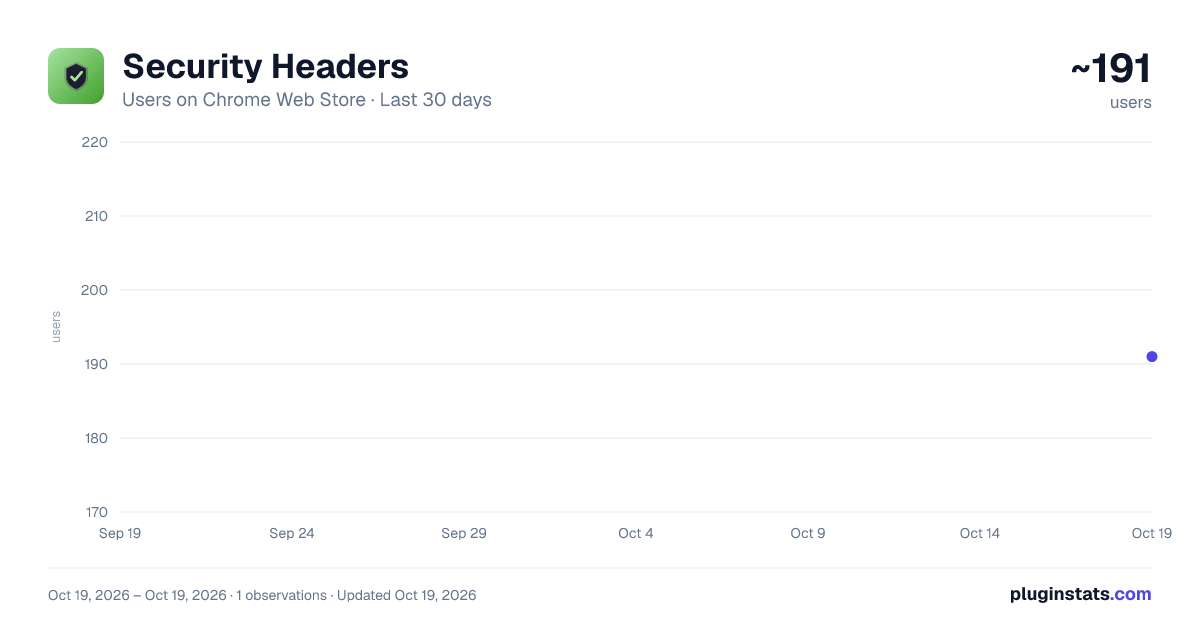
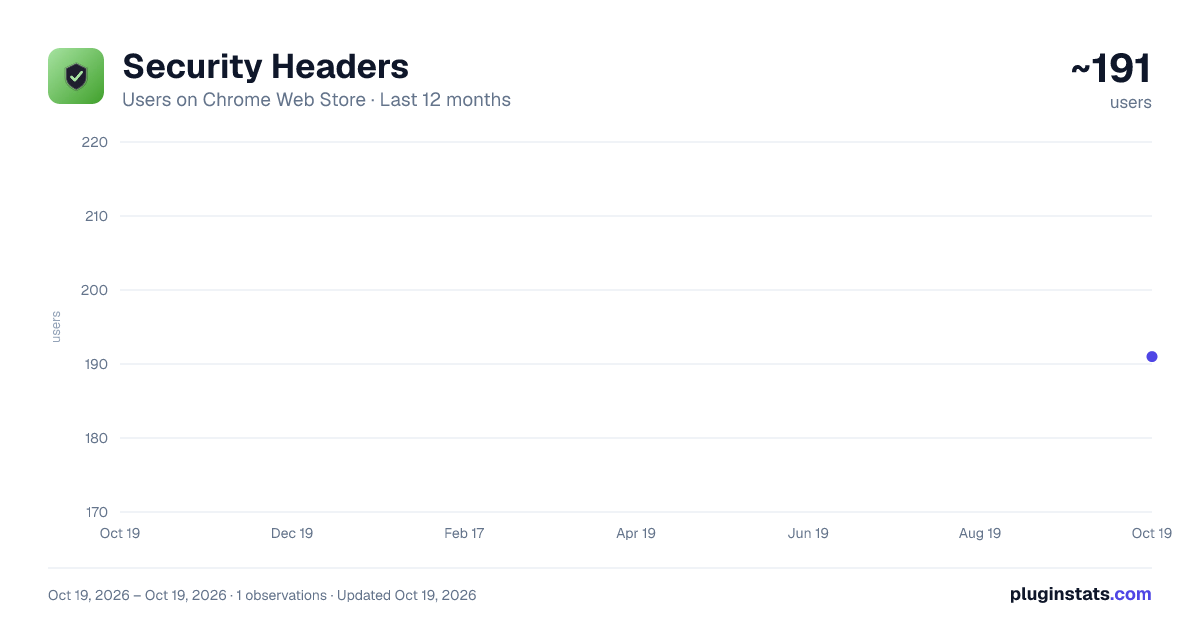
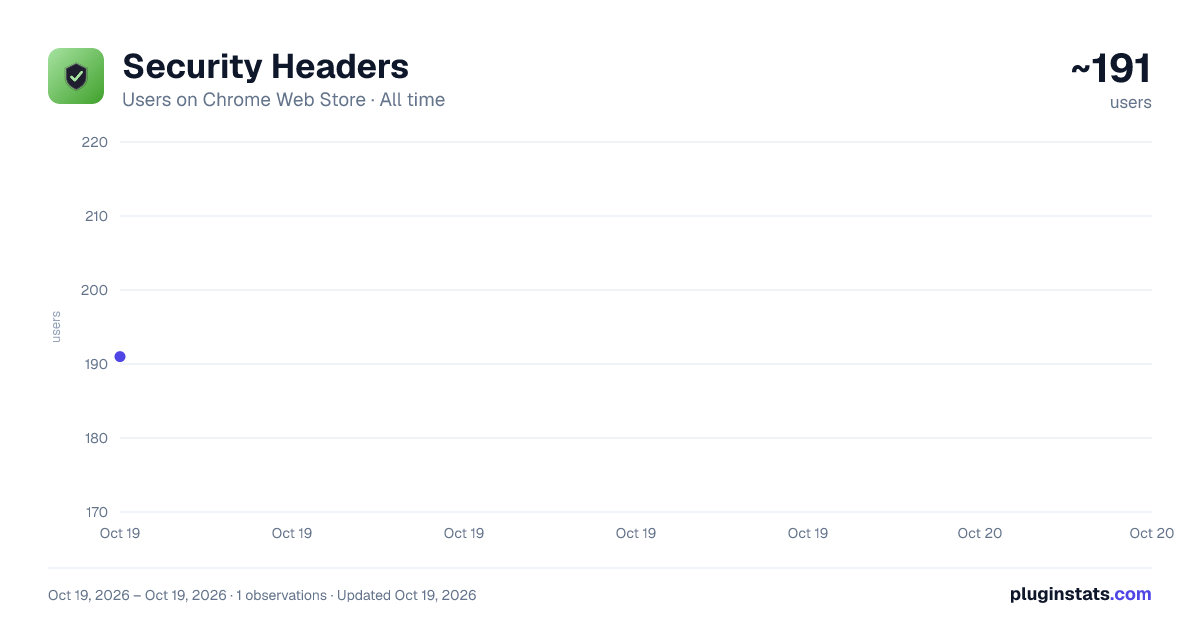
Security Headers has approximately 191 recorded users on Chrome Web Store.
It ranks #1552 of 2,033 tracked Chrome Web Store listings by users.
PluginStats has 1 daily observations since Oct 19, 2026; the latest is from Oct 19, 2026.
About Security Headers
Security headers checker with letter grade, severity levels, batch scan, site compare, fix snippets, and shareable report card.
Security Headers is a fast, privacy-first Chrome extension that inspects the HTTP response headers on any website and gives you an instant letter grade. v1.3.0 fixes three grading accuracy bugs and adds a 58-test regression suite — making it the most accurate header checker in the marketplace.
HOW IT WORKS: 1. Open any website 2. Click the extension icon 3. Hit "Scan This Page" — get an instant letter grade (A+ to F) 4. Expand any header for a deep dive: what attack it prevents, a real-world breach example, and a ready-to-paste fix snippet for Nginx, Apache, Express, or Cloudflare
WHAT'S NEW IN v1.3.0:
CSP Evaluator Tightened — Either 'unsafe-inline' OR 'unsafe-eval' alone now correctly flags as weak (previously required both keywords to appear). Aligns with Mozilla Observatory and securityheaders.com baselines. Most sites with React/Vue/Tailwind defaults will see a more accurate CSP score.
Referrer-Policy Bug Fix — Permissive values like 'origin' and 'no-referrer-when-downgrade' now correctly show as weak. Previously these were incorrectly marked as good, hiding real referrer-leakage risk.
Permissions-Policy Parser — Replaced the length-based heuristic with a real parser. Wildcard directives like 'camera=*' now correctly flag as weak. Strict policies like 'camera=()' correctly show as good.
58-Test Regression Suite — Every evaluator now has unit tests so future updates can't silently break what's working.
Some sites may see grade adjustments — these are corrections to previously-misreported scores, not changes in your security posture.
CORE FEATURES: - Checks 10 critical HTTP security headers - Instant letter grade with color-coded results - Expandable per-header detail with attack examples and real-world breach references - Per-framework fix snippets (Nginx, Apache, Express, Cloudflare) - Critical / Important / Optional severity classification - Batch-scan any number of URLs with CSV export - Side-by-side site compare - Share report as PNG image - Scan history (last 50 scans) - Extension badge shows the letter grade at a glance - 100% local — no data leaves your browser
HEADERS CHECKED: - Content-Security-Policy (XSS, injection, clickjacking) - Strict-Transport-Security (protocol downgrade attacks) - X-Frame-Options (clickjacking) - X-Content-Type-Options (MIME sniffing) - Referrer-Policy (referrer leakage) - Permissions-Policy (unauthorized feature access) - Cross-Origin-Opener-Policy (cross-origin isolation) - Cross-Origin-Resource-Policy (resource read protection) - Cross-Origin-Embedder-Policy (Spectre-class defenses) - X-XSS-Protection (legacy, deprecated)
WHO IT'S FOR: - Web developers auditing their own sites - Security engineers doing quick header reviews - DevOps teams comparing staging and production - Anyone learning what each security header actually does
PRIVACY FIRST: - All scans happen locally in your browser - No data is ever sent to external servers - No accounts, no sign-ups, no tracking - History is stored locally and can be cleared any time
FREE TO USE: Security Headers is completely free with no hidden costs and no ads.
Description from the Chrome Web Store listing.
Where Security Headers sits in the listing
Each band is one page of 20. Users on a log scale. Placement is projected from users, so it can differ from the marketplace's own sort order. Hover a dot to see the listing.
Charts
Images: 30d · 1y · all time · 1600×900 dark
Adoption over time
7/30/90-day growth
Ranking history
Filled points are observed values; hollow points come from Internet Archive snapshots of the listing page. Dashed segments span periods with no observations — values between points are not interpolated.
Recent observations
Full history (1)Similar Chrome Web Store Developer Tools plugins




Data source
User counts are read from public Chrome Web Store listing pages. Google displays rounded user counts (and caps the display at 10,000,000+), so small changes may not be visible. Rating counts above 1,000 are rounded (e.g. 1.6K).
Listing: https://chromewebstore.google.com/detail/security-headers/oahaipcejmlamohcchffgpcnfbidaklj. First seen Oct 19, 2026; last successful collection Oct 19, 2026. See the methodology.