 PluginStats
Kindle Cloud Reader to PDF – Export Kindle Books users statistics
By ExploreMoreWorlds · Chrome Web Store · Education
Export Kindle Cloud Reader books to searchable PDF or PDF + text. Download a whole book, the current page, or a page range.
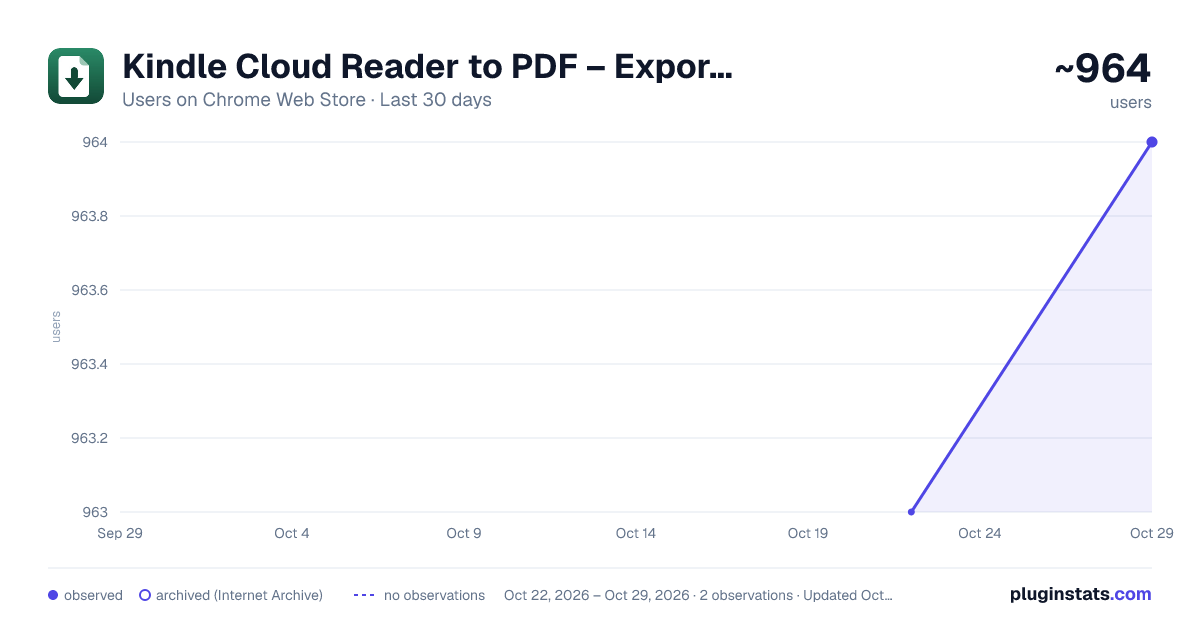
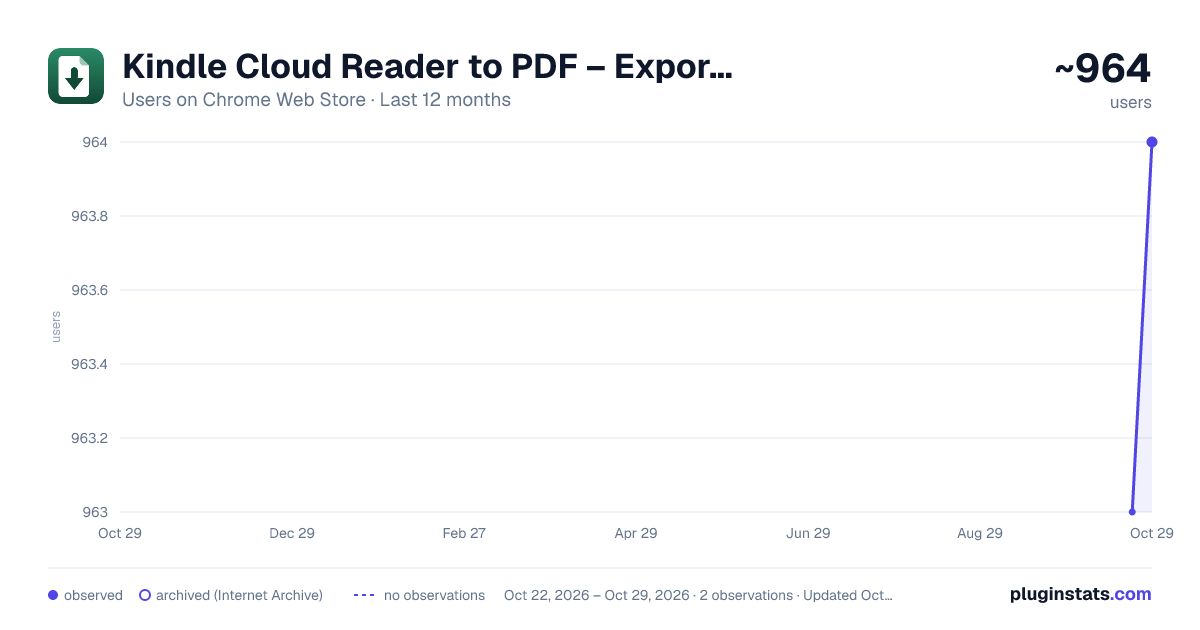
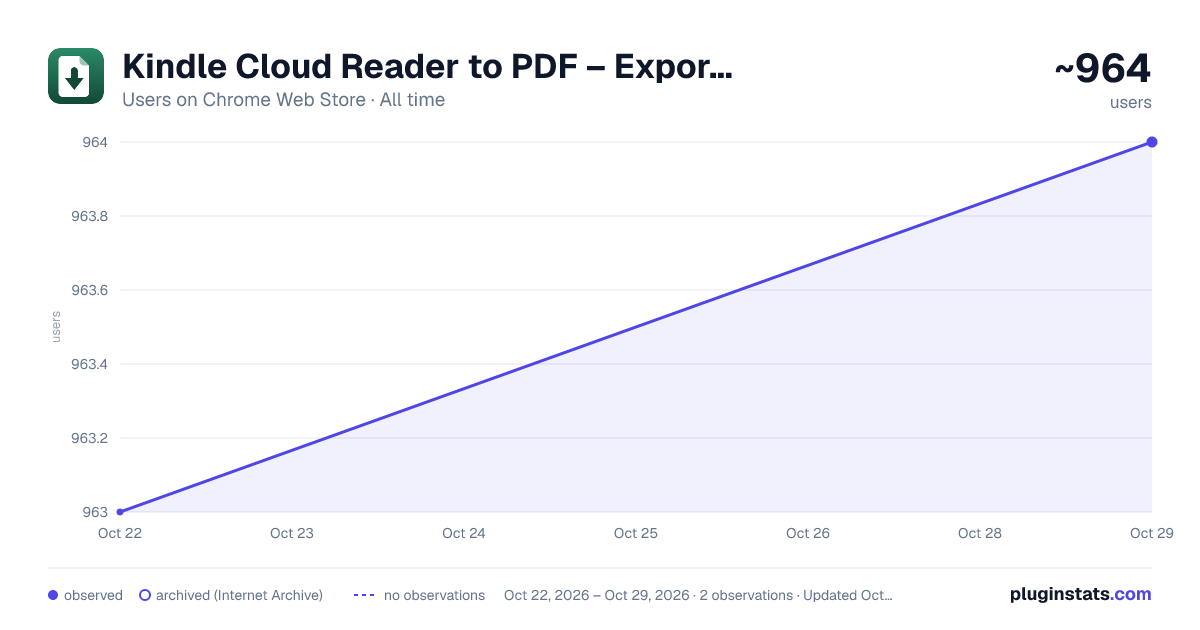
Kindle Cloud Reader to PDF – Export Kindle Books has approximately 963 recorded users on Chrome Web Store, ranking #1293 of 3,404 tracked listings.
Rating: 4.70 / 5 from 24 ratings
About Kindle Cloud Reader to PDF – Export Kindle Books
Export Kindle Cloud Reader books to searchable PDF or PDF + text. Download a whole book, the current page, or a page range.
Kindle Cloud Reader to PDF exports books you are authorized to copy as a visual PDF plus optional UTF-8 text for study, research, and your own AI workflows. Keep a source PDF for reading, annotation, printing, and offline reference; use the text for notes, passage searches, and permitted excerpts in tools such as ChatGPT or Claude.
Choose PDF for a standalone download or PDF + text for one ZIP containing book.pdf, full_text.txt, and manifest.json. The extension does not connect to AI services, upload your exports to them, or generate summaries. You choose how to use permitted text and should check OCR, quotations, and citations against the source. Screenshot OCR is currently optimized for English.
WHAT YOU CAN EXPORT
• Whole book — rewinds to the beginning, including the cover when available, and exports through the final reader spread • This page — just the spread currently on screen • Page range — a selected stretch using the reader's displayed page or location counter
Whole-book export starts at the beginning even when you open it from the middle or end. Current-page export leaves your reading position unchanged. A PDF page contains one captured reader spread, which can include more than one printed page; Kindle page and location numbers do not necessarily match the PDF's page count.
Ranges require a numerical reading position. When Kindle exposes no page or location counter, use whole-book or current-page export instead. A location range includes spreads whose starting location falls within the selected range.
All three are free. There is no account to create, no sign-up, and no payment.
HOW IT WORKS
- Open a book in Kindle Cloud Reader at read.amazon.com
- Click the Kindle Cloud Reader to PDF icon in your Chrome toolbar
- Choose whole book, this page, or a page range
- Leave the output set to PDF, or choose PDF + text (ZIP), then export
The extension shows live capture and render progress. Screenshot exports need Kindle to remain selected in its Chrome window. Switching to another tab in that window pauses capture; return to Kindle within ten minutes to resume. You can work in another Chrome window while Kindle stays selected in the original one. Keep the reader window open and unobscured during capture.
WORKS WHERE CHROME WORKS
Windows, Mac, Linux, and Chromebook. Nothing to install beyond the extension itself, and no desktop software or command-line tools required.
WHAT YOU GET
A PDF that mirrors the reader's page layout, with the surrounding interface trimmed away so you get the page and not the browser. Convert the book you are reading into a file you can move to a tablet, an e-reader, or a backup drive.
PDF + text adds a ZIP containing book.pdf, UTF-8 full_text.txt, and manifest.json. The text comes from the final PDF's searchable layer without a second OCR pass. PDF-page separators preserve reading order; they are not a promise that PDF page numbers match Kindle page or location numbers. Use the text in your own reading, search, or AI workflow subject to the book's usage rights. The extension does not send it to AI services.
Screenshot OCR currently recognizes English. A translated Kindle reader or popup does not change the OCR language. Illustration-only pages can have no extracted text; these are listed as warnings in the manifest. If the whole export has no readable text, choose PDF only instead. PDF remains the default and works when bundle support is unavailable.
LANGUAGE AND REGIONAL SUPPORT
Keep the original book language and visible layout in PDF exports. Book-content checks cover English, German, French, Spanish, Dutch, Portuguese, Japanese and Hindi, including accented text, Japanese artwork and illustrated Hindi pages. The extension does not translate books. Visual PDF support is separate from searchable text and TXT recognition.
The popup is available in eight languages: English, German, French, Spanish, Italian, Dutch, Japanese and Brazilian Portuguese. It follows your supported browser language.
Reader page and location labels are recognized in English, German, French, Spanish, Italian, Portuguese, Dutch, Japanese, Chinese and Korean. Localized navigation and page-settling checks help keep ranges aligned with the reader's displayed positions.
The extension supports 13 Kindle reader marketplace hosts: United States, United Kingdom, Japan, India, Canada, Australia, Germany, France, Spain, Italy, Netherlands, Brazil and Mexico. Interface translations and marketplace access are separate from book-text recognition: screenshot OCR currently recognizes English only. Japanese, Hindi, Arabic and other non-English searchable text or TXT exports are not currently promised.
PRIVACY
PDF and text generation runs through Kindle to PDF's rendering API on Google Cloud. Selected page text or screenshots are transmitted over HTTPS. Multi-part exports and large downloads use private temporary cloud storage. Download links expire after ten minutes; cloud objects become eligible for lifecycle deletion after one day, and deleted objects may remain recoverable for seven more days under the storage soft-delete policy. Link expiry is not immediate content deletion. The extension reads only the Kindle content you choose to export and does not collect your Amazon password. Privacy policy: https://kindletopdf.com/privacy
SCOPE
This extension works with books in your own Amazon library, through the reader interface you already have access to. It does not remove DRM, unlock books you have not purchased, or access anything Amazon has not already shown you.
Questions, bugs, and feature requests: https://www.kindletopdf.com/support
A focused Kindle Cloud Reader Chrome extension for portable PDF and text exports from books you are authorized to use.
Description from the Chrome Web Store listing.
README badge
Show your rank in a README or on your website. The badge updates automatically.
Charts
Images: 30d · 1y · all time · 1600×900 dark
Adoption over time
7/30/90-day growth
Ranking history
Ratings over time
Listing placement
Listing placement
Filled points are observed values; hollow points come from Internet Archive snapshots of the listing page. Dashed segments span periods with no observations — values between points are not interpolated.
Each band is one page of 20. Users on a linear scale. Placement is projected from users, so it can differ from the marketplace's own sort order. Hover a dot to see the listing.
Recent observations
Full history (1)Similar Chrome Web Store Education plugins
All 20 Kindle Cloud Reader to PDF – Export Kindle Books alternatives



Data source
Covers every Chrome Web Store extension with at least 100 users, found through the store's public sitemap. User counts are read from public listing pages. The 10% most-used extensions are refreshed daily, the next 40% weekly and the next 40% monthly; the least-used 10% are not refreshed. Google displays rounded user counts (and caps the display at 10,000,000+), so small changes may not be visible. Rating counts above 1,000 are rounded (e.g. 1.6K).
Listing: https://chromewebstore.google.com/detail/kindle-cloud-reader-to-pd/gbcmjpmjdlgepgapabkjebgodapcdcfb. First seen Oct 22, 2026; last successful collection Oct 22, 2026. See the methodology.