 PluginStats
SafeToOpen Browser Security and Privacy users statistics
Chrome Web Store · Privacy & Security
SafeToOpen browser security and privacy extension.
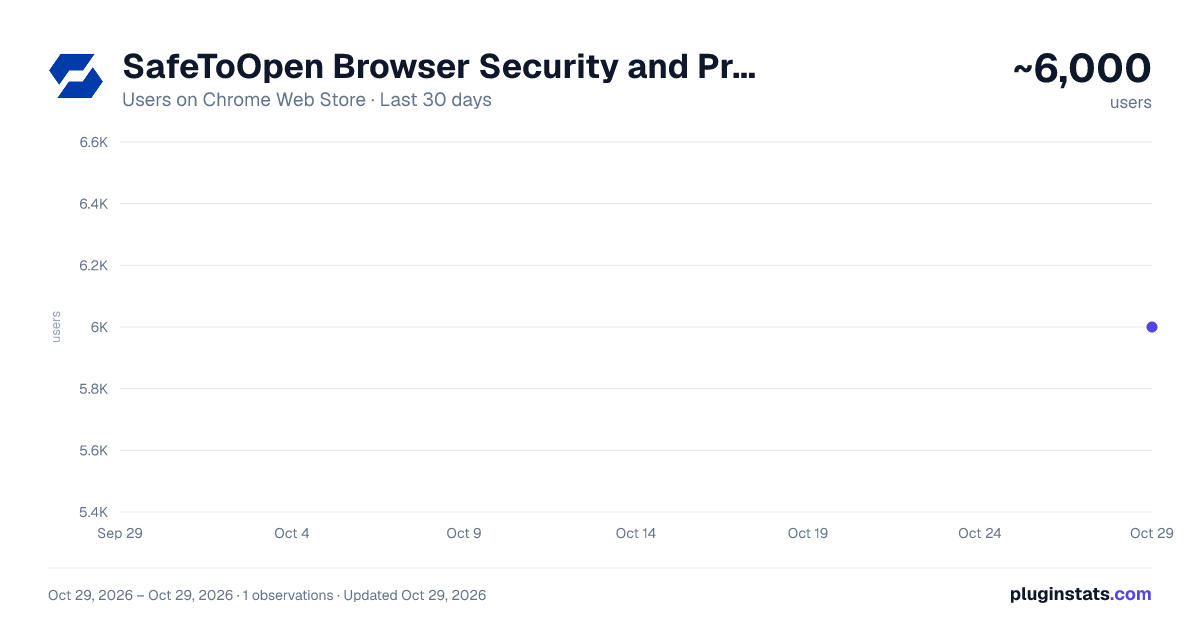
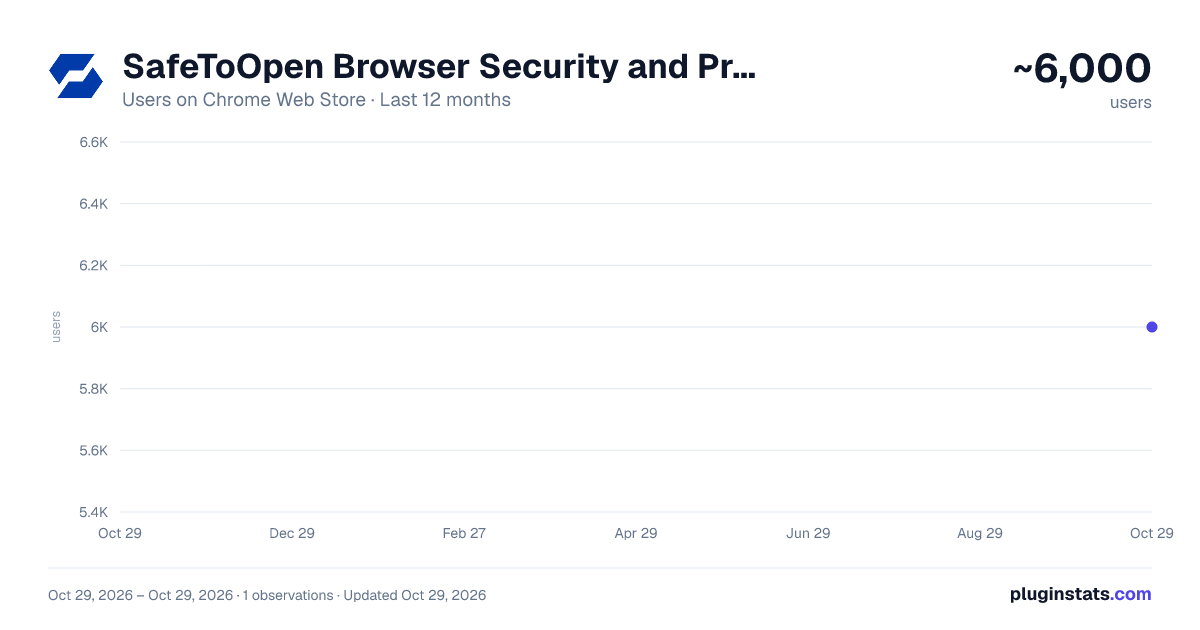
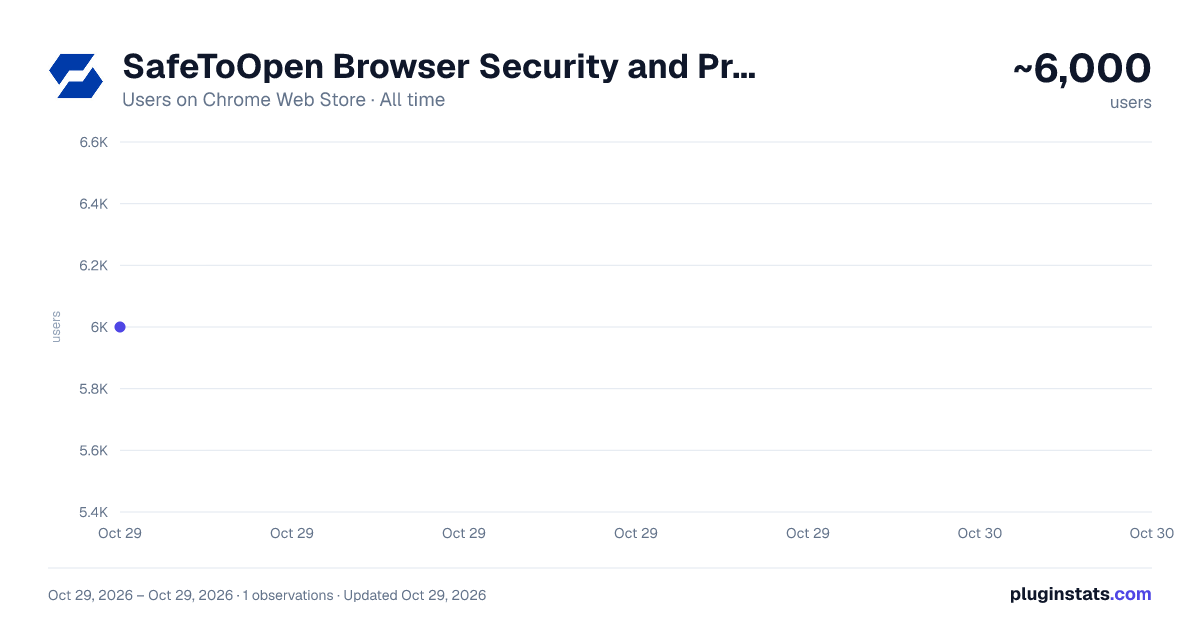
SafeToOpen Browser Security and Privacy has approximately 6,000 recorded users on Chrome Web Store, ranking #846 of 5,223 tracked listings.
Rating: 4.90 / 5 from 43 ratings
About SafeToOpen Browser Security and Privacy
SafeToOpen browser security and privacy extension.
SafeToOpen: Phishing & Scam Protection
Free phishing and scam protection — block fake sites, unsafe links and malicious downloads.
SafeToOpen is an AI-powered browser security extension that protects you from phishing, online scams, fake websites, unsafe links, and malicious downloads. It also checks for risks discovered after your visit, including compromised extensions, exposed email addresses, and previously visited websites later identified as malicious.
INDEPENDENTLY RESEARCHED PHISHING PROTECTION
A 2025 independent university study published in Computer Fraud and Security identified SafeToOpen as the preferred browser extension for phishing detection in its evaluation. Researchers from Mapúa University found that SafeToOpen demonstrated robust phishing detection and highlighted its proactive approach — warning users about suspicious websites and giving them clear actions to stay safe.
Read the independent research: https://computerfraudsecurity.com/index.php/journal/article/view/374
WHY IT CATCHES WHAT OTHERS MISS
Traditional safe browsing relies on lists of websites that have already been reported — but new scam sites can appear and disappear quickly, sometimes before those lists are updated. SafeToOpen also analyzes suspicious pages as they load, so it can help detect a brand-new phishing site on your first visit — before it appears on a conventional blocklist.
PROTECTION BEFORE, DURING, AND AFTER A THREAT
SafeToOpen does more than protect you at the moment you visit a website. It also periodically checks for risks discovered later, helping you understand whether a previous interaction may have exposed you.
WHAT YOU GET
• PHISHING & SCAM DETECTOR Detects fake login pages, impersonation websites, fraudulent online stores, payment scams, and other online threats while you browse.
• FAKE WEBSITE DETECTION Examines page content, branding, logos, login forms, website popularity, and other warning signs to spot sites pretending to be companies you trust.
• CATCHES BRAND-NEW SCAM SITES SafeToOpen identifies phishing and scam websites before they have been reported or added to traditional blocklists.
• LINK CHECKER FOR SEARCH ENGINES AND AI ANSWERS Unsafe links appear in search engines, emails, social media, and AI-generated answers. SafeToOpen shows website safety information — including signals such as website age and popularity — beside supported links, so you can make a safer decision before you click.
• MALICIOUS DOWNLOAD PROTECTION Get warned before downloading files that may contain malware or other dangerous content.
• PASTE GUARD Get warned before pasting passwords, payment card details, or other sensitive information into an untrusted website.
• TRACKER BLOCKING Block third-party trackers for a faster, more private browsing experience.
• PERIODIC SECURITY CHECKUPS SafeToOpen periodically reviews your security exposure and identifies risks that appeared since your last check.
• INSTALLED EXTENSION MONITORING Review your installed browser extensions and get warned if one is later identified as malicious, compromised, or unsafe.
• DATA BREACH MONITORING Periodically check whether the email address registered with SafeToOpen appears in known data breaches, so you can take action when an account may have been exposed.
• PAST WEBSITE EXPOSURE CHECKS A website can look safe on your first visit and turn out to be dangerous days or weeks later. SafeToOpen re-checks the links you visited against newly discovered threats and alerts you if one of them is later flagged — so you know where you were exposed and what to do next.
• CLEAR, EDUCATIONAL WARNINGS SafeToOpen explains why a website or link looks suspicious and what to do next. Instead of a generic warning, it teaches you to recognize phishing, scam, and impersonation techniques so you make safer decisions everywhere online.
HOW SAFETOOPEN DETECTS NEW THREATS
SafeToOpen combines multiple security technologies to assess suspicious websites. VisionAI examines what you can see — branding, logos, login forms, and page content — to identify impersonation. X-Ray examines what you can't — the structure, links, and behavior behind the page. Together they provide a more complete website safety assessment and help identify phishing and scam sites no one has reported yet.
PRIVACY-FIRST SAFE BROWSING
SafeToOpen does not sell your browsing data or use it for advertising. When Security Checkup reviews previously visited links, they are first converted into one-way hashes — so the original URLs are not submitted in readable form.
SafeToOpen works alongside your antivirus, email security, web filtering, and built-in browser protection. It adds an extra layer of protection right where many online scams reach users: inside the browser.
PLANS
FREE • Known phishing, scam, and malware website blocking • Unsafe-link warnings • Malicious download protection • Tracker blocking • Website safety information • Manual Security Checkups
PERSONAL PLUS (14-day free trial) Everything in Free, plus: • VisionAI detection of brand-new (zero-day) phishing sites • X-Ray deeper website analysis • Paste Guard • Email attachment scanning • Automatic Security Checkups • Installed extension monitoring • Data breach monitoring • Past website exposure checks
FAMILY PLUS Advanced browser security for up to five people — protect partners, parents, children, and other family members from phishing and online scams.
BUSINESSES AND SCHOOLS SafeToOpen is also available for businesses, schools, and managed service providers, with central deployment, policy management, security reporting, zero-day phishing detection, and user education.
It works alongside EDR, email security, and web filtering as an additional browser-based protection layer — not a replacement for existing security tools.
WHY PEOPLE CHOOSE SAFETOOPEN…
Description from the Chrome Web Store listing.
README badge
Show your rank in a README or on your website. The badge updates automatically.
Charts
Images: 30d · 1y · all time · 1600×900 dark
Adoption over time
7/30/90-day growth
Ranking history
Ratings over time
Listing placement
Listing placement
Filled points are observed values; hollow points come from Internet Archive snapshots of the listing page. Dashed segments span periods with no observations — values between points are not interpolated.
Each band is one page of 20. Users on a linear scale. Placement is projected from users, so it can differ from the marketplace's own sort order. Hover a dot to see the listing.
Recent observations
Full history (1)Similar Chrome Web Store Privacy & Security plugins
All 20 SafeToOpen Browser Security and Privacy alternatives



Data source
Covers every Chrome Web Store extension with at least 100 users, found through the store's public sitemap. User counts are read from public listing pages. The 10% most-used extensions are refreshed daily, the next 40% weekly and the next 40% monthly; the least-used 10% are not refreshed. Google displays rounded user counts (and caps the display at 10,000,000+), so small changes may not be visible. Rating counts above 1,000 are rounded (e.g. 1.6K).
Listing: https://chromewebstore.google.com/detail/safetoopen-browser-securi/ekfkopmgnijagfmjgcjkbffcnmggekec. First seen Oct 29, 2026; last successful collection Oct 29, 2026. See the methodology.