 PluginStats
YouTube™ on Hover Preview users statistics
By yokris.dev · Chrome Web Store · Workflow & Planning
Watch YouTube videos instantly by hovering your mouse over any YouTube link on a webpage.
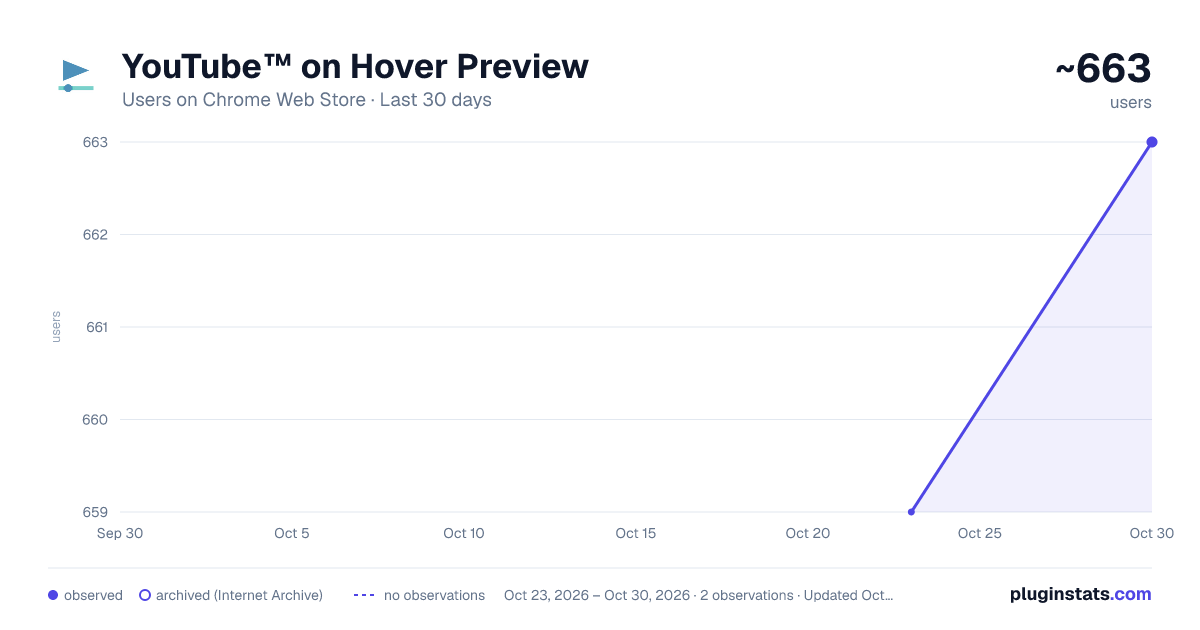
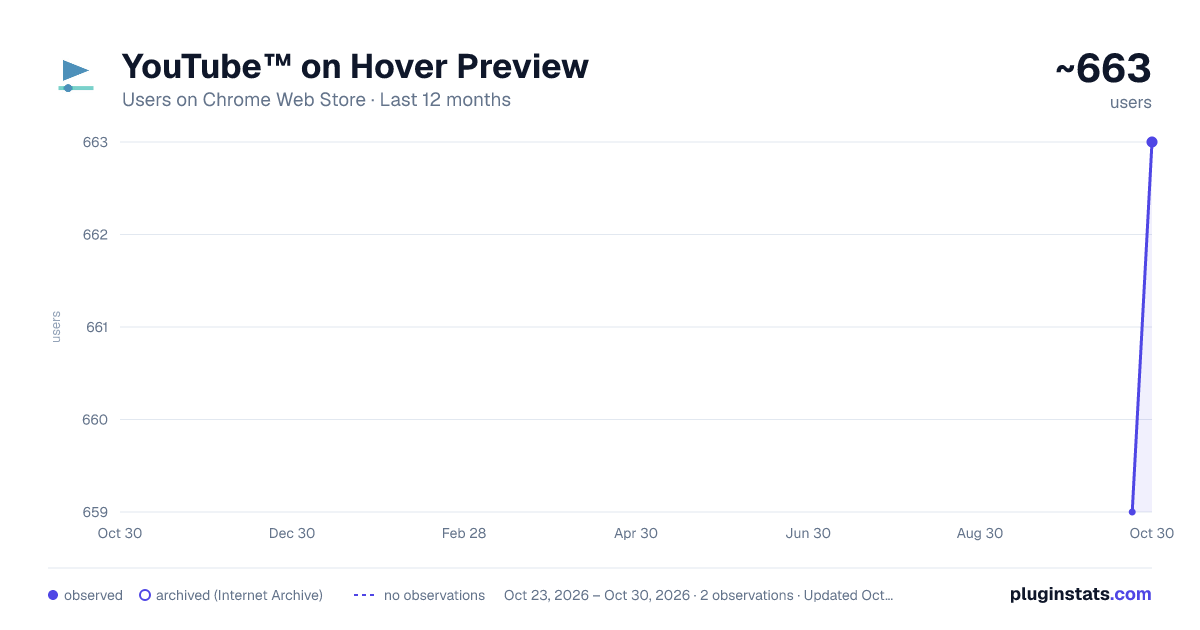
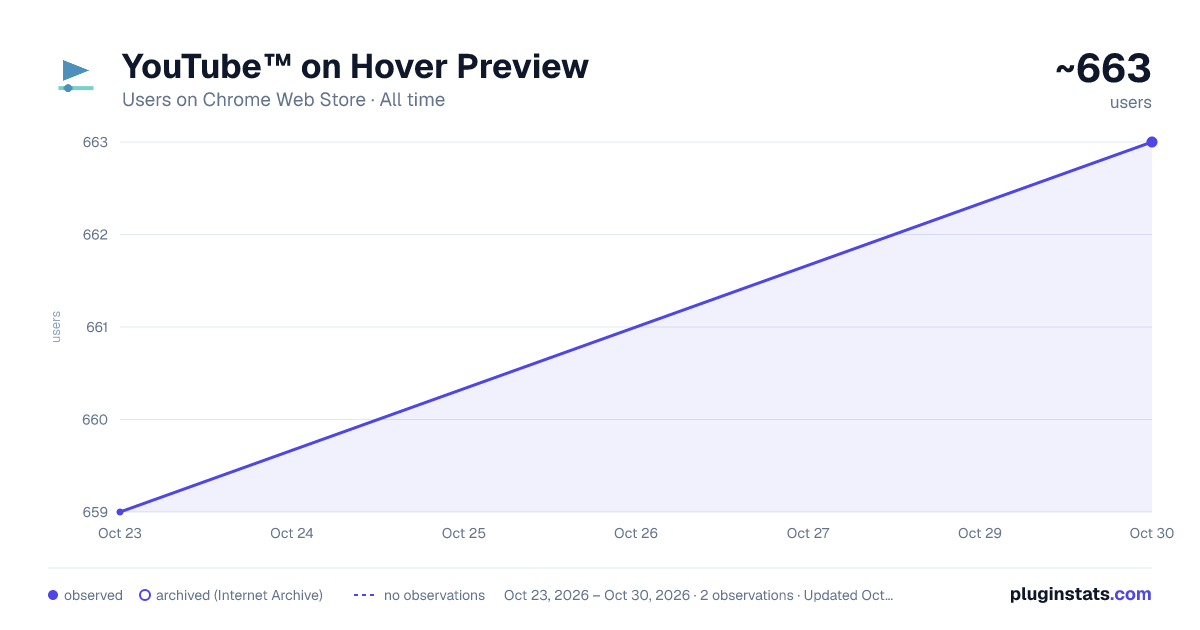
YouTube™ on Hover Preview has approximately 659 recorded users on Chrome Web Store, ranking #1713 of 3,853 tracked listings.
Rating: 4.40 / 5 from 22 ratings
About YouTube™ on Hover Preview
Watch YouTube videos instantly by hovering your mouse over any YouTube link on a webpage.
"YouTube™ on Hover" extension displays a floating panel player once your mouse is over a YouTube link. This is useful to preview YouTube links without the need to open them in separate tabs.
To hide the floating player, just click somewhere inside the page.
For your convenience there are some options:
- You can either place the player at the center of the screen or just beneath the YouTube link with custom offset.
- For the player to appear, keep hover over a link for 1 second. This option is useful to bypass YouTube links that are accidentally been hovered
- Once a link is previewed, it will be stroked-through to be distinguished from other YouTube links that are still not visited. Note that the strike-though is not permanent. Reloading the page will remove all the decorations.
- As of version 0.1.4, you can watch previews in "Turn of the Light" mode. Open options page to change this setting.
For FAQs please visit: http://add0n.com/youtube-hover.html
For reporting bugs please use: https://github.com/schomery/youtube-hover/issues
Permissions: Storage: to store internal preferences. This permission allow the extension to have access to chrome.storage API which is used for saving user preferences. History: This one is used to mark previewed links as visited. This is useful to prevent multiple preview of a single link Tabs: to open FAQs page
Change Logs: 0.1.8
- It is now possible to close the preview with ESC key
- Clicking outside player is now blocked (to prevent accidental link redirect) 0.1.9
- Supports start time
- Fixes the youtube player is not accepting fullscreen attribute
- Preview panel can now be activated on youtube.com as well (disabled by default)
Description from the Chrome Web Store listing.
README badge
Show your rank in a README or on your website. The badge updates automatically.
Charts
Images: 30d · 1y · all time · 1600×900 dark
Adoption over time
7/30/90-day growth
Ranking history
Ratings over time
Listing placement
Listing placement
Filled points are observed values; hollow points come from Internet Archive snapshots of the listing page. Dashed segments span periods with no observations — values between points are not interpolated.
Each band is one page of 20. Users on a linear scale. Placement is projected from users, so it can differ from the marketplace's own sort order. Hover a dot to see the listing.
Recent observations
Full history (1)Similar Chrome Web Store Workflow & Planning plugins
All 20 YouTube™ on Hover Preview alternatives



Data source
Covers every Chrome Web Store extension with at least 100 users, found through the store's public sitemap. User counts are read from public listing pages. The 10% most-used extensions are refreshed daily, the next 40% weekly and the next 40% monthly; the least-used 10% are not refreshed. Google displays rounded user counts (and caps the display at 10,000,000+), so small changes may not be visible. Rating counts above 1,000 are rounded (e.g. 1.6K).
Listing: https://chromewebstore.google.com/detail/youtube-on-hover-preview/fknilbpbfijklfhlbpojgfamiojejold. First seen Oct 23, 2026; last successful collection Oct 23, 2026. See the methodology.