 PluginStats
Delete Chats in Bulk for Gemini users statistics
By Hamza · Chrome Web Store · Tools
Multi-select and batch-delete Gemini chats.
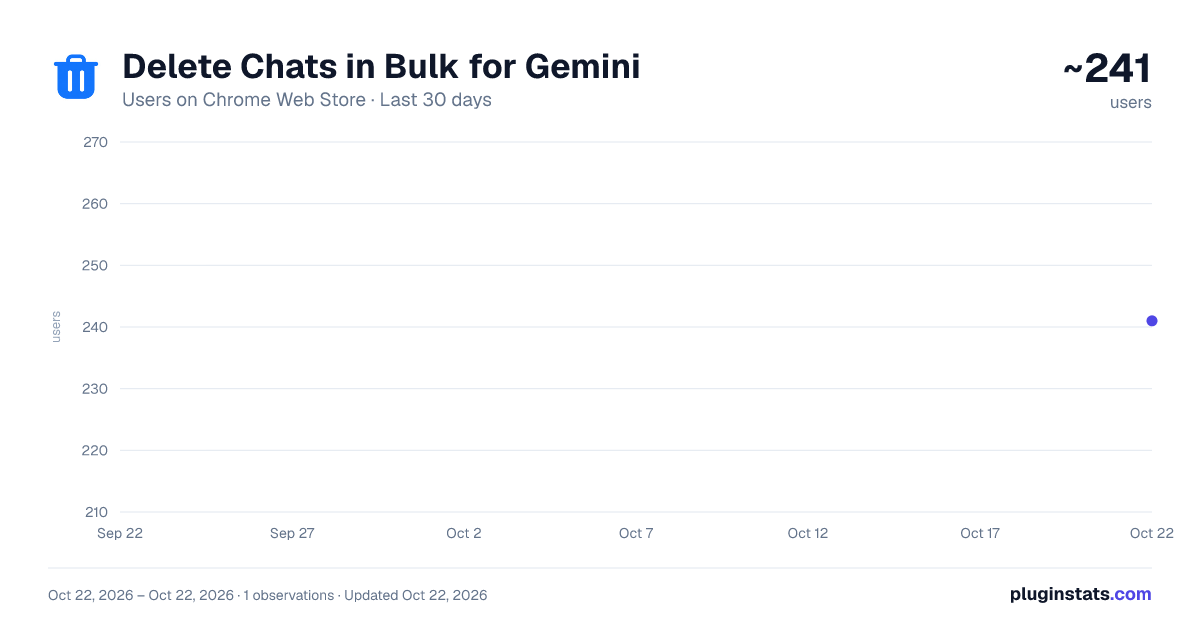
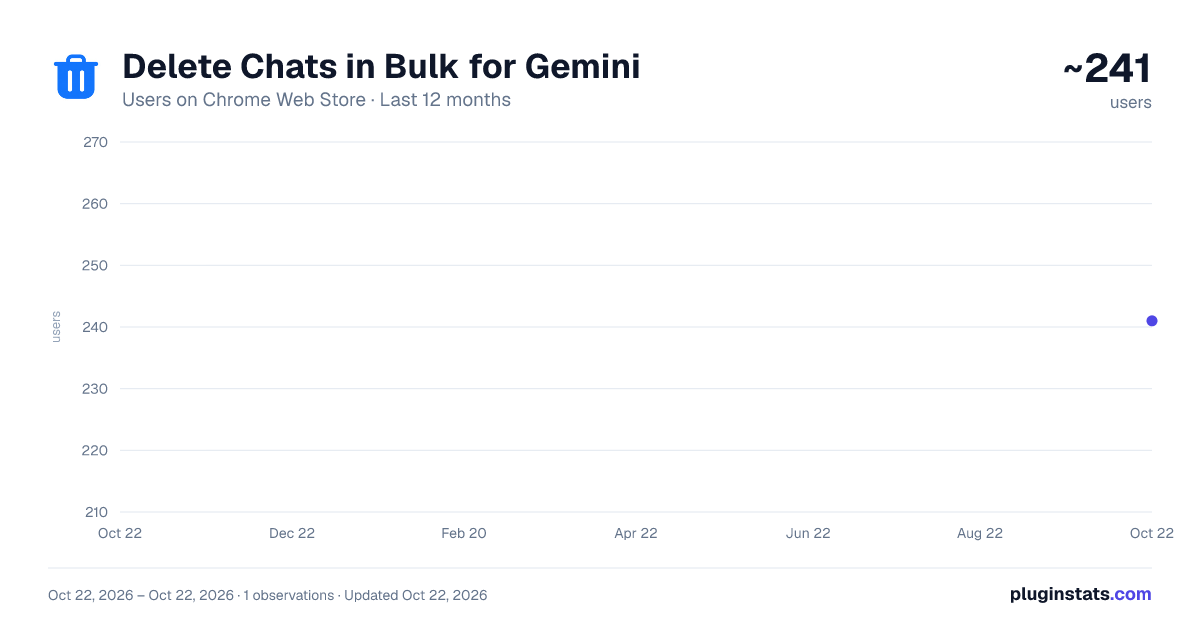
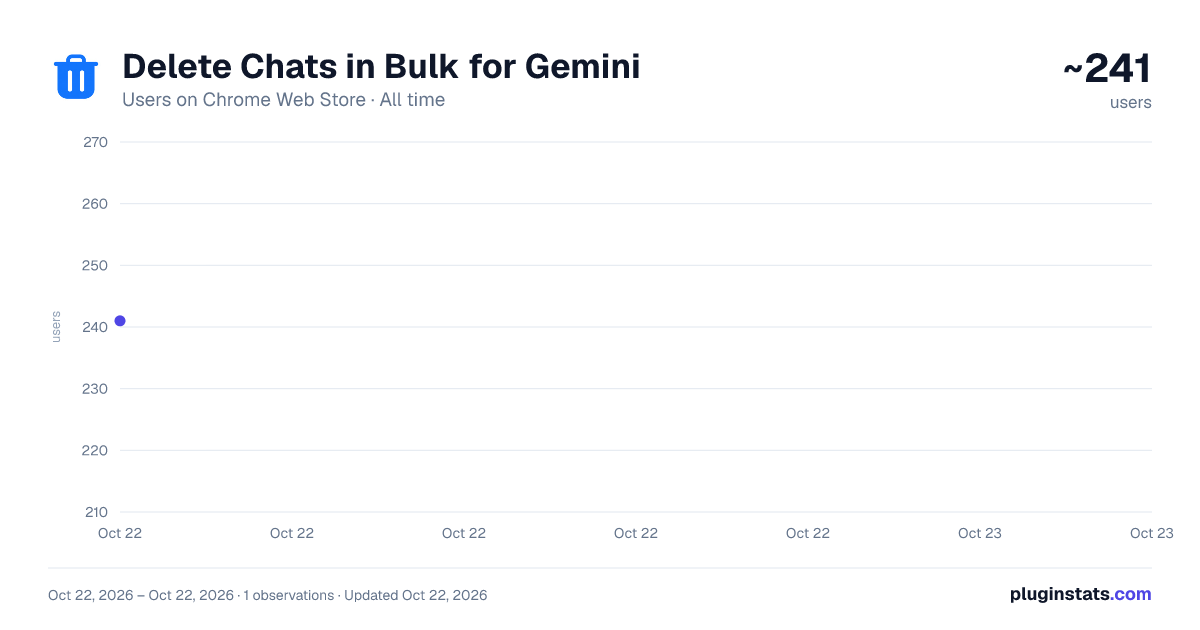
Delete Chats in Bulk for Gemini has approximately 241 recorded users on Chrome Web Store, ranking #2351 of 3,404 tracked listings.
Rating: 5.00 / 5 from 7 ratings
About Delete Chats in Bulk for Gemini
Multi-select and batch-delete Gemini chats.
Delete multiple Gemini chats without removing conversations one by one. Delete Chats in Bulk for Gemini adds multi-select controls to the Gemini sidebar so you can choose what to remove and keep the conversations that matter.
BULK DELETE GEMINI CHATS
• Select individual conversations with checkboxes. • Select the latest 100 chats for a batch, then adjust your selection. • Delete up to 100 selected chats per batch. • Follow deletion progress and cancel the remaining work. • Leave unselected conversations untouched.
HOW TO USE
- Open gemini.google.com and refresh the page after installing.
- Open the sidebar and enable Bulk-delete.
- Select the conversations you want to remove.
- Click Delete selected and keep the tab open until the batch finishes.
KEYBOARD SHORTCUTS
• Shift+A: select the latest 100 chats in multi-select mode. • Delete: delete selected chats. • Esc: exit multi-select mode.
BUILT FOR MULTILINGUAL GEMINI
The extension includes 51 interface locales and supports localized Gemini deletion controls, including Japanese.
LOCAL PROCESSING, NO SUBSCRIPTION
The extension runs in your browser and does not send your chats to a developer server. It has no advertising or analytics trackers and requires no separate extension account, license key or subscription. Gemini handles the requested deletions through your signed-in Google account.
IMPORTANT
Deletion is permanent. Review your selection before starting; cancellation does not restore conversations already deleted. This tool deletes selected Gemini conversations, not all data in your Google account. Availability can depend on Gemini and your organization's account settings. It does not bypass administrator restrictions.
Promotional images are illustrative previews.
Delete Chats in Bulk for Gemini is an independent third-party extension and is not affiliated with, endorsed by or sponsored by Google.
Description from the Chrome Web Store listing.
README badge
Show your rank in a README or on your website. The badge updates automatically.
Charts
Images: 30d · 1y · all time · 1600×900 dark
Adoption over time
7/30/90-day growth
Ranking history
Ratings over time
Listing placement
Listing placement
Filled points are observed values; hollow points come from Internet Archive snapshots of the listing page. Dashed segments span periods with no observations — values between points are not interpolated.
Each band is one page of 20. Users on a linear scale. Placement is projected from users, so it can differ from the marketplace's own sort order. Hover a dot to see the listing.
Recent observations
Full history (1)Similar Chrome Web Store Tools plugins
All 20 Delete Chats in Bulk for Gemini alternatives



Data source
Covers every Chrome Web Store extension with at least 100 users, found through the store's public sitemap. User counts are read from public listing pages. The 10% most-used extensions are refreshed daily, the next 40% weekly and the next 40% monthly; the least-used 10% are not refreshed. Google displays rounded user counts (and caps the display at 10,000,000+), so small changes may not be visible. Rating counts above 1,000 are rounded (e.g. 1.6K).
Listing: https://chromewebstore.google.com/detail/delete-chats-in-bulk-for/ahmdigmipbpibjnkjkffiifgbflbhhhl. First seen Oct 22, 2026; last successful collection Oct 22, 2026. See the methodology.