 PluginStats
Salesforce OmniStudio Helper users statistics
Boost Salesforce OmniStudio Productivity with One-Click Access to IP, DR, Flexcards, and OmniScripts.
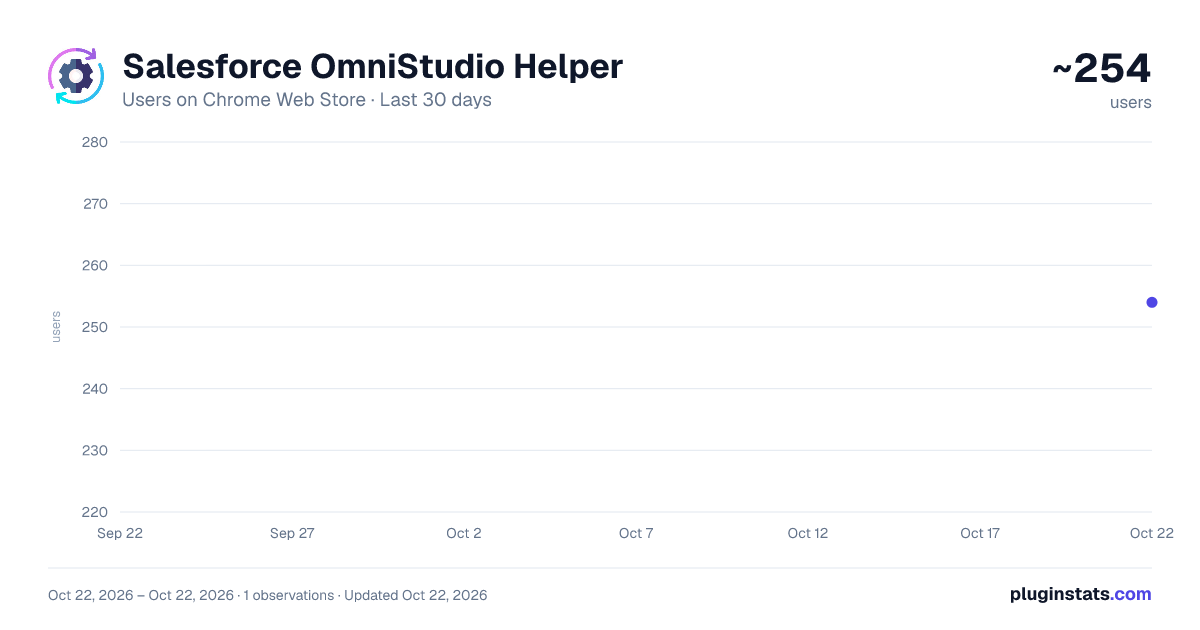
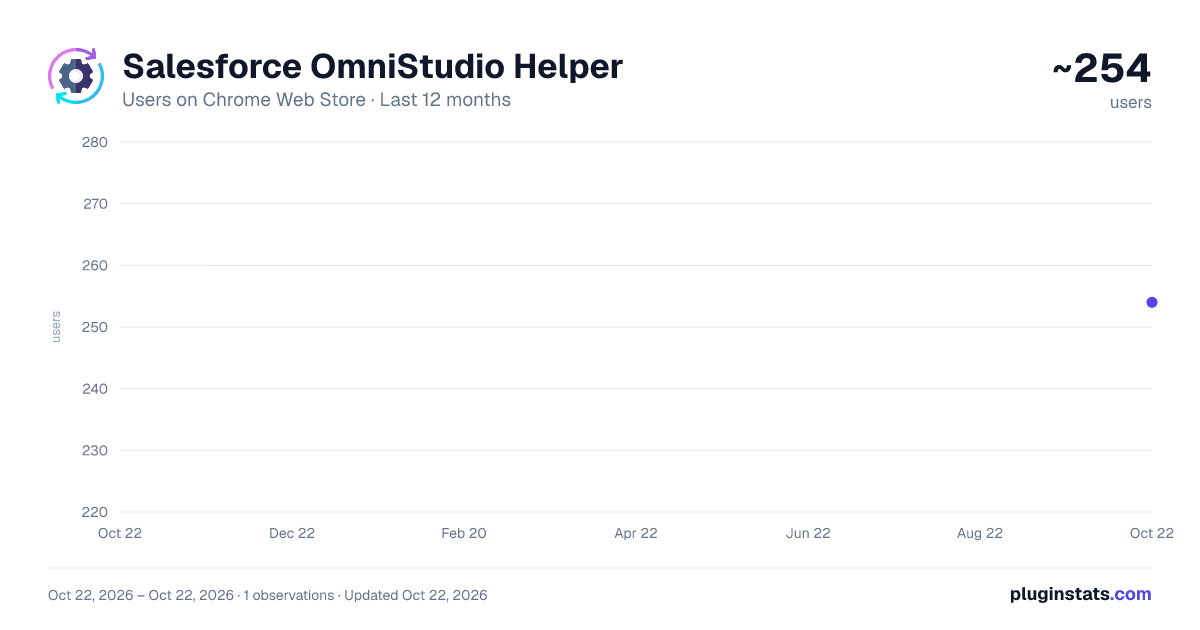
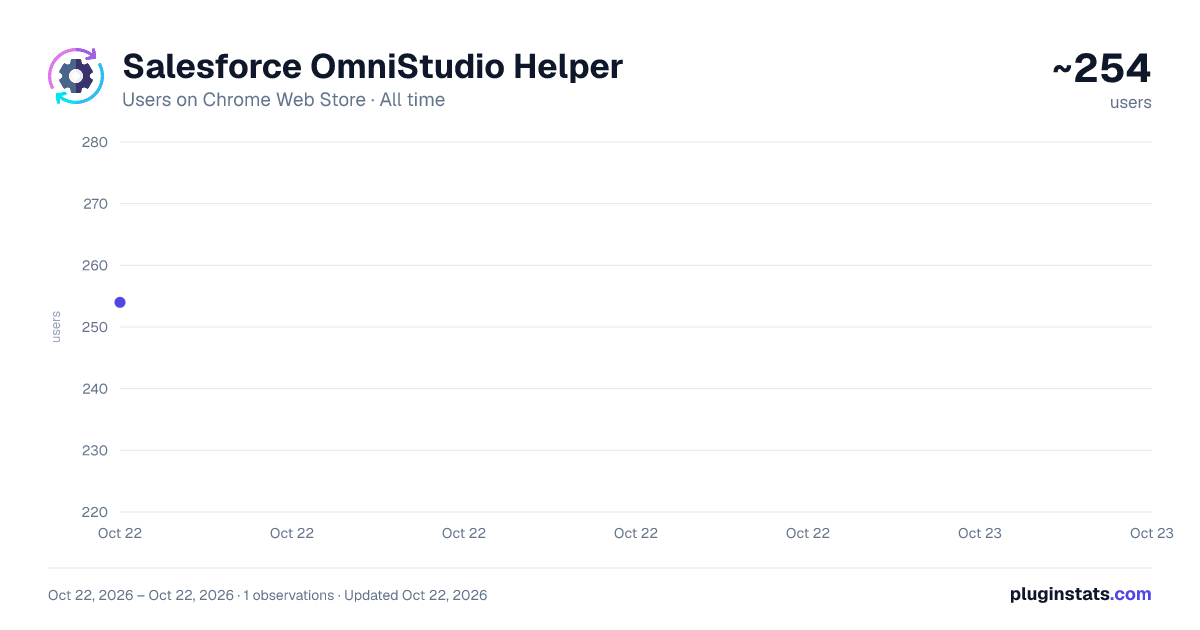
Salesforce OmniStudio Helper has approximately 254 recorded users on Chrome Web Store, ranking #2601 of 3,853 tracked listings.
About Salesforce OmniStudio Helper
Boost Salesforce OmniStudio Productivity with One-Click Access to IP, DR, Flexcards, and OmniScripts.
This tool allows you to open and execute Integration Procedures (IP), Data Raptors (DR), Flexcards, and OmniScripts seamlessly. With just one click you can access the latest active versions of OmniScripts, Flexcards, Integration Procedures, and Data Raptors, streamlining your workflow and saving valuable time.
🤔How To Use : **Install and make sure the extension is active. A) Find any rendered OmniScript / FlexCard on UI. For finding any FlexCard or OmniScript on active page, open Extension from top bar Extension Icon (you can pin it for easy access) and click find components to see all rendered OmniScripts/FlexCards on current Page.
B) Open any OmniStudio component with 1 click.
- Open your Salesforce org (lightning recommended)
- Click "OS Helper" button at the right top corner.
- Load any component of your choice, click "Open in SF" button to open any component in Salesforce.
🫡Quick Tip: you can also execute IP / DR from the extension itself without opening the org.
📃Changelog v1.4.0:
- Version upgrade
- Added logic to query/open new OmniStudio Builder page
- Added copy button to copy highlighted comp name
- Fixed highlighted tooltip positioning
v1.3.2 :
- Version upgrade
- Added support for LWC
- Duplicate item issue fixed
- Minor bug fixes
- Minor UI enhancements
v1.3.0 :
- Higlight elements on UI by hovering on list.
- Standard Runtime OmniScript + FlexCard Support added.
- Performance improvements.
- UI enhancements.
v1.2.2 :
- Added ability to find OmniStudio Components on active page (FlexCard, OmniScript)
- Optimized logic to find Namespace.
- Added Help Section.
v1.2.1 :
- Bug fixes.
- Version update.
v1.2.0 :
- Added support for both Vlocity and Standard OmniStudio components.
- Optimized code for faster loading and IP/DR execution.
- Minor UI enhancements for Table, Buttons and Dark Mode.
Description from the Chrome Web Store listing.
README badge
Show your rank in a README or on your website. The badge updates automatically.
Charts
Images: 30d · 1y · all time · 1600×900 dark
Adoption over time
7/30/90-day growth
Ranking history
Ratings over time
Listing placement
Listing placement
Filled points are observed values; hollow points come from Internet Archive snapshots of the listing page. Dashed segments span periods with no observations — values between points are not interpolated.
Each band is one page of 20. Users on a linear scale. Placement is projected from users, so it can differ from the marketplace's own sort order. Hover a dot to see the listing.
Recent observations
Full history (1)Similar Chrome Web Store Tools plugins
All 20 Salesforce OmniStudio Helper alternatives



Data source
Covers every Chrome Web Store extension with at least 100 users, found through the store's public sitemap. User counts are read from public listing pages. The 10% most-used extensions are refreshed daily, the next 40% weekly and the next 40% monthly; the least-used 10% are not refreshed. Google displays rounded user counts (and caps the display at 10,000,000+), so small changes may not be visible. Rating counts above 1,000 are rounded (e.g. 1.6K).
Listing: https://chromewebstore.google.com/detail/salesforce-omnistudio-hel/gaogdijndgigjopjiidpemfglhokcmpe. First seen Oct 22, 2026; last successful collection Oct 22, 2026. See the methodology.