 PluginStats
Loud Boost users statistics
Boost HTML5 audio and video locally. Pro remembers gain/mute per site, presets, skip list, and syncs via ExtHub.
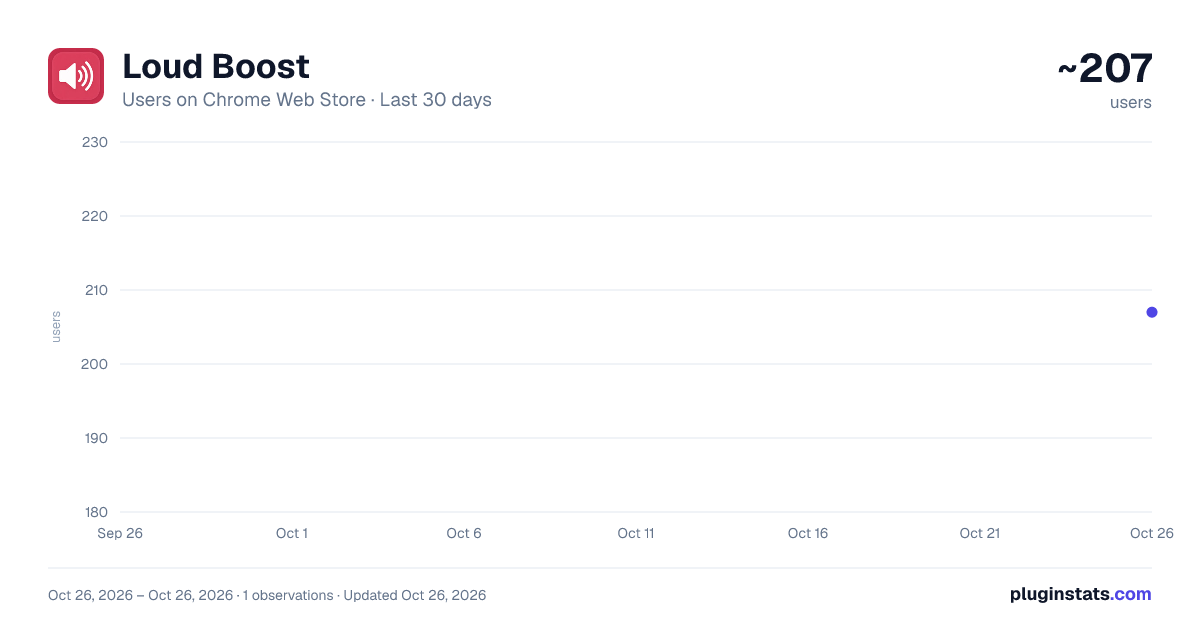
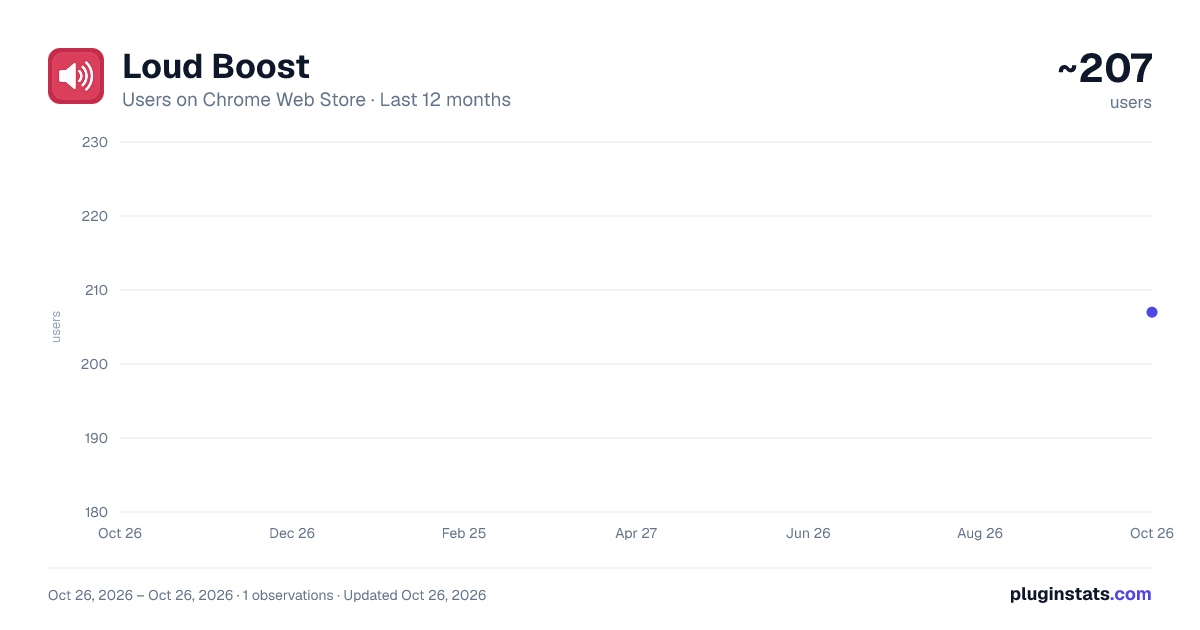
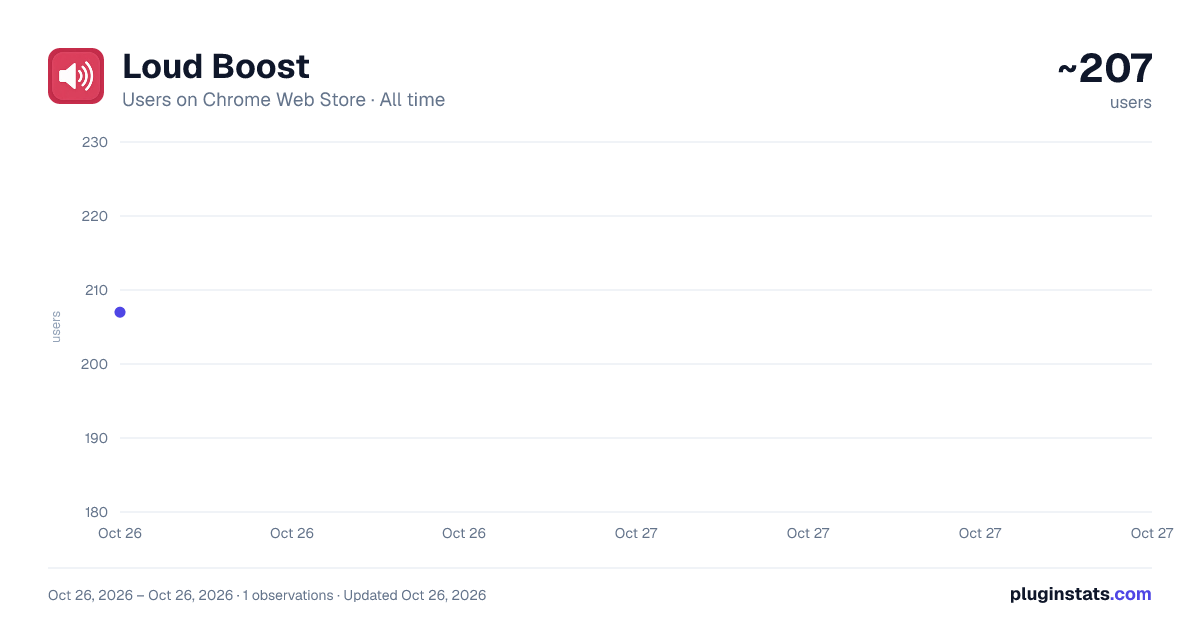
Loud Boost has approximately 207 recorded users on Chrome Web Store, ranking #3357 of 4,553 tracked listings.
Rating: 5.00 / 5 from 1 ratings
About Loud Boost
Boost HTML5 audio and video locally. Pro remembers gain/mute per site, presets, skip list, and syncs via ExtHub.
Loud Boost raises quiet HTML5 audio and video on the page you are watching — up to 500% — using the Web Audio API in your browser. Media is not uploaded. Amplification happens on the device.
How to use (free, no account)
- Open a normal http(s) page that has audio or video.
- Click the Loud Boost toolbar icon.
- Set 100%–500% and click Apply. Use Mute or Reset (100%) as needed. Very high gain can distort; start lower and increase.
Works on ordinary websites with HTML5 media. It cannot boost chrome:// pages, the Chrome Web Store, PDF viewers, or other restricted pages.
Optional Pro (sold on ExtHub, not through Chrome checkout) Pro is an optional subscription purchased on exthub.app: $1.50/month or $12/year (USD). Checkout may settle in UAH via the payment provider. Installing this extension is free. You do not need Pro to boost or mute the current page.
Pro adds: • Remember gain and mute per website • Auto-apply on return, skip list, and a default level for new sites • Quick presets and per-site history chips • Cloud sync: the extension keeps the latest 50 sites; the full archive, search, and CSV/JSON export are on your ExtHub “My data” page
Sign-in opens https://exthub.app. Email verification is required before Pro checkout. Cancel anytime; access lasts until the already paid end date. Refunds: https://exthub.app/en/legal/refunds
Privacy Without signing in, only local preferences (such as last gain and UI language) are stored with chrome.storage.local on this device.
If you sign in, the extension talks to https://exthub.app over HTTPS for session status. With Pro, it syncs site profiles you save: hostname, optional tab title, gain/mute, skip-list/default preferences, and timestamps — not page HTML, not other sites’ cookies, not the media file.
Full policy: https://exthub.app/en/legal/privacy
Description from the Chrome Web Store listing.
README badge
Show your rank in a README or on your website. The badge updates automatically.
Charts
Images: 30d · 1y · all time · 1600×900 dark
Adoption over time
7/30/90-day growth
Ranking history
Ratings over time
Listing placement
Listing placement
Filled points are observed values; hollow points come from Internet Archive snapshots of the listing page. Dashed segments span periods with no observations — values between points are not interpolated.
Each band is one page of 20. Users on a linear scale. Placement is projected from users, so it can differ from the marketplace's own sort order. Hover a dot to see the listing.
Recent observations
Full history (1)Similar Chrome Web Store Tools plugins
All 20 Loud Boost alternatives



Data source
Covers every Chrome Web Store extension with at least 100 users, found through the store's public sitemap. User counts are read from public listing pages. The 10% most-used extensions are refreshed daily, the next 40% weekly and the next 40% monthly; the least-used 10% are not refreshed. Google displays rounded user counts (and caps the display at 10,000,000+), so small changes may not be visible. Rating counts above 1,000 are rounded (e.g. 1.6K).
Listing: https://chromewebstore.google.com/detail/loud-boost/kicfjocpfdalmeeaoaoidokemlcgkmce. First seen Oct 26, 2026; last successful collection Oct 26, 2026. See the methodology.