 PluginStats
Image Editor & Tools - iLoveIMG users statistics
Chrome Web Store · Workflow & Planning
Easily edit, convert or download web page images and screenshots with iLoveIMG
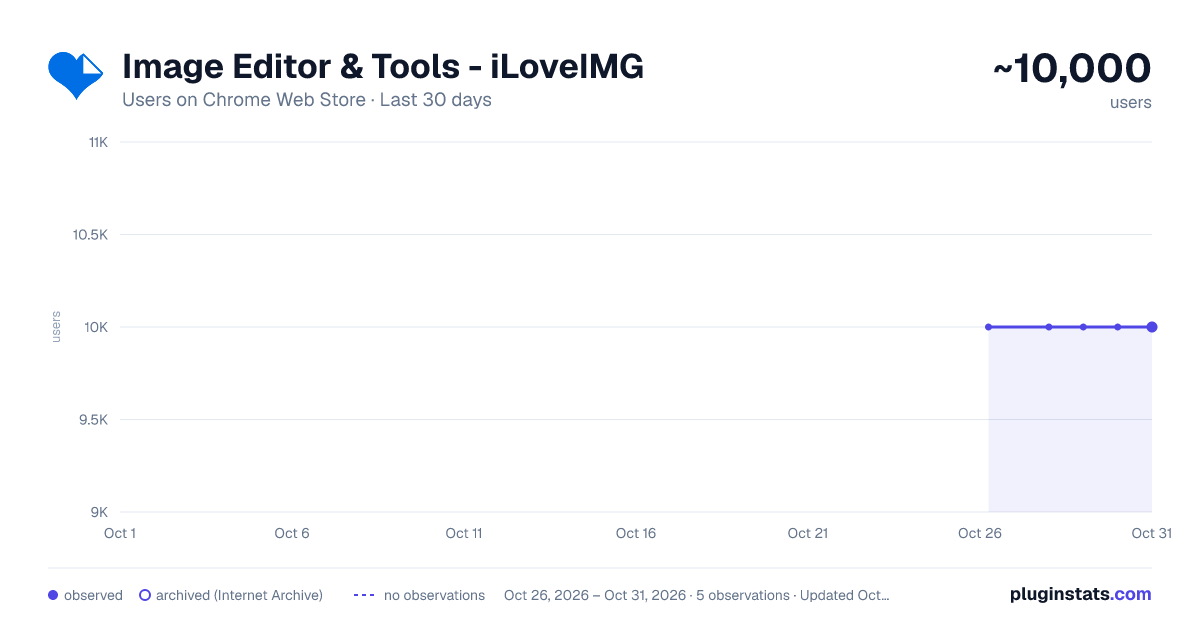
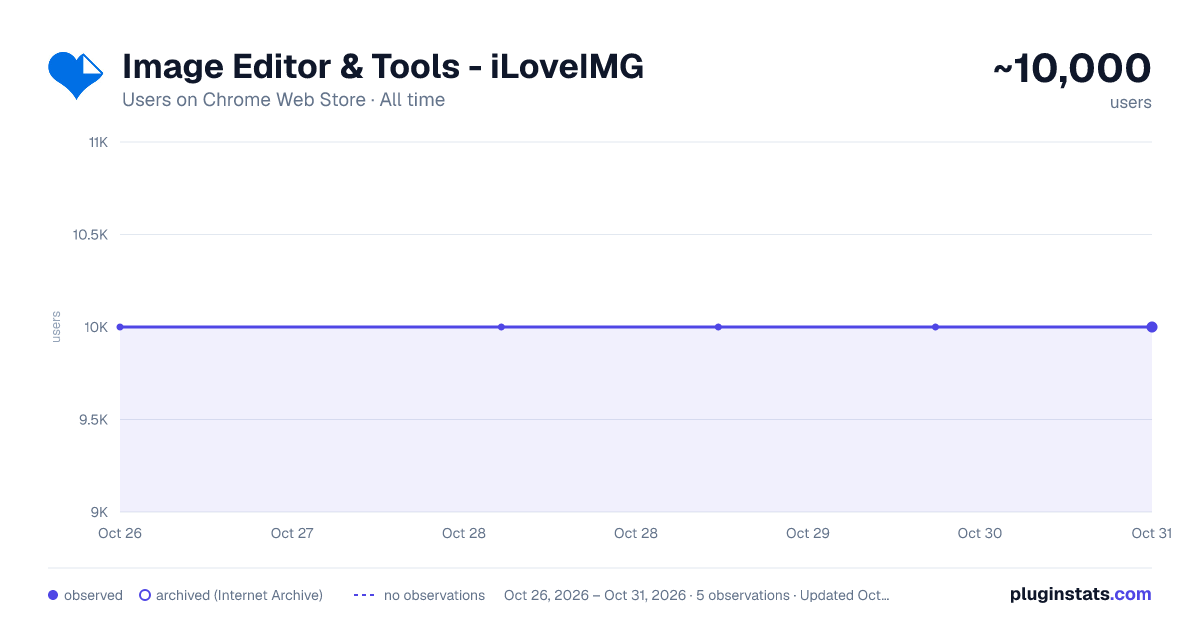
Image Editor & Tools - iLoveIMG has approximately 10,000 recorded users on Chrome Web Store, ranking #517 of 4,101 tracked listings.
Rating: 3.80 / 5 from 135 ratings
About Image Editor & Tools - iLoveIMG
Easily edit, convert or download web page images and screenshots with iLoveIMG
iLoveIMG makes image editing quick and effortless. Whether you're preparing visuals for work, web, or everyday use, everything you need is in one place.
With the iLoveIMG Chrome Extension, you can resize, compress, convert, crop, and edit images directly from your browser.
Trusted worldwide for speed and ease of use, iLoveIMG delivers powerful image tools in a clean, intuitive experience.
OPTIMIZE IMAGES • Compress Image: Reduce image file size without losing quality. Perfect for faster uploads, sharing, and saving storage space. •Resize Image: Resize images to exact dimensions or percentages. Ideal for social media, websites, or email attachments.
CONVERT IMAGE FORMATS •JPG Converter: Convert images to JPG format for smaller file sizes and better compatibility across platforms. •PNG Converter: Convert images to PNG for higher quality and transparency support when needed. •WebP Converter: Convert images to WebP for modern web optimization with smaller sizes and high quality.
EDIT IMAGES •Crop Image: Crop images to focus on key areas or fit specific formats like social media posts or thumbnails. •Rotate Image: Rotate images to the correct orientation in seconds. Fix sideways or upside-down photos easily. •Add Watermark: Add text or logos to images. Protect your content or reinforce your brand identity.
ADVANCED TOOLS •Meme Generator: Create memes quickly by adding text to images. Customize captions and share instantly. •Image Upscaler: Increase image resolution while preserving quality. Improve clarity for prints or digital use. •Remove Background: Automatically remove backgrounds from images. Create clean visuals for products or presentations.
Why Choose iLoveIMG? ● All-in-one image toolkit in your browser ● Fast, simple, and easy to use ● High-quality results with minimal effort ● Clean, intuitive interface ● Trusted by millions worldwide
Install the iLoveIMG Chrome Extension and simplify the way you work with images—resize, compress, convert, and edit in just a few clicks.
Description from the Chrome Web Store listing.
README badge
Show your rank in a README or on your website. The badge updates automatically.
Charts
Images: 30d · 1y · all time · 1600×900 dark
Adoption over time
7/30/90-day growth
Ranking history
Ratings over time
Listing placement
Listing placement
Filled points are observed values; hollow points come from Internet Archive snapshots of the listing page. Dashed segments span periods with no observations — values between points are not interpolated.
Each band is one page of 20. Users on a linear scale. Placement is projected from users, so it can differ from the marketplace's own sort order. Hover a dot to see the listing.
Recent observations
Full history (1)Similar Chrome Web Store Workflow & Planning plugins
All 20 Image Editor & Tools - iLoveIMG alternatives



Data source
Covers every Chrome Web Store extension with at least 100 users, found through the store's public sitemap. User counts are read from public listing pages. The 10% most-used extensions are refreshed daily, the next 40% weekly and the next 40% monthly; the least-used 10% are not refreshed. Google displays rounded user counts (and caps the display at 10,000,000+), so small changes may not be visible. Rating counts above 1,000 are rounded (e.g. 1.6K).
Listing: https://chromewebstore.google.com/detail/image-editor-tools-ilovei/cfjmmannfmgianghochcmbldommiefec. First seen Oct 26, 2026; last successful collection Oct 26, 2026. See the methodology.