 PluginStats
FreeVoice Reader - AI Text to Speech & Dictation users statistics
Chrome Web Store · Accessibility
Convert text to speech & speech to text. 50+ voices, 7 languages. Powered by Kokoro & Whisper. 100% local - data stays private.
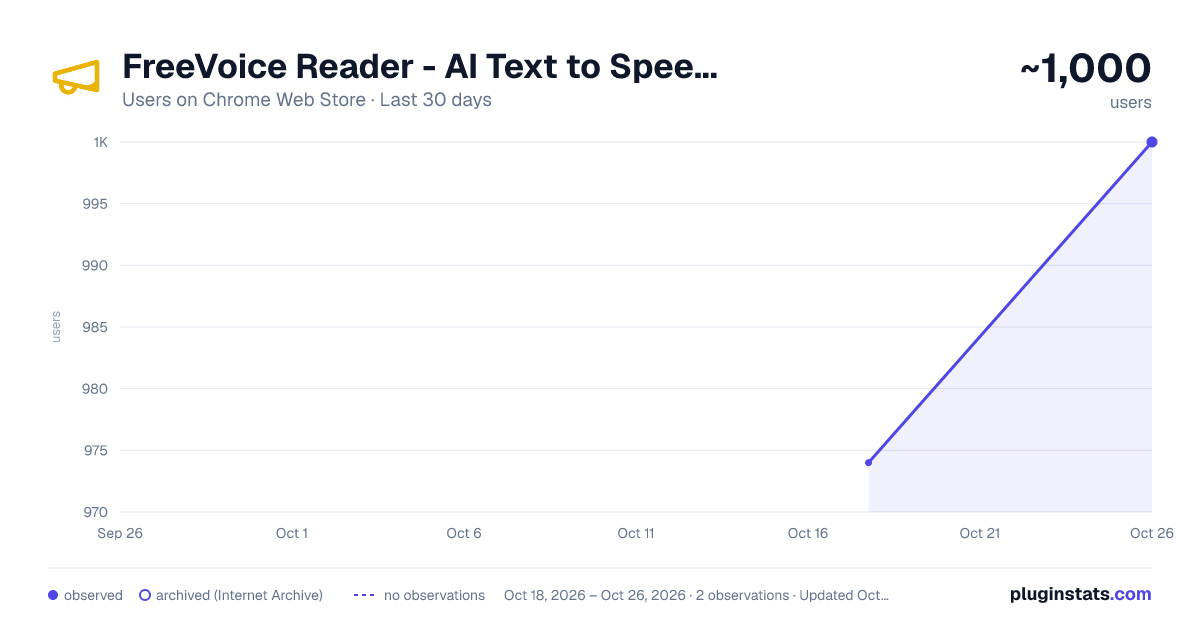
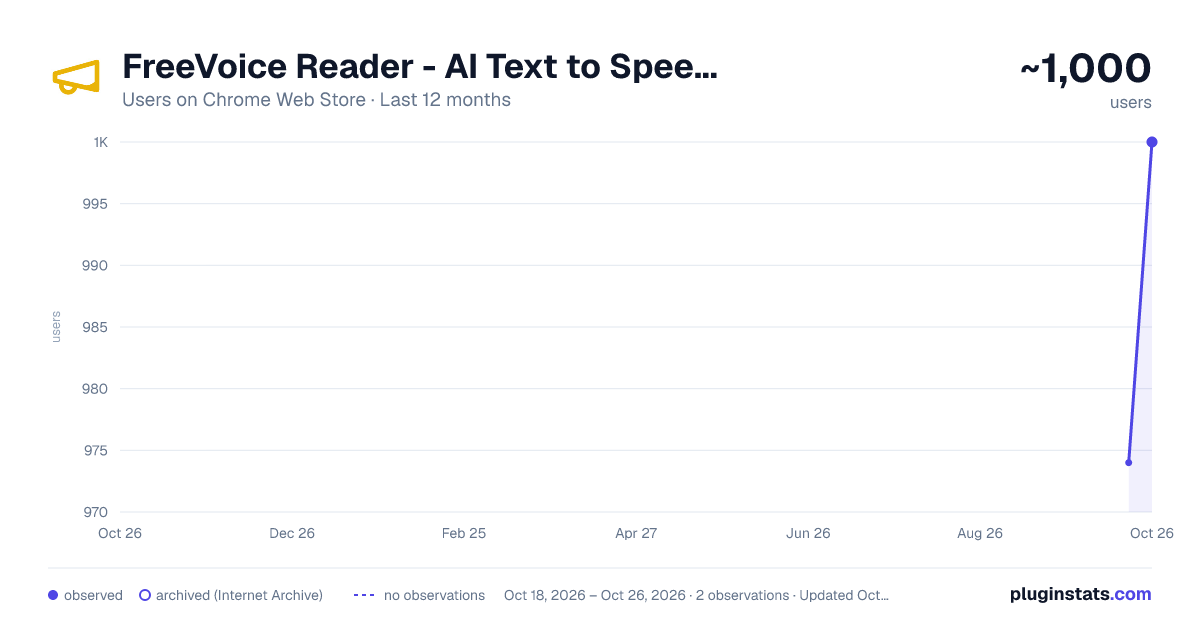
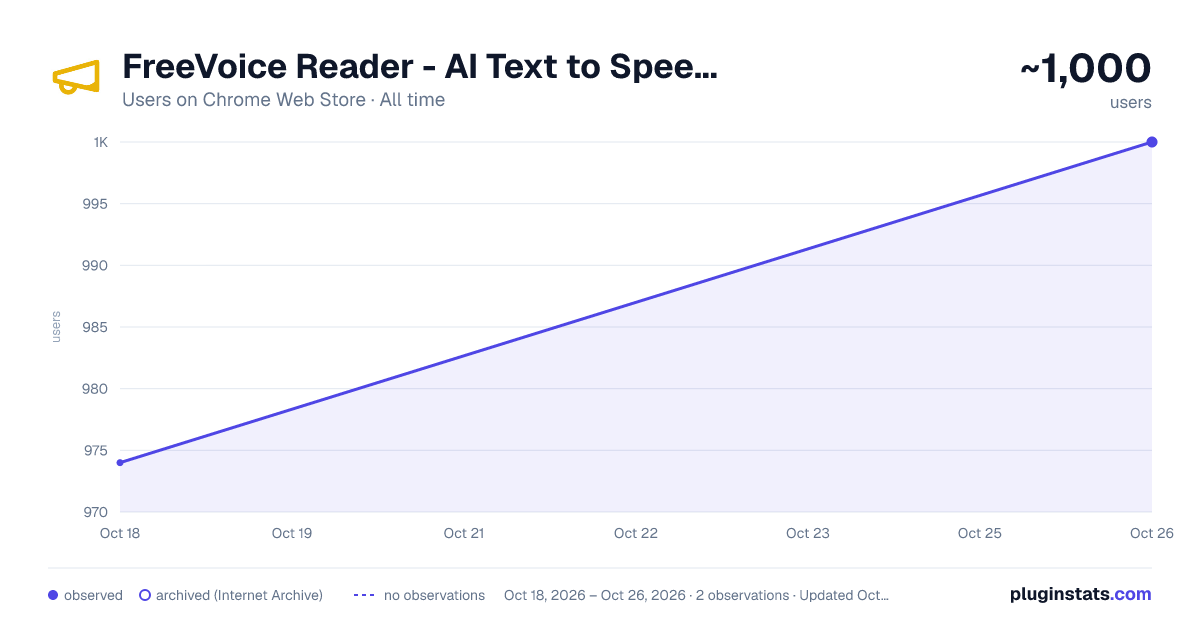
FreeVoice Reader - AI Text to Speech & Dictation has approximately 974 recorded users on Chrome Web Store.
It ranks #575 of 1,556 tracked Chrome Web Store listings by users.
It is rated 3.5 out of 5 from 11 ratings.
PluginStats has 1 daily observations since Oct 18, 2026; the latest is from Oct 18, 2026.
Rating: 3.50 / 5 from 11 ratings
About FreeVoice Reader - AI Text to Speech & Dictation
Convert text to speech & speech to text. 50+ voices, 7 languages. Powered by Kokoro & Whisper. 100% local - data stays private.
Transform any webpage into an audiobook AND dictate text anywhere with FreeVoice Reader - the most private voice assistant available.
KEY FEATURES
TEXT-TO-SPEECH (TTS) - 50+ Natural AI Voices - Choose from a diverse collection of male and female voices across 7 languages - Read Selection - Select text on any webpage and have it read aloud - Read Full Page - Listen to entire articles hands-free - Floating Player - Control playback from anywhere on the page
SPEECH-TO-TEXT (STT) - NEW! - Voice Transcription - Record your voice and get accurate text transcription - Whisper AI Model - Uses OpenAI's Whisper for high-quality speech recognition - Use for TTS - Send your transcribed text directly to text-to-speech
NATIVE MAC APP INTEGRATION - Works with FreeVoice Reader Mac app (sold separately at freevoicereader.com/mac-app) - System-wide dictation with Ctrl+Ctrl hotkey - Dictate into ANY text field on your Mac - Read selected text from ANY Mac application
100% PRIVATE - ALL PROCESSING IS LOCAL - Everything runs on your device using WebGPU - Your text and voice never leave your browser - Works offline after initial model download - No accounts, no tracking, no data collection
HOW TO USE
1. Click the extension icon to open the popup 2. TEXT-TO-SPEECH: Select text on any webpage, or paste text into the popup 3. SPEECH-TO-TEXT: Switch to the "Speech to Text" tab and click Record 4. Choose from 50+ AI voices in Settings
PERFECT FOR
- Listening to articles while multitasking - Voice dictation and note-taking - Proofreading your own writing - Accessibility needs - Language learning - Reducing eye strain
TECHNICAL DETAILS
- Kokoro TTS model (~80MB) for text-to-speech - Whisper Turbo model (~50MB) for speech-to-text - WebGPU acceleration (falls back to CPU/WASM) - Models cached locally after first download - Streaming playback while generating
KEYBOARD SHORTCUTS
- Ctrl+Shift+K (Cmd+Shift+K on Mac): Read selected text
FREE CHROME EXTENSION
The Chrome extension is completely free with no ads or subscriptions.
For system-wide dictation on Mac, visit freevoicereader.com/mac-app
---
Questions or feedback? Contact us at support@freevoicereader.com
Description from the Chrome Web Store listing.
Where FreeVoice Reader - AI Text to Speech & Dictation sits in the listing
Each band is one page of 20. Users on a log scale. Placement is projected from users, so it can differ from the marketplace's own sort order. Hover a dot to see the listing.
Charts
Images: 30d · 1y · all time · 1600×900 dark
Adoption over time
7/30/90-day growth
Ranking history
Filled points are observed values; hollow points come from Internet Archive snapshots of the listing page. Dashed segments span periods with no observations — values between points are not interpolated.
Recent observations
Full history (1)Similar Chrome Web Store Accessibility plugins




Data source
User counts are read from public Chrome Web Store listing pages. Google displays rounded user counts (and caps the display at 10,000,000+), so small changes may not be visible. Rating counts above 1,000 are rounded (e.g. 1.6K).
Listing: https://chromewebstore.google.com/detail/freevoice-reader-ai-text/bfhihejhhjfocdggkfpeignglimmpoho. First seen Oct 18, 2026; last successful collection Oct 18, 2026. See the methodology.