 PluginStats
API Sniffer Pro – Monitor, Inspect & Document APIs users statistics
By Avail404 · Chrome Web Store · Developer Tools
Professional API monitoring, documentation, and code generation tool for developers — 100% local, no data collection.
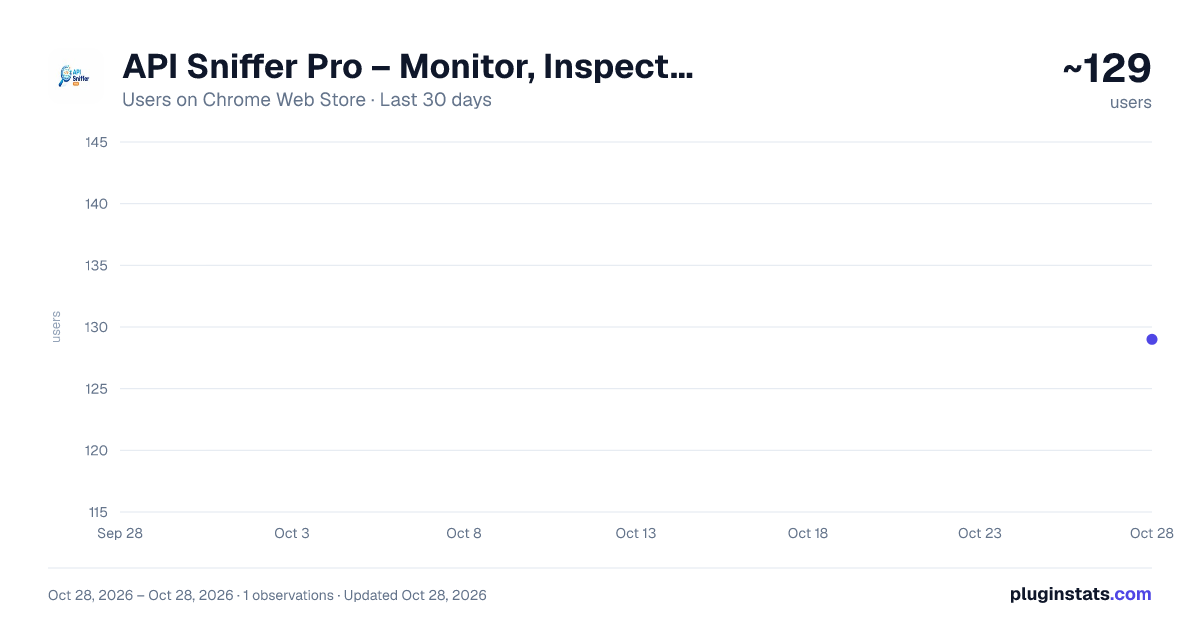
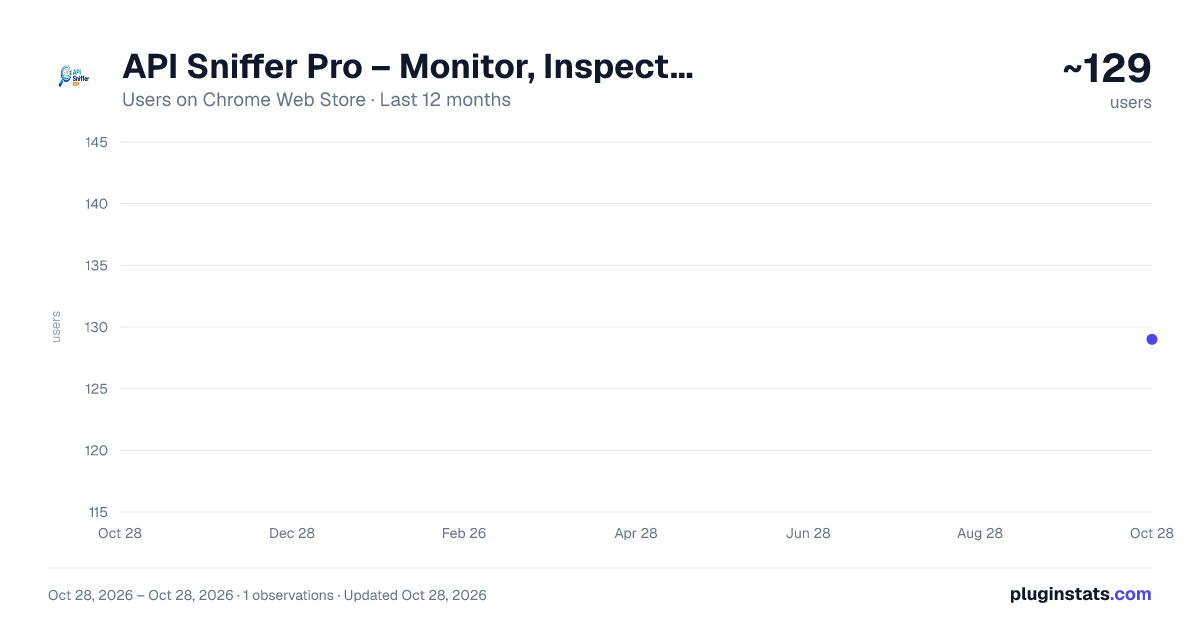
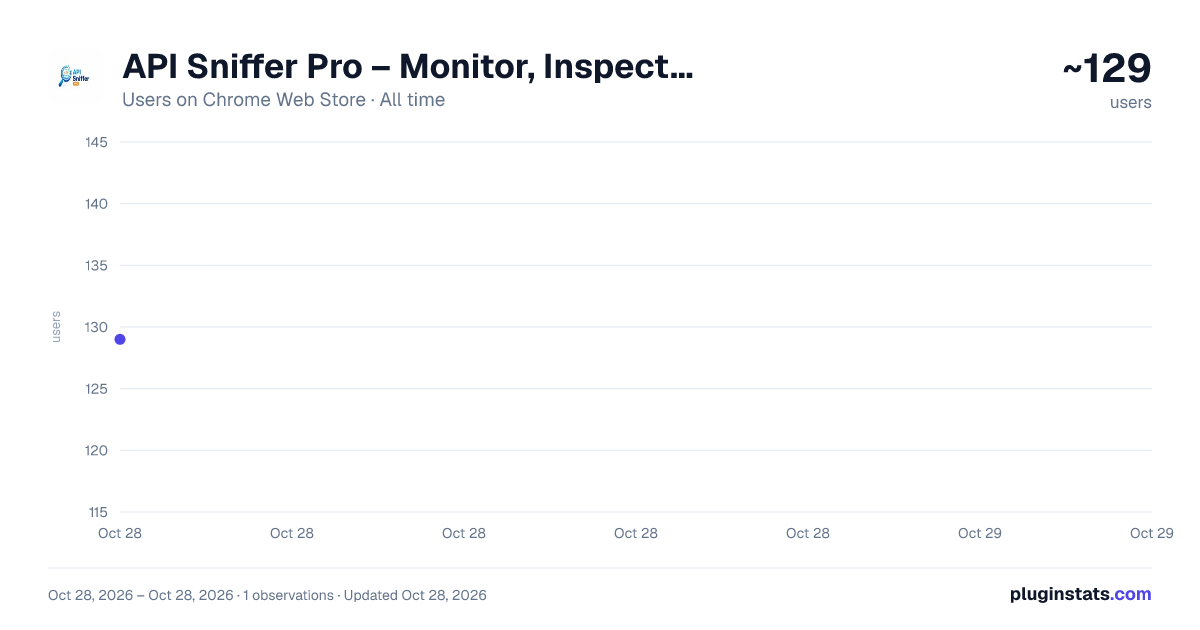
API Sniffer Pro – Monitor, Inspect & Document APIs has approximately 129 recorded users on Chrome Web Store, ranking #4390 of 4,880 tracked listings.
Rating: 5.00 / 5 from 3 ratings
About API Sniffer Pro – Monitor, Inspect & Document APIs
Professional API monitoring, documentation, and code generation tool for developers — 100% local, no data collection.
🔥 API Sniffer Pro — Smart API Monitoring Inside Chrome DevTools
API Sniffer Pro is the fastest way to monitor, inspect, debug, and document APIs directly inside Chrome.
It captures only the API requests you care about using domain-based filtering — giving you a clean and focused API dashboard without DevTools Network tab noise, Postman interceptors, or external tools.
✔ Runs entirely on your device ✔ No accounts required ✔ No tracking ✔ No data uploads
🔍 How It Works
1️⃣ Add allowed domains inside the DevTools Domain Filter 2️⃣ Reload the page or trigger actions 3️⃣ Instantly view clean API calls in real time
No setup required.
✨ Core Features
Real-time API capture
Monitor:
• Fetch requests • XHR requests • WebSocket traffic • background API calls
directly inside Chrome DevTools.
Domain-based filtering (unique feature)
Capture only the APIs you want.
Avoid noise from:
analytics scripts CDNs third-party trackers browser extensions
Focus only on your application APIs.
Clean API dashboard
View structured request data:
• headers • query parameters • cookies • payloads • response bodies • status codes • timing metrics
with a developer-friendly interface.
Pretty JSON viewer
Automatically formats responses with:
syntax highlighting collapsible nodes searchable structure
for faster debugging.
Request replay
Modify and resend API requests instantly without leaving DevTools.
Perfect for:
testing endpoints debugging responses verifying fixes
Export APIs to multiple formats
Export captured requests as:
• Postman collections • OpenAPI (Swagger) documentation • HAR files • JSON • Markdown summaries
Generate documentation directly from real API traffic.
Automatic API documentation builder
Create structured API collections automatically from captured requests.
Useful for:
team sharing QA validation integration documentation reverse engineering workflows
Performance insights
Quickly identify:
slow endpoints large payload responses unexpected failures
inside your API traffic timeline.
Bug report export bundles
Generate shareable debugging bundles including:
captured requests environment metadata console logs screenshots
for faster issue reproduction.
🚀 Perfect For
Frontend Developers Backend Engineers Full-stack Developers QA & Automation Engineers Reverse Engineers Students learning APIs
🧪 Why Developers Choose API Sniffer Pro
Cleaner than Chrome DevTools Network tab Faster than Postman interceptors Works instantly after installation No external proxy setup required 100% local processing
Capture → Inspect → Replay → Export — in one workflow
⚡ PRO Features
Unlock advanced debugging workflows with API Sniffer Pro:
• Unlimited API logs • Full request & response body capture • Advanced filtering controls • Request replay tools • WebSocket inspector • Export to Postman / OpenAPI / Markdown • Priority support
Designed for professional API debugging environments.
🔐 Privacy-First Design
API Sniffer Pro runs entirely locally in your browser.
It does not collect or transmit API data externally.
All captured API logs remain on your machine.
Only license validation (for PRO users) communicates securely with our backend.
📦 Built For Modern API Workflows
Ideal for working with:
REST APIs GraphQL APIs frontend debugging backend integration testing QA automation performance troubleshooting API documentation generation
⭐ Support Development
If API Sniffer Pro improves your workflow, your contribution directly supports ongoing development and maintenance of developer-focused tools. .
Description from the Chrome Web Store listing.
README badge
Show your rank in a README or on your website. The badge updates automatically.
Charts
Images: 30d · 1y · all time · 1600×900 dark
Adoption over time
7/30/90-day growth
Ranking history
Ratings over time
Listing placement
Listing placement
Filled points are observed values; hollow points come from Internet Archive snapshots of the listing page. Dashed segments span periods with no observations — values between points are not interpolated.
Each band is one page of 20. Users on a linear scale. Placement is projected from users, so it can differ from the marketplace's own sort order. Hover a dot to see the listing.
Recent observations
Full history (1)Similar Chrome Web Store Developer Tools plugins
All 20 API Sniffer Pro – Monitor, Inspect & Document APIs alternatives



Data source
Covers every Chrome Web Store extension with at least 100 users, found through the store's public sitemap. User counts are read from public listing pages. The 10% most-used extensions are refreshed daily, the next 40% weekly and the next 40% monthly; the least-used 10% are not refreshed. Google displays rounded user counts (and caps the display at 10,000,000+), so small changes may not be visible. Rating counts above 1,000 are rounded (e.g. 1.6K).
Listing: https://chromewebstore.google.com/detail/api-sniffer-pro-–-monitor/nmjlnpdkejlggndlhalhiegphjlbceni. First seen Oct 28, 2026; last successful collection Oct 28, 2026. See the methodology.