 PluginStats
Docs to PDF (Bulk Convert for Google Drive) users statistics
Chrome Web Store · Workflow & Planning
Bulk convert Google Docs & Word files to PDF directly in Google Drive.
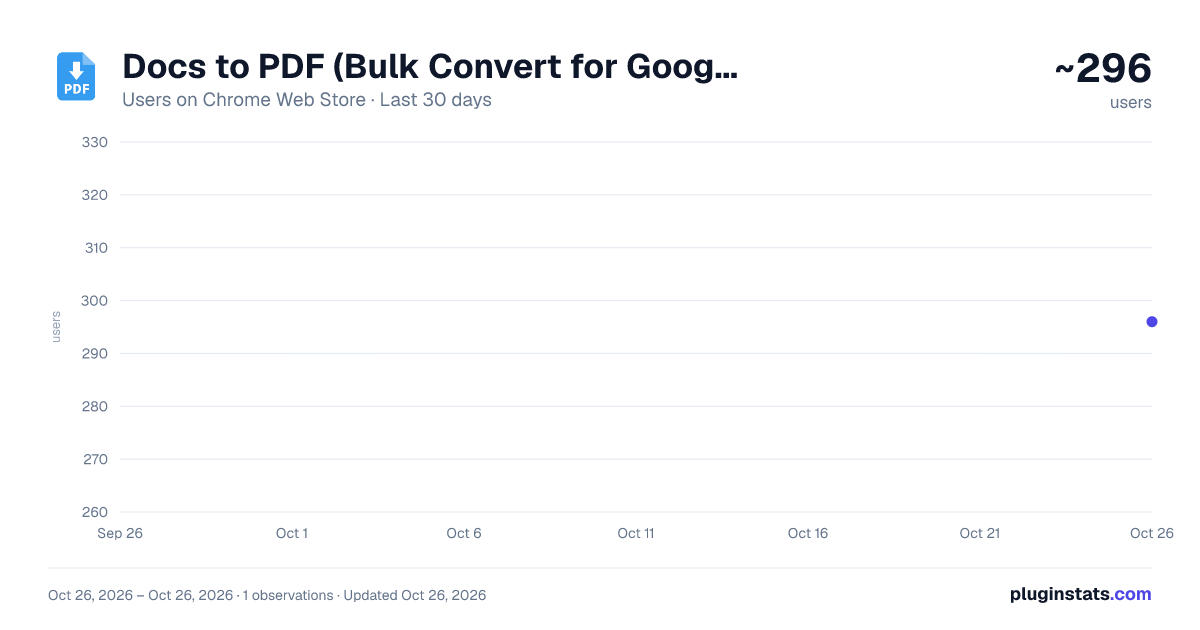
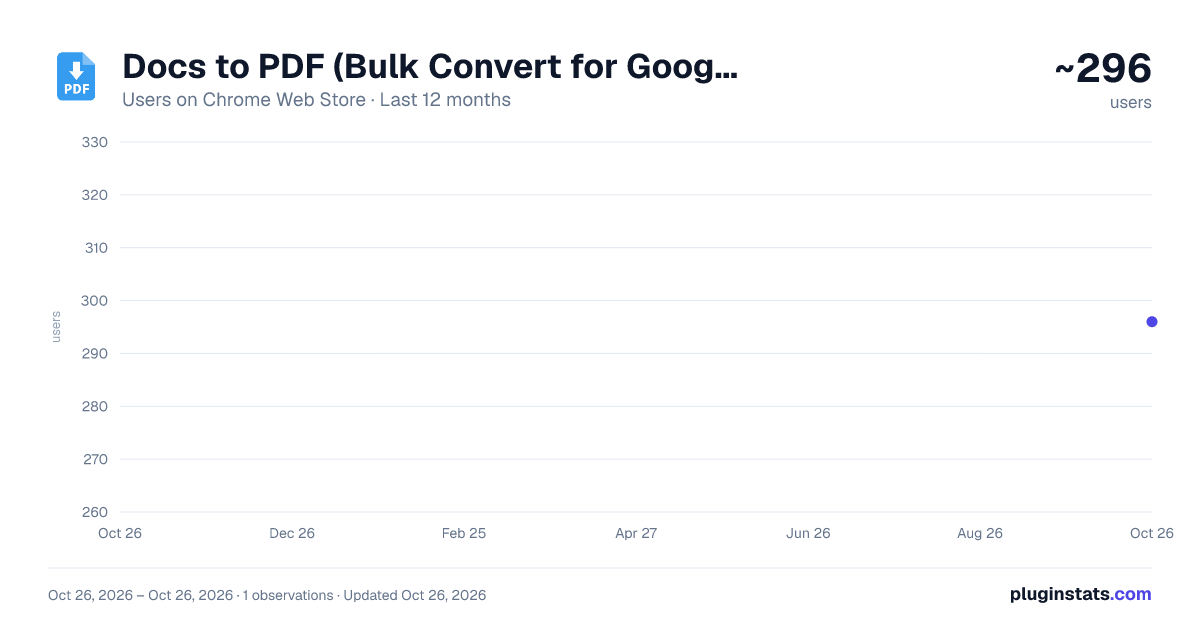
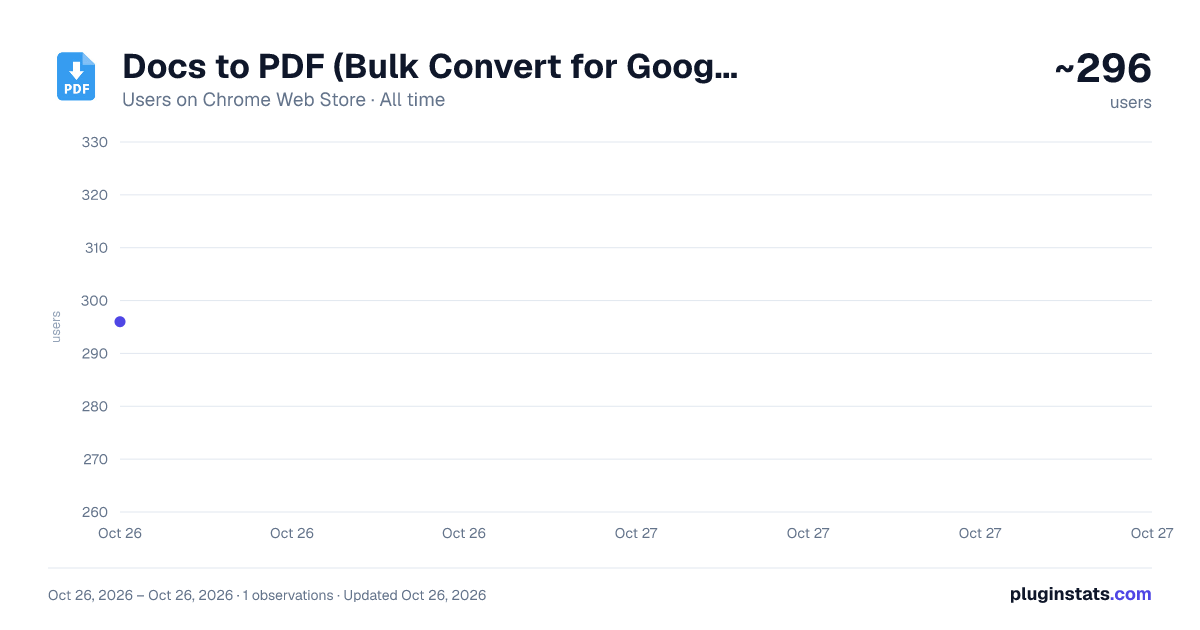
Docs to PDF (Bulk Convert for Google Drive) has approximately 296 recorded users on Chrome Web Store, ranking #2883 of 4,553 tracked listings.
Rating: 5.00 / 5 from 2 ratings
About Docs to PDF (Bulk Convert for Google Drive)
Bulk convert Google Docs & Word files to PDF directly in Google Drive.
🎯Why Convert Docs to PDF in Google Drive? Converting Google Docs or Word files to PDF one by one is slow and breaks your workflow. This extension adds a Convert to PDF button right inside Google Drive. Choose a folder, select files, and get high-quality PDFs — all without leaving your Google Drive.
What You Can Do Everything happens directly in your Google Drive interface: ✅ Bulk convert Google Docs to PDF — convert multiple files at once. ✅ Bulk convert Word files (.doc and .docx) to PDF — convert multiple files at once. ✅ Save to any folder — PDFs are saved to the folder you're currently viewing.
🎯 Perfect For 🏆 Business Professionals — Turn reports, proposals, and contracts into professional PDFs. 🏆 Educators & Students — Convert class notes, assignments, or research papers to PDF for submission. 🏆 Project Managers — Archive project documentation in a universal, non-editable format. 🏆 Anyone who converts many docs to PDF — securely and efficiently, right inside Google Drive.
How to Use This Extension
- Open Google Drive in your browser.
- Navigate to the folder where you want to save your PDFs.
- Click the "Convert to PDF" button.
- Select one or more files in the file picker (Ctrl/Shift for multiple).
- Wait a few seconds — your PDFs will appear in the folder.
Why This Extension? Unlike generic PDF converters that force you to download files to your computer and upload them again, we take a completely different approach: ☑️ Stays inside Google Drive — No downloading, no re-uploading. Everything happens in your Drive. ☑️ Bulk conversion built-in — Convert multiple files at once. No tedious, repetitive work. ☑️ Supports both Google Docs & Word — One tool for multiple formats. ☑️ Secure by design — Unlike extensions that request full access, we only need permission to convert the files you explicitly select and write PDFs to your Drive.
🔒 Privacy & Security We take your privacy seriously:
- No file storage — Your files are never stored on our servers. They go directly from Google Drive to PDF and back to your Drive.
- Minimal permissions — We only ask for what's needed: access to the files you explicitly select and permission to write PDFs to your Drive.
- Secure API — Uses Google Drive API & Picker API, following Google's security standards.
📝 Important Notes
- Google Drive™ and Google Docs™ are trademarks of Google LLC. This extension is not affiliated with or endorsed by Google LLC.
- Large files — For very large Word files (15MB or larger), conversion may take a few extra seconds.
Description from the Chrome Web Store listing.
README badge
Show your rank in a README or on your website. The badge updates automatically.
Charts
Images: 30d · 1y · all time · 1600×900 dark
Adoption over time
7/30/90-day growth
Ranking history
Ratings over time
Listing placement
Listing placement
Filled points are observed values; hollow points come from Internet Archive snapshots of the listing page. Dashed segments span periods with no observations — values between points are not interpolated.
Each band is one page of 20. Users on a linear scale. Placement is projected from users, so it can differ from the marketplace's own sort order. Hover a dot to see the listing.
Recent observations
Full history (1)Similar Chrome Web Store Workflow & Planning plugins
All 20 Docs to PDF (Bulk Convert for Google Drive) alternatives



Data source
Covers every Chrome Web Store extension with at least 100 users, found through the store's public sitemap. User counts are read from public listing pages. The 10% most-used extensions are refreshed daily, the next 40% weekly and the next 40% monthly; the least-used 10% are not refreshed. Google displays rounded user counts (and caps the display at 10,000,000+), so small changes may not be visible. Rating counts above 1,000 are rounded (e.g. 1.6K).
Listing: https://chromewebstore.google.com/detail/docs-to-pdf-bulk-convert/cfhnmhnnipeiianlfofnffdlboemledl. First seen Oct 26, 2026; last successful collection Oct 26, 2026. See the methodology.