 PluginStats
Website to PDF Converter users statistics
One-click Website to PDF Converter easily convert website page to pdf online and save web page to desktop.
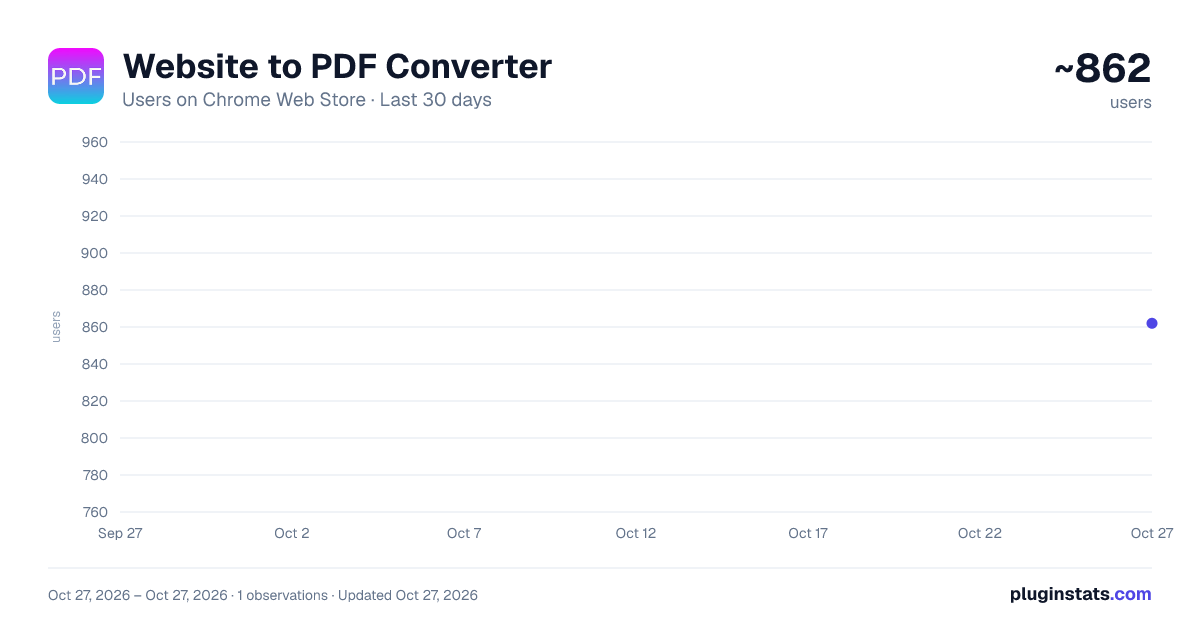
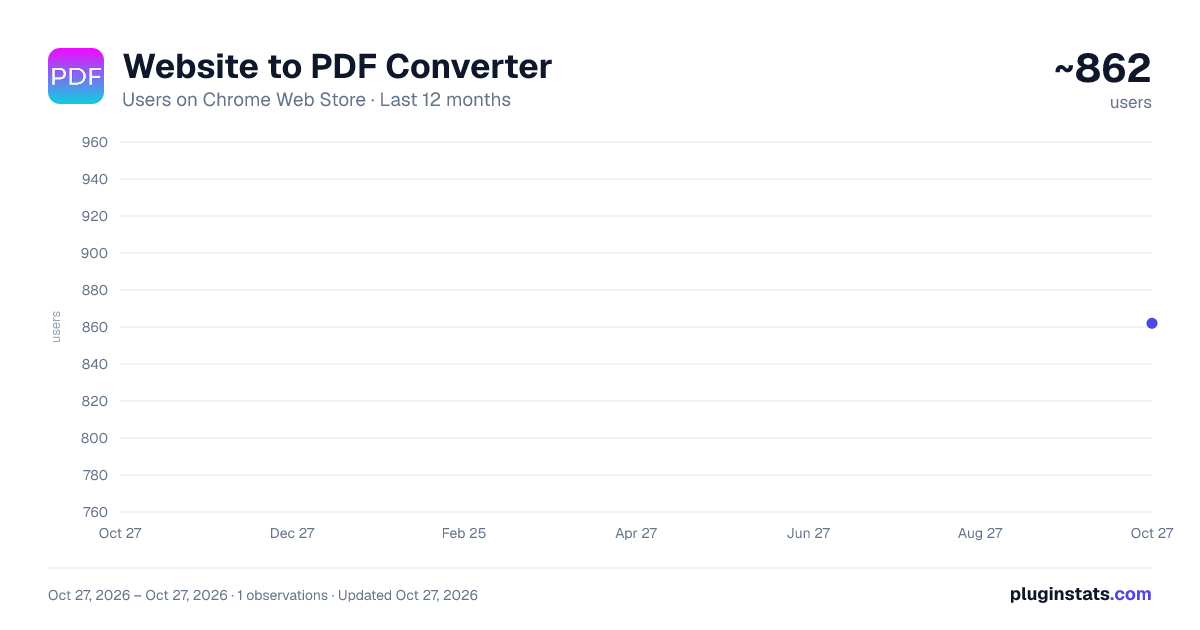
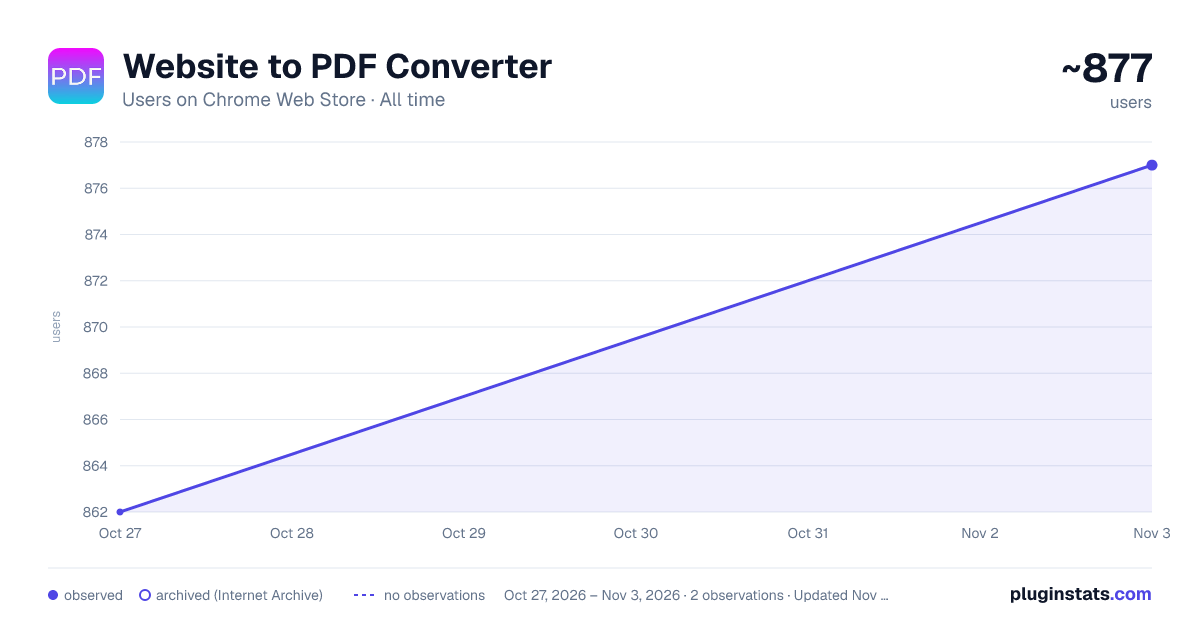
Website to PDF Converter has approximately 862 recorded users on Chrome Web Store, ranking #1812 of 4,553 tracked listings.
Rating: 4.20 / 5 from 12 ratings
About Website to PDF Converter
One-click Website to PDF Converter easily convert website page to pdf online and save web page to desktop.
✨ Website to PDF Converter: Your Ultimate PDF Conversion Tool
Tired of struggling to preserve online content? Meet the ultimate solution: Website to PDF Converter. This powerful Chrome extension is your one-stop tool for effortlessly saving any webpage as a pristine, high-quality PDF document. It is the most reliable and efficient html to pdf converter on the web.
Whether you are a student, researcher, professional, or casual web user, this tool simplifies your digital life. Instantly convert html to pdf format with a single click, capturing articles, receipts, confirmations, and vital information exactly as they appear on your screen for offline access, archiving, or sharing.
🚀 Key Features & Benefits:
Our extension is packed with features designed for a seamless user experience. It is more than just a simple pdf converter; it is a comprehensive document preservation system.
• One-Click Conversion: Transform any online content into a PDF instantly. No more complex menus or tedious steps. Just click the icon and your pdf is ready. • Perfect Formatting: Faithfully captures the original layout, images, and styling of any webpage. Your converted html in pdf format will look identical to the live site. • High-Quality Output: Generate professional, print-ready PDF files every single time. This html to pdf file converter ensures clarity and precision. • Lightning Fast: Experience incredible speed. Convert html file to pdf in mere seconds, saving you valuable time and boosting your productivity. • 100% Free to Use: Enjoy all these powerful features completely free of charge. There are no hidden fees or premium paywalls.
🛠️ How to Use It:
Using our tool is incredibly simple. You do not need any technical expertise to convert html to pdf.
- Install the Website to PDF Converter extension from the Chrome Web Store.
- Navigate to any webpage you wish to save.
- Click the extension icon in your browser’s toolbar.
- Watch as the extension instantly processes and converts the page.
- Download your new PDF file directly to your computer.
It is that easy to convert webpage to pdf. In just five simple steps, you can preserve any information you find online.
👥 Who Is This Tool For?
This extension is an indispensable tool for a wide range of users. Its versatility makes it a must-have utility.
- Students & Researchers: Save online journals, articles, and research papers for offline study and citation. Perfect for building a personal library of resources.
- Professionals & Businesses: Archive important web content, such as contracts, reports, and competitor webpages. Create permanent records of online transactions and receipts.
- Designers & Developers: Capture inspiration, save code snippets, or document website layouts and designs for future reference.
- Everyday Users: Keep recipes, travel itineraries, or news articles safe from link rot or content changes. Never lose access to important information again.
✅ Why Choose Our HTML to PDF Converter?
The internet is filled with tools that claim to save webpage as pdf, but few deliver consistent, high-quality results. Our extension stands out from the crowd.
➤ Privacy First: We value your security. All conversion processes happen locally within your browser. We do not send your data to any external servers. ➤ Unlimited Conversions: There are no limits on how many times you can use our tool. Convert to your heart’s content without any restrictions. ➤ Regular Updates: We continuously improve our pdf converter to ensure compatibility with all modern websites and the latest Chrome updates. ➤ User-Friendly Design: The interface is clean, intuitive, and designed for everyone. No confusing options, just a straightforward way to save page as pdf.
❓ Frequently Asked Questions (FAQ)
❓ How does this pdf converter work? Our extension works by processing the HTML and CSS of the webpage you are on directly within your browser. It then packages it into a clean and accurate PDF file for you to download. It is the easiest way to convert html file to pdf.
❓Do the converted PDFs contain advertisements? Absolutely not. The PDFs you generate are clean and ad-free. We do not inject any watermarks, advertisements, or promotional content into your documents.
❓ Can I use this to save protected or login-required pages? The extension can only save the content that is currently visible in your browser. If you are logged into a service and can see the content, you can likely save page as pdf. However, it cannot bypass paywalls or login screens on its own.
Stop relying on unreliable print dialog boxes or complicated software. Take control of your web content with the efficient and trusted html to pdf converter available.
⬇️ Download Website to PDF Converter now and start saving your web content in perfect PDF format today!
Description from the Chrome Web Store listing.
README badge
Show your rank in a README or on your website. The badge updates automatically.
Charts
Images: 30d · 1y · all time · 1600×900 dark
Adoption over time
7/30/90-day growth
Ranking history
Ratings over time
Listing placement
Listing placement
Filled points are observed values; hollow points come from Internet Archive snapshots of the listing page. Dashed segments span periods with no observations — values between points are not interpolated.
Each band is one page of 20. Users on a linear scale. Placement is projected from users, so it can differ from the marketplace's own sort order. Hover a dot to see the listing.
Recent observations
Full history (1)Similar Chrome Web Store Tools plugins
All 20 Website to PDF Converter alternatives



Data source
Covers every Chrome Web Store extension with at least 100 users, found through the store's public sitemap. User counts are read from public listing pages. The 10% most-used extensions are refreshed daily, the next 40% weekly and the next 40% monthly; the least-used 10% are not refreshed. Google displays rounded user counts (and caps the display at 10,000,000+), so small changes may not be visible. Rating counts above 1,000 are rounded (e.g. 1.6K).
Listing: https://chromewebstore.google.com/detail/website-to-pdf-converter/eifbicfndbagocfadiepickpemlmjpga. First seen Oct 27, 2026; last successful collection Oct 27, 2026. See the methodology.