 PluginStats
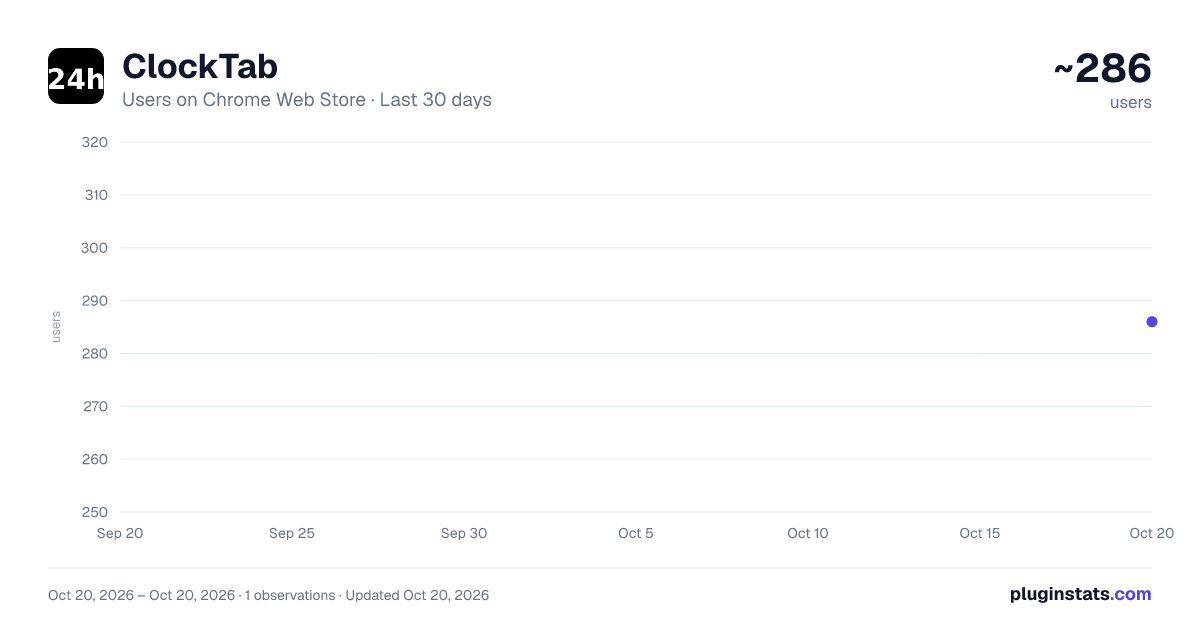
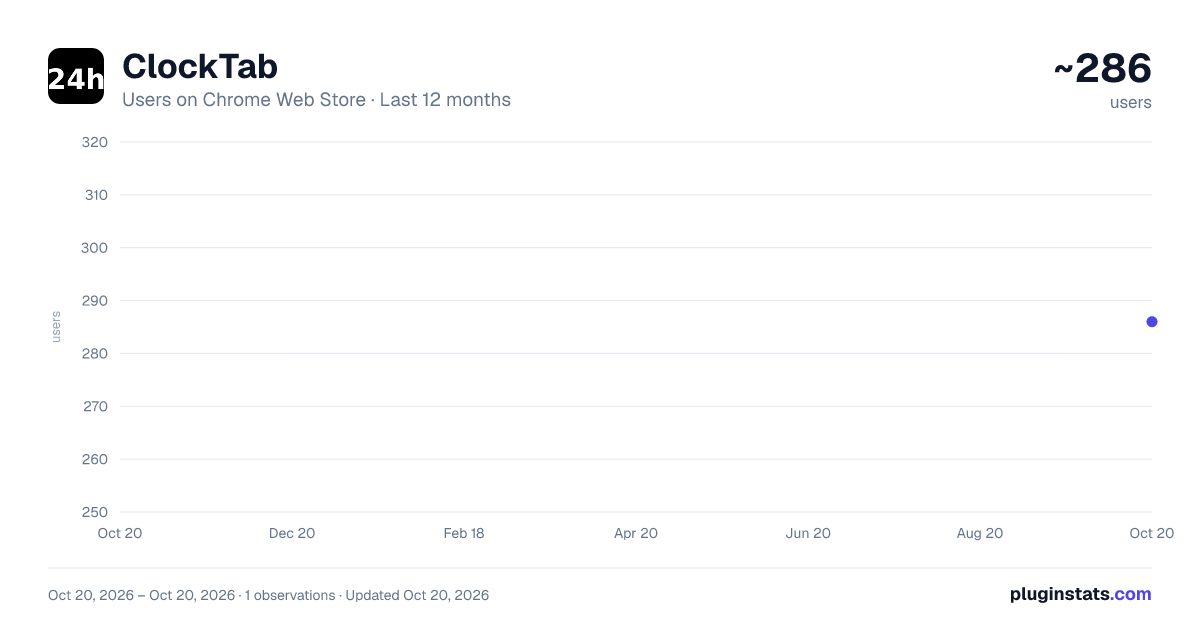
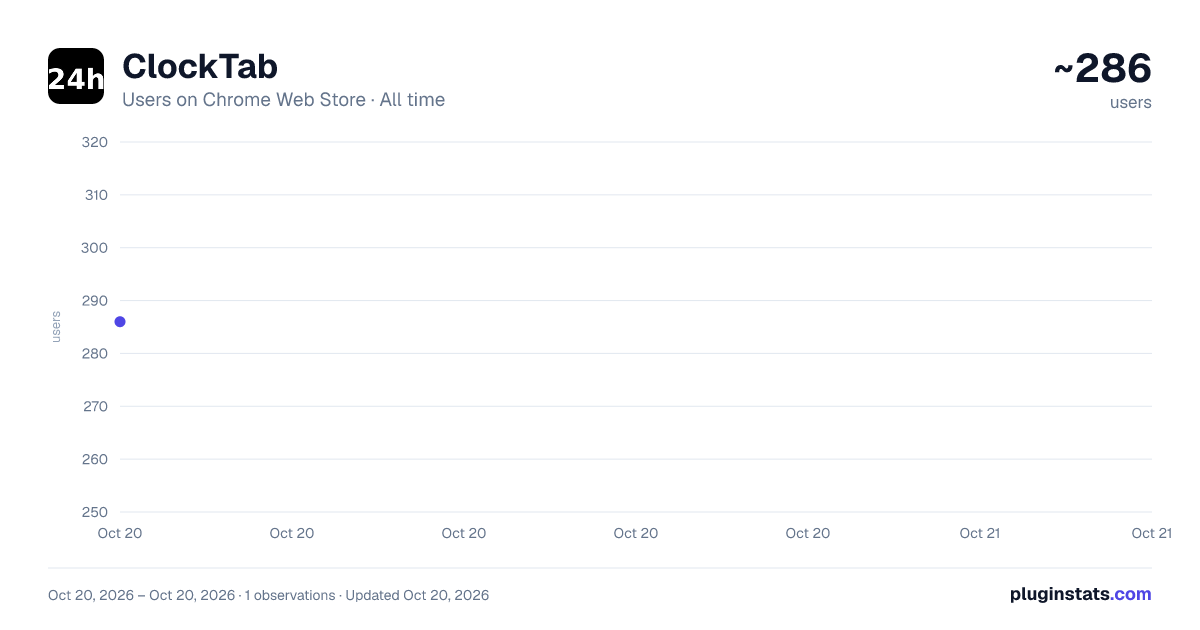
ClockTab has approximately 286 recorded users on Chrome Web Store, ranking #1591 of 2,495 tracked listings.
Rating: 5.00 / 5 from 1 ratings
About ClockTab
A simple clock tab extension.
ClockTab: Time in Your Tab 🕰️ Just click the extension icon, and a tab will open with a clock, a timer for your current session.
Dive into gaming without losing track of time! Introducing ClockTab – the gamer's perfect sidekick for multi-monitor setups. With ClockTab, you can:
⏰ See the current time in large, clear digits, designed to be effortlessly visible in your peripheral vision. ⌛ Monitor your gaming sessions from the second you start. 🌌 Enjoy a mesmerizing animated background of interconnected nodes. 🌑 Engage a distraction-free fullscreen mode with a fade-away toggle.
ClockTab ensures you're always aware of the time while staying immersed in your game. A must-have for gamers who need to juggle epic quests and real-world moments!
If you like this extension, please submit a review. It can help spread the word to other people that could find it useful.
Description from the Chrome Web Store listing.
README badge
Show your rank in a README or on your website. The badge updates automatically.
Charts
Images: 30d · 1y · all time · 1600×900 dark
Adoption over time
7/30/90-day growth
Ranking history
Ratings over time
Listing placement
Listing placement
Filled points are observed values; hollow points come from Internet Archive snapshots of the listing page. Dashed segments span periods with no observations — values between points are not interpolated.
Each band is one page of 20. Users on a linear scale. Placement is projected from users, so it can differ from the marketplace's own sort order. Hover a dot to see the listing.
Recent observations
Full history (1)Similar Chrome Web Store Tools plugins
All 20 ClockTab alternatives



Data source
Covers every Chrome Web Store extension with at least 100 users, found through the store's public sitemap. User counts are read from public listing pages. The 10% most-used extensions are refreshed daily, the next 40% weekly and the next 40% monthly; the least-used 10% are not refreshed. Google displays rounded user counts (and caps the display at 10,000,000+), so small changes may not be visible. Rating counts above 1,000 are rounded (e.g. 1.6K).
Listing: https://chromewebstore.google.com/detail/clocktab/ljoibhahkmilgjfknhahdgnmgfagojnb. First seen Oct 20, 2026; last successful collection Oct 20, 2026. See the methodology.