 PluginStats
Gmail POP3 Refresh Button users statistics
By strangemouse12345 · Chrome Web Store · Workflow & Planning
Refreshes all POP3 accounts when the POP3 button is clicked
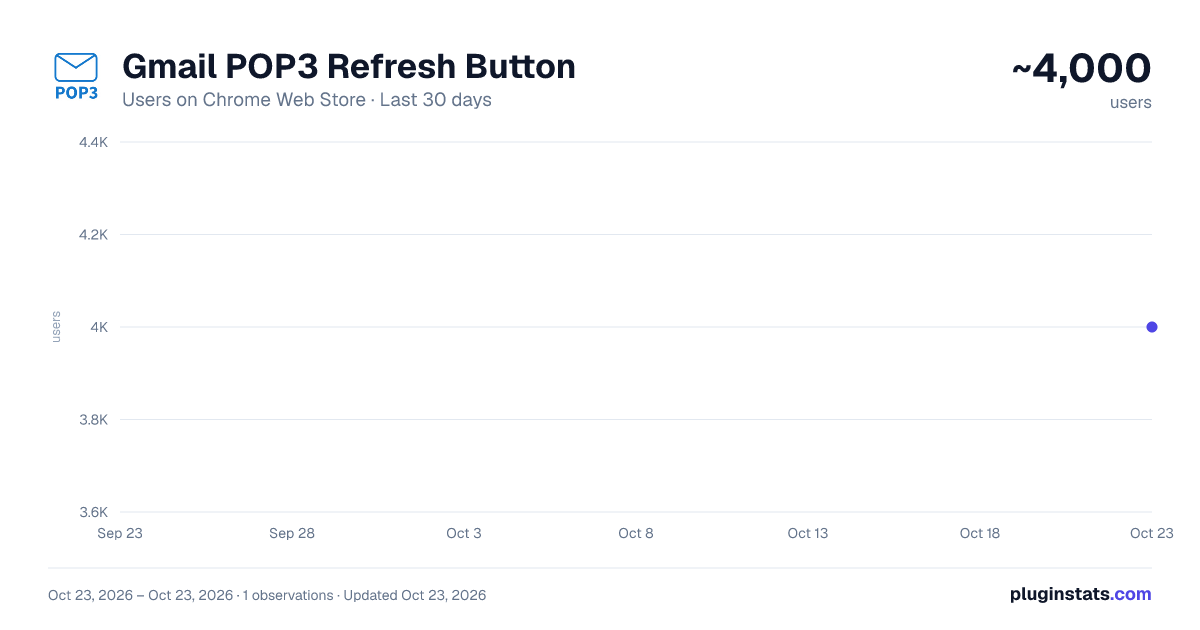
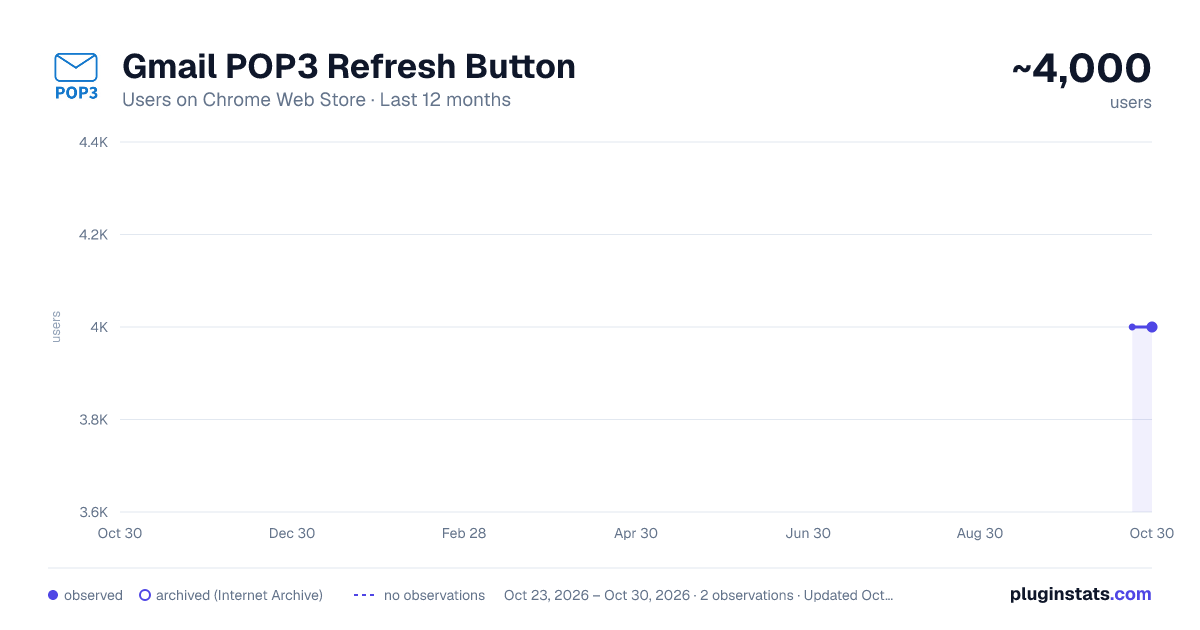
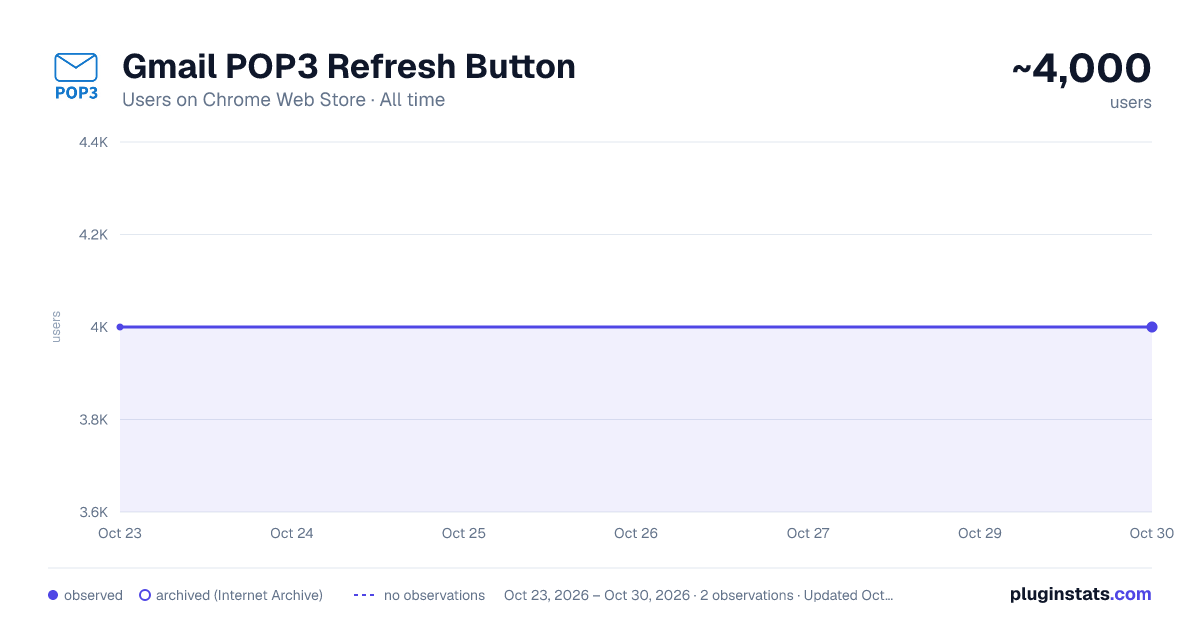
Gmail POP3 Refresh Button has approximately 4,000 recorded users on Chrome Web Store, ranking #757 of 3,853 tracked listings.
Rating: 4.30 / 5 from 30 ratings
About Gmail POP3 Refresh Button
Refreshes all POP3 accounts when the POP3 button is clicked
If you notice any bugs or have suggestions on how to improve this extension, feel free to contact me either by email or in the support tab!
This small Chrome-Extension adds a button/shortcut on the Gmail Website for easy and fast refreshing of all POP3 Email-accounts liked to your Gmail account.
Before, you had to go into the settings and click the "Check mail now" link manually but this extension now does all this automatically.
IMPORTANT INSTRUCTIONS FOR USING THE EXTENSION
To use it properly first navigate to mail.google.com/#settings/accounts and scroll down to "Check email from other accounts:". Here you will see the Email-accounts that are linked to your Gmail account together with a Button "Check mail now" (this may vary depending on your language). Copy the link text ("Check mail now" in English), click on the extension icon in the upper right corner, Click on the "Gmail POP3" extension, paste it into the "Your language" field, and press "OK". If you now navigate to mail.google.com you should see a gray Button with the Text "POP3" in the upper left corner, next to the Gmail logo. Pressing this, now should automatically go to the settings, click the required link and navigate back to the inbox page (This does not work reliably 100% of the time and it might get stuck in the settings page. Is this the case, just press the "POP3" button one more time and it should work).
This Extension is heavily based on the "Easily refresh all your POP3 E-Mail accounts linked to Gmail" bookmarklet by David Mohr (https://david-mohr.com/blog/bookmarklet-refresh-pop3-accounts-gmail) so all credit goes to him for the internal workings.
Description from the Chrome Web Store listing.
README badge
Show your rank in a README or on your website. The badge updates automatically.
Charts
Images: 30d · 1y · all time · 1600×900 dark
Adoption over time
7/30/90-day growth
Ranking history
Ratings over time
Listing placement
Listing placement
Filled points are observed values; hollow points come from Internet Archive snapshots of the listing page. Dashed segments span periods with no observations — values between points are not interpolated.
Each band is one page of 20. Users on a linear scale. Placement is projected from users, so it can differ from the marketplace's own sort order. Hover a dot to see the listing.
Recent observations
Full history (1)Similar Chrome Web Store Workflow & Planning plugins
All 20 Gmail POP3 Refresh Button alternatives



Data source
Covers every Chrome Web Store extension with at least 100 users, found through the store's public sitemap. User counts are read from public listing pages. The 10% most-used extensions are refreshed daily, the next 40% weekly and the next 40% monthly; the least-used 10% are not refreshed. Google displays rounded user counts (and caps the display at 10,000,000+), so small changes may not be visible. Rating counts above 1,000 are rounded (e.g. 1.6K).
Listing: https://chromewebstore.google.com/detail/gmail-pop3-refresh-button/conjkhfodbbomjjhfanalejcidfkabpa. First seen Oct 23, 2026; last successful collection Oct 23, 2026. See the methodology.