 PluginStats
JustCall - Click To Call for CRM Tools users statistics
Chrome Web Store · Workflow & Planning
Click to call phone numbers available on any web page. Make & receive more sales calls, track all calls.
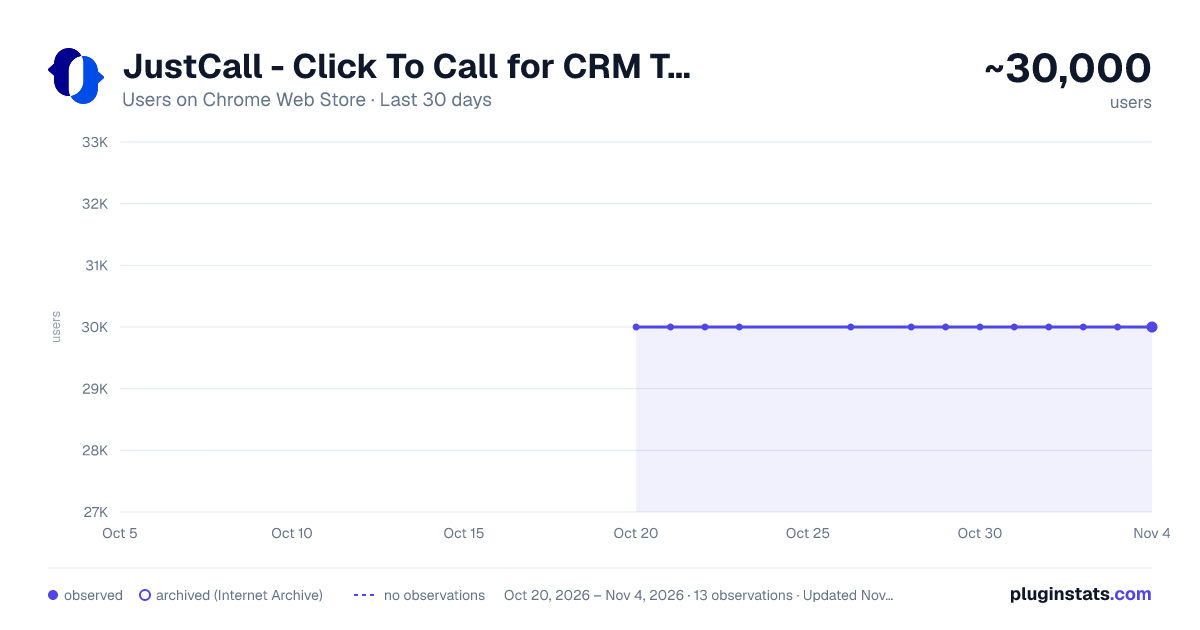
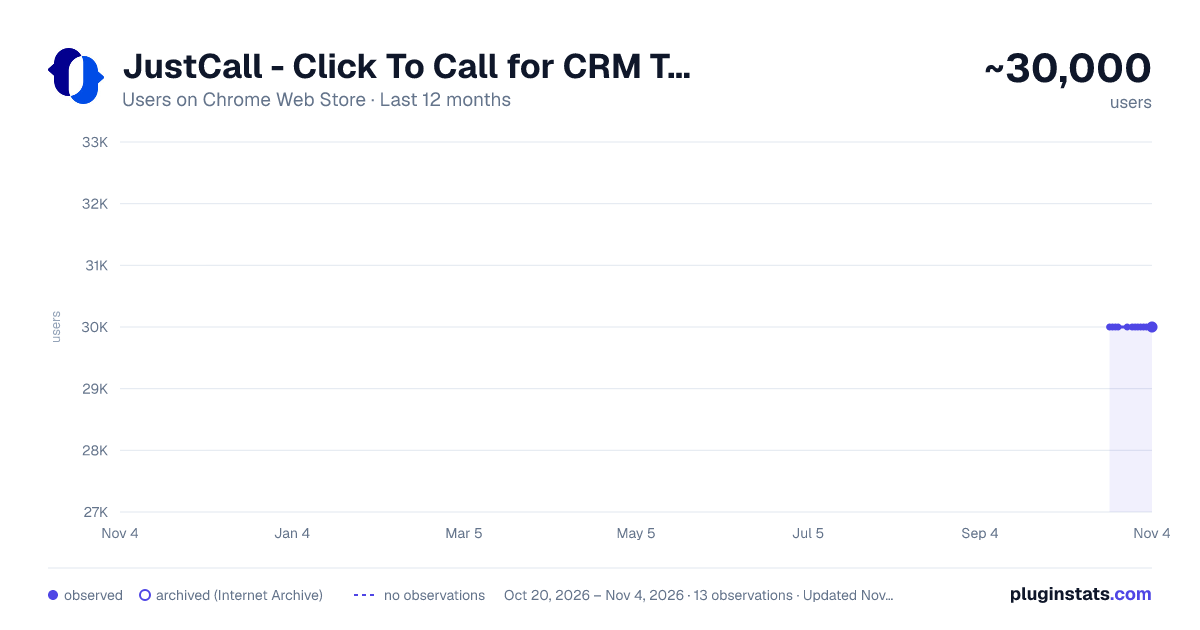
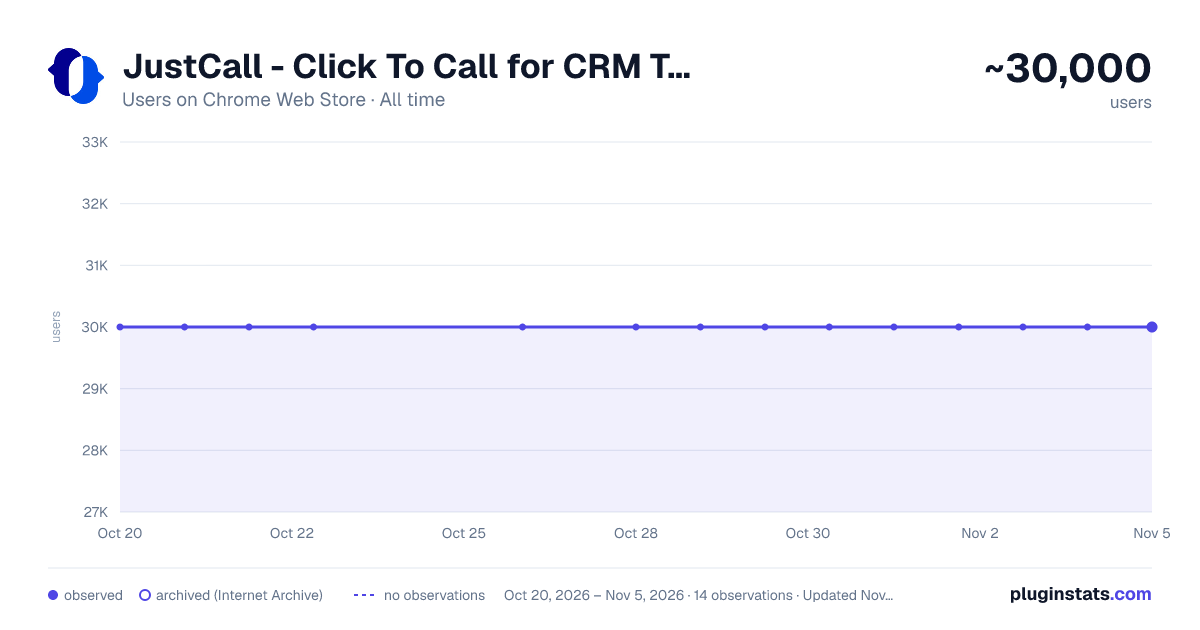
JustCall - Click To Call for CRM Tools has approximately 30,000 recorded users on Chrome Web Store, ranking #251 of 3,853 tracked listings.
Rating: 3.80 / 5 from 50 ratings
About JustCall - Click To Call for CRM Tools
Click to call phone numbers available on any web page. Make & receive more sales calls, track all calls.
TERMS and PRIVACY POLICY
By using this Chrome Extension, you agree to the JustCall Terms & Conditions available at https://justcall.io/terms and Privacy Policy available at https://justcall.io/privacy
DATA & COOKIE USE DISCLOSURE:
In addition to data use information mentioned in our privacy policy, this extension reads your JustCall cookies to ensure that you logged in your JustCall account. If you are logged in, we use this information to fetch your phone numbers to allow you to make and receive phone calls and texts from any Chrome tab.
CHROME PERMISSION USAGE DISCLOSURE: This chrome extension requires following permissions from your Chrome browser:
- contextMenus: Used to give you an open to right click and select any phone number to make calls and send sms.
- storage: Used to save your cookie in local storage so that we don't request cookies every time. Also, to store you audio device settings to ensure that you are using the right Input and Output Audio Device while answering your phone calls.
- cookies: Used to read your JustCall cookies to ensure that you are logged in to use your JustCall account (as mentioned in Data Use Disclosure)
- notifications: Used to send you notification for incoming phone call and sms
- activeTab: The activeTab permission is required for the extension to interact with the currently active tab, allowing it to access or modify the web page when the user initiates an action. This enables the extension to execute scripts on the active tab and open new tabs adjacent to the current one when user opens new tab by clicking on buttons.
- offscreen: The offscreen permission allows the extension to create an offscreen document for tasks such as establishing WebRTC connections, playing audio, or accessing user media. This offscreen page is essential for managing calling functionalities using an SDK that requires making XMLHttpRequests.
- scripting: The scripting permission is necessary to inject JavaScript into web pages, enabling features like displaying click to call and click to text icons. This is used to add icons elements to websites.
- tabs: The tabs permission enables the extension to interact with the user's browsing activity, including querying, creating, and modifying tabs. This is important for actions such as opening new tabs and communicating with both the active tab and other browser tabs.
DISCLAIMER: This extension uses Google Analytics to collect extension usage statistics to help improve user experience. If you want to opt-out of Google Analytics tracking, please visit http://tools.google.com/dlpage/gaoptout or you can set up a filter in Adblock Plus or similar ad blocker tools like AdBlock, uBlock or Adblock Pro.
================================================
ABOUT THIS EXTENSION
JustCall Chrome Extension works with your JustCall.io account. It allows you to add click to call and click to text buttons beside valid phone numbers in your CRM (that JustCall integrates with). It also notifies you when there is an incoming phone call on your JustCall phone number. You can answer incoming calls directly from your Chrome browser.
Requirement: This extension requires JustCall.io paid account. Pricing starts at $25/user/month.
================================================ CHANGE LOG: v11.4.5
- Fixed c2c and c2t icons in Hubspot tabular view of contacts/companies
- Fixed c2c and c2t icons in Keap/Infusionsoft's contact list view
v11.4.2
- Fixes c2c and c2t icons in OnePageCRM
- Fixes an issue with number formatting in ActiveCampaign CRM
- Adds availability toggle in popup window
v11.4.0
- Fixes an issue in C2C and C2T icons in Intercom
v11.3.9
- Adds click to call and text icons in Zoho CRM Plus
- Fix Auto Dialer button disappearing in Zoho CRM Plus at times
v11.3.8
- persistant notification for incoming calls
v11.3.6
- Adds icons in PipelineDeals CRM
v11.3.5
- Fixes calls and text icons in Zoho Recruit
- Fixes calls and text icons in Nimble CRM
- Redesigned settings page
v11.3.4 -Fixed click to call and text icons in Freshsales -Fixed click to call and text icons in Outreach
v11.3.3 -Fixed click to call and text icons in ActiveCampaign -Fixed click to call and text icons in Pipedrive
v11.3.2 -Fixed click to call and text icons on deals page in ActiveCampaign
v11.3.1
- CRM icons on call screens to open contacts directly in CRMs.
- Host Permissions to Keap CRM
- Fixed - Focussing on the already opened browser window instead of creating another window, when open Dialer button is clicked.
- Autodialer button in Zoho CRM
v11.3
- completely revamped version of the extension
- get notified about the phone calls through ext icon in the ext bar beside address bar
- get more information like previous calls etc from the extension itself
- reduced permissions
- extension URL permissions restricted to only the CRM that we integrate with
v11.2.19
- Fixed Click to call and text icons for Intercom, Zoho CRM, Zoho Desk and LessAnnoying CRM
- Added Icons next to custom phone fields in Ontraport
v11.2.18
- Minor changes and code clean up
v11.2.17
- activeTab permission dropped
v11.2.15
- Minor changes related to icon size
- Updated Calling library
v11.2.14
- completely dropped permission requirements "management" and "all urls"
- added data & cookie usage and permission usage disclosure in the description
- added links to Terms and Privacy on dialer as well
v11.2.13
- Fixed an issue where click to call icons were not displaying in Front, FreshDesk and Hubspot CRM.
- Fixed an issue where click to call icon opened a new tab instead of a new browser window
- Fixed an issue where Extension Button in browser was picking up wrong number and feeding to our dialer.
- Added Click to Call icons in Propertyware CRM
- Added same page login in Sales force
v11.2.11
- updated Twilio SDK for improved performance…
Description from the Chrome Web Store listing.
README badge
Show your rank in a README or on your website. The badge updates automatically.
Charts
Images: 30d · 1y · all time · 1600×900 dark
Adoption over time
7/30/90-day growth
Ranking history
Ratings over time
Listing placement
Listing placement
Filled points are observed values; hollow points come from Internet Archive snapshots of the listing page. Dashed segments span periods with no observations — values between points are not interpolated.
Each band is one page of 20. Users on a linear scale. Placement is projected from users, so it can differ from the marketplace's own sort order. Hover a dot to see the listing.
Recent observations
Full history (4)Similar Chrome Web Store Workflow & Planning plugins
All 20 JustCall - Click To Call for CRM Tools alternatives



Data source
Covers every Chrome Web Store extension with at least 100 users, found through the store's public sitemap. User counts are read from public listing pages. The 10% most-used extensions are refreshed daily, the next 40% weekly and the next 40% monthly; the least-used 10% are not refreshed. Google displays rounded user counts (and caps the display at 10,000,000+), so small changes may not be visible. Rating counts above 1,000 are rounded (e.g. 1.6K).
Listing: https://chromewebstore.google.com/detail/justcall-click-to-call-fo/ahiickjmnblnnhjcomiegpdikaboegda. First seen Oct 20, 2026; last successful collection Oct 23, 2026. See the methodology.