 PluginStats
iVelt Helper v2 users statistics
By Ivelt Extension Developers · Chrome Web Store · Tools
Adds accessibility and usability improvements to אייוועלט.
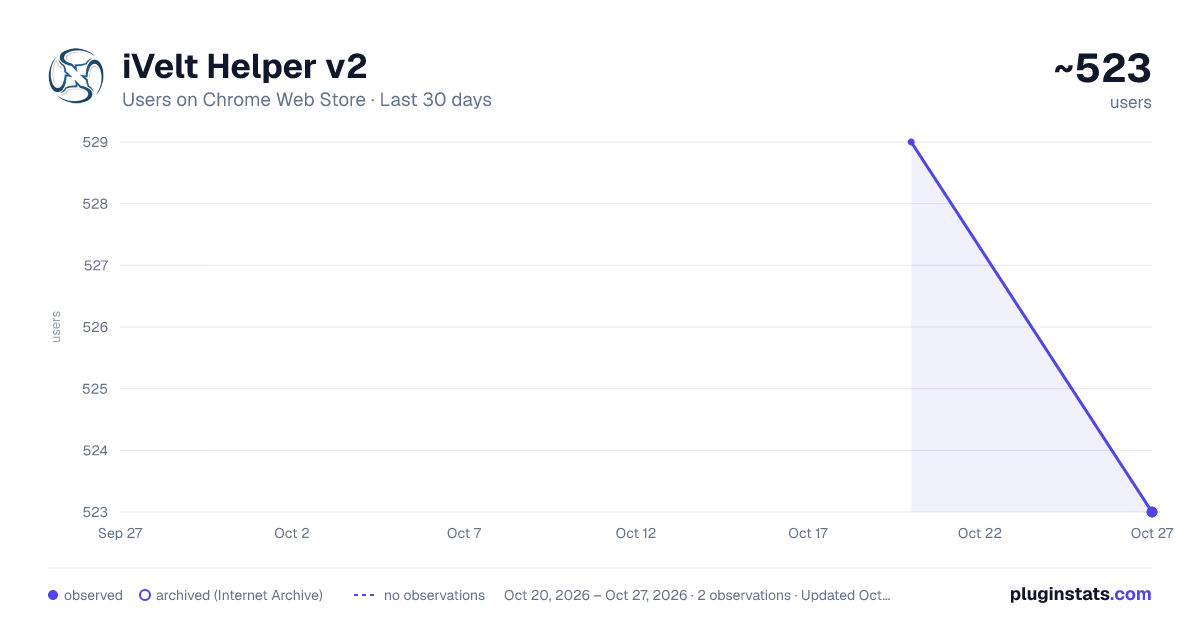
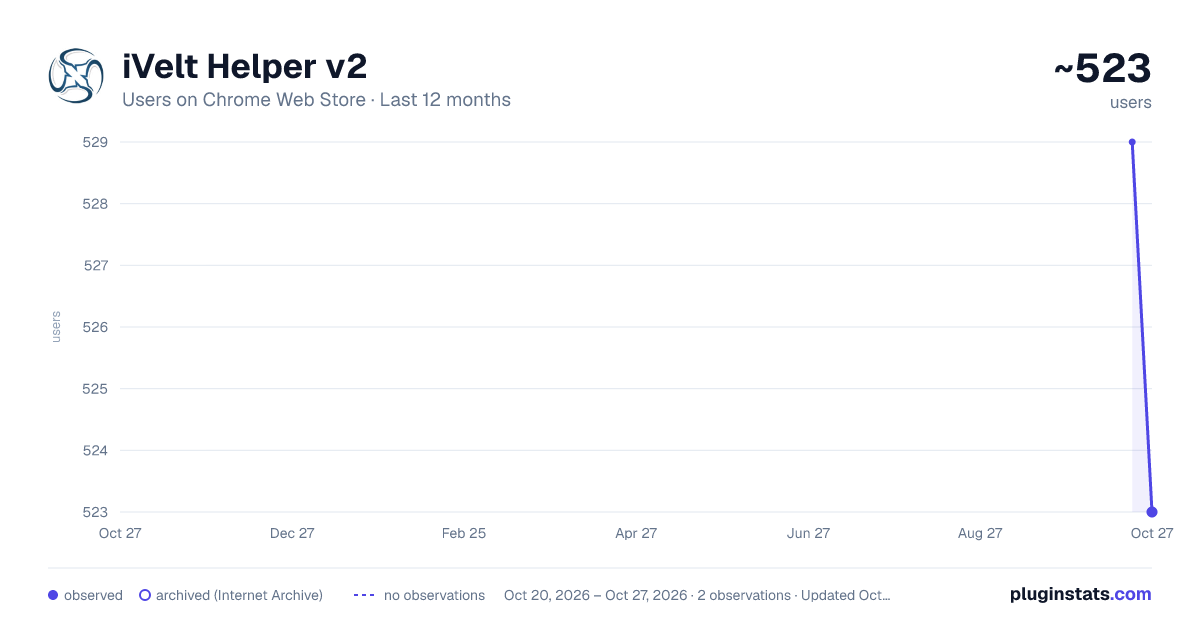
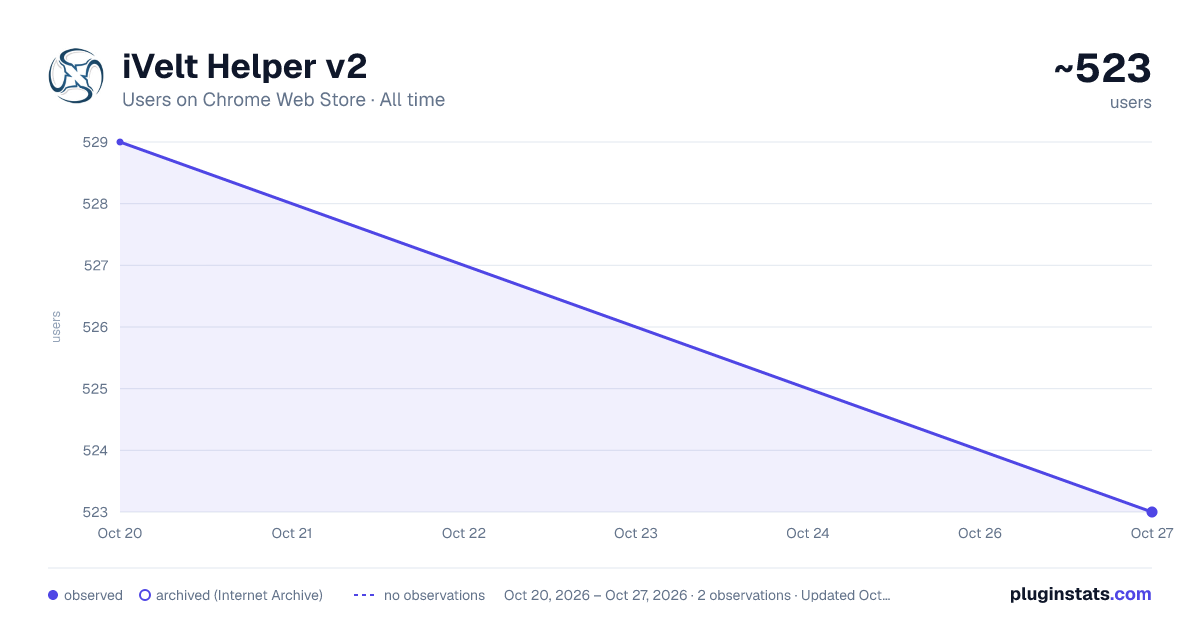
iVelt Helper v2 has approximately 529 recorded users on Chrome Web Store, ranking #1207 of 2,495 tracked listings.
Rating: 5.00 / 5 from 10 ratings
About iVelt Helper v2
Adds accessibility and usability improvements to אייוועלט.
אייוועלט העלפער – שארטקאטס, נאטיפיקאציעס און אנדערע נוצליכע זאכן פאר די אייוועלט פארומס. רוב זאכן קען מען אנצינדן אדער אויסלעשן אין די עקסטענשען אנשטעלונגען.
★ קנעפלעך ביי א תגובה • ציטיר לעצטע – ביי א תגובה מיט ציטאטן אין איר, ציטיר נאר די לעצטע תגובה. • דערמאן תגובה – דער שרייבער באקומט א נאטיפיקאציע. • ציטיר אין אנדערע אשכול – מיט א לינק צום מקור, און אויב מען וויל, מיט די בילדער. • ציטיר אינעם קאמענטארן אשכול – עפנט א תגובה דארט מיט דעם ציטאט שוין אריינגעלייגט. • קאפיר תגובה לינק – א קליק אויפן קליינעם אייקאן נעבן דעם נאמען פונעם שרייבער.
★ נאטיפיקאציעס • א נומער אויפן אייקאן מיט וויפיל אומגעליינטע נאטיפיקאציעס עס זענען דא, און בראוזער נאטיפיקאציעס, אפילו ווען אייוועלט איז נישט אפן. • א מעלדונג ווען נייע תגובות קומען צו אינעם אשכול וואס מען ליינט. • באזונדערע נאטיפיקאציע גלעקלעך פאר ציטירט, באדאנקט און דערמאנט.
★ שרייבן א תגובה • בילדער פארקלענערער: פארקלענערט בילדער אז זיי זאלן אריינפאסן אין די גרייס פון אן עטעטשמענט, און מאכט א גאנצן פאלדער אין איין ZIP. • ווארנט איידער מען פארלאזט א בלאט מיט א נישט-געשיקטע תגובה.
★ קיבאורד שארטקאטס • ← / → – פריערדיגער / קומענדיגער בלאט אינעם אשכול • ↑ / ↓ – שפרינג צום אנהייב / סוף פונעם בלאט • Ctrl+Enter – שיק די תגובה • Alt+V – פריוויו • Alt+A – אקטיווע אשכולות • Alt+N – נאטיפיקאציעס • Alt+M – קומענדיגע אומגעליינטע נאטיפיקאציע
★ אנדערע • גוגל זוך אינעם אשכול, אדער אין גאנץ אייוועלט. • פרינט עטליכע בלעטער אדער א גאנצן אשכול מיט איינמאל. • א פאפ-אפ מיט גיכע לינקס, אריינלאגן, און עמערזשענסי ארויסלאגן.
געמאכט דורך מעמבערס פון אייוועלט. אפן-סאורס אויף GitHub: github.com/chucem/IveltChromeExtension
――――――――――
iVelt Helper adds shortcuts, notifications and handy tools to the אייוועלט forum. Most features can be turned on or off in the extension's settings.
★ Post buttons • Quote last only – quote just the last reply of a post with nested quotes. • Mention – the poster gets a notification. • Quote in another topic – with a source link and, optionally, the images. • Quote in the comments topic – opens a reply there with the post already quoted. • Copy post link – one click on the small icon next to the author's name.
★ Notifications • Unread count on the toolbar icon, plus optional browser notifications, even when the site isn't open. • Alert when new replies arrive in the topic you're reading. • Separate notification bells for quotes, thanks and mentions.
★ Writing posts • Image Resizer: shrinks images to fit the attachment size limit and packs a whole folder into one ZIP. • Warning before leaving a page with an unsent post.
★ Keyboard shortcuts • ← / → previous / next page • ↑ / ↓ top / bottom of the page • Ctrl+Enter submit • Alt+V preview • Alt+A active topics • Alt+N notifications • Alt+M next unread notification
★ More • Google search within a topic or the whole site. • Print several pages or a whole topic at once. • Toolbar popup with quick links, quick sign-in and emergency sign-out.
Made by members of אייוועלט. Open source: github.com/chucem/IveltChromeExtension
Description from the Chrome Web Store listing.
README badge
Show your rank in a README or on your website. The badge updates automatically.
Charts
Images: 30d · 1y · all time · 1600×900 dark
Adoption over time
7/30/90-day growth
Ranking history
Ratings over time
Listing placement
Listing placement
Filled points are observed values; hollow points come from Internet Archive snapshots of the listing page. Dashed segments span periods with no observations — values between points are not interpolated.
Each band is one page of 20. Users on a linear scale. Placement is projected from users, so it can differ from the marketplace's own sort order. Hover a dot to see the listing.
Recent observations
Full history (1)Similar Chrome Web Store Tools plugins
All 20 iVelt Helper v2 alternatives



Data source
Covers every Chrome Web Store extension with at least 100 users, found through the store's public sitemap. User counts are read from public listing pages. The 10% most-used extensions are refreshed daily, the next 40% weekly and the next 40% monthly; the least-used 10% are not refreshed. Google displays rounded user counts (and caps the display at 10,000,000+), so small changes may not be visible. Rating counts above 1,000 are rounded (e.g. 1.6K).
Listing: https://chromewebstore.google.com/detail/ivelt-helper-v2/ahidenbhdkloaingggdcijofobjboopi. First seen Oct 20, 2026; last successful collection Oct 20, 2026. See the methodology.