 PluginStats
One-click OCR users statistics
By Pong · Chrome Web Store · Tools
Select a region on the page to capture; recognize text in an on-page modal. Supports multiple languages and saves your OCR language…
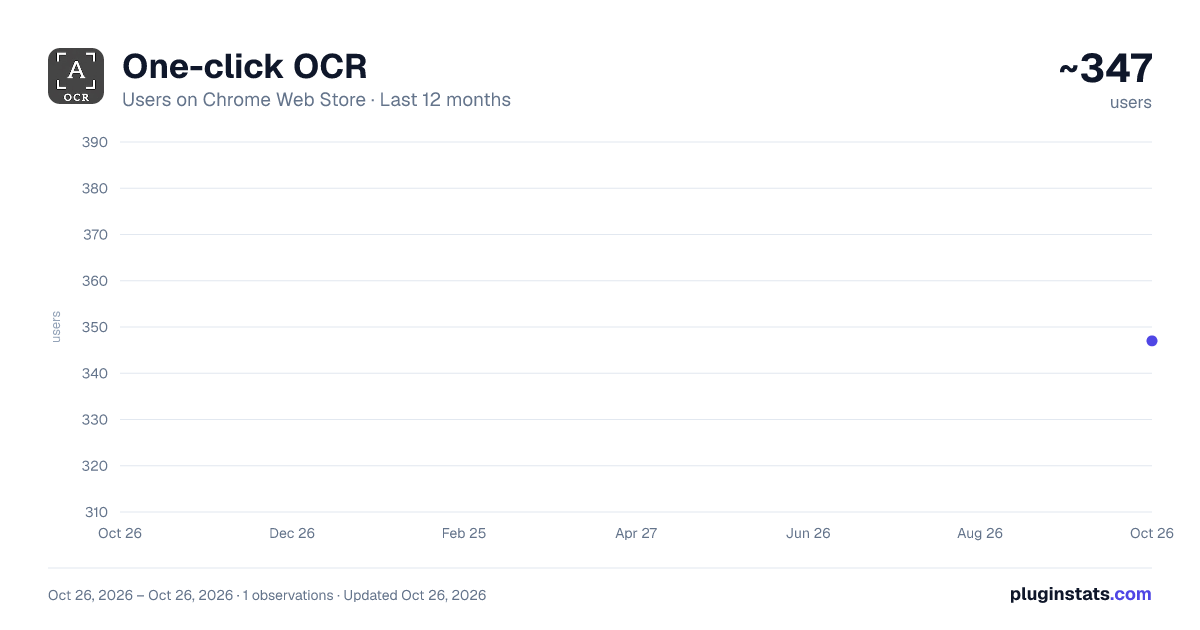
One-click OCR has approximately 347 recorded users on Chrome Web Store, ranking #2684 of 4,553 tracked listings.
Rating: 5.00 / 5 from 2 ratings
About One-click OCR
Select a region on the page to capture; recognize text in an on-page modal. Supports multiple languages and saves your OCR language…
One-click OCR is a Chrome extension focused on recognizing text from web screenshots. You can drag to select a screenshot area on any page, and then run OCR and copy the result directly on the current page—without frequently switching pages or uploading images.
Core features:
- Screenshot selection: Drag to select an area on the page, then quickly capture the content you need.
- Local OCR: Runs OCR inside the extension, supporting multi-language combinations.
- Copy results: Copy the recognized text with one click for easy pasting into documents or chat tools.
- Remember language preference: Automatically keeps your last selected OCR language to reduce repetitive steps.
- Quick trigger: Supports keyboard shortcuts to start the screenshot flow (default: Alt+Shift+C).
Use cases:
- Recognize text in images on web pages.
- Extract tables and notes from screenshots.
- Quickly organize materials, take notes, and prepare text for translation.
Notes:
- Works on accessible web pages (only where the extension can capture the page you are viewing).
- The screenshot covers the currently visible area of the tab.
- On some websites, results may vary due to the site’s own security policies.
Description from the Chrome Web Store listing.
README badge
Show your rank in a README or on your website. The badge updates automatically.
Charts
Images: 30d · 1y · all time · 1600×900 dark
Adoption over time
7/30/90-day growth
Ranking history
Ratings over time
Listing placement
Listing placement
Filled points are observed values; hollow points come from Internet Archive snapshots of the listing page. Dashed segments span periods with no observations — values between points are not interpolated.
Each band is one page of 20. Users on a linear scale. Placement is projected from users, so it can differ from the marketplace's own sort order. Hover a dot to see the listing.
Recent observations
Full history (1)Similar Chrome Web Store Tools plugins
All 20 One-click OCR alternatives




Data source
Covers every Chrome Web Store extension with at least 100 users, found through the store's public sitemap. User counts are read from public listing pages. The 10% most-used extensions are refreshed daily, the next 40% weekly and the next 40% monthly; the least-used 10% are not refreshed. Google displays rounded user counts (and caps the display at 10,000,000+), so small changes may not be visible. Rating counts above 1,000 are rounded (e.g. 1.6K).
Listing: https://chromewebstore.google.com/detail/一键读图(ocr)/kicllmmponkgichpcikfhdmlfakbjfnm. First seen Oct 26, 2026; last successful collection Oct 26, 2026. See the methodology.