 PluginStats
Flow Bulk — Bulk Veo & Image Automation users statistics
By agnihotri.sanchit · Chrome Web Store · Workflow & Planning
Paste many prompts and bulk-generate videos & images on Google Flow. Sign in required.
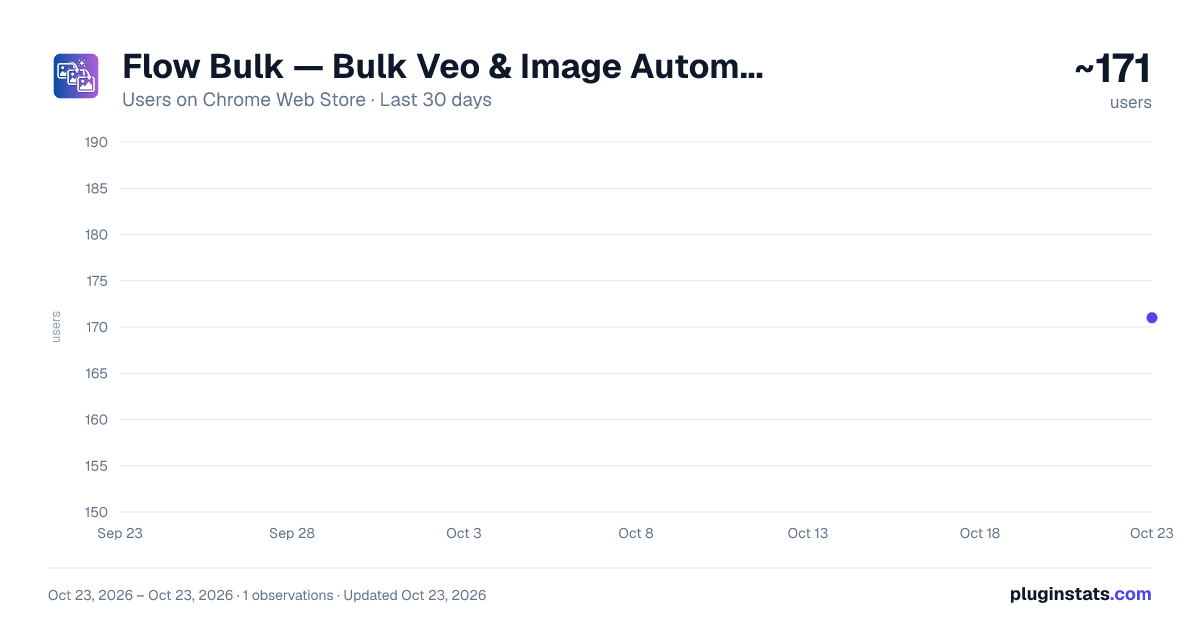
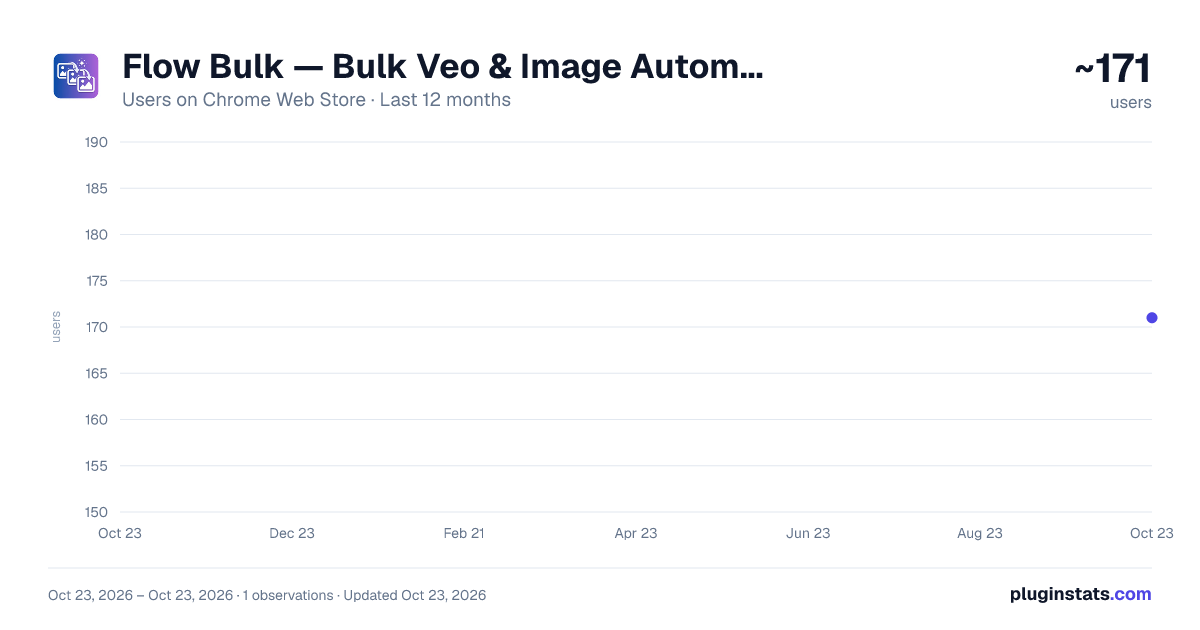
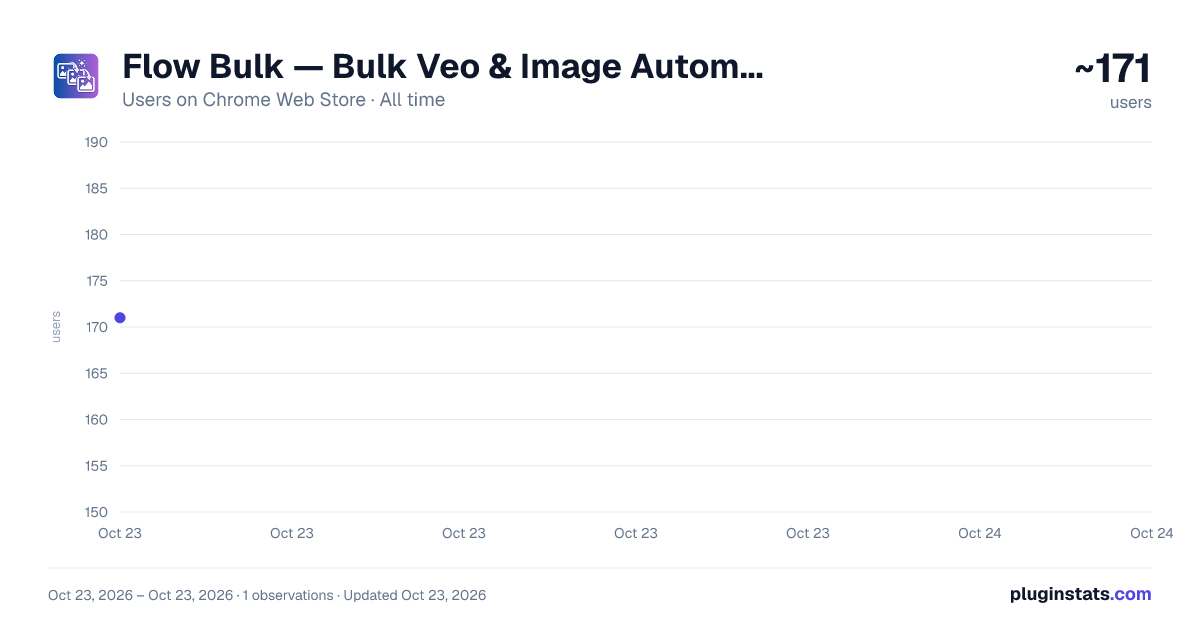
Flow Bulk — Bulk Veo & Image Automation has approximately 171 recorded users on Chrome Web Store, ranking #3073 of 3,853 tracked listings.
Rating: 5.00 / 5 from 5 ratings
About Flow Bulk — Bulk Veo & Image Automation
Paste many prompts and bulk-generate videos & images on Google Flow. Sign in required.
Flow Bulk turns Google Flow into a bulk generator. Paste dozens of prompts, press Start, and Flow Bulk automatically fills each prompt, submits it, waits for the result, and downloads it — so you can batch-create AI videos and images instead of generating them one at a time.
Built for creators who use Google Flow with the Veo and Nano Banana models and need to generate at scale.
KEY FEATURES • Bulk prompts — paste many prompts (separated by a blank line); each becomes an editable item in your queue • Hands-free automation — auto fill, submit, wait, and download for every prompt • All Flow modes — text-to-video, text-to-image, image-to-video, and frames-to-video • Auto-download — every generated video and image is saved automatically • Queue controls — start, pause, resume, and stop anytime • Live progress — track the status of each prompt as it runs
HOW IT WORKS
- Install and pin Flow Bulk, then open the side panel.
- Open your Google Flow project and sign in with Google.
- Paste your prompts, choose your settings, and press Start.
- Flow Bulk runs the queue inside your own Google Flow account and downloads the results.
PRICING • Free — 50 prompts to try it out • Pro — unlimited prompts for ₹299/month, cancel anytime
WHO IT'S FOR Video creators, marketers, agencies, designers, and AI artists who generate many clips or images on Google Flow with Veo or Nano Banana and want to save hours of manual clicking.
NOTE Flow Bulk is an independent tool and is not affiliated with, endorsed by, or sponsored by Google. "Google Flow", "Veo", and "Nano Banana" are trademarks of their respective owners and are referenced only to describe compatibility. You run all generations in your own Google account and are responsible for complying with Google's terms of service.
Description from the Chrome Web Store listing.
README badge
Show your rank in a README or on your website. The badge updates automatically.
Charts
Images: 30d · 1y · all time · 1600×900 dark
Adoption over time
7/30/90-day growth
Ranking history
Ratings over time
Listing placement
Listing placement
Filled points are observed values; hollow points come from Internet Archive snapshots of the listing page. Dashed segments span periods with no observations — values between points are not interpolated.
Each band is one page of 20. Users on a linear scale. Placement is projected from users, so it can differ from the marketplace's own sort order. Hover a dot to see the listing.
Recent observations
Full history (1)Similar Chrome Web Store Workflow & Planning plugins
All 20 Flow Bulk — Bulk Veo & Image Automation alternatives



Data source
Covers every Chrome Web Store extension with at least 100 users, found through the store's public sitemap. User counts are read from public listing pages. The 10% most-used extensions are refreshed daily, the next 40% weekly and the next 40% monthly; the least-used 10% are not refreshed. Google displays rounded user counts (and caps the display at 10,000,000+), so small changes may not be visible. Rating counts above 1,000 are rounded (e.g. 1.6K).
Listing: https://chromewebstore.google.com/detail/flow-bulk-—-bulk-veo-imag/coigpkihdldkfbollgghhmgpjobgnegi. First seen Oct 23, 2026; last successful collection Oct 23, 2026. See the methodology.