 PluginStats
VTT Transcript Extractor users statistics
Extract subtitles & transcripts from lectures, courses and online video. Copy as text or download SRT, VTT and ASS subtitle files.
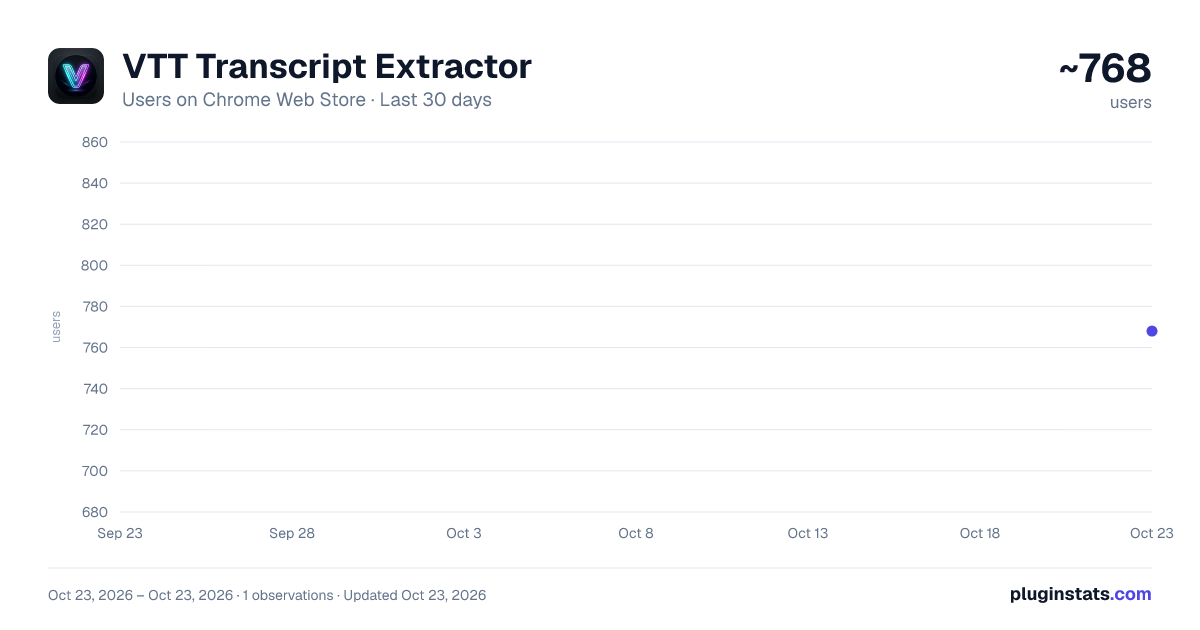
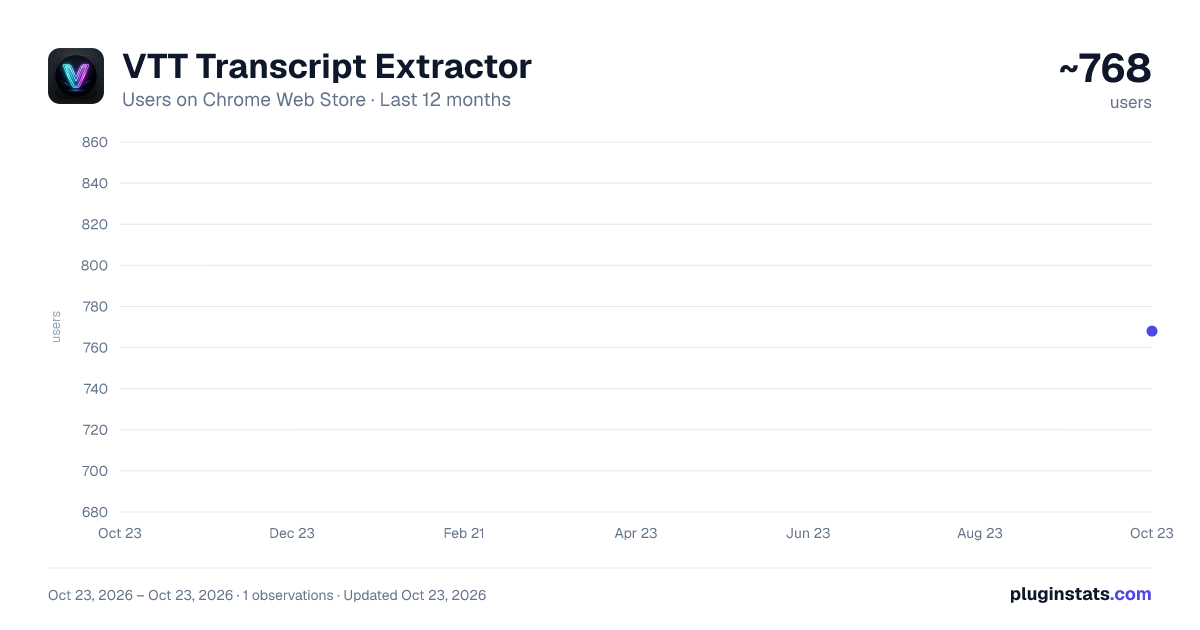
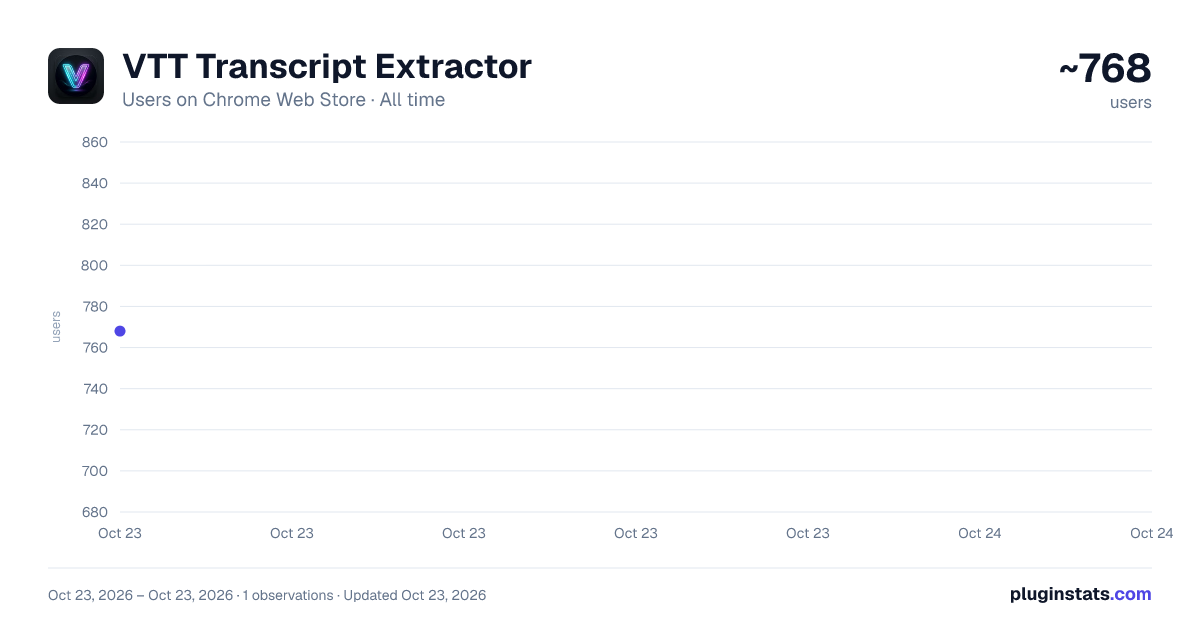
VTT Transcript Extractor has approximately 768 recorded users on Chrome Web Store, ranking #1599 of 3,853 tracked listings.
Rating: 5.00 / 5 from 4 ratings
About VTT Transcript Extractor
Extract subtitles & transcripts from lectures, courses and online video. Copy as text or download SRT, VTT and ASS subtitle files.
Get the full text out of almost any video you watch. Copy it, download it as a clean text file, or save it as a subtitle file (.srt, .vtt or .ass) with the original timings.
Whether you're a student compiling notes from lectures and online courses, a researcher pulling quotes out of recorded talks, or a creator gathering reference material, this tool takes the hassle out of hunting down hidden subtitle files. Great for studying, summarizing a long talk, searching what was said, or pasting a transcript straight into an AI assistant.
WORKS WITH: ✅ YouTube: auto-generated and manual captions, in any language ✅ Kaltura: the video system behind many university lecture portals ✅ Wistia: including the native player used by several course platforms ✅ Vimeo ✅ Loom ✅ Any site that serves standard VTT, SRT or TTML subtitles, including HTML5 <track> tags and HLS streams
Tested platforms, in full: https://kissma.org/apps/vtt-transcript-extractor#supported-sites
KEY FEATURES: 🚀 One-click or automatic: captures captions as the video plays, or pulls them from your current tab in a single click 🎞️ Subtitle files: download .srt, .vtt or .ass with the original timings, ready for media players, video editors and subtitle editors ⏱️ Timestamps optional: export plain text, or keep the timecodes 🌍 Clean languages: when a video has several caption languages, each one stays separate, so your files never mix them 📂 Live preview: read the text right in the popup before you export 🔒 Private by design: everything runs locally in your browser. Nothing you capture is ever uploaded, tracked, or stored on our servers 🌐 Lightweight: built natively so your browser stays fast
A quick note on expectations: subtitles have to exist for a video, and a few platforms deliver them in a format we can't read yet. If a player only loads its subtitles while the video plays, the popup tells you to press play with captions on. Run into a site that doesn't work? The popup has a one-click "report this site" link. Tell us and we'll add support.
Description from the Chrome Web Store listing.
README badge
Show your rank in a README or on your website. The badge updates automatically.
Charts
Images: 30d · 1y · all time · 1600×900 dark
Adoption over time
7/30/90-day growth
Ranking history
Ratings over time
Listing placement
Listing placement
Filled points are observed values; hollow points come from Internet Archive snapshots of the listing page. Dashed segments span periods with no observations — values between points are not interpolated.
Each band is one page of 20. Users on a linear scale. Placement is projected from users, so it can differ from the marketplace's own sort order. Hover a dot to see the listing.
Recent observations
Full history (1)Similar Chrome Web Store Tools plugins
All 20 VTT Transcript Extractor alternatives



Data source
Covers every Chrome Web Store extension with at least 100 users, found through the store's public sitemap. User counts are read from public listing pages. The 10% most-used extensions are refreshed daily, the next 40% weekly and the next 40% monthly; the least-used 10% are not refreshed. Google displays rounded user counts (and caps the display at 10,000,000+), so small changes may not be visible. Rating counts above 1,000 are rounded (e.g. 1.6K).
Listing: https://chromewebstore.google.com/detail/vtt-transcript-extractor/cokkahjomcaojapkpmgfngfpibiammfp. First seen Oct 23, 2026; last successful collection Oct 23, 2026. See the methodology.