 PluginStats
JooShow users statistics
Click through your screen — a step-by-step guide writes itself
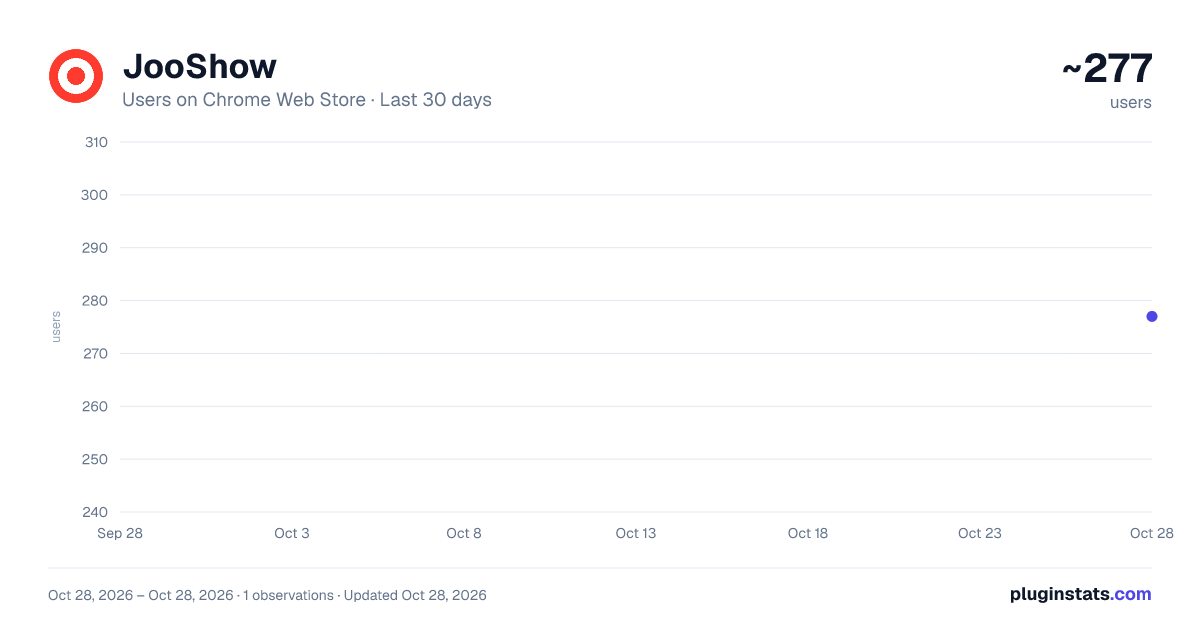
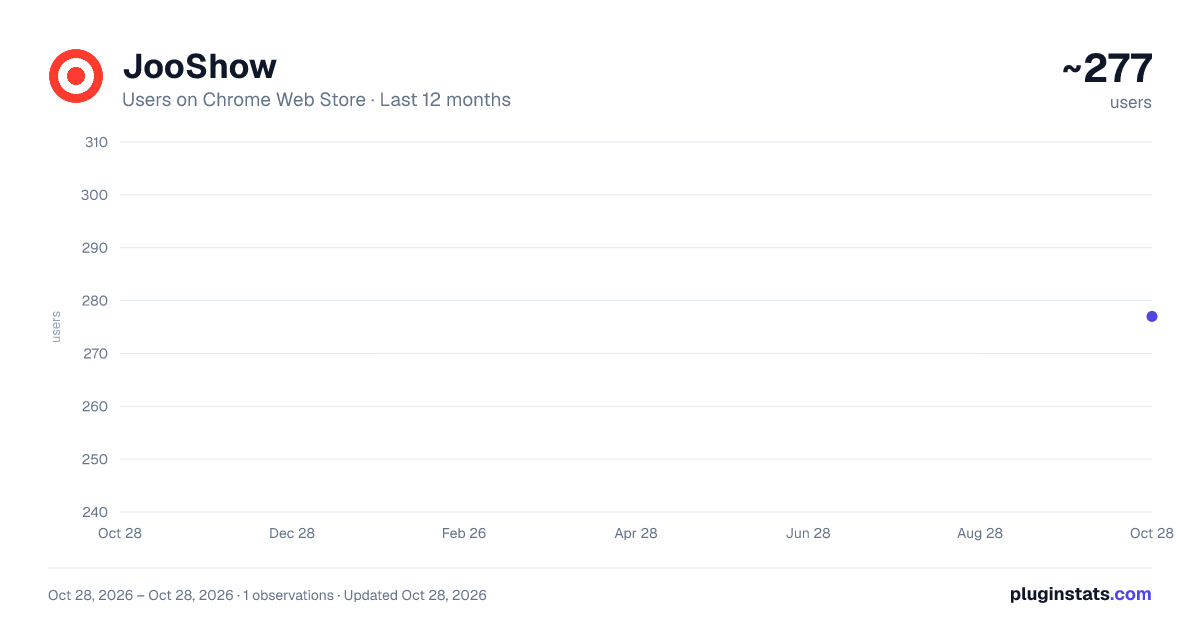
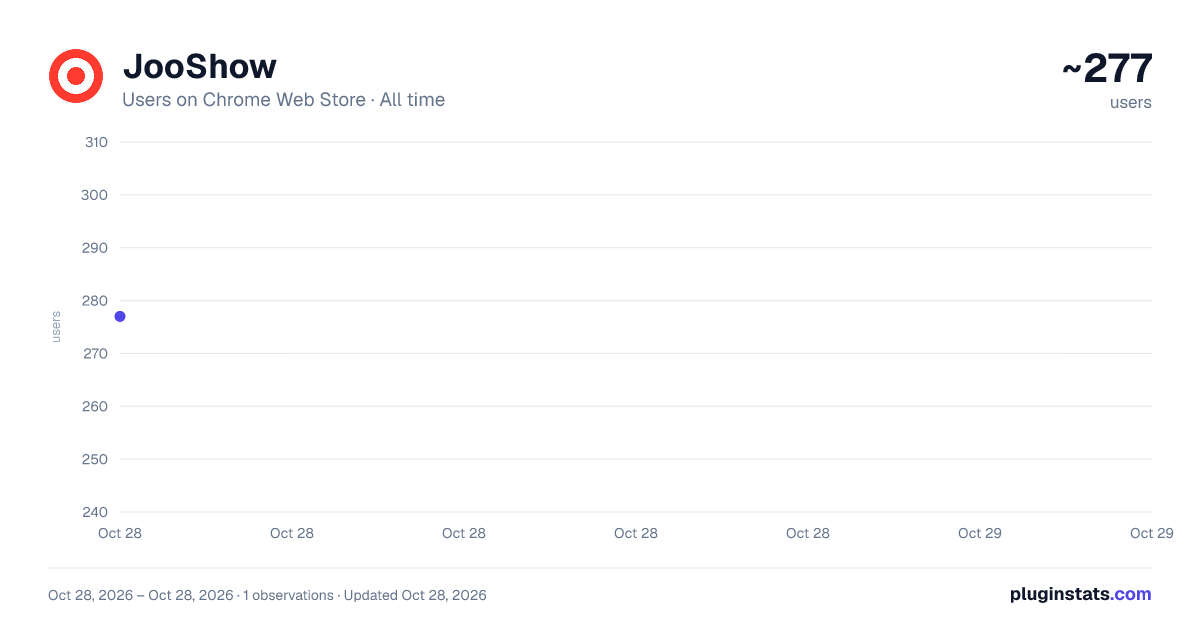
JooShow has approximately 277 recorded users on Chrome Web Store, ranking #3170 of 4,880 tracked listings.
Rating: 5.00 / 5 from 2 ratings
About JooShow
Click through your screen — a step-by-step guide writes itself
JooShow captures the steps of an on-screen task to create a guide. Use it to put screenshots and instructions together for lessons or how-to materials.
Record your screen Start recording and work as usual. Your clicks capture the screen, mark the click location, and add step descriptions. You can also capture a selected area or a long page.
Edit the steps Revise descriptions, reorder steps, or remove ones you do not need. Add arrows and notes to highlight important details, and hide sensitive areas before sharing.
Find saved content Search guide titles and step descriptions in your library. Select a matching sentence to jump directly to that step. Search runs inside your browser.
Share the finished guide Create a link so recipients can read the guide without installing the extension. You can also save it as a file or group several guides together. When sending a link to an external class posting screen, you review the class and content and publish it yourself.
Continue editing in Canva Choose Canva in the editor to send your guide without saving or selecting a file. The first time, sign in with Google in the JooShow web app and connect your Canva account. Once connected, one click on Canva opens an editable design.
Korean and English are supported, and you can choose a language in the popup settings.
🔒 PRIVACY, PLAINLY
- Your captures and edits are stored in your browser by default. Transfers such as creating a share link, exporting to Canva, or sending feedback happen when you choose those features
- OCR runs on your device — images are never uploaded for it
- Creating a share link sends only: the title, step images and captions, an anonymous ownerKey, the expiry you picked, and a SHA-256 hash of the optional password (never the password itself)
- Exporting to Canva sends a PPTX containing your guide images and descriptions to the JooShow web app. After Google sign-in and Canva connection, the JooShow server sends the file to Canva to create a design. The extension never receives Canva authentication tokens
- Sending feedback sends only: your message, an optional contact, the extension version, and the same anonymous ownerKey
- Shared copies stop being available after the period you choose (up to 180 days), and you can unpublish or delete them earlier from Share Manager. Deleting or revoking access to connected image files is handled by a separate server cleanup process
- Uninstalling the extension does not delete shared copies on the server. Losing your local ownerKey can leave you unable to delete them, so clear out shares before uninstalling
- Feedback is kept only as long as needed to act on it, up to one year
- No analytics, no ad SDKs
- Limited Use: transmitted data is used only to deliver sharing, perform your requested Canva export, handle your feedback, and prevent abuse — never sold, never used for ads or credit decisions
Description from the Chrome Web Store listing.
README badge
Show your rank in a README or on your website. The badge updates automatically.
Charts
Images: 30d · 1y · all time · 1600×900 dark
Adoption over time
7/30/90-day growth
Ranking history
Ratings over time
Listing placement
Listing placement
Filled points are observed values; hollow points come from Internet Archive snapshots of the listing page. Dashed segments span periods with no observations — values between points are not interpolated.
Each band is one page of 20. Users on a linear scale. Placement is projected from users, so it can differ from the marketplace's own sort order. Hover a dot to see the listing.
Recent observations
Full history (1)Similar Chrome Web Store Tools plugins
All 20 JooShow alternatives



Data source
Covers every Chrome Web Store extension with at least 100 users, found through the store's public sitemap. User counts are read from public listing pages. The 10% most-used extensions are refreshed daily, the next 40% weekly and the next 40% monthly; the least-used 10% are not refreshed. Google displays rounded user counts (and caps the display at 10,000,000+), so small changes may not be visible. Rating counts above 1,000 are rounded (e.g. 1.6K).
Listing: https://chromewebstore.google.com/detail/jooshow/fpeigjilaakhiipbmncggbafbiebaljk. First seen Oct 28, 2026; last successful collection Oct 28, 2026. See the methodology.