 PluginStats
CSV Reader users statistics
By CSV Reader · Chrome Web Store · Developer Tools
Skip the download: CSV Reader turns raw .csv pages into a clean, readable table right in your browser tab
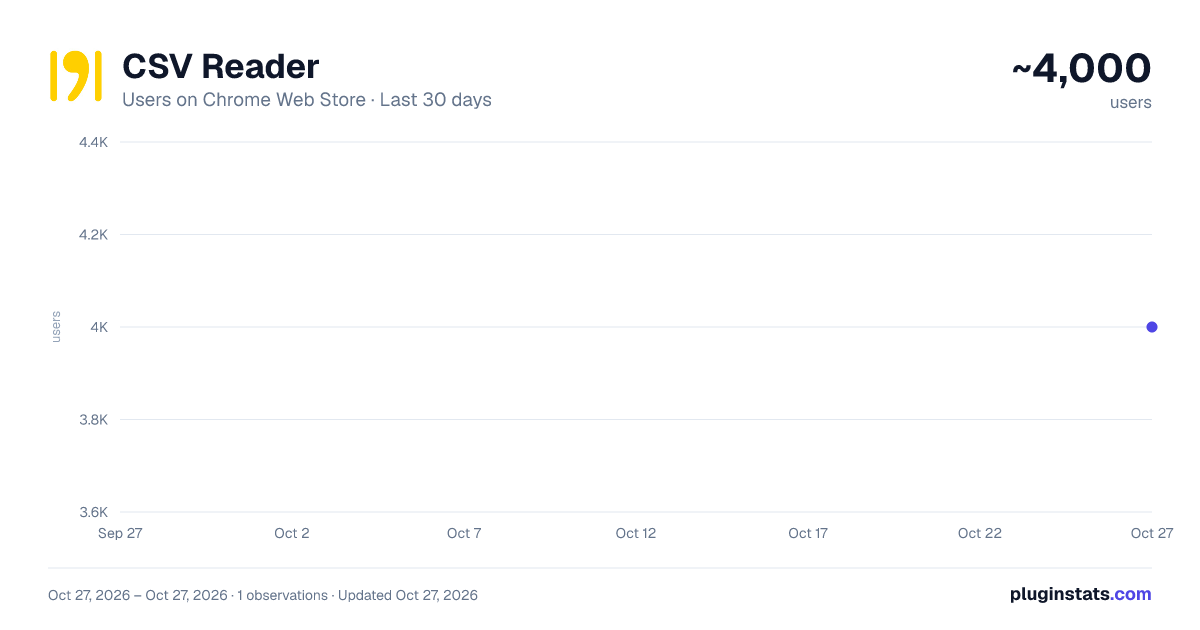
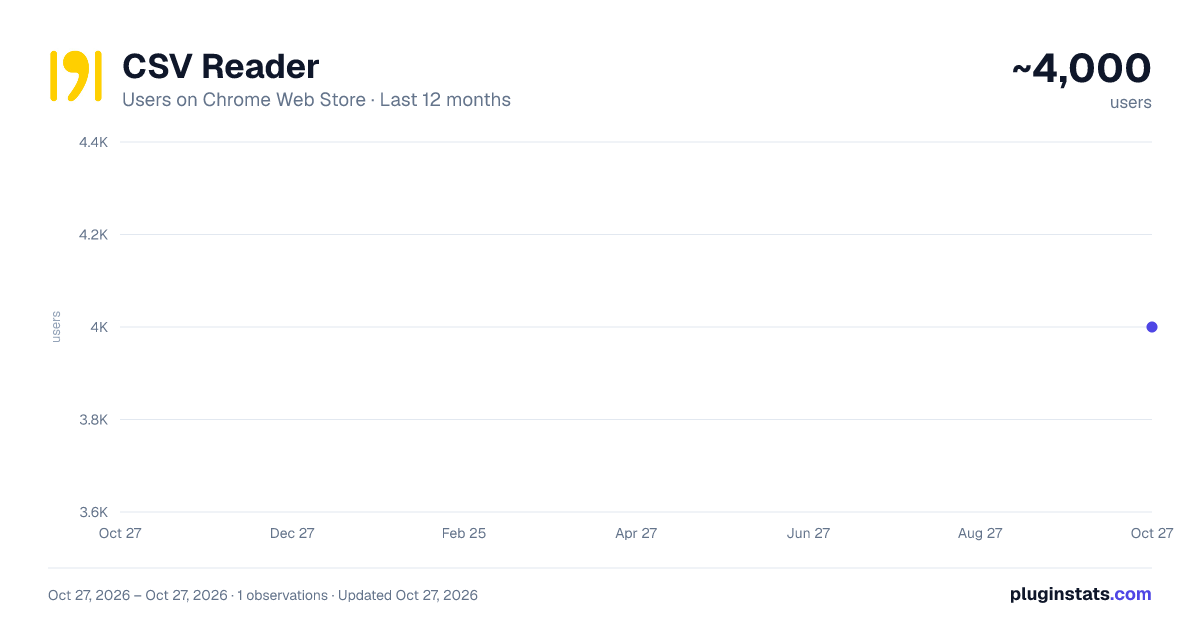
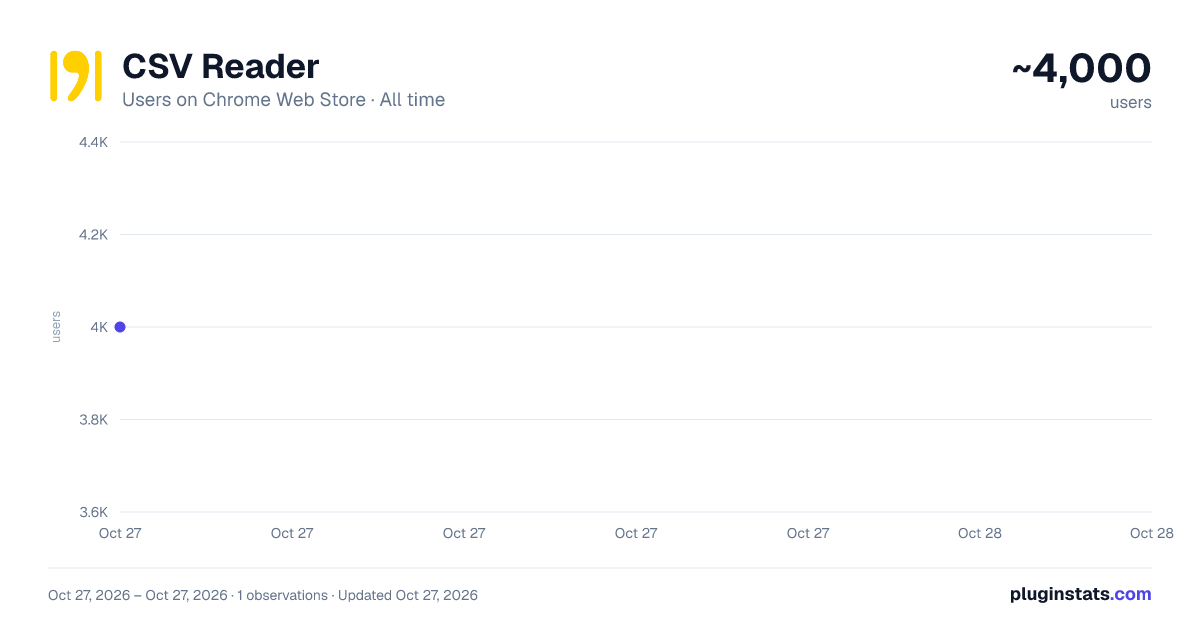
CSV Reader has approximately 4,000 recorded users on Chrome Web Store, ranking #874 of 4,553 tracked listings.
Rating: 4.60 / 5 from 57 ratings
About CSV Reader
Skip the download: CSV Reader turns raw .csv pages into a clean, readable table right in your browser tab
You click a link expecting a spreadsheet, and instead you get a wall of comma-separated text. Your options are usually to download it, open it in Excel or Numbers, and close it again... or try to read the raw rows and hope you're tracking the right column.
CSV Reader handles this differently: It catches the .csv before it downloads and renders it as an HTML table, in the same tab, in about a second. You read your data where it already is.
What you can control:
- Separator: comma, semicolon, tab, or whatever the file actually uses
- Header: mark the first line as titles so the columns make sense
- Skip lines: ignore junk rows at the top of the file
- Links in text: turn URLs in cells into clickable links
- Color coding: shade the table so rows and columns are easier to follow
And a few things it handles in the background:
- Stops .csv files from auto-downloading, so you stay in the browser
- Remembers your settings per URL: set it once, and that endpoint just works next time
- Resets everything with a single click when you want a clean slate
If you do need the data elsewhere, you can export the table as JSON in one step.
Everything runs locally in your browser. Your data isn't uploaded, sent anywhere, or tied to an account. No network requests, no downloads: The extension reads the file, builds the table, and gets out of the way.
Description from the Chrome Web Store listing.
README badge
Show your rank in a README or on your website. The badge updates automatically.
Charts
Images: 30d · 1y · all time · 1600×900 dark
Adoption over time
7/30/90-day growth
Ranking history
Ratings over time
Listing placement
Listing placement
Filled points are observed values; hollow points come from Internet Archive snapshots of the listing page. Dashed segments span periods with no observations — values between points are not interpolated.
Each band is one page of 20. Users on a linear scale. Placement is projected from users, so it can differ from the marketplace's own sort order. Hover a dot to see the listing.
Recent observations
Full history (1)Similar Chrome Web Store Developer Tools plugins
All 20 CSV Reader alternatives



Data source
Covers every Chrome Web Store extension with at least 100 users, found through the store's public sitemap. User counts are read from public listing pages. The 10% most-used extensions are refreshed daily, the next 40% weekly and the next 40% monthly; the least-used 10% are not refreshed. Google displays rounded user counts (and caps the display at 10,000,000+), so small changes may not be visible. Rating counts above 1,000 are rounded (e.g. 1.6K).
Listing: https://chromewebstore.google.com/detail/csv-reader/dnioinfbhmclclfdbcnlfgbojdpdicde. First seen Oct 27, 2026; last successful collection Oct 27, 2026. See the methodology.