 PluginStats
Image Picker for OBS users statistics
By Cedric Schmitt · Chrome Web Store · Tools
Pick images from any web page and send them straight to OBS.
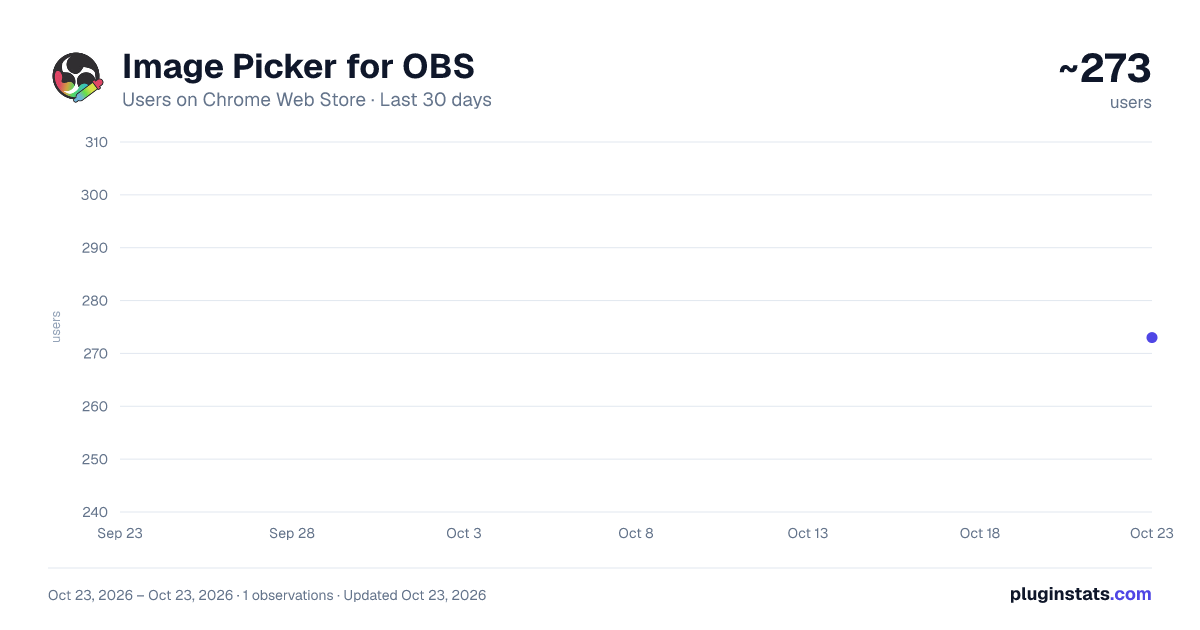
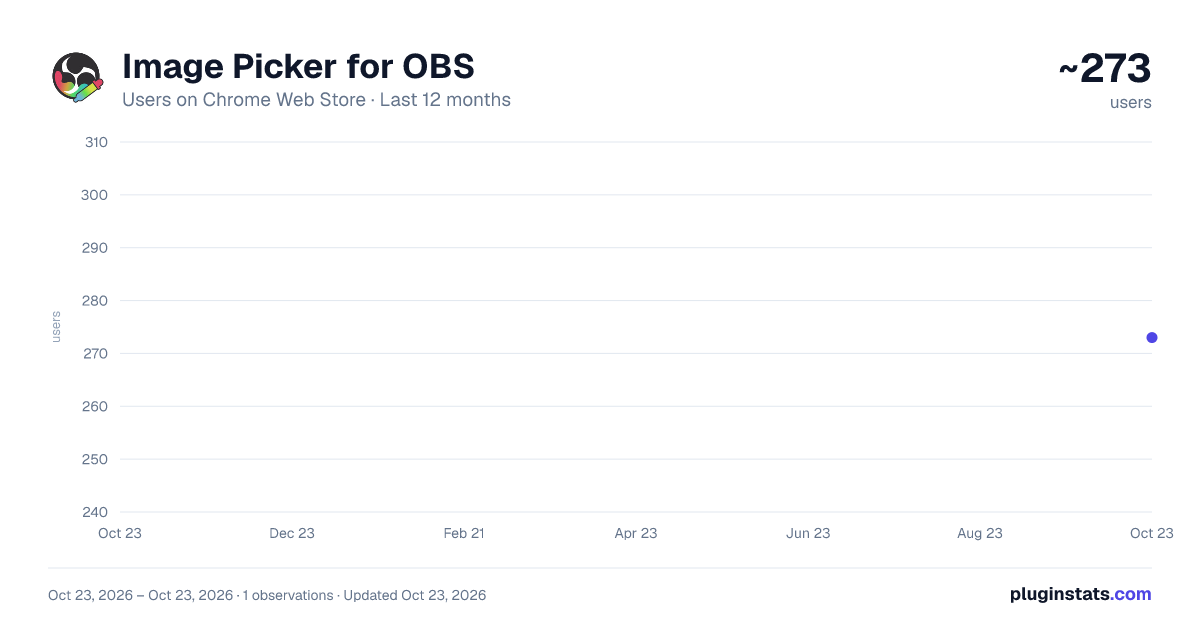
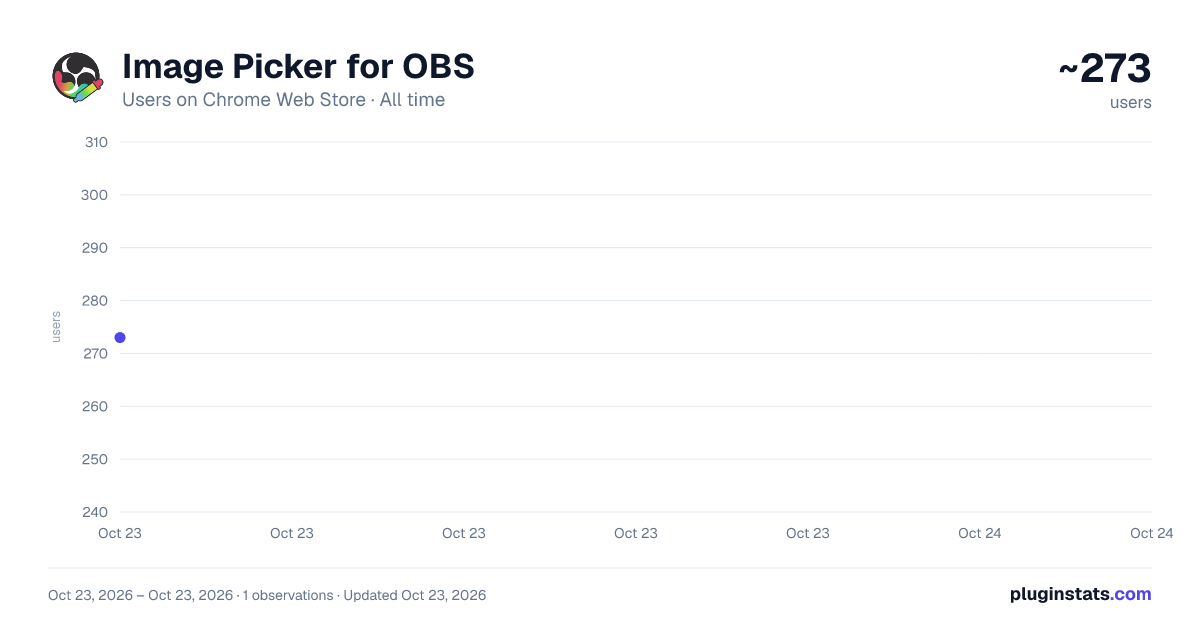
Image Picker for OBS has approximately 273 recorded users on Chrome Web Store, ranking #2523 of 3,853 tracked listings.
Rating: 5.00 / 5 from 1 ratings
About Image Picker for OBS
Pick images from any web page and send them straight to OBS.
Have you ever been mid-stream and wanted to show an image on stream without having to deal with creating sources, fumbling with urls? Me too, so I made this.
Image Picker for OBS lets you easily grab any image from a webpage and add it to your OBS scene as a browser source. This means no copy-pasting, no file downloads, no hassle.
Here is how it works:
- Click the extension icon and press "Pick Image"
- Images show a highlight as you hover over them
- Click on the one you want to display on OBS and it immediately lands there.
- Want another image? Just pick a new one, it automatically adds it
Setup takes about 30 seconds: You'll need OBS 28 or newer (it has the websocket server built in). Turn on the WebSocket server in OBS under Tools → WebSocket Server Settings, then open the extension settings (Left-Click on the Extension → Cog-Symbol) and put in your connection details. Feel free to use the test button to check if the connection is working.
What you can configure:
- OBS host, port, and password
- Which scene to add the image to (or the active scene)
- Custom source name
- Output dimensions and whether it should scale to fit the image
This extension is lightweight, does one thing, and does it well. If you think this is useful and you want to support development, I'd really appreciate a coffee: https://ko-fi.com/ceddini
LITTLE NOTE FOR OPERA / OPERA GX USERS: This extension will still work well, but it requries a special setting to be allowed to access search websites like Google, Bing, etc. There will be an instruction on how to give this permission when you first try to use the extension. Truly sorry for the inconvenience, but it's a safety measure by Opera / Opera GX.
Description from the Chrome Web Store listing.
README badge
Show your rank in a README or on your website. The badge updates automatically.
Charts
Images: 30d · 1y · all time · 1600×900 dark
Adoption over time
7/30/90-day growth
Ranking history
Ratings over time
Listing placement
Listing placement
Filled points are observed values; hollow points come from Internet Archive snapshots of the listing page. Dashed segments span periods with no observations — values between points are not interpolated.
Each band is one page of 20. Users on a linear scale. Placement is projected from users, so it can differ from the marketplace's own sort order. Hover a dot to see the listing.
Recent observations
Full history (1)Similar Chrome Web Store Tools plugins
All 20 Image Picker for OBS alternatives



Data source
Covers every Chrome Web Store extension with at least 100 users, found through the store's public sitemap. User counts are read from public listing pages. The 10% most-used extensions are refreshed daily, the next 40% weekly and the next 40% monthly; the least-used 10% are not refreshed. Google displays rounded user counts (and caps the display at 10,000,000+), so small changes may not be visible. Rating counts above 1,000 are rounded (e.g. 1.6K).
Listing: https://chromewebstore.google.com/detail/image-picker-for-obs/fknfhhjfjhdjbcmcalejnjnmolifjlej. First seen Oct 23, 2026; last successful collection Oct 23, 2026. See the methodology.