 PluginStats
Typing Statistics | Auto Typer users statistics
By Marsss Development · Chrome Web Store · Workflow & Planning
Typing Statistics: Tracks WPM and other statistics | Bundled with auto typers
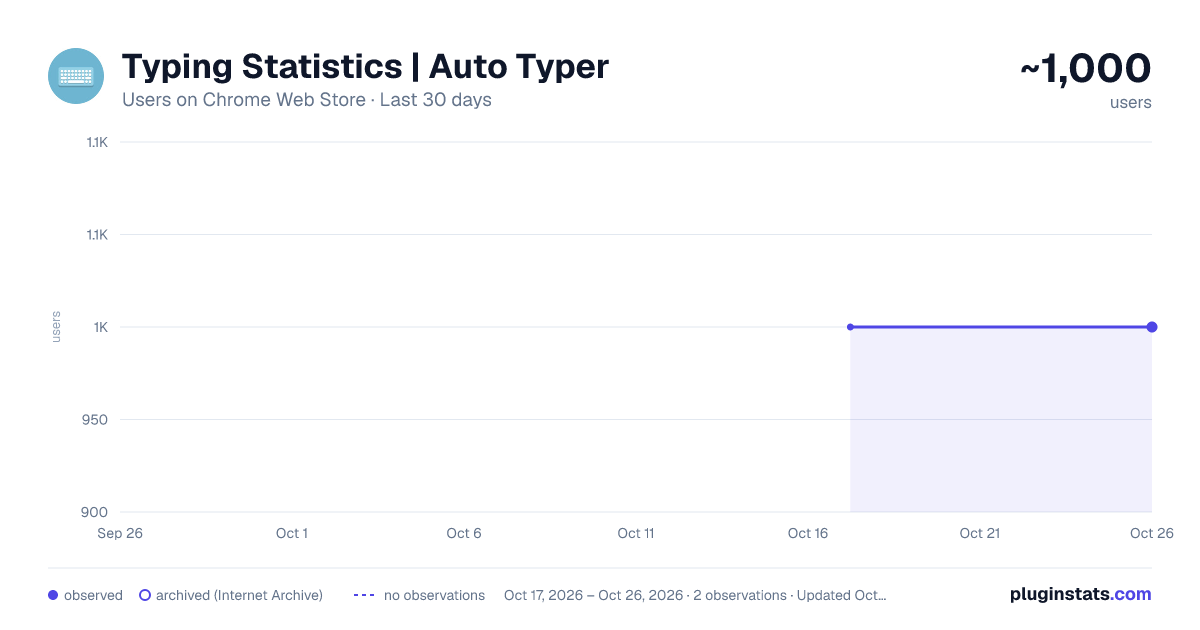
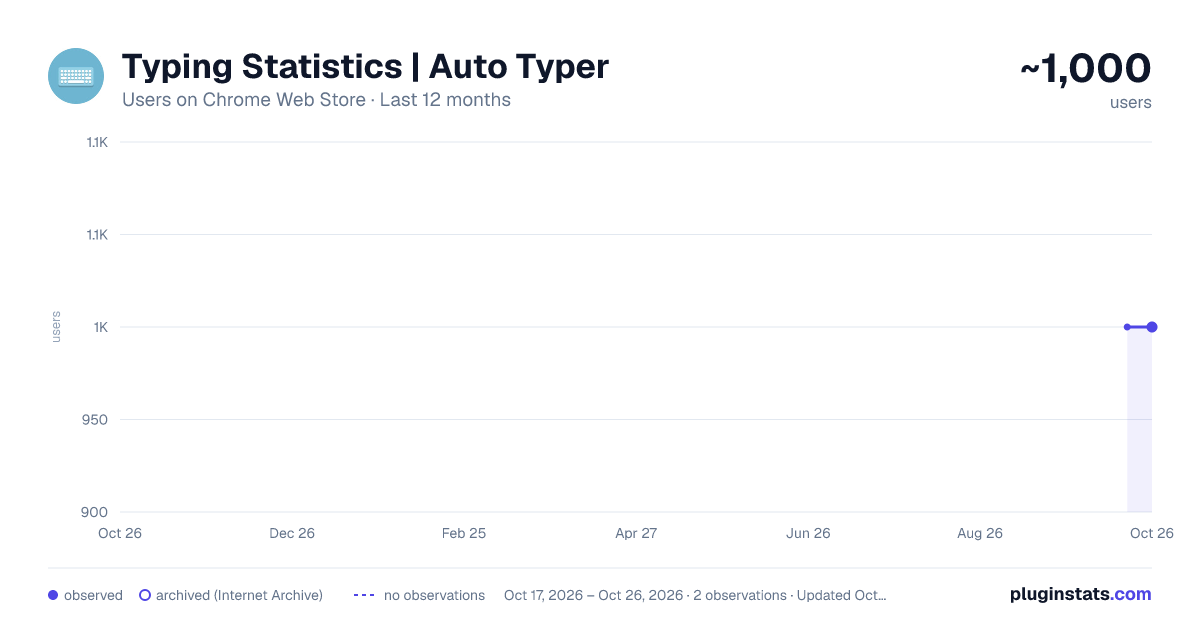
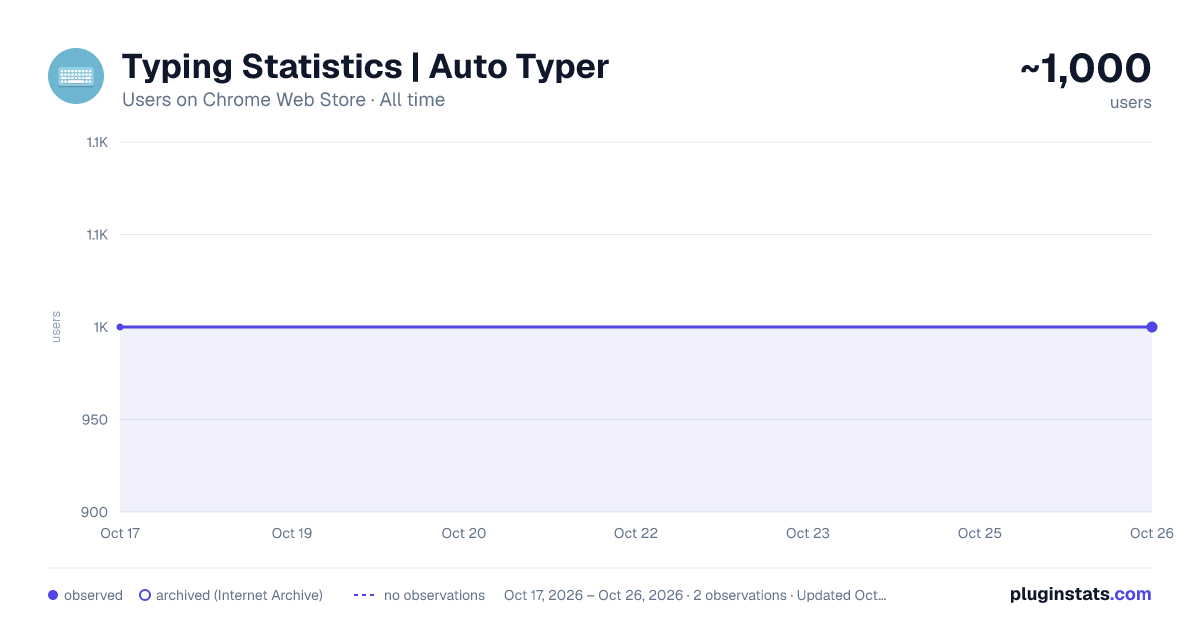
Typing Statistics | Auto Typer has approximately 1,000 recorded users on Chrome Web Store.
It ranks #632 of 2,033 tracked Chrome Web Store listings by users.
It is rated 2.2 out of 5 from 12 ratings.
PluginStats has 1 daily observations since Oct 17, 2026; the latest is from Oct 17, 2026.
Rating: 2.20 / 5 from 12 ratings
About Typing Statistics | Auto Typer
Typing Statistics: Tracks WPM and other statistics | Bundled with auto typers
The Typing-Statistics Chrome extension is a tool that tracks and provides insights into your typing habits while using the Chrome browser. It offers valuable statistics such as the number of letters, words, and your typing speed in words per minute (WPM).
Features: - Letter and Word Count: Get an accurate count of the letters and words you type while using Chrome.
- Words Per Minute (WPM): Track your typing speed in real-time and measure your words per minute. This feature helps you monitor your typing progress and efficiency.
- Individual Site Tracking: The extension can track typing statistics on a per-site basis, allowing you to analyze your typing performance on different websites separately.
- Auto Typers: Have the extension assist you in achieving high WPM on sites like Type Racer and 10FastFingers.
Usage: 1. Once the Typing Statistics extension is installed, it will automatically track your typing statistics while you use Chrome. You can access the extension's features and view your typing data by following these steps:
2. Click on the Typing Statistics extension icon in the Chrome toolbar.
3. A dropdown menu will appear, showing you a list of visited sites. Click into any arrow and you will be shown current typing statistics and options to access more details.
4. Explore the available options, such as viewing overall typing statistics, and site-specific statistics.
5. The extension will continuously update the statistics in real-time as you type, providing you with up-to-date information about your typing performance.
UPDATES (v3.4.7 >> v3.4.8): - Fix data loading speed - Fix bugs
Description from the Chrome Web Store listing.
Where Typing Statistics | Auto Typer sits in the listing
Each band is one page of 20. Users on a log scale. Placement is projected from users, so it can differ from the marketplace's own sort order. Hover a dot to see the listing.
Charts
Images: 30d · 1y · all time · 1600×900 dark
Adoption over time
7/30/90-day growth
Ranking history
Filled points are observed values; hollow points come from Internet Archive snapshots of the listing page. Dashed segments span periods with no observations — values between points are not interpolated.
Recent observations
Full history (1)Similar Chrome Web Store Workflow & Planning plugins




Data source
User counts are read from public Chrome Web Store listing pages. Google displays rounded user counts (and caps the display at 10,000,000+), so small changes may not be visible. Rating counts above 1,000 are rounded (e.g. 1.6K).
Listing: https://chromewebstore.google.com/detail/typing-statistics-auto-ty/pcogcfinllbgfmhmcpnighcpepnfpfca. First seen Oct 17, 2026; last successful collection Oct 17, 2026. See the methodology.