 PluginStats
Chrome Event Logger - Your Personal KeyLogger users statistics
By OnlineGratis.net · Chrome Web Store · Workflow & Planning
Track your personal chrome activities including keystrokes, visited sites, clipboard and periodic screenshots.
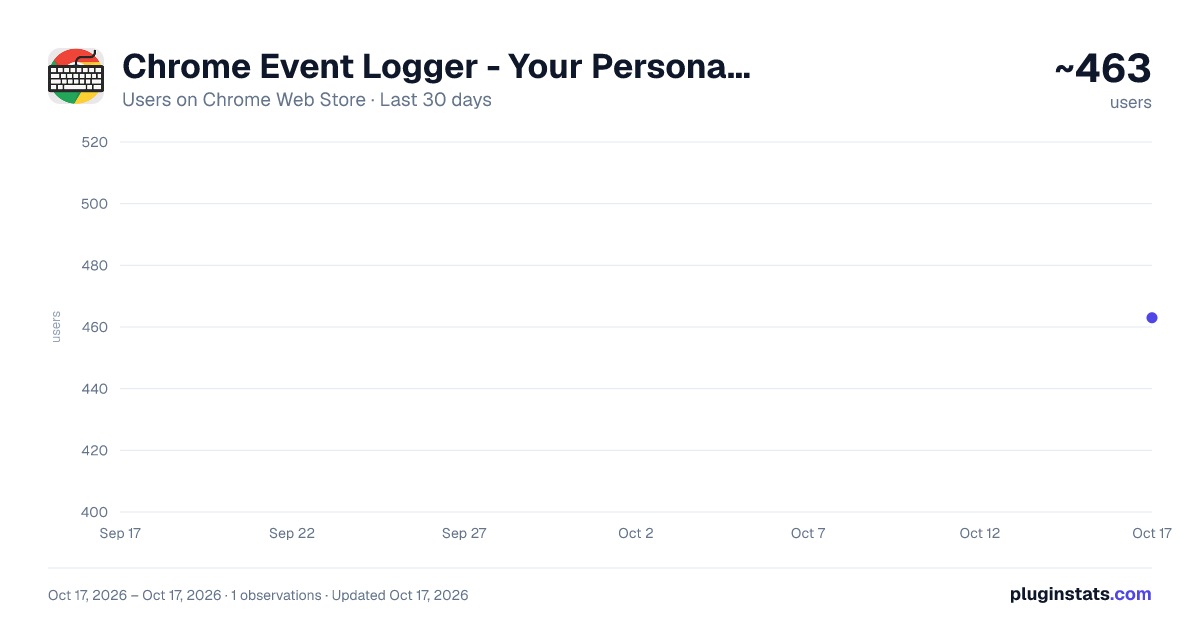
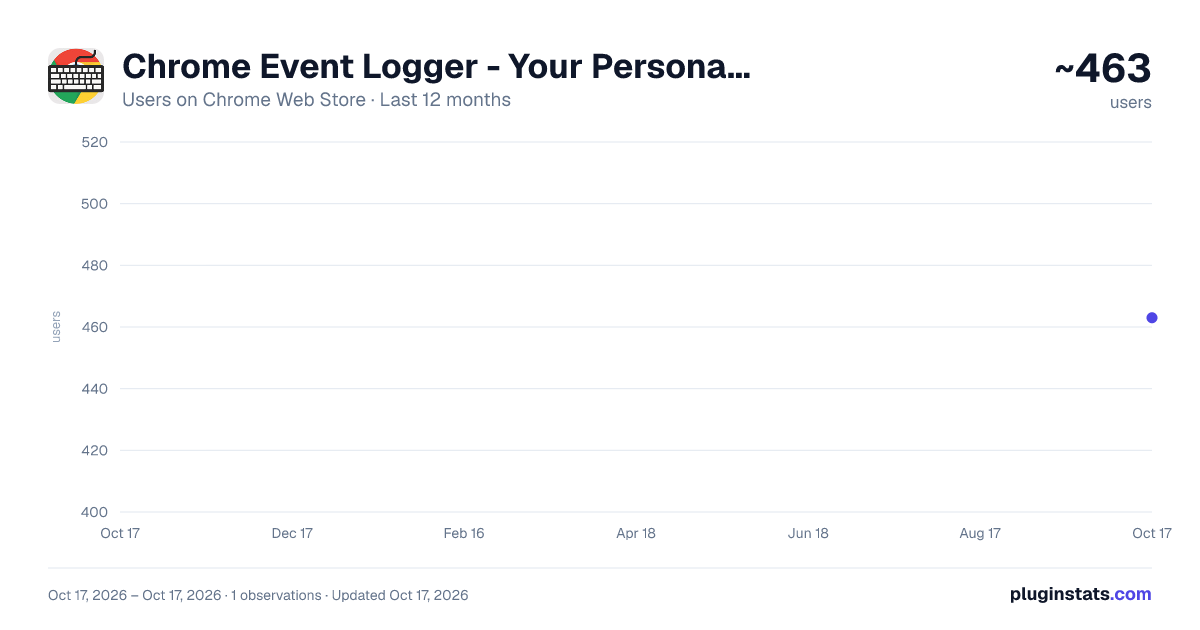
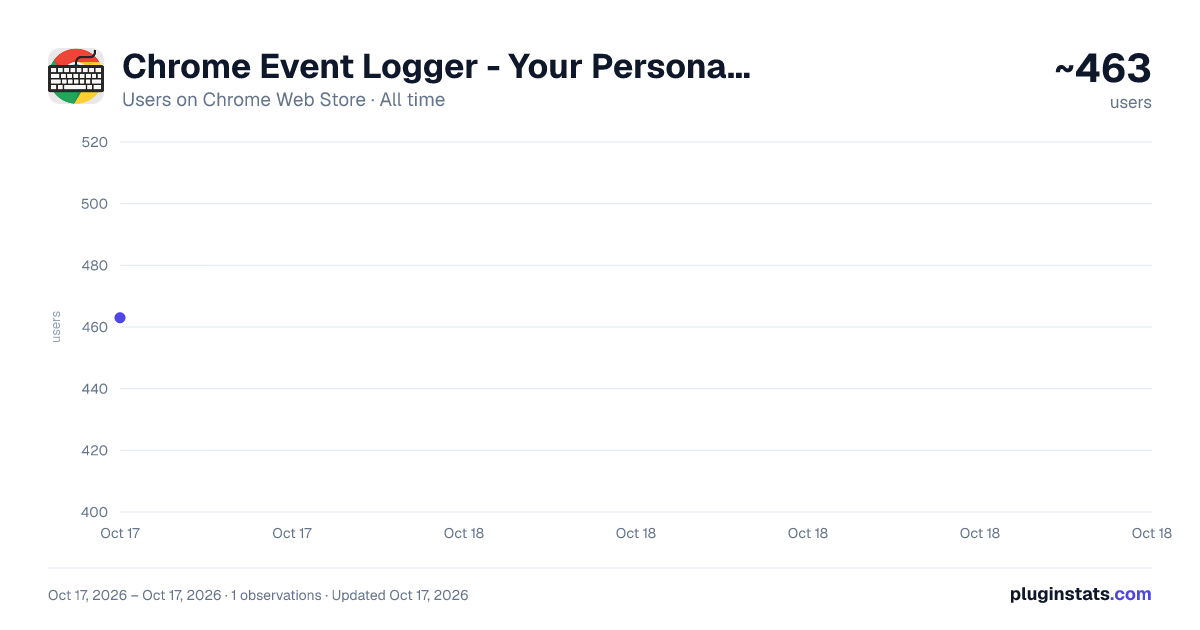
Chrome Event Logger - Your Personal KeyLogger has approximately 463 recorded users on Chrome Web Store.
It ranks #1060 of 2,033 tracked Chrome Web Store listings by users.
It is rated 4.5 out of 5 from 4 ratings.
PluginStats has 1 daily observations since Oct 17, 2026; the latest is from Oct 17, 2026.
Rating: 4.50 / 5 from 4 ratings
About Chrome Event Logger - Your Personal KeyLogger
Track your personal chrome activities including keystrokes, visited sites, clipboard and periodic screenshots.
Extension designed to help users track and monitor their browser activity in real time. With a clean and intuitive interface, this tool gives you full visibility into your browsing behavior by recording keystrokes, visited websites, copied text, and automatic screenshots — all neatly organized into separate tabs within the extension popup.
The Keystrokes tab logs what you type (excluding system keys) and records the webpage where the input was detected, along with the exact timestamp. The History tab captures every webpage you visit and logs the corresponding time, giving you a complete timeline of your activity. The Clipboard Log shows all the text you've copied, while the Screenshots tab automatically captures a snapshot of your current tab at a customizable interval (default: every 60 seconds), including a download link and timestamp for each image.
All logs are stored locally using Chrome's storage.local, ensuring that your data is preserved even when the extension is closed. You can clear each log individually or export it to a file (Txt format). Downloading and exporting features are locked by default but can be unlocked permanently by entering a valid PRO license code.
To protect user data integrity and prevent tampering, the extension disables right-click, copy, cut, and paste actions inside its interface. A toggle switch allows you to enable or disable tracking at any time, and if not configured, tracking is turned on by default.
Whether you're analyzing productivity, tracking your online habits, or just curious about your browser activity, Chrome Event Logger is a reliable, feature-rich solution designed for privacy-conscious users who want full control of their browser usage history.
Description from the Chrome Web Store listing.
Where Chrome Event Logger - Your Personal KeyLogger sits in the listing
Each band is one page of 20. Users on a log scale. Placement is projected from users, so it can differ from the marketplace's own sort order. Hover a dot to see the listing.
Charts
Images: 30d · 1y · all time · 1600×900 dark
Adoption over time
7/30/90-day growth
Ranking history
Filled points are observed values; hollow points come from Internet Archive snapshots of the listing page. Dashed segments span periods with no observations — values between points are not interpolated.
Recent observations
Full history (1)Similar Chrome Web Store Workflow & Planning plugins




Data source
User counts are read from public Chrome Web Store listing pages. Google displays rounded user counts (and caps the display at 10,000,000+), so small changes may not be visible. Rating counts above 1,000 are rounded (e.g. 1.6K).
Listing: https://chromewebstore.google.com/detail/chrome-event-logger-your/mbgbjeahopehamhkjhojclidoeokdlmi. First seen Oct 17, 2026; last successful collection Oct 17, 2026. See the methodology.