 PluginStats
Keep Awake users statistics
By wattdo (2 listings) · Chrome Web Store · Workflow & Planning
Keep Awake: Prevent screen dimming & sleeping during tasks. Boost productivity effortlessly. A must-have Chrome Extension!
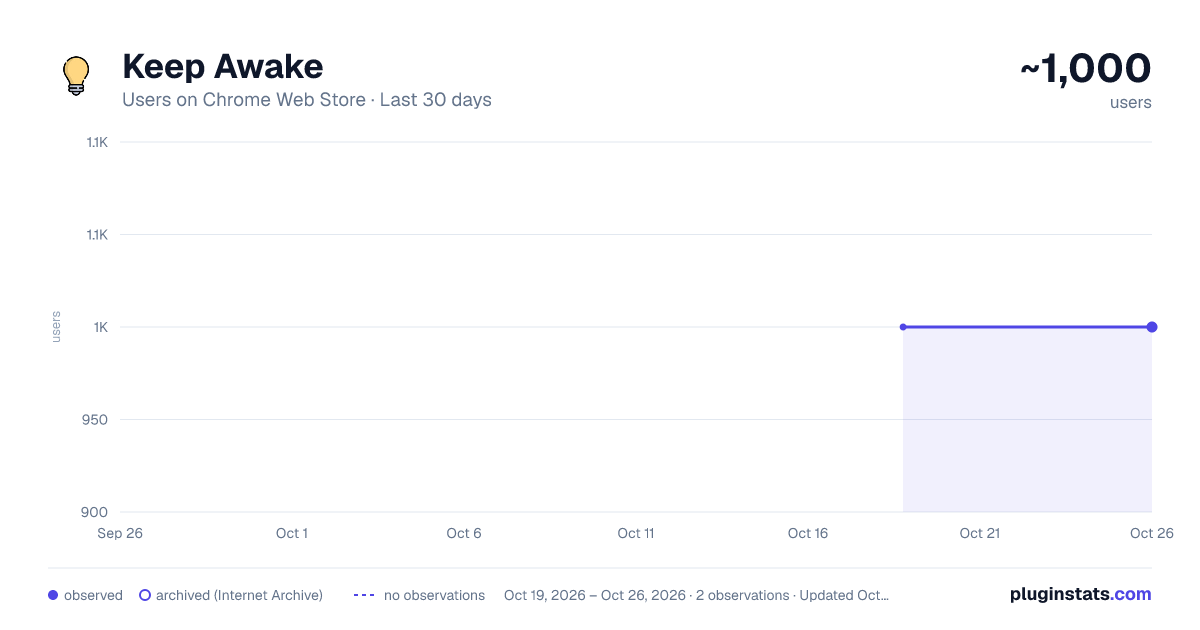
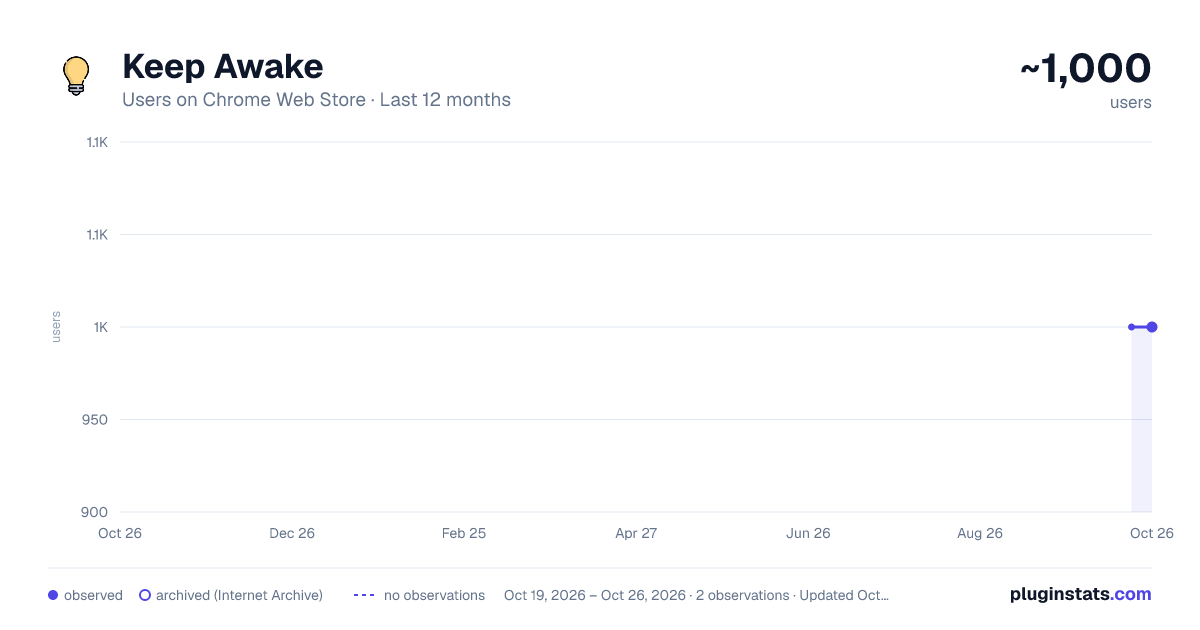
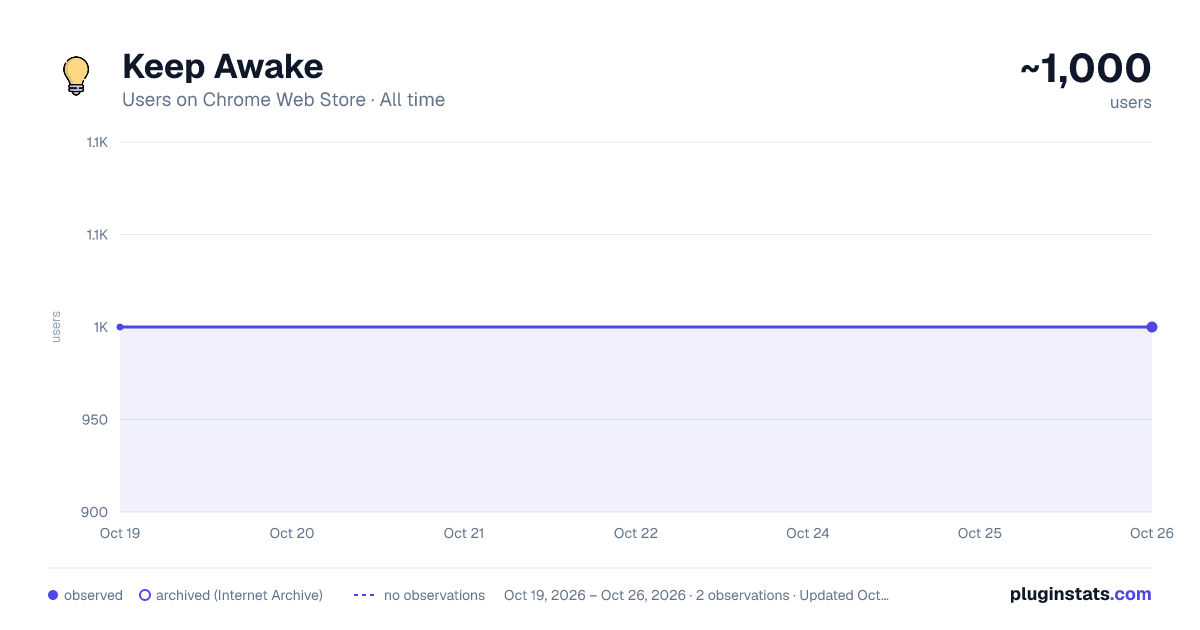
Keep Awake has approximately 1,000 recorded users on Chrome Web Store.
It ranks #744 of 2,033 tracked Chrome Web Store listings by users.
It is rated 5.0 out of 5 from 3 ratings.
PluginStats has 1 daily observations since Oct 19, 2026; the latest is from Oct 19, 2026.
Rating: 5.00 / 5 from 3 ratings
About Keep Awake
Keep Awake: Prevent screen dimming & sleeping during tasks. Boost productivity effortlessly. A must-have Chrome Extension!
🚀 Boost Your Productivity with Keep Awake Chrome Extension
😴 Are you tired of your screen dimming or slipping into sleep mode? 💻 Enter Keep Awake, the ultimate solution to keep your screen alive and enhance productivity.
🌟 Keep Awake ensures your screen remains fully responsive, eliminating the need for constant interaction to prevent dimming or sleep mode.
🔝 Top-notch user experience awaits you: ➤ Enjoy a user-friendly interface for seamless navigation. ➤ Rest assured with absolute security and confidentiality of communications. ➤ Access all features quickly and efficiently for enhanced productivity.
🚀 Quick Start Tips 1. Click "Add to Chrome" 2. Confirm Installation 3. Wait for Installation 4. Activate Keep Awake 5. Start Enjoying Uninterrupted Productivity
🛠️ Key Features: 1️⃣ Dark/Light modes 2️⃣ Indefinitely option 3️⃣ Timers to disable sleep mode
💎 Here's who can benefit from using Keep Awake: 🔹 Students: Whether you're studying for exams 🔹 Professionals: From professionals working on important presentations 🔹 Content Creators: If you're a content creator recording tutorials 🔹 Freelancers: Freelancers working on tight deadlines 🔹 Researchers: Conducting online research or analyzing data 🔹 Web Developers: Working on coding projects or testing websites 🔹 Anyone Seeking Productivity: Ultimately, anyone seeking to enhance their productivity
🛡️ Safety and Privacy: 🔹 Zero Data Collection: Keep Awake doesn't collect data, ensuring your information stays private.
🧐 FAQs about the extension
🤔 What is Keep Awake Chrome Extension? 💡 Keep Awake is a Chrome extension designed to prevent screen dimming. 💡 It ensures uninterrupted screen activity during tasks.
🔄 How does Keep Awake work? 💡 Once activated, Keep Awake runs in the background. 💡 It constantly monitors your screen activity, preventing it from dimming or entering sleep mode.
⚙️ Can I customize the settings of Keep Awake? 💡 Absolutely! Keep Awake offers customizable settings. 💡 You can adjust the duration to keep your screen alive and specify active websites.
🖥️ Does Wakeful Screen consume a lot of system resources? 💡 No, Wakeful Screen is designed to consume minimal system resources. 💡 It ensures smooth operation without slowing down your device or draining your battery unnecessarily.
⏰ How long can I disable sleep mode with Temporarily Disable Sleep Mode? 💡 With Temporarily Disable Sleep Mode, you can disable sleep mode indefinitely. 💡 It ensures uninterrupted screen activity for as long as you need it.
⏲️ Can I set timers to disable sleep mode for specific durations? 💡 Yes, Keep Awake allows you to set timers to automatically disable sleep mode for specific durations. 💡 It enables you to focus on your tasks without worrying about screen dimming or interruptions.
✨ Is Keep Awake easy to install and use? 💡 Absolutely! Keep Awake features an intuitive interface and user-friendly design. 💡 It makes it quick and easy to install and activate with just a few clicks.
📲 How can I get started with Screen Alive? 💡 To get started with Screen Alive, install the extension from the Chrome Web Store and activate it. 💡 Customize the settings to suit your preferences and enjoy uninterrupted screen activity and enhanced productivity!
💸 Can I use it for free? 💡 Yes, the extension is available as a free Chrome extension. Free Turn off sleep mode.
📥 How do I install? 💡 To install the Turn off sleep mode, go to the Chrome Web Store and select "Add to Chrome". 💡 It will be added to your browser, and you can start using it.
🌐 Experience a seamless, more efficient web surfing today. Try it now!
Description from the Chrome Web Store listing.
Charts
Images: 30d · 1y · all time · 1600×900 dark
Adoption over time
7/30/90-day growth
Ratings over time
Listing placement
Filled points are observed values; hollow points come from Internet Archive snapshots of the listing page. Dashed segments span periods with no observations — values between points are not interpolated.
Each band is one page of 20. Users on a log scale. Placement is projected from users, so it can differ from the marketplace's own sort order. Hover a dot to see the listing.
Recent observations
Full history (1)Similar Chrome Web Store Workflow & Planning plugins
All 20 Keep Awake alternatives




Data source
Covers every Chrome Web Store extension with at least 100 users, found through the store's public sitemap. User counts are read from public listing pages. The 10% most-used extensions are refreshed daily, the next 40% weekly and the next 40% monthly; the least-used 10% are not refreshed. Google displays rounded user counts (and caps the display at 10,000,000+), so small changes may not be visible. Rating counts above 1,000 are rounded (e.g. 1.6K).
Listing: https://chromewebstore.google.com/detail/keep-awake/hjfibcmcdbeaikcglnhineogdmpdchio. First seen Oct 19, 2026; last successful collection Oct 19, 2026. See the methodology.