 PluginStats
Auto Refresh & Page Monitor users statistics
By Auto Refresh Page · Chrome Web Store · Workflow & Planning
Refresh pages automatically. Auto refresh and page monitor with specified time intervals. Reload all tabs.
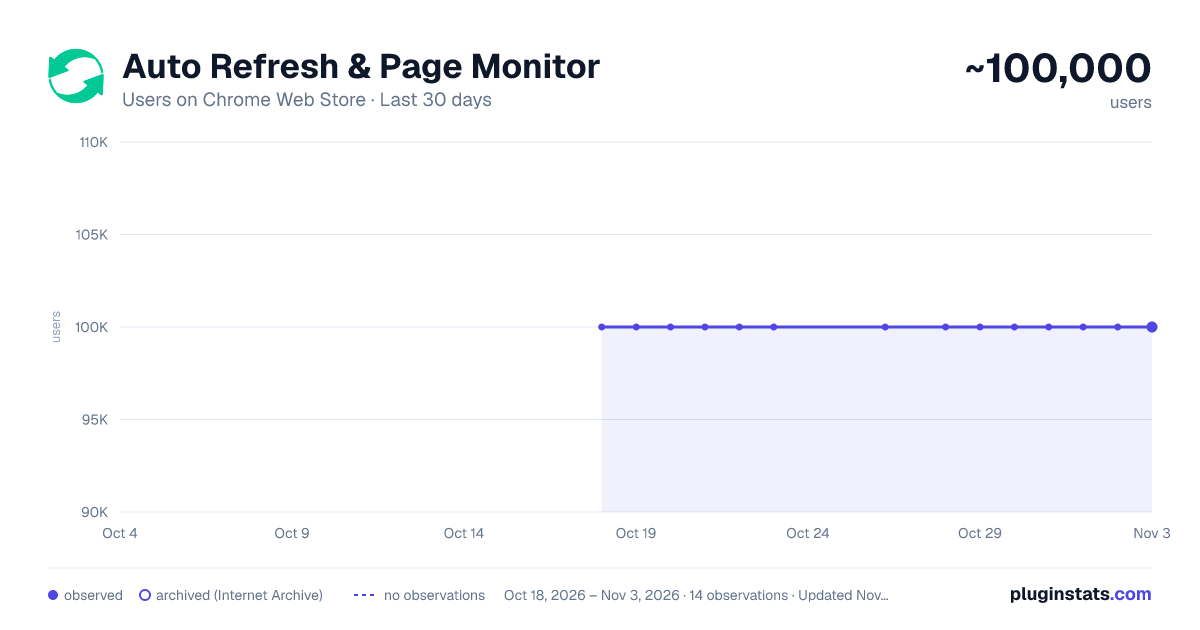
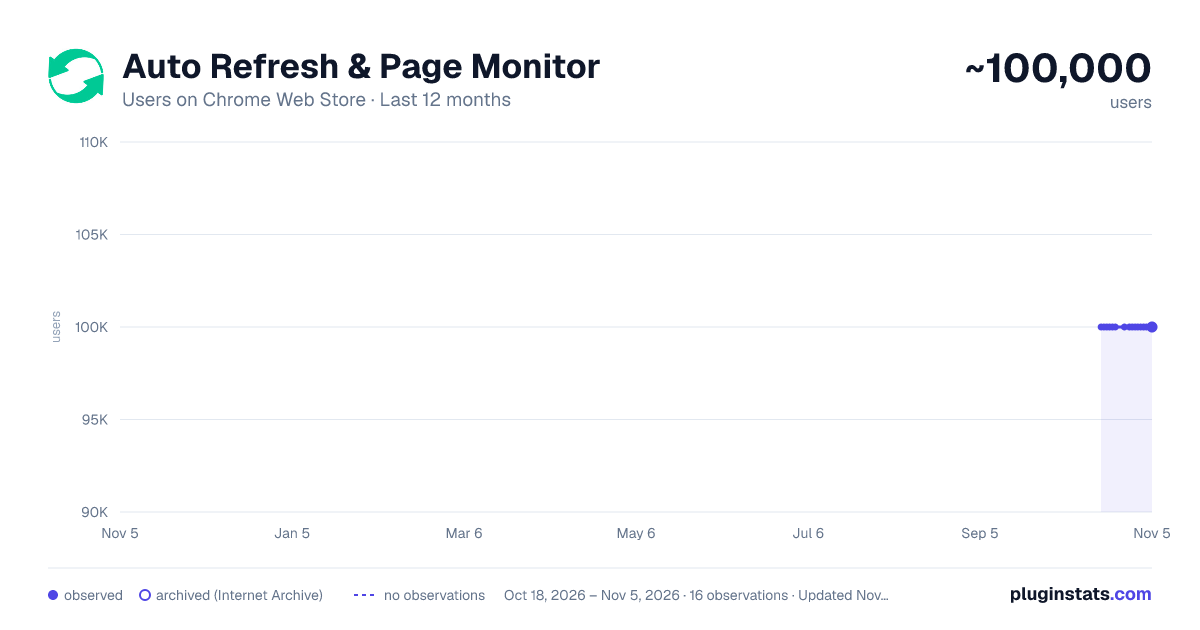
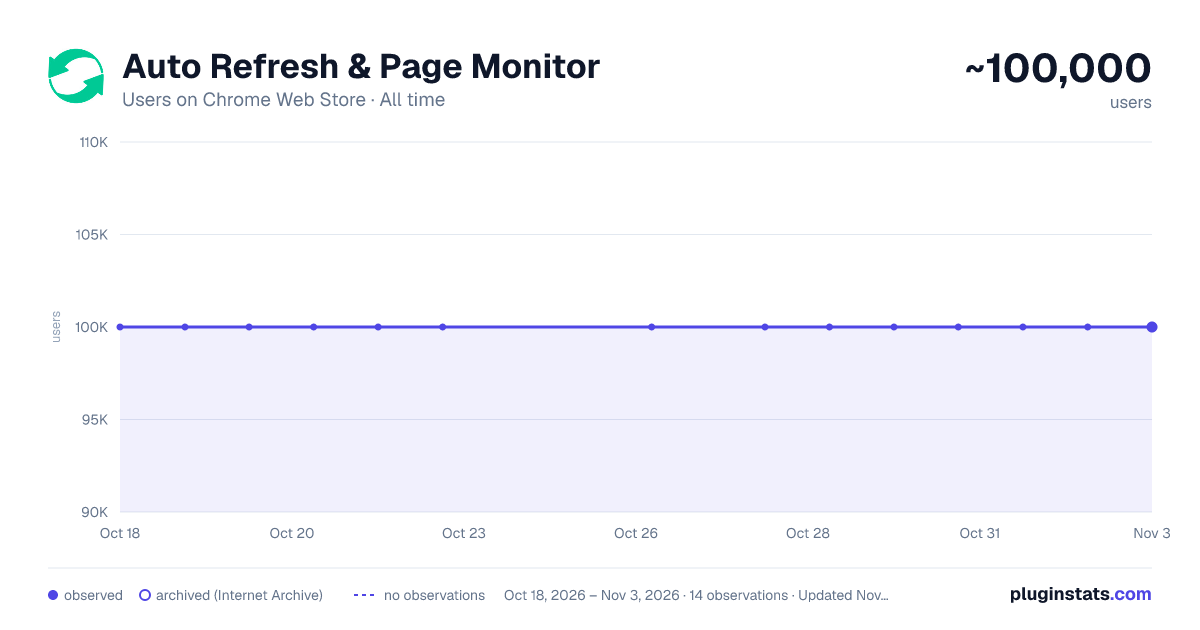
Auto Refresh & Page Monitor has approximately 100,000 recorded users on Chrome Web Store.
It ranks #78 of 1,556 tracked Chrome Web Store listings by users.
It is rated 4.3 out of 5 from 918 ratings.
PluginStats has 1 daily observations since Oct 18, 2026; the latest is from Oct 18, 2026.
Rating: 4.30 / 5 from 918 ratings
About Auto Refresh & Page Monitor
Refresh pages automatically. Auto refresh and page monitor with specified time intervals. Reload all tabs.
Auto Refresh is a browser extension that automatically refreshes and reloads any page or tab after a specified number of seconds. Just enter the number of seconds between page refreshes and click the "Start" button.
The best thing about this page renovate extension is that there is no setup required - it is easy and simple to use, install it and let your idle pages be auto reloaded. Just choose the time you want Page refresh will do its magic.
Save unlimited manual preferences per domain or web page. Default time intervals in 5 Sec, 10 Sec, 15 Sec, 5 Min, 10 Min, and 15 Min. Set auto refresh in seconds, minutes, and hours. Single click anywhere on the webpage to stop auto-reload. Display a visual timer on the webpage. Hard refresh to clear cache & cookies
Advanced options for automatic page refresh: - Clear cache on every automatic page refresh - Search for text on automatically updated pages - Display notifications - Saving the selected parameters on the page - Automatic clicking on a button or link on page refresh - Display of update counter, time of last and next update
Auto Refresh Page Plus comes in handy to any user who needs to perform automatic web page refresh at certain times efficiently. It also provides content detection support, which is useful when monitoring content included in a dynamic web page.
Page Monitor This powerful feature allows you to monitor a webpage and look for any changes in it. You can monitor your changes in the web page's visual or source code. You can monitor website changes in three ways.
Why are you need this refresh page?
- In time interval, there are two types current and manual. Both types work the same. You can add multiple web pages in the manual and allow all features.
- You can select the time by simply clicking the timer's checkbox and manually setting the hour, minute, or second to auto-refresh any pages.
- If you want to stop the auto-refresh after X numbers like 05, 10, or 15 refreshes, you can do this with the Auto Refresh extension.
- Check the visual time when your web page will refresh by setting a visual timer for any web page.
- A hard refresh clears your webpage cache data.
The Auto refresh list shows all webpages list you have set for the Tab Auto Refresh. Also, you can pause or start any webpage refresh directly through auto refresh list features.
If what you want an extension that automatically reloads and refreshes web pages in the simplest way, this is what you need.
Description from the Chrome Web Store listing.
Where Auto Refresh & Page Monitor sits in the listing
Each band is one page of 20. Users on a log scale. Placement is projected from users, so it can differ from the marketplace's own sort order. Hover a dot to see the listing.
Charts
Images: 30d · 1y · all time · 1600×900 dark
Adoption over time
7/30/90-day growth
Ranking history
Filled points are observed values; hollow points come from Internet Archive snapshots of the listing page. Dashed segments span periods with no observations — values between points are not interpolated.
Recent observations
Full history (1)Similar Chrome Web Store Workflow & Planning plugins




Data source
User counts are read from public Chrome Web Store listing pages. Google displays rounded user counts (and caps the display at 10,000,000+), so small changes may not be visible. Rating counts above 1,000 are rounded (e.g. 1.6K).
Listing: https://chromewebstore.google.com/detail/auto-refresh-page-monitor/nagebjgefhenmjbjhjmdifchbnbmjgpa. First seen Oct 18, 2026; last successful collection Oct 18, 2026. See the methodology.