 PluginStats
OpenClaw Copilot users statistics
Chrome Web Store · Workflow & Planning
OpenClaw (MoltBot & ClawdBot) in your browser: Chat directly in the side panel, no need to switch IM apps.
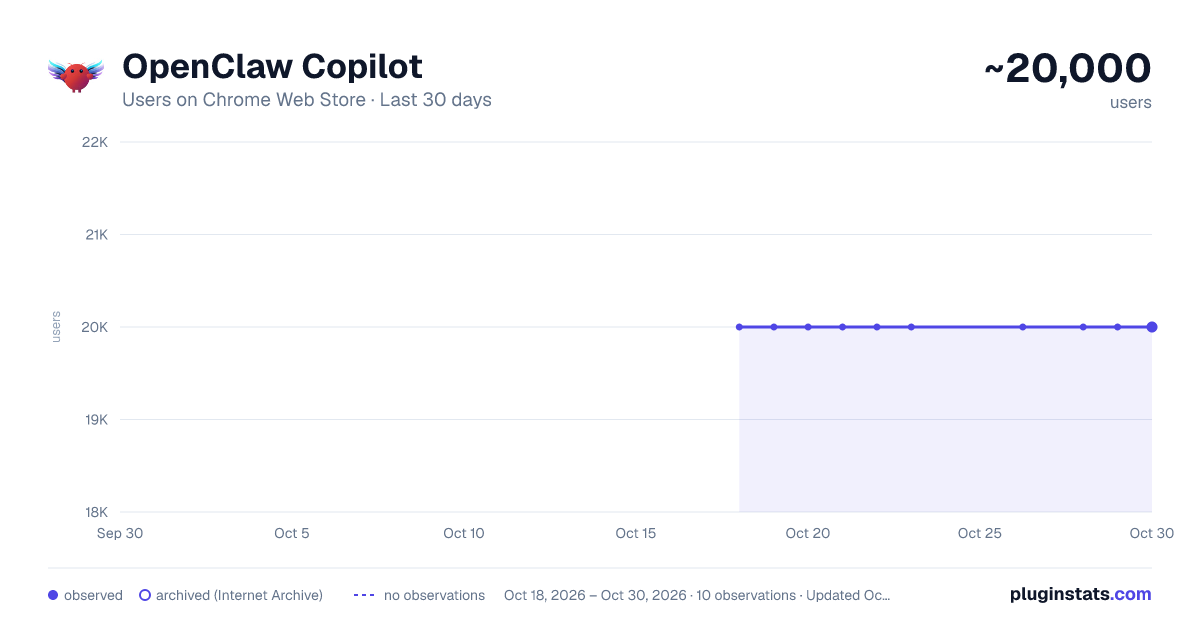
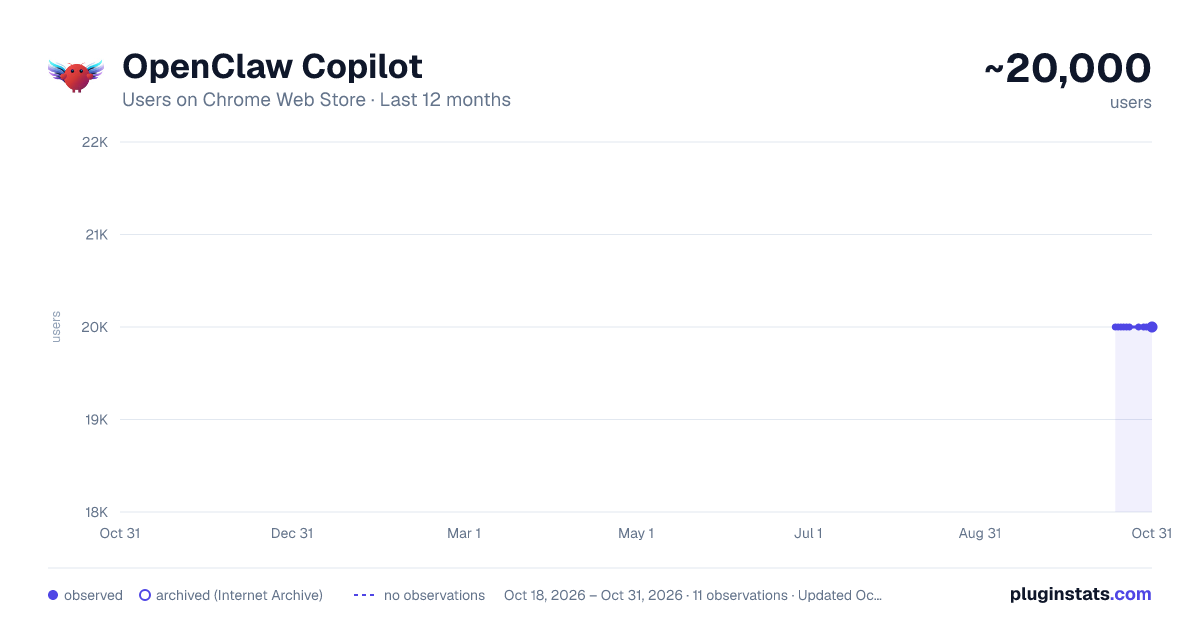
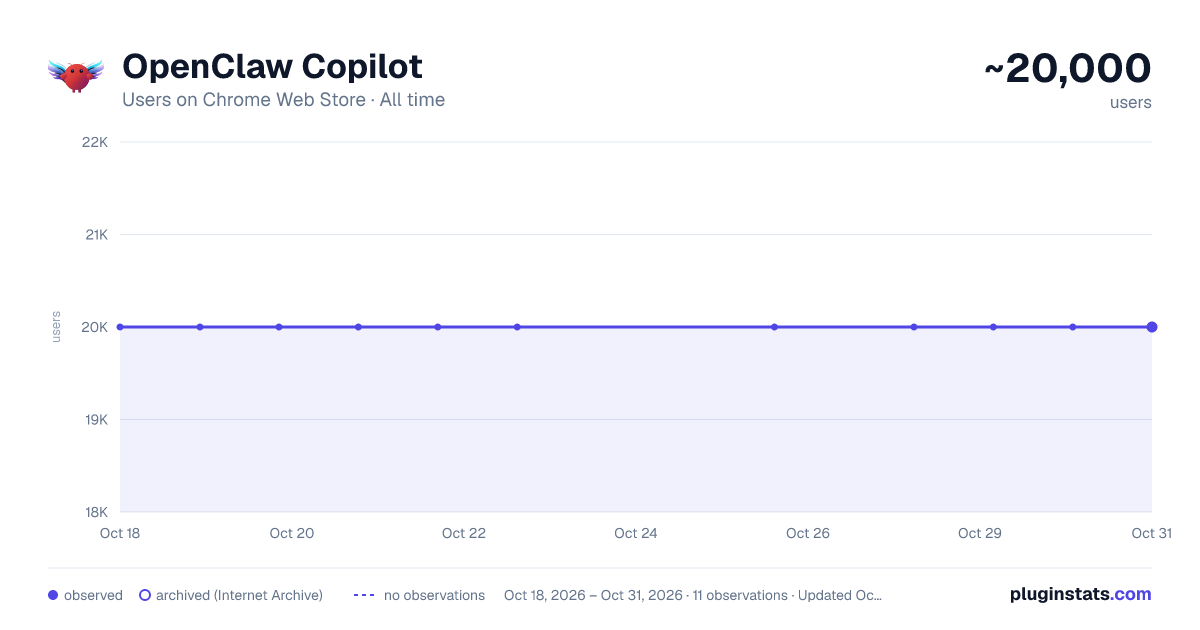
OpenClaw Copilot has approximately 20,000 recorded users on Chrome Web Store.
It ranks #192 of 2,033 tracked Chrome Web Store listings by users.
It is rated 3.5 out of 5 from 11 ratings.
PluginStats has 2 daily observations since Oct 18, 2026; the latest is from Oct 19, 2026.
Rating: 3.50 / 5 from 11 ratings
About OpenClaw Copilot
OpenClaw (MoltBot & ClawdBot) in your browser: Chat directly in the side panel, no need to switch IM apps.
OpenClaw Copilot - OpenClaw MoltBot or ClawdBot in your browser: Chat directly in the side panel, no need to switch IM apps.
Experience the future of browsing with OpenClaw Copilot, a powerful third-party OpenClaw Chrome extension that integrates your personal AI assistant directly into your browser's side panel.
Disclaimer: This is an unofficial community extension designed to enhance your experience with OpenClaw, MoltBot, and ClawdBot. It is not affiliated with the official development team but offers full compatibility and enhanced features.
✨ Key Features - Side Panel Chat: Chat with OpenClaw directly alongside your web pages. No more Alt-Tab switching to external IM apps. - Tab Control: Seamlessly connect the AI to your current browser tab for context-aware assistance. - Unified Experience: Combines the capabilities of MoltBot and ClawdBot into one sleek interface. - Secure Connection: Connects directly to your local or remote OpenClaw gateway via WebSocket. - All-in-One: Replaces the need for the standalone MoltBot Browser Relay.
🚀 How to Use 1. Install: Add the OpenClaw Chrome extension to your browser. 2. Configure: Click the Settings icon (⚙️) in the side panel. Enter your OpenClaw Gateway URL (default: ws://127.0.0.1:18789). 3. Connect: Navigate to any webpage, open the side panel, and click "Connect". 4. Chat: Start interacting with your AI assistant immediately!
❓ FAQ (Frequently Asked Questions)
Q: Is this the official OpenClaw extension? A: No, this is a third-party extension developed by the community to provide a better, integrated browser experience. It works perfectly with your existing OpenClaw backend.
Q: Do I need to install MoltBot Browser Relay separately? A: No! This OpenClaw Chrome extension has built-in relay functionality. If you have the old relay extension installed, you can remove it.
Q: Does it work with ClawdBot? A: Yes, OpenClaw is the evolution of MoltBot and ClawdBot. This extension supports the protocols used by these systems.
Q: Is my data safe? A: The extension communicates directly with your configured Gateway URL. No data is sent to any third-party servers other than your own OpenClaw instance.
The Evolution of MoltBot and ClawdBot OpenClaw is the definitive evolution of the tools you know and trust. If you are a long-time user of MoltBot or have been looking for ClawdBot, you have found the right solution. We have unified the powerful automation capabilities of MoltBot and the versatile interaction of ClawdBot into this single, robust OpenClaw Chrome extension.
Why Install the OpenClaw Chrome Extension? - Native Experience: Unlike standalone bots, the OpenClaw Chrome extension lives inside your browser, offering superior context awareness and control. - Zero Context Switching: Chat with OpenClaw while you browse. Whether you are conducting research or managing tasks, the OpenClaw Chrome extension is your always-on companion.
Install the OpenClaw Chrome extension today to unlock a smarter, faster, and more integrated browsing experience.
Description from the Chrome Web Store listing.
Where OpenClaw Copilot sits in the listing
Each band is one page of 20. Users on a log scale. Placement is projected from users, so it can differ from the marketplace's own sort order. Hover a dot to see the listing.
Charts
Images: 30d · 1y · all time · 1600×900 dark
Adoption over time
7/30/90-day growth
Ranking history
Filled points are observed values; hollow points come from Internet Archive snapshots of the listing page. Dashed segments span periods with no observations — values between points are not interpolated.
Recent observations
Full history (2)Similar Chrome Web Store Workflow & Planning plugins




Data source
User counts are read from public Chrome Web Store listing pages. Google displays rounded user counts (and caps the display at 10,000,000+), so small changes may not be visible. Rating counts above 1,000 are rounded (e.g. 1.6K).
Listing: https://chromewebstore.google.com/detail/openclaw-copilot/bfpnaggikhabdgbnhnngdfldkbinncdf. First seen Oct 18, 2026; last successful collection Oct 19, 2026. See the methodology.