 PluginStats
Hyper Cursor: Aura Mouse Effect users statistics
Chrome Web Store · Accessibility
Neon aura, custom shapes & click effects for your cursor. RTX HDR/VSR compatible. Lightweight & fun :D
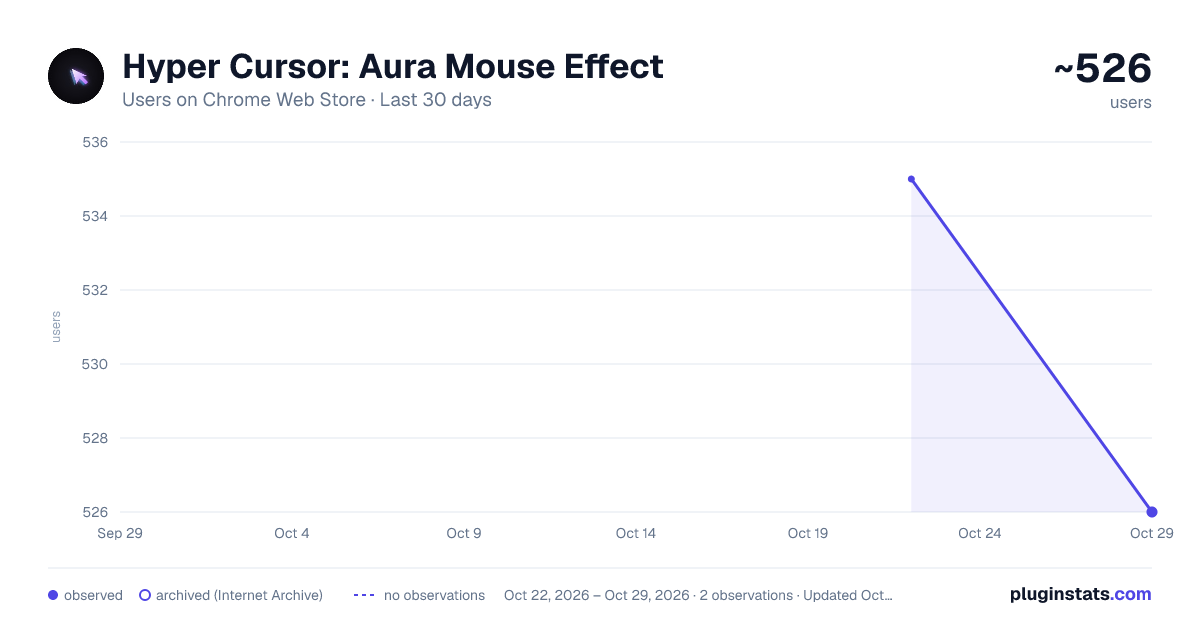
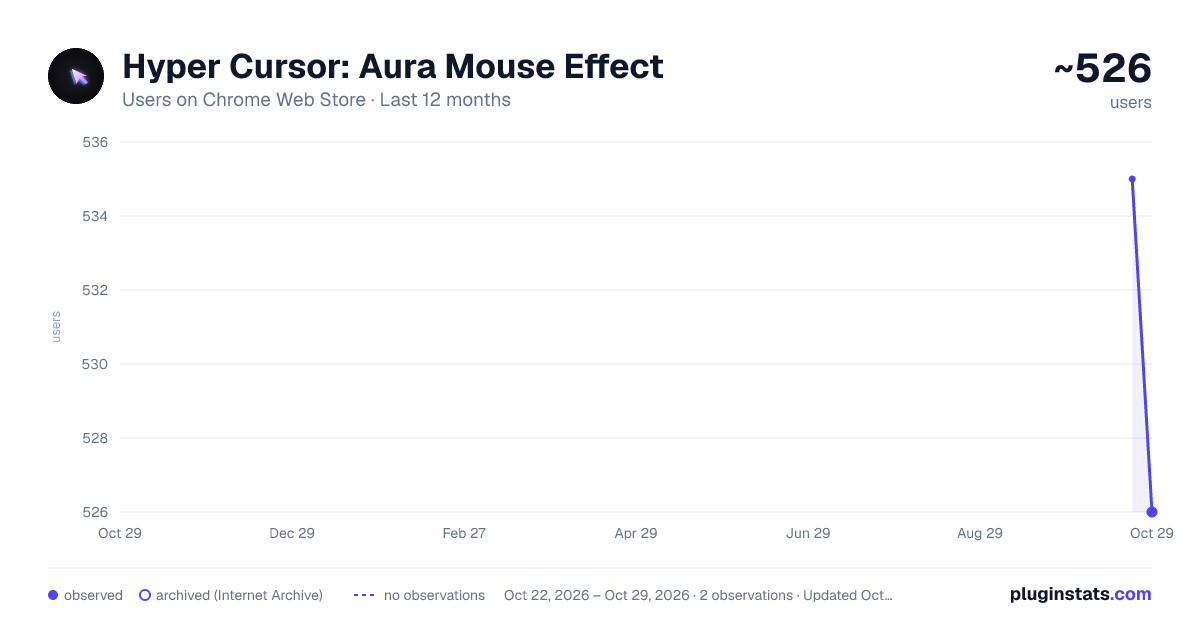
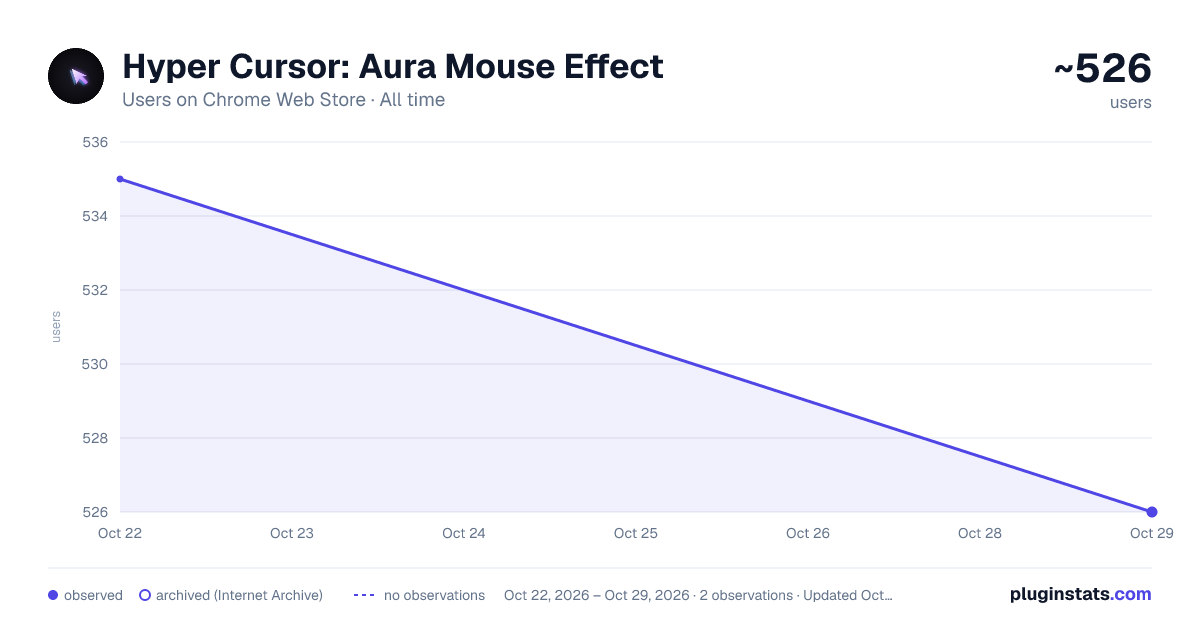
Hyper Cursor: Aura Mouse Effect has approximately 535 recorded users on Chrome Web Store, ranking #1652 of 3,404 tracked listings.
Rating: 4.30 / 5 from 6 ratings
About Hyper Cursor: Aura Mouse Effect
Neon aura, custom shapes & click effects for your cursor. RTX HDR/VSR compatible. Lightweight & fun :D
HYPER CURSOR - Transform Your Browsing Experience
Turn your ordinary mouse cursor into a stunning visual masterpiece with Hyper Cursor! Add mesmerizing neon effects, custom shapes, and beautiful aura animations that follow your every move.
✨ FEATURES:
🎨 5 VIBRANT NEON COLORS • Neon Pink - Electric magenta glow • Neon Cyan - Cool aqua radiance • Neon Green - Vibrant lime energy • Neon Purple - Deep violet aura • Neon Orange - Warm amber shine
🔷 4 UNIQUE CURSOR SHAPES • Circle - Classic smooth cursor • Ring - Elegant hollow design • Heart - Express your style • Crosshair - Precision targeting
⚡ STUNNING EFFECTS • Aura on Click - Beautiful expanding rings on every click • Phantom Trail - Ghostly trail that follows your cursor • Hide on Type - Cursor auto-hides while typing for distraction-free writing • Lite Mode - RTX HDR & VSR compatible mode for NVIDIA users
🎛️ FULL CUSTOMIZATION • Adjustable cursor size (10-60px) • Customizable aura radius (20-100px) • All settings sync across devices • Instant real-time preview
🎮 NVIDIA COMPATIBLE
Using RTX HDR or Virtual Super Resolution? Enable "Lite Mode" in Advanced Settings for full compatibility with NVIDIA's display features.
💡 WHY HYPER CURSOR?
→ Zero Performance Impact - Lightweight and optimized → Works Everywhere - Compatible with all websites → RTX/HDR Compatible - Lite mode for NVIDIA display features → Privacy Focused - No data collection, ever → Easy to Use - Simple popup interface → Instant Toggle - Enable/disable with one click
🔒 PRIVACY FIRST Hyper Cursor respects your privacy. We don't collect, store, or transmit any personal data. Your settings are saved locally and synced only through your Chrome account.
🚀 GET STARTED:
- Install the extension
- Click the Hyper Cursor icon
- Choose your color and shape
- Enable your favorite effects
- Enjoy your new cursor!
Perfect for- • Gamers who want style • Streamers and content creators • Anyone who loves customization • Users who want to stand out
Transform your browsing experience today with Hyper Cursor!
Made with ❤️ by Anukar.
Description from the Chrome Web Store listing.
README badge
Show your rank in a README or on your website. The badge updates automatically.
Charts
Images: 30d · 1y · all time · 1600×900 dark
Adoption over time
7/30/90-day growth
Ranking history
Ratings over time
Listing placement
Listing placement
Filled points are observed values; hollow points come from Internet Archive snapshots of the listing page. Dashed segments span periods with no observations — values between points are not interpolated.
Each band is one page of 20. Users on a linear scale. Placement is projected from users, so it can differ from the marketplace's own sort order. Hover a dot to see the listing.
Recent observations
Full history (1)Similar Chrome Web Store Accessibility plugins
All 20 Hyper Cursor: Aura Mouse Effect alternatives



Data source
Covers every Chrome Web Store extension with at least 100 users, found through the store's public sitemap. User counts are read from public listing pages. The 10% most-used extensions are refreshed daily, the next 40% weekly and the next 40% monthly; the least-used 10% are not refreshed. Google displays rounded user counts (and caps the display at 10,000,000+), so small changes may not be visible. Rating counts above 1,000 are rounded (e.g. 1.6K).
Listing: https://chromewebstore.google.com/detail/hyper-cursor-aura-mouse-e/gcbhhpkdidcfmmonkjkjlhoeihdpmiif. First seen Oct 22, 2026; last successful collection Oct 22, 2026. See the methodology.