 PluginStats
KidsGuard - Parental Control & Screen Time users statistics
By Richard.Yang · Chrome Web Store · Accessibility
Block Roblox, TikTok, YouTube and any site. Screen time limits, schedules & password protection. Free parental controls for Chrome.
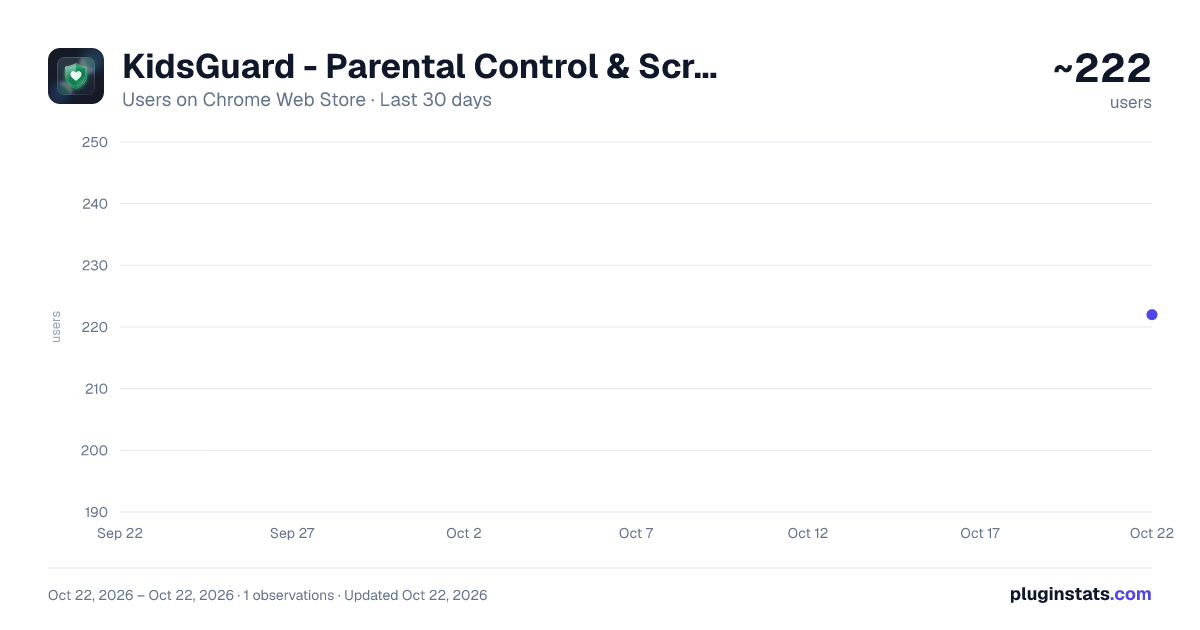
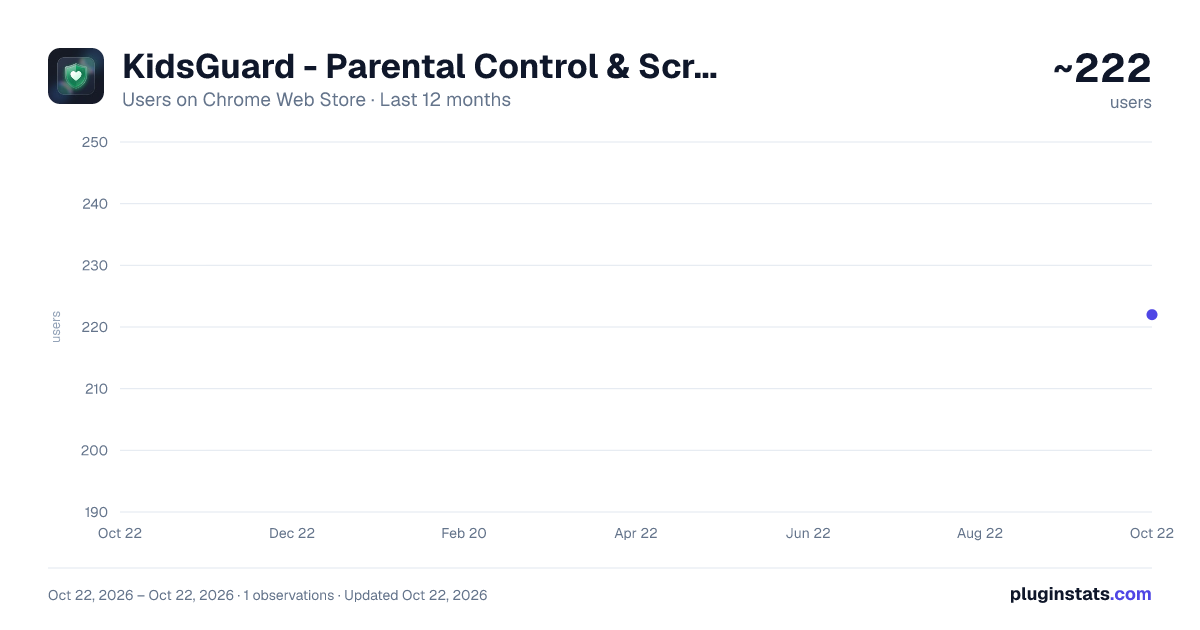
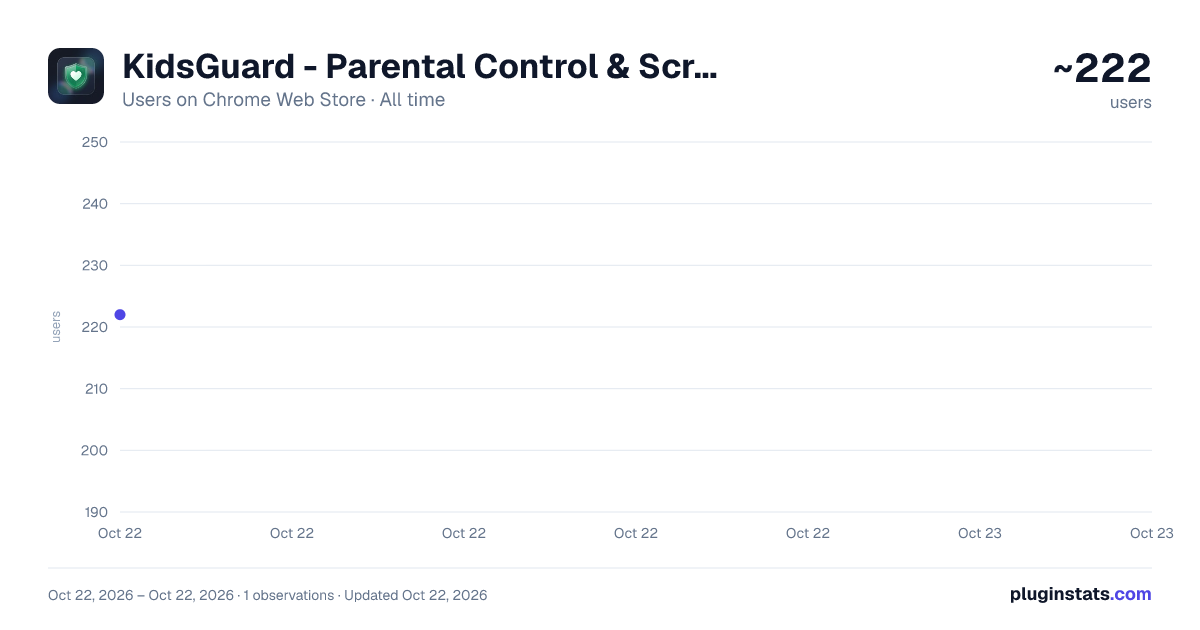
KidsGuard - Parental Control & Screen Time has approximately 222 recorded users on Chrome Web Store, ranking #2749 of 3,853 tracked listings.
Rating: 4.00 / 5 from 4 ratings
About KidsGuard - Parental Control & Screen Time
Block Roblox, TikTok, YouTube and any site. Screen time limits, schedules & password protection. Free parental controls for Chrome.
Lightweight parental control for Chrome — block Roblox, TikTok, YouTube and any site, set screen time limits, schedules, and tamper-proof password protection. Free, no account required.
KidsGuard gives parents simple, effective tools to manage what children can access online. Setup takes under a minute. No account, no subscription.
New in 1.9.6:
- Fixed YouTube Shorts bypass: clicking into Shorts from the YouTube homepage or sidebar is now blocked, not just direct Shorts links
- Screen time tracking now pauses when the browser loses focus or the device goes idle, so a forgotten open tab no longer silently burns through the daily limit
- Removed the 5-domain cap on the custom block list — add as many sites as you need
- Time limits now correctly apply across subdomains (e.g. usage on m.youtube.com now counts toward a youtube.com limit)
- Blocked page's close button now reliably closes the tab instead of getting stuck in a back-navigation loop
Key Features:
- One-click blocking: instantly block Roblox, TikTok, YouTube Shorts, Minecraft, Fortnite, Adult Content, and Social Media
- Custom site list: add or remove any domain in seconds
- Screen time limits: cap daily usage per site; auto-blocks when the limit is exceeded
- Flexible scheduling: set blocking windows by time and day of week — ideal for homework time and bedtime
- Temporary unlock: parent enters password on the blocked page for a supervised visit
- Whitelist mode: allow only sites you trust — block everything else (ideal for young children)
- Content filter: block adult content, games, and social media with one click
- Popup status: protection state, active schedule window, and today's block count at a glance
- Weekly activity report: 7-day block chart in the Overview tab
- Live block badge: today's count always visible on the extension icon
- Password protection: tamper-resistant admin password with recovery code backup
- SafeSearch enforcement: force strict mode on Google, Bing, and DuckDuckGo
- YouTube Shorts blocking: eliminate the infinite scroll habit
Learn more: https://mcsrichard.github.io/kidsguard/ Support: yxiaonan@hotmail.com
Description from the Chrome Web Store listing.
README badge
Show your rank in a README or on your website. The badge updates automatically.
Charts
Images: 30d · 1y · all time · 1600×900 dark
Adoption over time
7/30/90-day growth
Ranking history
Ratings over time
Listing placement
Listing placement
Filled points are observed values; hollow points come from Internet Archive snapshots of the listing page. Dashed segments span periods with no observations — values between points are not interpolated.
Each band is one page of 20. Users on a linear scale. Placement is projected from users, so it can differ from the marketplace's own sort order. Hover a dot to see the listing.
Recent observations
Full history (1)Similar Chrome Web Store Accessibility plugins
All 20 KidsGuard - Parental Control & Screen Time alternatives



Data source
Covers every Chrome Web Store extension with at least 100 users, found through the store's public sitemap. User counts are read from public listing pages. The 10% most-used extensions are refreshed daily, the next 40% weekly and the next 40% monthly; the least-used 10% are not refreshed. Google displays rounded user counts (and caps the display at 10,000,000+), so small changes may not be visible. Rating counts above 1,000 are rounded (e.g. 1.6K).
Listing: https://chromewebstore.google.com/detail/kidsguard-parental-contro/gaooofmcgnnkhogbokecnledmpgdfkip. First seen Oct 22, 2026; last successful collection Oct 22, 2026. See the methodology.