 PluginStats
atlassian/crucible pulls statistics
By atlassian (66 listings) · Docker Hub · Languages & frameworks
Crucible: find bugs and improve code quality through peer code review.
atlassian/crucible has 2,129,983 recorded pulls on Docker Hub, ranking #217 of 1,265 tracked listings.
About atlassian/crucible
<img id="74b1da88" alt="Fisheye" height="37px" src="https://wac-cdn.atlassian.com/dam/jcr:0785bca2-a166-47ef-aeec-c657e7627af0/Fisheye@2x-blue.png?cdnVersion=1111" loading="auto"><br/> Search, monitor, and track across CVS, SVN, Git, Mercurial and Perforce repositories.
<img id="71a95ef4" alt="Crucible" height="37px" src="https://wac-cdn.atlassian.com/dam/jcr:b601a46c-ece6-4cda-94ae-d95b1d94cbfd/Crucible@2x-blue.png?cdnVersion=1111" loading="auto"><br/> Find bugs and improve code quality through peer code review.
Overview
This Docker container makes it easy to get an instance of Fisheye or Crucible up and running. Note: Fisheye will be referenced in the examples provided.
Quick Start
Run the following command:
docker run -d -p 8080:8080 atlassian/fisheye
Application will be available on http://localhost:8080. Wizard will guide you through the configuration.
Configuration
To configure Fisheye with environment variables, set: FISHEYE_OPTS=-Dfecru.configure.from.env.variables=true
and use the following variables:
FECRU_CONFIGURE_LICENSE_FISHEYEFECRU_CONFIGURE_LICENSE_CRUCIBLEFECRU_CONFIGURE_ADMIN_PASSWORDFECRU_CONFIGURE_DB_TYPEFECRU_CONFIGURE_DB_HOSTFECRU_CONFIGURE_DB_PORTFECRU_CONFIGURE_DB_NAMEFECRU_CONFIGURE_DB_USERFECRU_CONFIGURE_DB_PASSWORDFECRU_CONFIGURE_DB_MIN_POOL_SIZEFECRU_CONFIGURE_DB_MAX_POOL_SIZE
A minimal working compose file would look like this:
version: '2'
services:
  fecru:
    image: atlassian/fisheye:4.8.3
    ports:
    - "8080:8080"
    environment:
      - 'FISHEYE_OPTS=-Dfecru.configure.from.env.variables=true'
      # LICENCE
      - 'FECRU_CONFIGURE_LICENSE_FISHEYE=xxxxxxxxxxxxxxxxxxxxxxxxxxxxxxxxxxxxxxxxxxxxxxxxxxxxxxxxxxxxxxxxxxxxxxxxxxxxx
                                         xxxxxxxxxxxxxxxxxxxxxxxxxxxxxxxxxxxxxxxxxxxxxxxxxxxxxxxxxxxxxxxxxxxxxxxxxxxx
                                         xxxxxxxxxxxxxxxxxxxxxxxxxxxxxxxxxxxxxxxxxxxxxxxxxxxxxxxxxxxxxxxxxxxxxxxxxxxx
                                         xxxxxxxxxxxxxxxxxxxxxxxxxxxxxxxxxxxxxxxxxxxxxxxxxxxxxxxxxxxxxxxxxxxxxxxxxxxx
                                         xxxxxxxxxxxxxxxxxxxxxxxxxxxxxxxxxxxxxxxxxxxxxxxxxxxxxxxxxxxxxxxxxxxxxxxxxxxx
                                         xxxxxxxxxxxxxxxxxxxxxxxxxxxxxxxxxxxxxxxxxxxxxxxxxxxxxxxxxxxxxxxxxxxxxxxxxxxx
                                         xxxxxxxxxxxxxxxxxxxxxxxxxxxxxxxxxxxxxxxxxxxxxxxxxxxxxxxxxxxxxxxxxxxxxxxxxxxx
                                         xxxxxxxxxxxxxxxxxxxxxxxxxxxxxxxxxxxxxxxxxxxxxxxxxxxxxxxxxxxxxxxxxxxxxxxxxxxx
                                         xxxxxxxxxxxxxxxxxxxxxxxxxxxxxxxxxxxxxxxx'
      - 'FECRU_CONFIGURE_LICENSE_CRUCIBLE=xxxxxxxxxxxxxxxxxxxxxxxxxxxxxxxxxxxxxxxxxxxxxxxxxxxxxxxxxxxxxxxxxxxxxxxxxxxxx
                                          xxxxxxxxxxxxxxxxxxxxxxxxxxxxxxxxxxxxxxxxxxxxxxxxxxxxxxxxxxxxxxxxxxxxxxxxxxxx
                                          xxxxxxxxxxxxxxxxxxxxxxxxxxxxxxxxxxxxxxxxxxxxxxxxxxxxxxxxxxxxxxxxxxxxxxxxxxxx
                                          xxxxxxxxxxxxxxxxxxxxxxxxxxxxxxxxxxxxxxxxxxxxxxxxxxxxxxxxxxxxxxxxxxxxxxxxxxxx
                                          xxxxxxxxxxxxxxxxxxxxxxxxxxxxxxxxxxxxxxxxxxxxxxxxxxxxxxxxxxxxxxxxxxxxxxxxxxxx
                                          xxxxxxxxxxxxxxxxxxxxxxxxxxxxxxxxxxxxxxxxxxxxxxxxxxxxxxxxxxxxxxxxxxxxxxxxxxxx
                                          xxxxxxxxxxxxxxxxxxxxxxxxxxxxxxxxxxxxxxxxxxxxxxxxxxxxxxxxxxxxxxxxxxxxxxxxxxxx
                                          xxxxxxxxxxxxxxxxxxxxxxxxxxxxxxxxxxxxxxxxxxxxxxxxxxxxxxxxxxxxxxxxxxxxxxxxxxxx
                                          xxxxxxxxxxxxxxxxxxxxxxxxxxxxxxxxxxxxxxxx'
      # ADMIN PASSWORD
      - 'FECRU_CONFIGURE_ADMIN_PASSWORD=password'
      # DB
      - 'FECRU_CONFIGURE_DB_TYPE=postgresql'
      - 'FECRU_CONFIGURE_DB_HOST=db'
      - 'FECRU_CONFIGURE_DB_PORT=5432'
      - 'FECRU_CONFIGURE_DB_USER=postgres'
      - 'FECRU_CONFIGURE_DB_PASSWORD=password'
  db:
    image: postgres:11
    ports:
    - "5432:5432"
    environment:
    - "POSTGRES_USER=postgres"
    - "POSTGRES_PASSWORD=password"
You may also mount the Fisheye instance directory with flag
-v /my_instance_folder:/atlassian/data/fisheye
(or atlassian/data/crucible if you are using the Crucible image).
Note: Due to licensing restrictions Fisheye does not ship with MySQL or Oracle JDBC drivers. To use these databases you will need to copy a suitable driver into the container and restart it. For example, to copy the MySQL driver into a container named "fisheye", you would do the following:
docker cp mysql-connector-java.x.y.z.jar fisheye:/atlassian/data/fisheye/lib/
docker restart fisheye
(or /atlassian/data/crucible/lib/ respectively)
Versioning
The latest tag matches the most recent release of Atlassian Fisheye or Crucible.
Thus atlassian/fisheye:latest will use the newest version of Fisheye available.
Alternatively you can use a specific major, major.minor, or major.minor.patch version of Fisheye by using a version number tag:
- atlassian/fisheye:4
- atlassian/fisheye:4.8
- atlassian/fisheye:4.8.3
- atlassian/crucible:4
- atlassian/crucible:4.8
- atlassian/crucible:4.8.3
All versions from 4.8.3 are available
Support
For product support, go to:
Description from the Docker Hub listing.
README badge
Show your rank in a README or on your website. The badge updates automatically.
Charts
Images: 30d · 1y · all time · 1600×900 dark
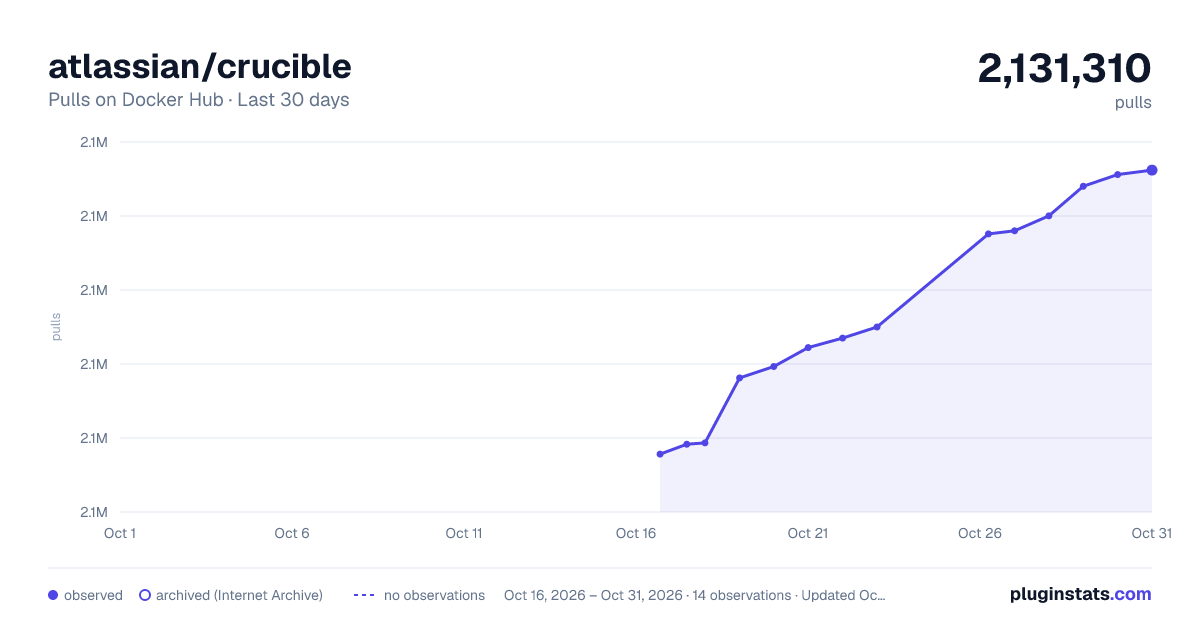
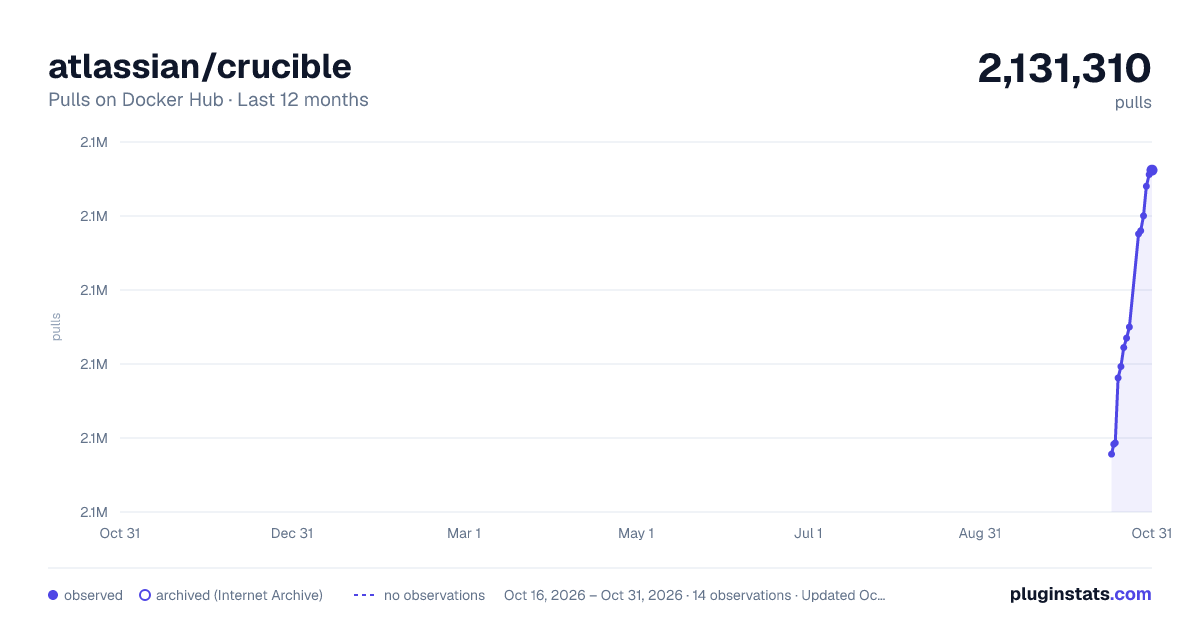
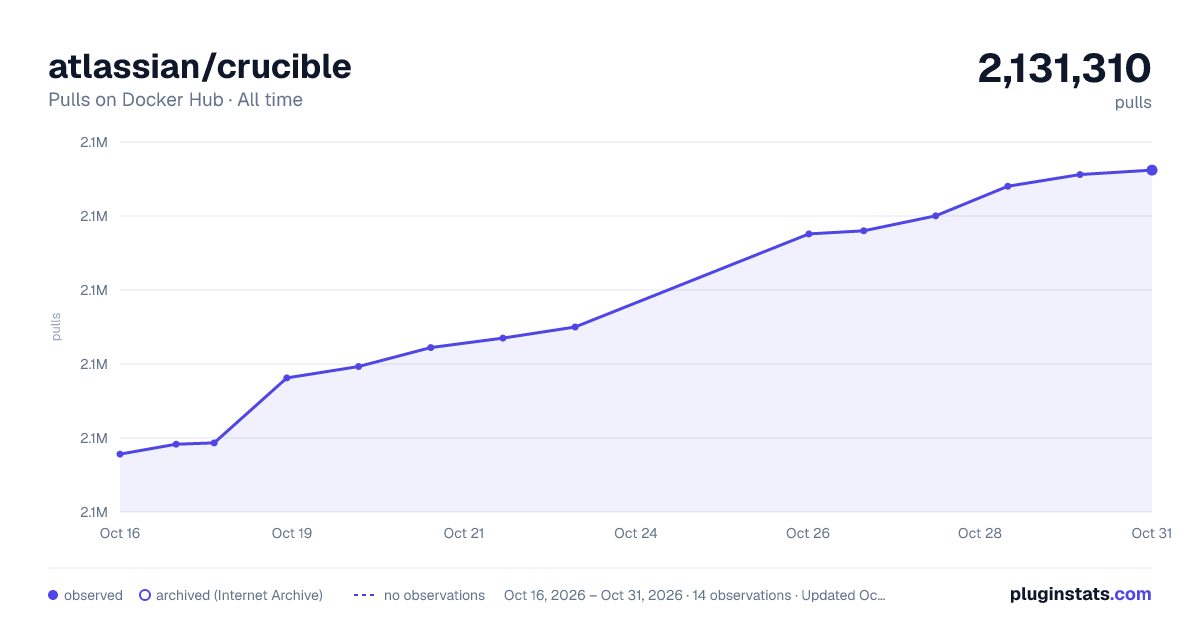

Adoption over time
7/30/90-day growth
Ranking history
Listing placement
Listing placement
Listing placement
Listing placement
Filled points are observed values; hollow points come from Internet Archive snapshots of the listing page. Dashed segments span periods with no observations — values between points are not interpolated.
Each band is one page of 20. Pulls on a linear scale. Placement is projected from pulls, so it can differ from the marketplace's own sort order. Hover a dot to see the listing.
Recent observations
Full history (5)Similar Docker Hub Languages & frameworks plugins
All 20 atlassian/crucible alternativesData source
Cumulative pull counts and stars come from the public Docker Hub API. Pulls count image downloads (including automated CI pulls), not installs or users.
Listing: https://hub.docker.com/r/atlassian/crucible. First seen Oct 16, 2026; last successful collection Oct 20, 2026. See the methodology.